6 Best Open Source CleanShot Alternatives
A curated collection of the 6 best open source and self-hosted alternatives to CleanShot in 2026.
Looking for a free, privacy-friendly, or self-hosted replacement for CleanShot in 2026? The top open-source alternative is Cap — Open source alternative to Loom.
Other highly rated open-source CleanShot alternatives include OBS Studio, ShareX and Screenity.

Open source alternative to Loom
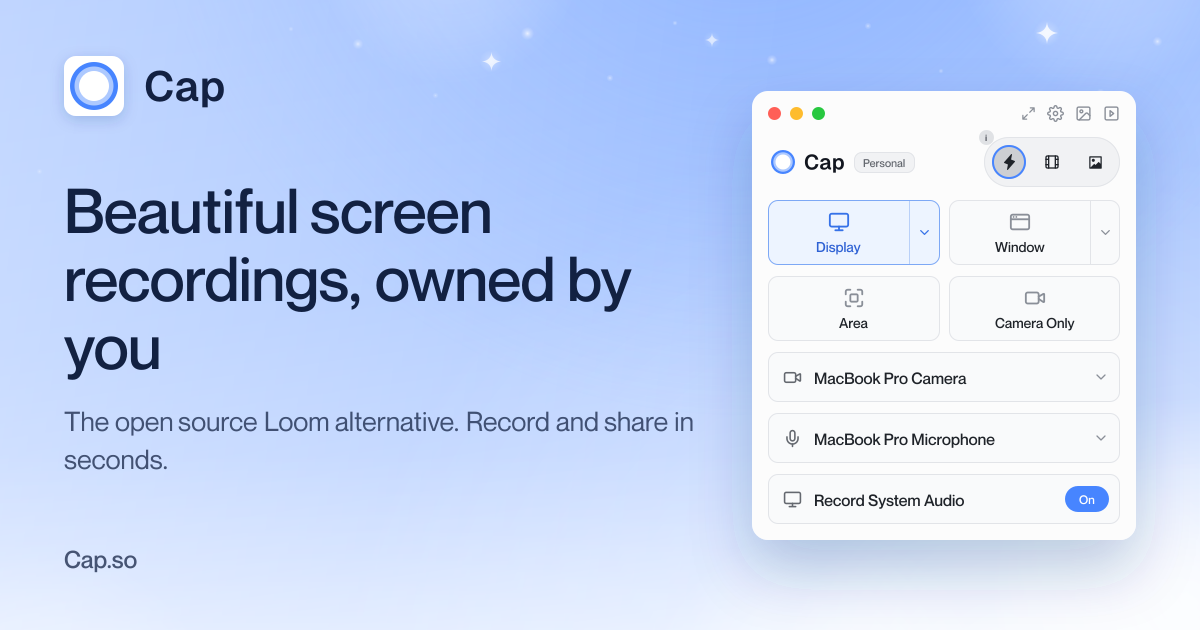
Cap is a fully open-source screen recording tool designed to replace your recorder, editor, screenshot tool, and video host. It offers three modes: Instant Mode for quick recordings with shareable links, Studio Mode for high-quality recordings with advanced editing, and Screenshot Mode for capturing and beautifying screenshots. - Instant Mode: Record and share in seconds with auto-generated titles, summaries, chapters, and transcripts. Background uploads ensure immediate sharing. - Studio Mode: Record in full quality with no compression, then customize backgrounds, padding, corners, shadows, and cursor effects before sharing. - Screenshot Mode: Capture screenshots with a hotkey and instantly enhance and share them. - Cross-Platform: Available for macOS, Windows, and Linux, with a Chrome extension for browser-based recording. - Self-Hosting: Deploy Cap on your own infrastructure for full data ownership. - AI Summaries: Auto-generated titles, descriptions, chapters, and transcripts for recorded content. - Cloud & Local Storage: Connect your own Google Drive or S3 bucket, or record locally and share when ready. - HIPAA Compliant: Cap Pro offers HIPAA-compliant screen recording for sensitive environments. Cap is built with modern web technologies and is fully open source. It can be self-hosted on your own infrastructure, providing complete control over your data. The application supports integration with external storage solutions like Google Drive and S3 buckets, ensuring flexibility in data management. For teams, Cap Pro offers additional features like unlimited cloud sharing and advanced team collaboration tools.
OBS Studio offers high-quality video recording and live streaming capabilities, supporting multiple platforms and providers.
OBS Studio offers high-quality video recording and live streaming capabilities, supporting multiple platforms and providers.

Free open-source screenshot and screen recording tool for Windows
ShareX is a free and open-source program that lets you capture or record any area of your screen and share it with a single press of a key. It also allows uploading images, text, or other types of files to many supported destinations you can choose from. - Screen Capture: Capture full screen, active window, selected region, scrolling pages, or monitors - Screen Recording: Record screen activity as video or GIF with customizable quality settings - Annotation & Editing: Built-in image editor with drawing tools, text, arrows, blur, pixelate, and more - After-Capture Tasks: Automate workflows with tasks like copying to clipboard, saving files, uploading, or performing custom actions - OCR (Optical Character Recognition): Extract text from images and screenshots - Custom Uploaders: Support for 80+ destinations including Imgur, Dropbox, Google Drive, and custom servers - Region Capture: Advanced region selection with transparent and light modes - Pin to Screen: Keep screenshots floating on your desktop - Background Removal: Remove backgrounds from images directly in the editor - Multi-Language Support: 25+ languages including Arabic, Chinese, French, German, Japanese, and more - Lightweight & Fast: Minimal resource usage with no ads or bloatware - Privacy-First: No telemetry or data collection, fully offline capable - Customizable Workflows: Configure hotkeys, destinations, and post-capture actions - Portable Version: Run without installation from USB drives or any location ShareX is a Windows desktop application built with .NET Framework. While primarily a client-side tool, it supports self-hosting upload destinations through custom uploader configurations. The open-source codebase allows for local modifications and contributions. No server-side components are required for basic functionality, making it ideal for privacy-conscious users.

Privacy-friendly screen recorder & video editor
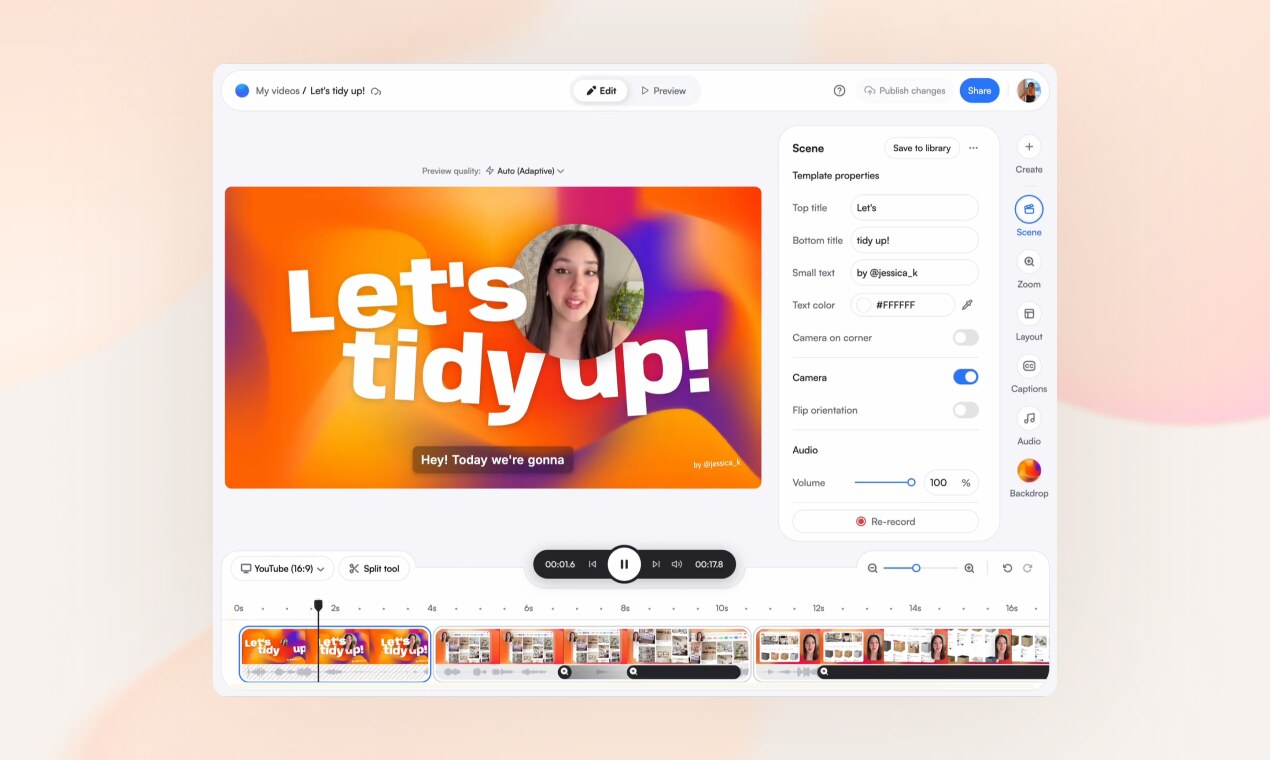
Screenity is a privacy-friendly screen recorder and video editor that works entirely in your browser. Record your screen, add scenes, zoom into clicks, caption every word, and share a clean link—no downloads or complex software required. Made and hosted in Europe, Screenity ensures your data stays private and secure. - All-in-one recording & editing: Capture your screen and edit videos directly in the browser with scenes, layouts, and animations. - Scene-based editing: Build videos from separate scenes you can record independently and reorder like a deck. - Dynamic layouts: Show your screen, camera, or both, with layouts that animate smoothly between scenes. - Auto-zoom on clicks: Screenity converts your clicks into zooms for a polished presentation. - Word-by-word captions: Automatically caption your speech and highlight each word as it’s spoken. - Customizable overlays: Add text, arrows, shapes, callouts, and animations to emphasize key points. - Device mockups: Wrap your screen in browser or device frames with customizable URLs. - Templates & reusable scenes: Start from ready-made templates or save your own scenes for future use. - Privacy-focused: No watermarks, no time limits, and all data is hosted in Europe. - Instant sharing: Generate clean, shareable links or export your final video. Screenity is a browser-based tool that operates entirely in your browser, requiring no downloads or installations. It is self-hosted by the team and hosted in Europe, ensuring GDPR compliance and data privacy. The Chrome extension is available for easy recording access. For advanced users, the open-source nature of the project allows for potential self-hosting or customization of the underlying infrastructure.

Open-source screen recorder for macOS
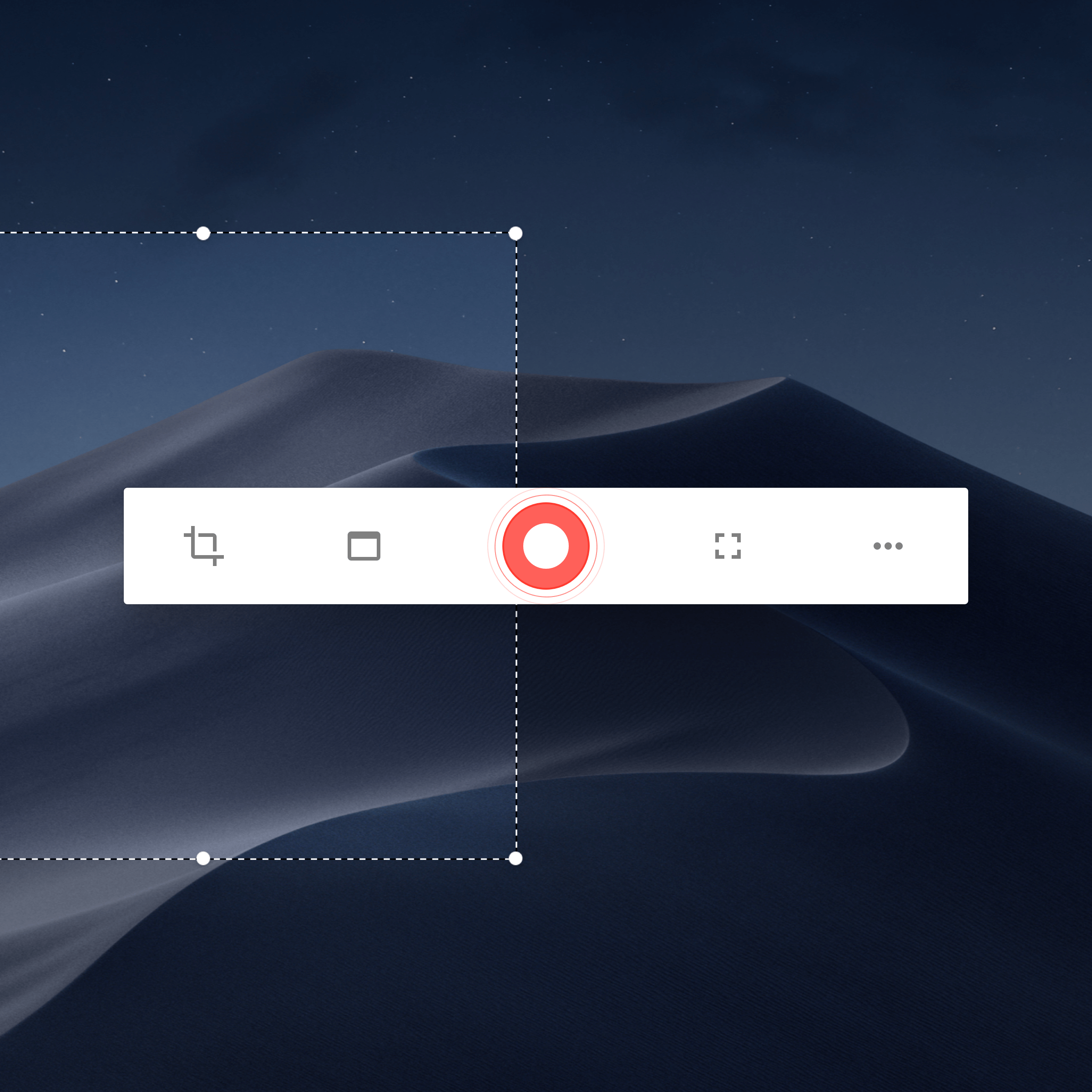
Kap is an open-source screen recorder designed for macOS that leverages web technologies to deliver a fast, lightweight, and user-friendly experience. Whether you're capturing tutorials, demos, or quick clips, Kap provides high-quality exports in multiple formats including GIF, MP4, WebM, and APNG. - Multiple Export Formats: Save recordings as GIF, MP4, WebM, or APNG with optional audio. - Click Highlighting: Emphasize user interactions by highlighting clicks during recordings. - Trimming & Editing: Easily trim recordings to capture only the essential parts. - Plugin Ecosystem: Extend functionality with plugins like Giphy, Vercel, and Streamable. - Lightweight & Fast: Built with web technologies for minimal resource usage and quick performance. - Open Source: Fully open-source under the MIT license, encouraging community contributions. - Cross-Platform Compatibility: Supports both Apple Silicon (M1) and Intel-based Macs. Kap is a desktop application designed for macOS and does not require self-hosting. The source code is available on GitHub for inspection, modification, and contribution. Users can download the app directly from the official website or via package managers like Homebrew.

Open source Loom alternative for async video sharing
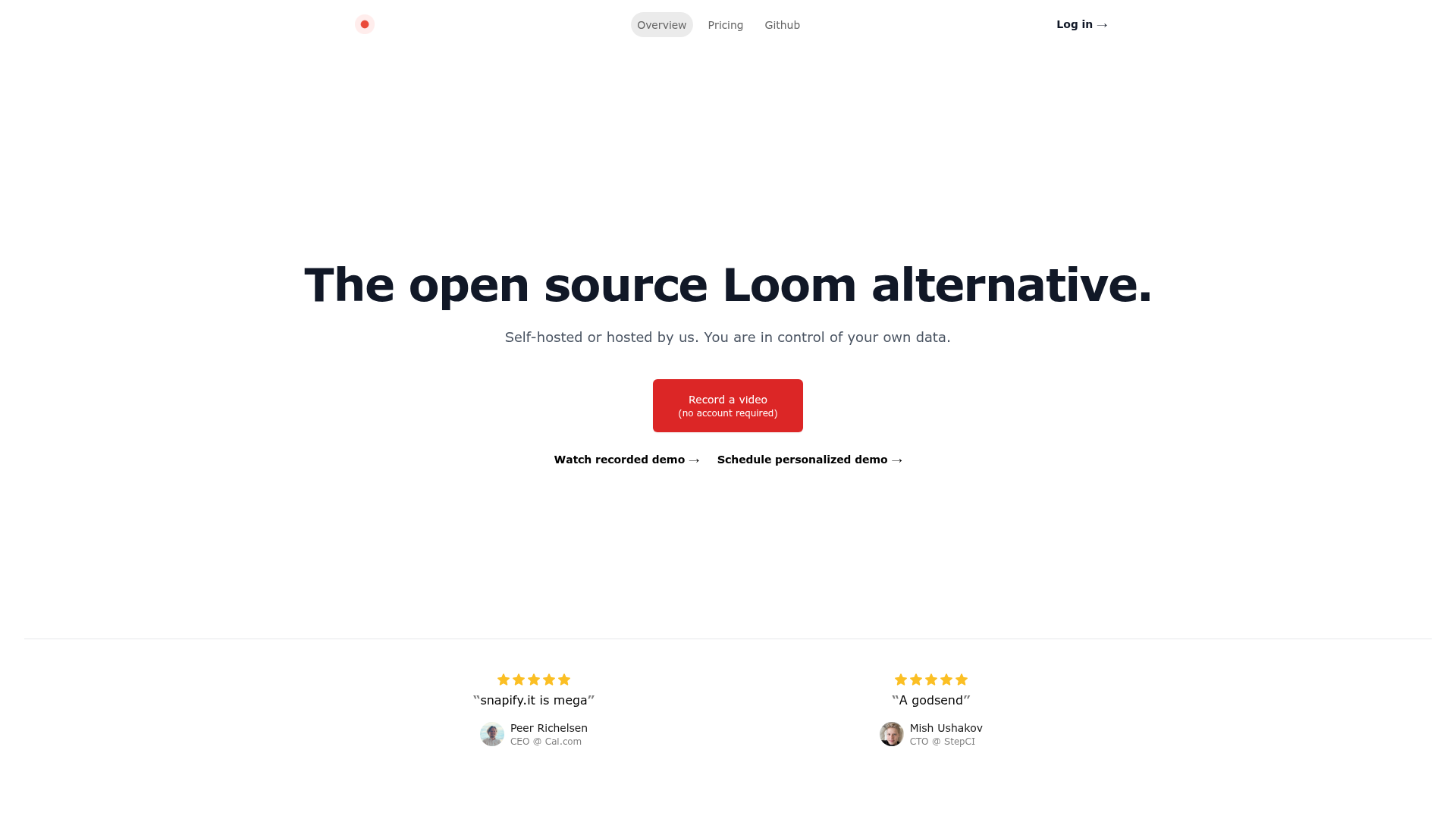
Snapify is an open-source alternative to Loom designed for asynchronous video collaboration. Whether you need to record quick updates, tutorials, or feedback, Snapify makes it easy to share videos without the hassle of scheduling live calls. - No account required for recording videos - Self-hosted or hosted options for full data control - High-quality video sharing optimized for async collaboration - Simple interface for quick video recording and sharing - Privacy-focused with options to host your own instance - Cross-platform compatibility for seamless use across devices Snapify is built with modern web technologies and can be self-hosted for complete data ownership. The project is open-source and available on GitHub, making it easy to deploy on your own infrastructure or use the hosted version.
About CleanShot
The best screenshot and screen recording app for Mac with a built-in annotation tool, Cloud uploading, scrolling capture, and a lot more.