15 Best Open Source Claude Code Alternatives
A curated collection of the 15 best open source and self-hosted alternatives to Claude Code in 2026.
Looking for a free, privacy-friendly, or self-hosted replacement for Claude Code in 2026? The top open-source alternative is OpenCode — Open source AI coding agent for developers.
Other highly rated open-source Claude Code alternatives include pi, OpenHands and Zed.

Open source AI coding agent for developers
OpenCode is an open-source AI coding agent designed to help developers write, debug, and manage code efficiently. It integrates seamlessly with your terminal, IDE, or desktop app, providing real-time assistance powered by advanced AI models. - Multi-Model Support: Connect to any AI model from providers like Claude, GPT, or Gemini, or use local models. - LSP Integration: Automatically loads the right Language Server Protocols (LSPs) for the LLM to enhance coding accuracy. - Multi-Session Workflows: Run multiple agents in parallel on the same project for complex tasks. - Shareable Sessions: Generate shareable links for debugging or reference, ideal for team collaboration. - Editor Agnostic: Available as a terminal interface, desktop app (macOS, Windows, Linux), and IDE extensions. - Privacy-First Design: Does not store your code or context data, ensuring compliance with sensitive environments. - GitHub Copilot Integration: Log in with GitHub to use your existing Copilot account. - OpenAI Integration: Use your ChatGPT Plus or Pro account directly within OpenCode. - Zen Models: Access handpicked, benchmarked models optimized specifically for coding agents. OpenCode is open-source and can be self-hosted for full control over your data and infrastructure. It supports integration with 75+ LLM providers through Models.dev, including local model deployment. The desktop app is available for macOS, Windows, and Linux, while the terminal interface and IDE extensions provide flexibility across development environments.

Minimal terminal-based AI coding agent
Pi is a minimal agent harness designed for developers who want to adapt AI workflows to their own processes rather than the other way around. It runs in the terminal and offers powerful customization through extensions, skills, prompt templates, and themes. - Minimal & Customizable: Skip bloated features like sub-agents and plan mode. Build exactly what you need. - Multi-Model Support: Switch between 15+ providers (Anthropic, OpenAI, Google, Ollama, etc.) mid-session with /model or Ctrl+L. - Tree-Structured History: Sessions are stored as trees. Navigate to any prior point with /tree, export to HTML, or share via GitHub gist. - Context Engineering: Load project-specific instructions via AGENTS.md, SYSTEM.md, and skills. Customize compaction strategies. - Four Operational Modes: Interactive, print/JSON, RPC, and SDK for programmatic usage. - Extensible Architecture: Add custom providers, models, and UI tweaks via extensions. Bundle as Pi packages and share via npm or git. - Token Efficiency: Minimal system prompt ensures efficient token usage. Pi is open source and can be self-hosted. Installation options include: bash curl -fsSL https://pi.dev/install.sh | sh powershell -c "irm https://pi.dev/install.ps1 | iex" npm install -g --ignore-scripts @earendil-works/pi-coding-agent pnpm add -g --ignore-scripts @earendil-works/pi-coding-agent bun add -g --ignore-scripts @earendil-works/pi-coding-agent Pi supports custom installations and can be extended with third-party packages like @termdraw/pi for enhanced TUI capabilities.

Open platform for cloud coding agents
OpenHands is the open-source, model-agnostic platform for cloud coding agents. It enables engineers to automate real engineering work securely and transparently, providing full control over the agentic software development lifecycle (SDLC). - Model-Agnostic: Works with any AI model or agent framework - Agent Canvas: Visual interface for customizing and automating agent workflows - Cloud & Local Deployment: Run agents in the cloud or on-premise - SDK & Plugins: Extensible SDK with MCP servers, skills, and plugins - Security & Transparency: Built-in audit trails and secure execution environments - Enterprise Control Plane: Centralized management for large-scale deployments - Skill Management: Enable/disable default skills and add custom ones - Repository Context: Deep integration with GitHub and other version control systems OpenHands is fully open-source (Apache 2.0) and can be self-hosted. The platform supports both cloud and local deployment options, with enterprise features available for larger organizations. Documentation and setup guides are provided for all deployment scenarios.

High-performance, multiplayer code editor
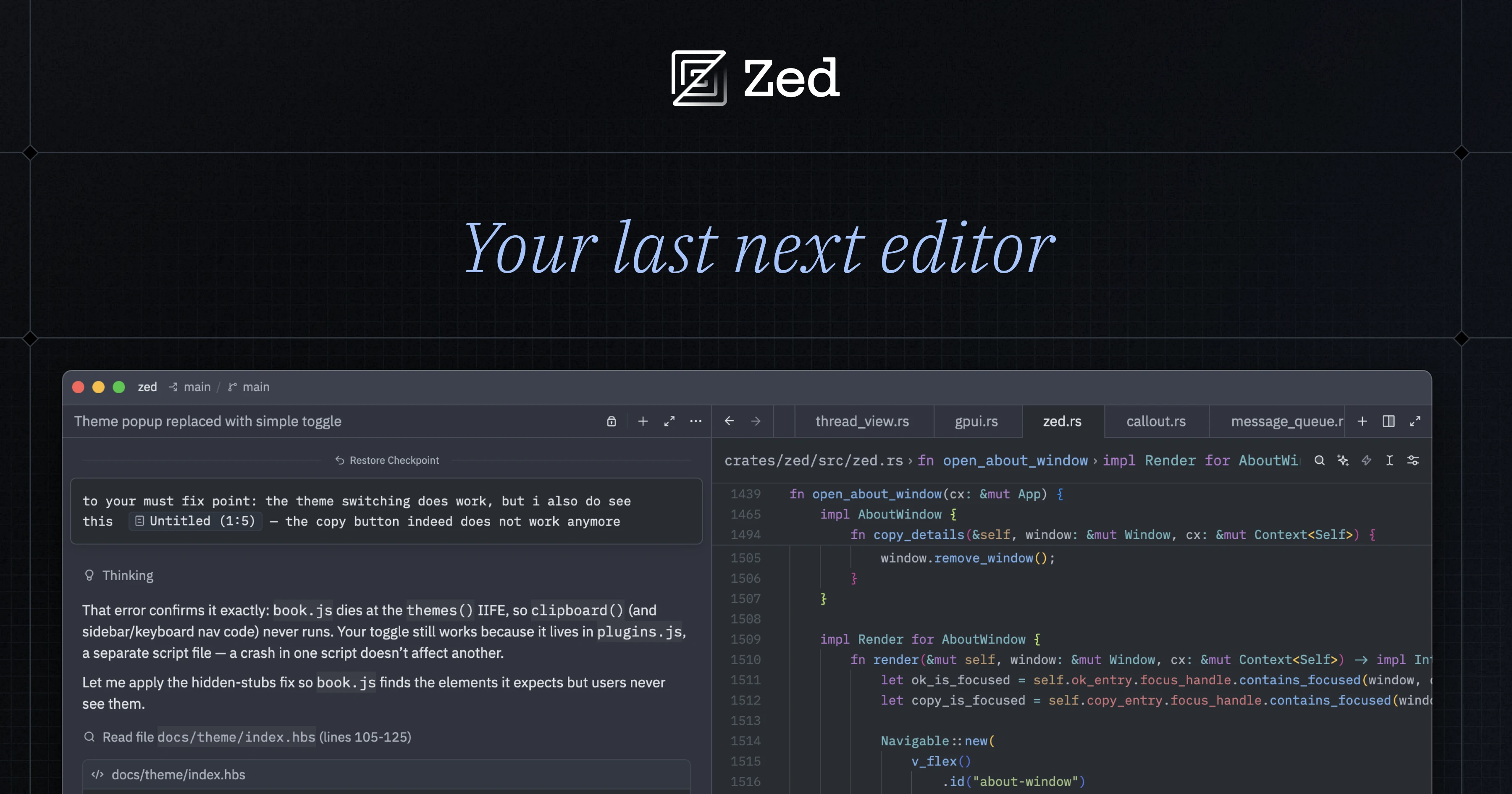
Zed is a high-performance, multiplayer code editor crafted for speed and collaboration with humans and AI. Built from scratch in Rust to efficiently leverage multiple CPU cores and your GPU, Zed delivers native-speed performance for editing, navigating code, and running tools. - Blazing Fast: Written in Rust to maximize CPU/GPU utilization and deliver native-speed performance. - Multiplayer Collaboration: Code together in real-time with teammates, chat, and screen sharing. - AI Agent Support: Run agents in parallel for intelligent code editing, navigation, and tool execution. - Cross-Platform: Available for macOS, Linux, and Windows. - Minimalist Design: Focused on speed and efficiency without unnecessary bloat. - Extensions Ecosystem: Extend functionality with a growing library of extensions. - Built-in AI Tools: Native support for AI-powered coding assistance and automation. Zed is open-source and self-hostable, with the core editor and collaboration features available for deployment. The Rust-based architecture ensures high performance and scalability. For teams, Zed offers business plans with advanced collaboration and AI features.

Open-source AI coding agent for developers
Cline is an open-source AI coding agent designed to help developers understand, refactor, and automate codebases directly within their IDE, terminal, or SDK. It supports Plan and Act modes for strategic execution, integrates with MCP for tool access, and works with any model—Claude, GPT, Gemini, or local models like Ollama. - Cross-Platform Edits: Coordinated multi-file changes with linter-aware fixes, diffs, and one-click undo. - Terminal Execution: Runs bash commands and reacts to output in real-time, handling long-running processes like dev servers and tests. - Plan & Act Modes: Toggle Plan mode to align on strategy, then Act to execute with approval or autopilot. - Custom Rules & Skills: Define .clinerules to teach the agent your coding standards, architecture, and deployment conventions. - Model Flexibility: Use any model—Claude, GPT, Gemini, local Ollama/LM Studio, or OpenAI-compatible endpoints. Bring your own keys or weights. - MCP Integration: Extend functionality with the Model Context Protocol (MCP) for tool access and custom workflows. - IDE & CLI Support: Works in VS Code, JetBrains, Cursor, Windsurf, and via CLI for scripts, cron jobs, and CI pipelines. - Enterprise Ready: Trusted by global enterprises like Samsung, Salesforce, Oracle, Amazon, and Microsoft. Cline is open-source (Apache 2.0) and can be self-hosted. It supports local model integration (e.g., Ollama, LM Studio) and is compatible with any OpenAI-compatible endpoint. The CLI and SDK allow embedding Cline in custom workflows or products.
AI pair programming in your terminal
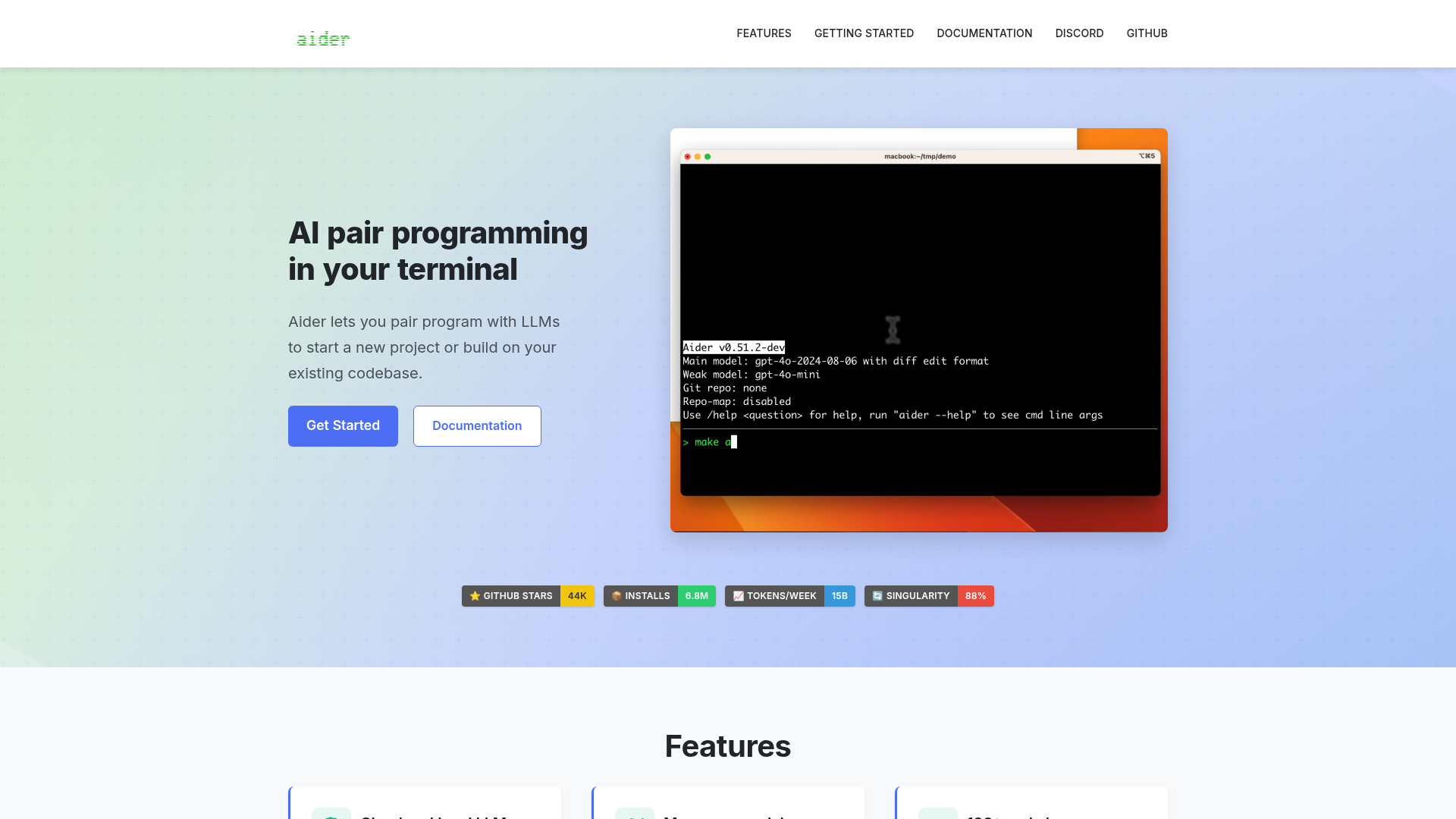
Aider is an AI pair programming tool that lets you collaborate with large language models (LLMs) directly in your terminal. Whether you're starting a new project or enhancing an existing codebase, Aider helps you write, edit, and debug code efficiently. - Cloud and local LLMs: Works with models like Claude 3.7 Sonnet, DeepSeek R1, OpenAI o1, and local models. - Codebase mapping: Creates a map of your entire codebase for better context in larger projects. - 100+ programming languages: Supports Python, JavaScript, Rust, Ruby, Go, C++, PHP, HTML, CSS, and more. - Git integration: Automatically commits changes with sensible messages and allows easy diffing and undoing of AI changes. - IDE integration: Use Aider within your favorite editor to request changes via comments. - Images & web pages: Add visual context, screenshots, or reference docs to the chat. - Voice-to-code: Speak your requests to implement new features, test cases, or bug fixes. - Linting & testing: Automatically lints and tests code, fixing issues detected by linters and test suites. - Web chat interface: Streamlines copy/pasting code with browser-based LLMs. Aider is a self-hosted, open-source tool that runs locally in your terminal. It connects to cloud-based LLMs or local models, making it flexible for different workflows. No server setup is required beyond installing the tool and configuring your preferred LLM API keys.

AI-powered terminal coding agent
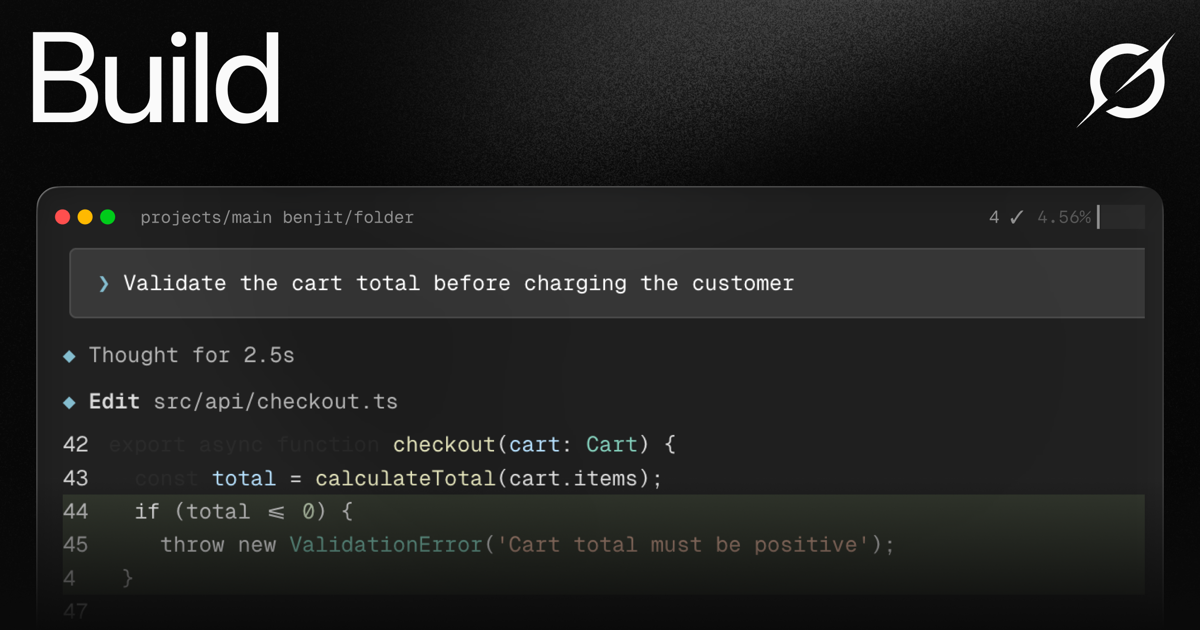
Grok Build is a powerful terminal-native coding agent designed to streamline complex software development workflows. Powered by Grok 4.6, it combines advanced AI capabilities with a developer-first interface to handle planning, coding, testing, and deployment seamlessly. - Plan Mode: Architect complex projects with structured plans that require approval before execution, with clean diff visualization - Subagents: Parallel AI agents for research, testing, and code review that work simultaneously in separate worktrees - Skills System: Convert workflows into reusable slash commands with AGENTS.md, plugins, hooks, and MCP servers - Terminal-First UI: Clean, keyboard-driven interface with minimal chrome and expressive visuals - Deep Reasoning: Step-by-step thinking for complex problems with live streaming execution - Multi-file Edits: Refactor across files using search-and-replace with context-aware changes - Git Integration: Full Git workflow support including staging, committing, pushing, and branch management - Code Search: Fast grep and navigation across large codebases - MCP Integration: Connect to Linear, Sentry, Grafana, and other tools via Model Context Protocol servers - Headless Mode: Script Grok Build in CI/CD pipelines for automated workflows Grok Build is available as a CLI tool that can be installed with a single command. The open-source components allow for self-hosting and customization, though the primary Grok 4.6 model requires access to XAI's infrastructure. The system is designed to work with any codebase and programming language, making it highly adaptable to existing development environments.
Open source AI coding agent with 500+ models, bring-your-own-key support, and specialized modes for writing, debugging, and planning code across IDEs and CLI.
Open source AI coding agent with 500+ models, bring-your-own-key support, and specialized modes for writing, debugging, and planning code across IDEs and CLI.

Open-source self-hosted AI coding assistant
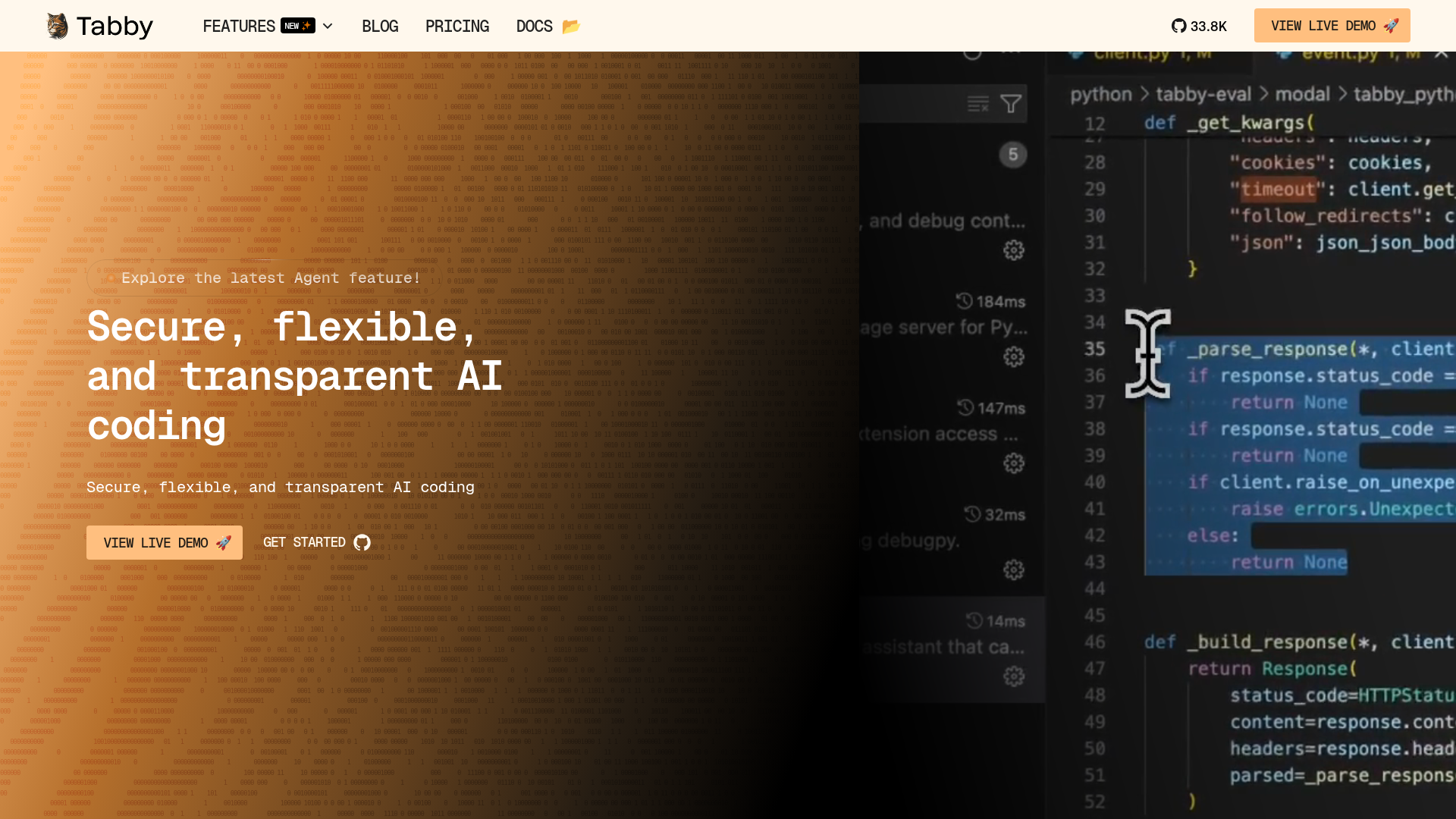
Tabby is an open-source AI coding assistant designed to help developers code faster and smarter. It provides secure, flexible, and transparent AI-powered coding assistance with features like code completion, inline chat, and an answer engine—all while ensuring data privacy through self-hosting. - Code Completion: AI-powered suggestions that predict and complete your next coding move. - Inline Chat: Real-time AI chat directly within your code editor for instant assistance. - Answer Engine: Get instant coding answers without leaving your IDE. - Data Connectors: Connect data sources to enable smarter AI assistance tailored to your projects. - Agent (Pochi): A full-stack AI teammate that plans, executes, and checks tasks like a human developer. - Self-Hosting: Deploy Tabby on your own infrastructure for full control over data and privacy. - Multi-Model Support: Compatible with various AI models for flexibility in model choice. - IDE Integration: Works seamlessly with popular IDEs like VS Code, JetBrains, and more. Tabby is open-source and can be self-hosted on your own servers or cloud infrastructure. It supports deployment via Docker, Kubernetes, and direct installation. The platform is designed for scalability, security, and customization, making it suitable for teams and enterprises that prioritize data privacy and control. Documentation and setup guides are available for easy deployment and management.

Open-source control plane for coding agents
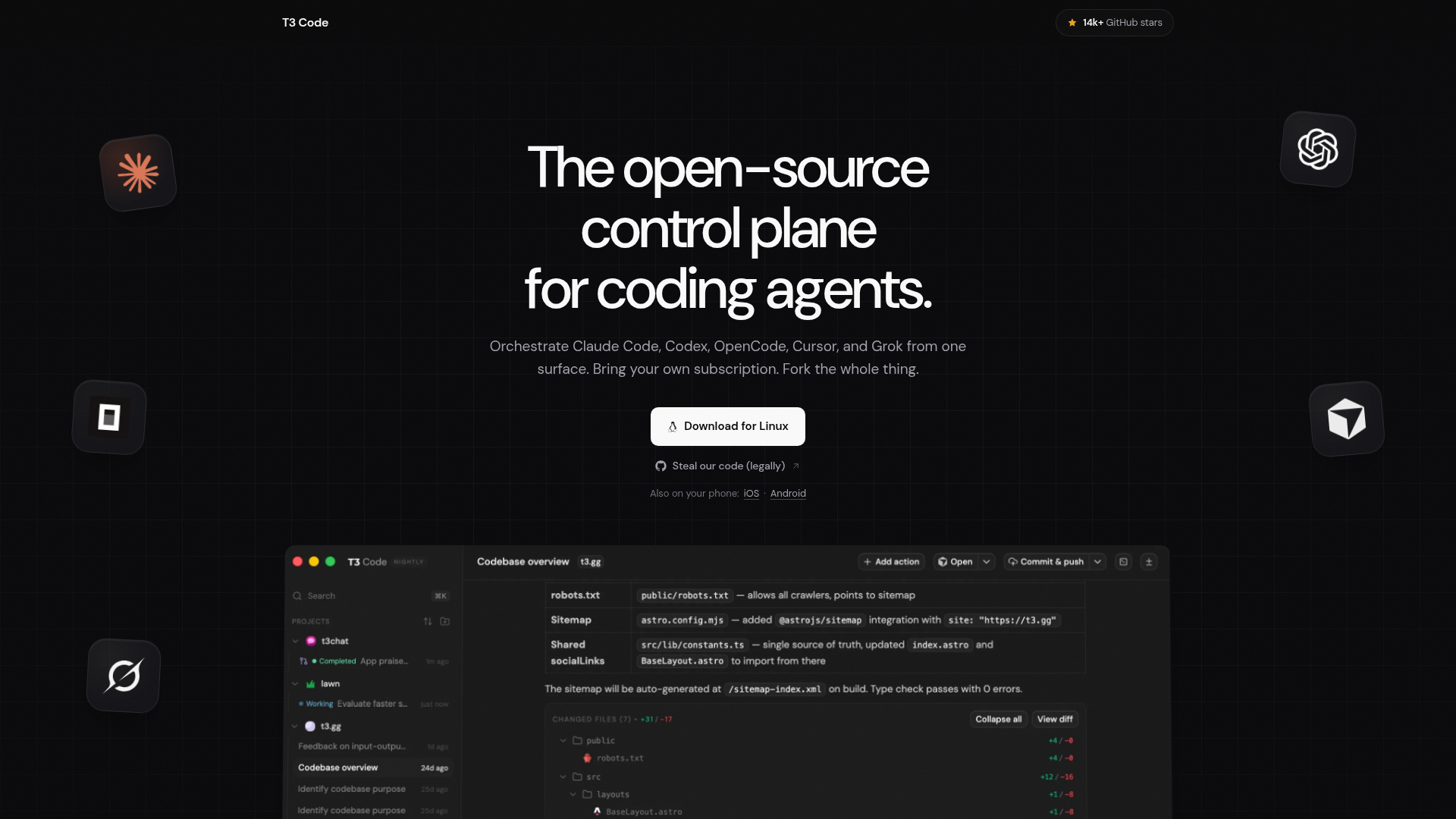
T3 Code is an open-source control plane designed to orchestrate multiple AI coding agents—such as Claude Code, OpenCode, Cursor, and Grok—from a single unified workspace. Bring your own subscriptions and fork the entire project to customize it for your needs. - Multi-Agent Orchestration: Manage Claude Code, OpenCode, Cursor, and Grok from one interface. - Bring Your Own Subscription: Use your existing AI model subscriptions without restrictions. - Forkable & Customizable: Open-source codebase allows for full customization and forking. - Cross-Platform Support: Available on Linux, iOS, and Android. - Performance Optimized: Designed for efficiency and responsiveness. - Community-Driven: Built with feedback from over 100,000 developers. T3 Code is open-source and can be self-hosted. The project is available on GitHub and supports Linux, iOS, and Android platforms. Users can download the app or build from source for full control over their setup.
Self-hosted orchestrator for coding agents like Claude Code, Codex, and Cursor, controlled from phone, desktop, web, or CLI.
Self-hosted orchestrator for coding agents like Claude Code, Codex, and Cursor, controlled from phone, desktop, web, or CLI.
AI coding harness that runs inside your terminal, mixes LLMs per task, and uses multi-agent architecture to handle large codebases without bloating context.
AI coding harness that runs inside your terminal, mixes LLMs per task, and uses multi-agent architecture to handle large codebases without bloating context.

Local-first workspace for parallel coding agents
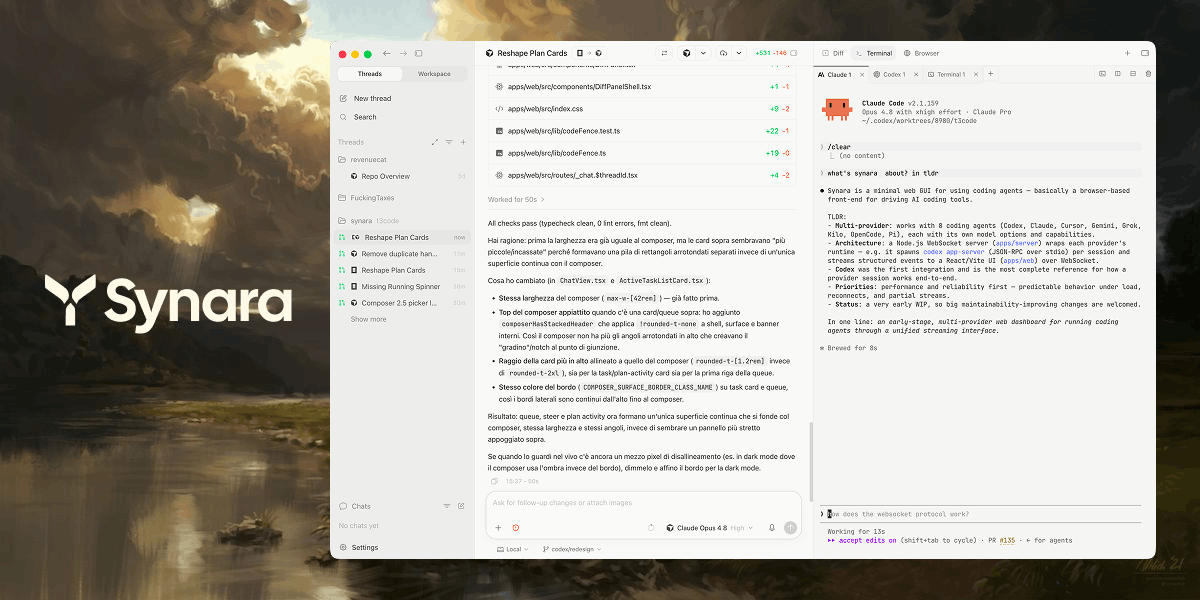
Synara is a free, open-source, local-first workspace designed to streamline agentic coding workflows. It provides a unified command center for running multiple coding agents in parallel while maintaining task isolation, Git worktrees, and pull-request delivery. - Parallel Agent Execution: Run multiple coding agents (Claude Code, Codex, Cursor, OpenCode, Antigravity, Grok Build, Kilo Code, Pi, Factory Droid) simultaneously in isolated environments. - Git Worktree Integration: Each task operates in a separate Git worktree, preventing conflicts and ensuring clean branch management. - Terminal & Process Management: Built-in terminals for running development servers, test watchers, and custom commands alongside agent tasks. - Browser Verification: Inspect rendered results, capture console output, and verify behavior directly within the workspace. - Task Ownership & Handoffs: Explicit task ownership with the ability to hand off work between different providers while preserving context. - Pull Request Delivery: Review diffs, run checks, commit changes, and open pull requests without leaving the workspace. - Project Context Preservation: Maintains repository-specific tasks, provider sessions, and activity state for seamless context switching. - Local-First Architecture: Operates entirely on your local machine, ensuring privacy and offline capability. Synara is self-hosted and runs entirely on your local machine. It is open-source (MIT License) and available for Linux. The project is actively maintained on GitHub.

Dev environment for AI agents with isolated workspaces
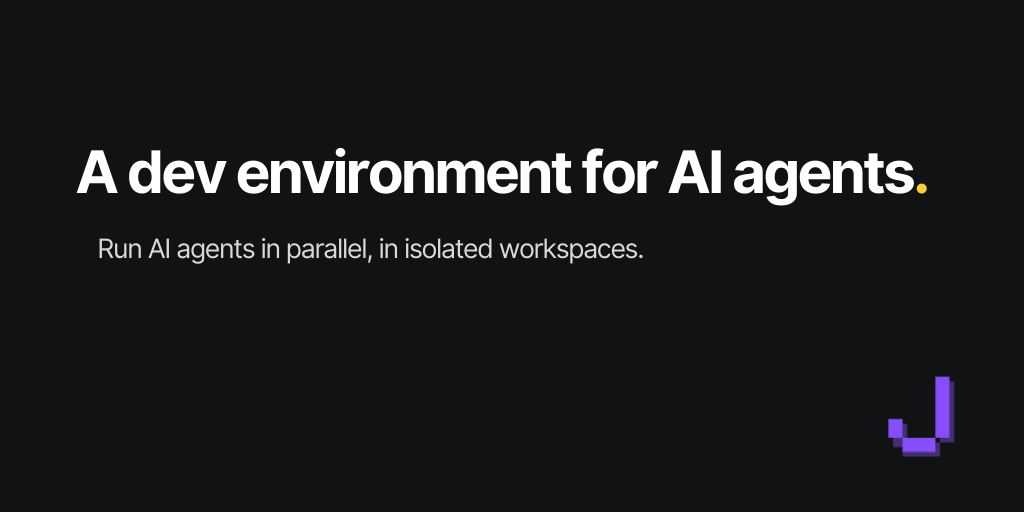
Jean is an opinionated AI agent workspace designed to streamline AI-assisted development workflows. It provides a cohesive environment with Git worktrees, chat sessions, terminals, and integrations with GitHub & Linear, all in one place. - Isolated Workspaces: Run AI agents in parallel using git worktrees for independent task execution without chaos. - Linked Projects: Connect multiple repositories to create a unified knowledge base for AI agents across related codebases. - Magic Git Commands: Simplify repetitive Git operations with guided AI workflows and automation. - Magic Prompts: Customizable AI instructions for tailored agent behavior and workflows. - Server & Web Access: Deploy on a dedicated server or enable web access in the desktop app for remote collaboration. - Native & Browser Clients: Connect via native app or browser with token-protected HTTP/WebSocket access. - Multi-Platform Support: Available for macOS, Windows, Linux (x64/ARM) with AppImage, DEB, RPM, DMG, and EXE formats. - Integration Support: Works with popular AI models including Claude, Codex, OpenCode, Cursor, Pi, Command Code, Grok, and Kimi Code. Jean is open source and free forever. It can be self-hosted using jean-server on a dedicated Linux host or enabled via web access in the desktop app. The server runs on port 3456 by default with token-protected access. Tailscale is recommended for private mesh networking instead of exposing public ports.

AI-powered developer platform for code hosting and collaboration
GitHub is the leading platform for software development, offering version control, project management, and collaboration tools. Built for developers, teams, and enterprises, it combines Git hosting with AI-powered features like GitHub Copilot for code generation and advanced security tools to streamline development workflows. - AI-Powered Development: GitHub Copilot for AI-assisted code writing and refactoring - Code Hosting & Version Control: Git repository management with pull requests and branching - Automated Workflows: GitHub Actions for CI/CD and workflow automation - Code Security: Advanced Security features for vulnerability detection and secret protection - Dev Environments: Codespaces for instant cloud-based development environments - Project Management: Issues, project boards, and tracking for agile workflows - Collaboration Tools: Team-based code reviews, discussions, and documentation - Enterprise Solutions: Scalable platform with premium support and security features GitHub is a cloud-based platform with no self-hosting option. It provides enterprise-grade security, compliance certifications (including SOC 2, ISO 27001), and GDPR compliance. The platform is built and maintained by GitHub, Inc. (a Microsoft subsidiary) with data centers globally.
About Claude Code
Anthropic's agentic coding tool designed to supercharge developer workflows. Claude Code integrates directly into your terminal, IDE, or web interface to understand your codebase, edit files, run commands, and accelerate development cycles.
Key Features of Claude Code
- Code Understanding: Deeply understands your entire codebase for context-aware assistance
- File Editing: Directly edit files with AI guidance and automated changes
- Command Execution: Run terminal commands and scripts through natural language
- Multi-Platform Support: Available as terminal app, web interface, VS Code extension, JetBrains plugin, and Slack integration
- Cross-Platform: Works on macOS, Linux, Windows, iOS, and Android
- Routine Automation: Create and execute automated coding routines
- Real-time Collaboration: Share sessions and collaborate with team members
- Model Selection: Choose from multiple Claude models (Opus, Sonnet, Haiku) based on your needs
Tech / Self-Hosting
Claude Code is a cloud-based service provided by Anthropic. It does not require self-hosting as it operates through Anthropic's platform. The tool is accessible via web interface, desktop applications, and IDE integrations, with no local installation required for core functionality.