
Cap
Lightweight, cross-platform screen recording tool with instant sharing, advanced editing, and self-hosting capabilities. Own your recordings and workflows.
Cap is an open-source alternative to:






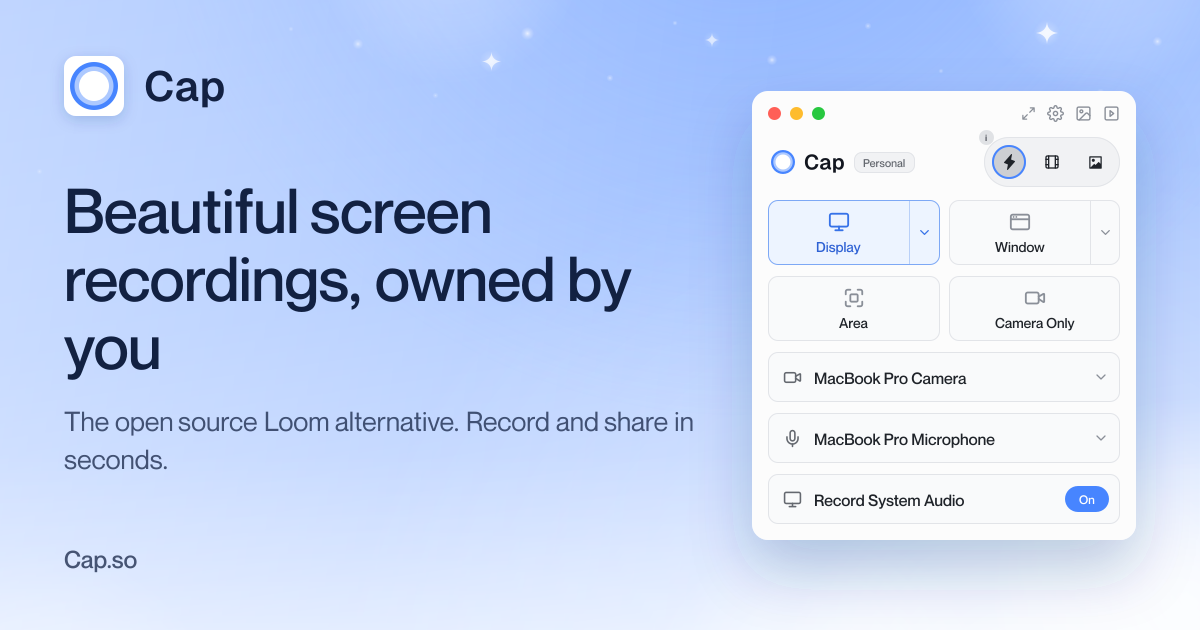
Cap is a fully open-source screen recording tool designed to replace your recorder, editor, screenshot tool, and video host. It offers three modes: Instant Mode for quick recordings with shareable links, Studio Mode for high-quality recordings with advanced editing, and Screenshot Mode for capturing and beautifying screenshots.
Key Features
- Instant Mode: Record and share in seconds with auto-generated titles, summaries, chapters, and transcripts. Background uploads ensure immediate sharing.
- Studio Mode: Record in full quality with no compression, then customize backgrounds, padding, corners, shadows, and cursor effects before sharing.
- Screenshot Mode: Capture screenshots with a hotkey and instantly enhance and share them.
- Cross-Platform: Available for macOS, Windows, and Linux, with a Chrome extension for browser-based recording.
- Self-Hosting: Deploy Cap on your own infrastructure for full data ownership.
- AI Summaries: Auto-generated titles, descriptions, chapters, and transcripts for recorded content.
- Cloud & Local Storage: Connect your own Google Drive or S3 bucket, or record locally and share when ready.
- HIPAA Compliant: Cap Pro offers HIPAA-compliant screen recording for sensitive environments.
Tech / Self-Hosting
Cap is built with modern web technologies and is fully open source. It can be self-hosted on your own infrastructure, providing complete control over your data. The application supports integration with external storage solutions like Google Drive and S3 buckets, ensuring flexibility in data management. For teams, Cap Pro offers additional features like unlimited cloud sharing and advanced team collaboration tools.