6 Best Open Source Bloomberg Terminal Alternatives
A curated collection of the 6 best open source and self-hosted alternatives to Bloomberg Terminal in 2026.
Looking for a free, privacy-friendly, or self-hosted replacement for Bloomberg Terminal in 2026? The top open-source alternative is OpenBB — Build your own financial workspace.
Other highly rated open-source Bloomberg Terminal alternatives include Fincept Terminal, Snapify and Screenity.

Build your own financial workspace
OpenBB is the workspace where investment teams bring their data, workflows, and AI together under their control. It solves the infrastructure problem of gated data, fragmented tools, and manual workarounds by connecting to any vendor, database, or internal model. - Unified Data Integration: Connect to any vendor, database, internal models, or files without rebuilding integrations. - Customizable Dashboards: Turn analyses into interactive dashboards for teams, analysts, PMs, and AI agents. - AI Agent Collaboration: AI agents work alongside humans using the same governed data, context, and tools. - Open Data Platform (ODP): Open-source foundation for building financial applications. - Workspace Lite: Free tier for small investment teams with core functionality. - App Marketplace: Discover and integrate third-party apps and MCP servers. - Snowflake Native App: Deploy OpenBB directly within Snowflake environments. - Security & Governance: Enterprise-grade controls for data access and workflow distribution. OpenBB is available as a commercial product (OpenBB Workspace) with a free tier (Workspace Lite) and an open-source foundation (Open Data Platform). The platform supports self-hosting for full data control and can be deployed in cloud or on-premises environments. It integrates with existing financial data sources and AI models while maintaining strict data governance.

Private AI research terminal with quant lab and dataroom
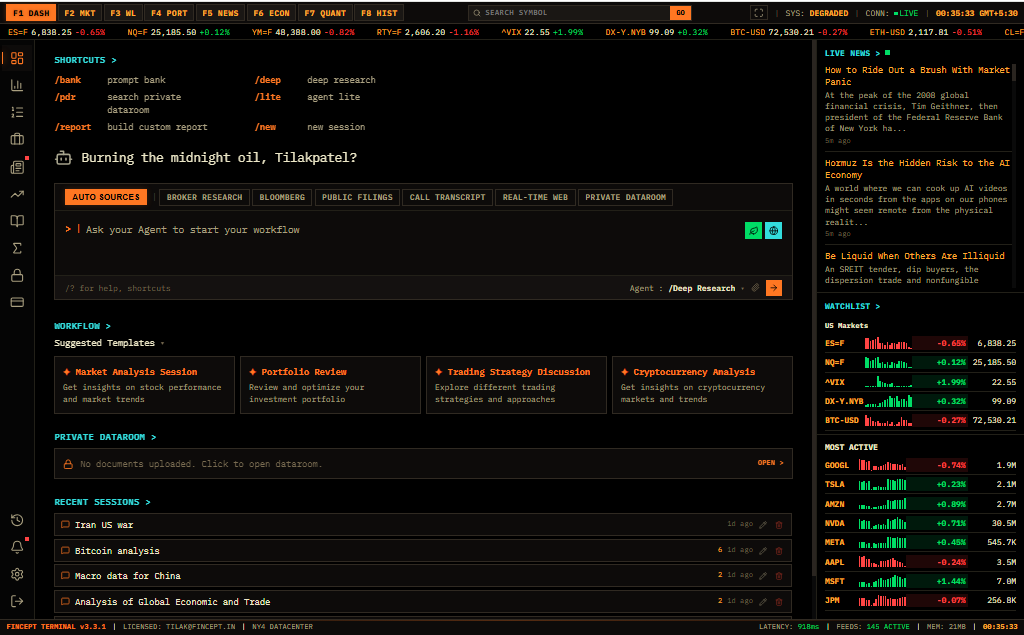
Fincept Terminal is a private AI research platform combining agentic workflows, quantitative analysis, and live market execution in a single interface. - Agentic Research: AI agents plan, delegate, and execute research tasks with multi-agent collaboration and long-form reporting. - Quant Lab & Backtesting: Advanced backtesting with parameter sweeps, volatility surface analysis, and point-in-time data for rigorous strategy validation. - Deep Fundamental Research: Comprehensive equity, derivatives, private holdings, and M&A analytics with ownership mapping and insider tracking. - Live Markets & Execution: Real-time market data, algorithmic trading, multi-list watchlists, and visual trade analysis across equities, crypto, and prediction markets. - Macro Intelligence: Official statistics, central bank data, geopolitical events, and custom data source integration with mapping capabilities. - Private Workspace: Built-in spreadsheet, note-taking, file management, and dashboard customization with your own data and branding. - MCP Integration: Connect external tools and systems via Model Context Protocol for extended functionality. - Enterprise Controls: Watermark-free exports, priority AI inference, bulk data downloads, and SLA-backed support. - Open Source Edition: Available at fincept.in/open-source with core functionality. - Enterprise Edition: Proprietary modules, real-time data feeds, and advanced features require subscription. - Data Sources: 2,000+ proprietary data sources with real-time and historical coverage. - Deployment: Cloud-based with optional self-hosting capabilities for enterprise users.

Open source Loom alternative for async video sharing
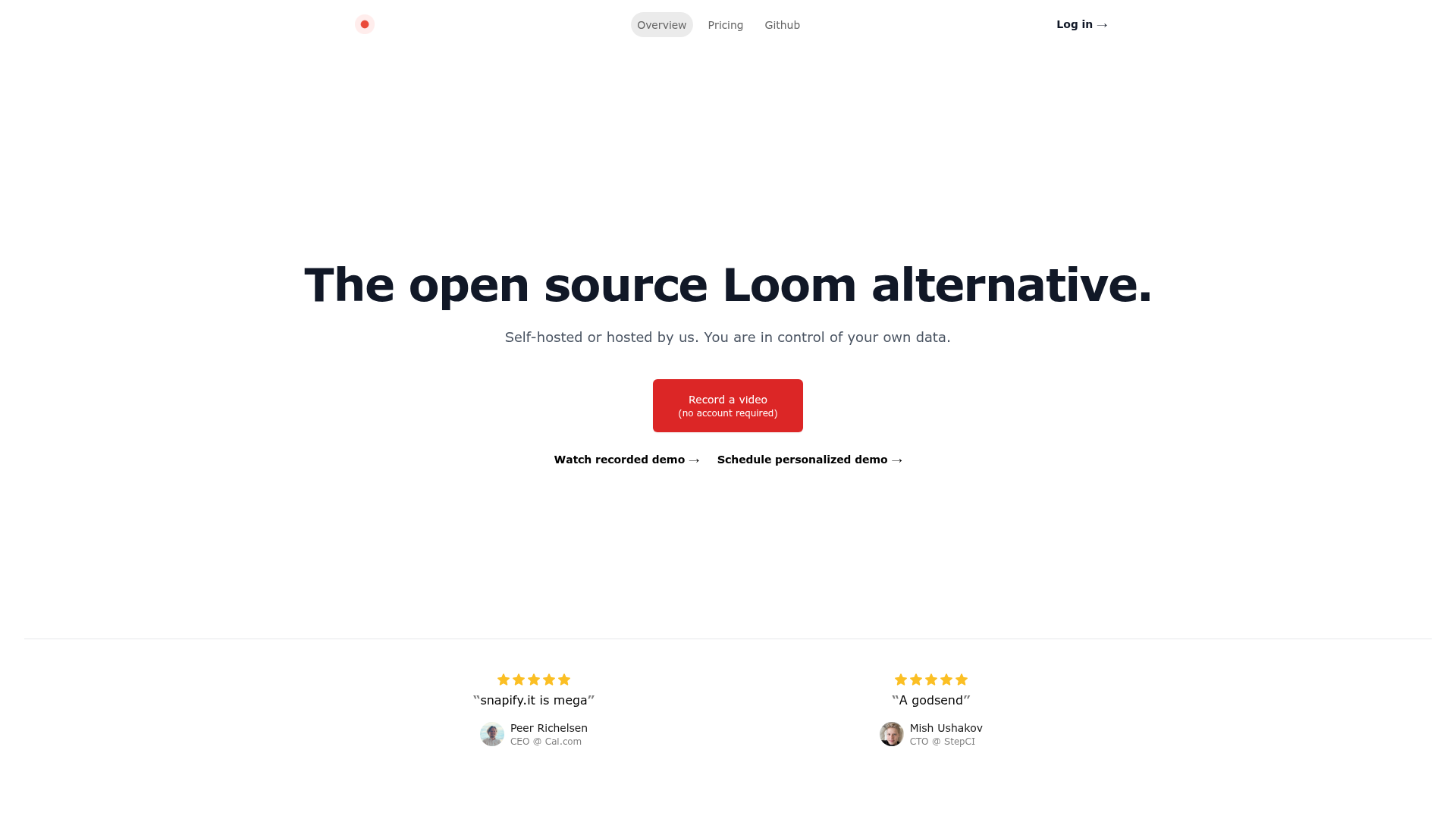
Snapify is an open-source alternative to Loom designed for asynchronous video collaboration. Whether you need to record quick updates, tutorials, or feedback, Snapify makes it easy to share videos without the hassle of scheduling live calls. - No account required for recording videos - Self-hosted or hosted options for full data control - High-quality video sharing optimized for async collaboration - Simple interface for quick video recording and sharing - Privacy-focused with options to host your own instance - Cross-platform compatibility for seamless use across devices Snapify is built with modern web technologies and can be self-hosted for complete data ownership. The project is open-source and available on GitHub, making it easy to deploy on your own infrastructure or use the hosted version.

Privacy-friendly screen recorder & video editor
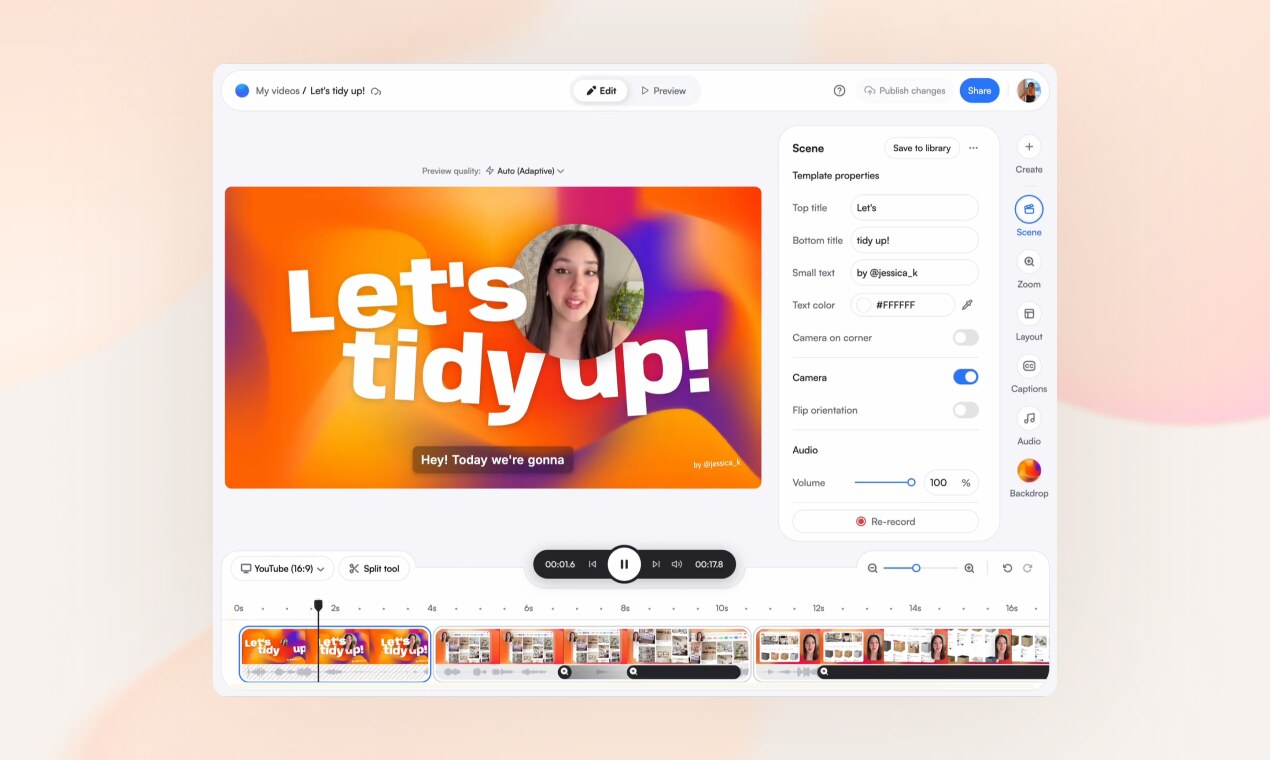
Screenity is a privacy-friendly screen recorder and video editor that works entirely in your browser. Record your screen, add scenes, zoom into clicks, caption every word, and share a clean link—no downloads or complex software required. Made and hosted in Europe, Screenity ensures your data stays private and secure. - All-in-one recording & editing: Capture your screen and edit videos directly in the browser with scenes, layouts, and animations. - Scene-based editing: Build videos from separate scenes you can record independently and reorder like a deck. - Dynamic layouts: Show your screen, camera, or both, with layouts that animate smoothly between scenes. - Auto-zoom on clicks: Screenity converts your clicks into zooms for a polished presentation. - Word-by-word captions: Automatically caption your speech and highlight each word as it’s spoken. - Customizable overlays: Add text, arrows, shapes, callouts, and animations to emphasize key points. - Device mockups: Wrap your screen in browser or device frames with customizable URLs. - Templates & reusable scenes: Start from ready-made templates or save your own scenes for future use. - Privacy-focused: No watermarks, no time limits, and all data is hosted in Europe. - Instant sharing: Generate clean, shareable links or export your final video. Screenity is a browser-based tool that operates entirely in your browser, requiring no downloads or installations. It is self-hosted by the team and hosted in Europe, ensuring GDPR compliance and data privacy. The Chrome extension is available for easy recording access. For advanced users, the open-source nature of the project allows for potential self-hosting or customization of the underlying infrastructure.

Feature-rich terminal replacement for macOS
iTerm2 is a feature-rich terminal emulator for macOS, designed as a replacement for the built-in Terminal app. It brings modern functionality to the command line, making it more powerful and user-friendly for developers and power users. - Split Panes: Divide your terminal into multiple panes for multitasking. - Search & Autocomplete: Quickly find and reuse commands with powerful search tools. - Copy & Paste: Advanced clipboard management with history tracking. - Customizable UI: Themes, fonts, and colors to personalize your terminal. - Terminal Triggers: Automate actions based on specific text patterns. - Session Management: Save and restore terminal sessions for later use. - GPU Rendering: Smoother and faster rendering for complex displays. - tmux Integration: Seamless compatibility with tmux for advanced workflows. - Password Manager: Securely store and manage credentials within the terminal. - Broadcast Input: Send commands to multiple panes simultaneously. iTerm2 is a desktop application designed for macOS and does not require self-hosting. It is open-source software licensed under GPL v2, with the source code available on GitHub.

Open source alternative to Loom
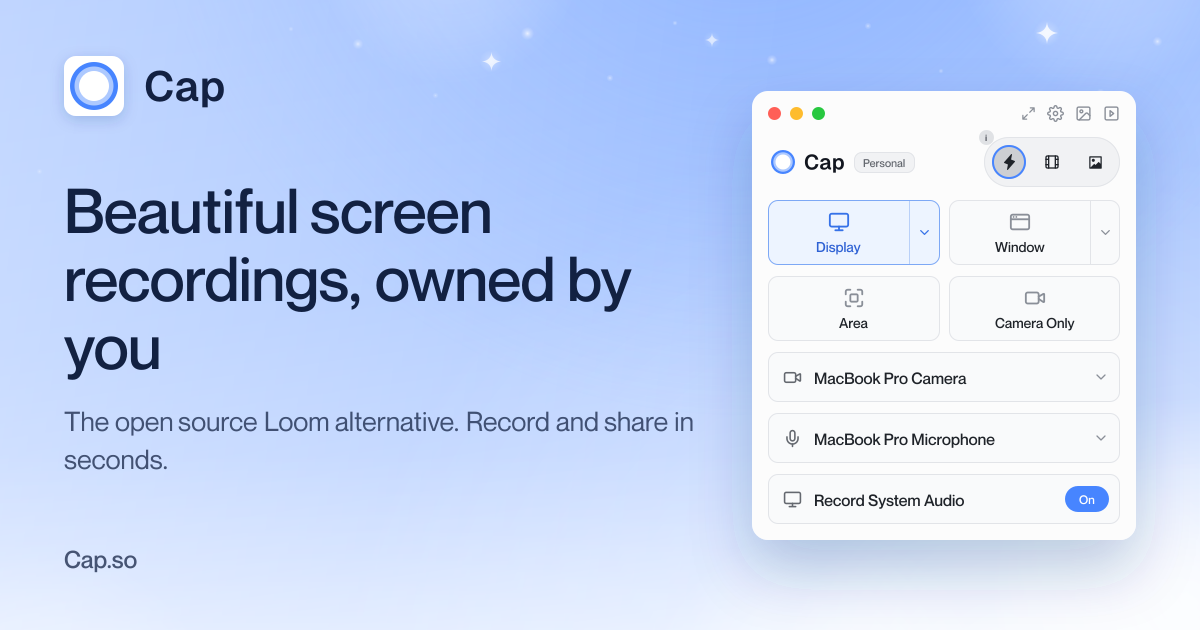
Cap is a fully open-source screen recording tool designed to replace your recorder, editor, screenshot tool, and video host. It offers three modes: Instant Mode for quick recordings with shareable links, Studio Mode for high-quality recordings with advanced editing, and Screenshot Mode for capturing and beautifying screenshots. - Instant Mode: Record and share in seconds with auto-generated titles, summaries, chapters, and transcripts. Background uploads ensure immediate sharing. - Studio Mode: Record in full quality with no compression, then customize backgrounds, padding, corners, shadows, and cursor effects before sharing. - Screenshot Mode: Capture screenshots with a hotkey and instantly enhance and share them. - Cross-Platform: Available for macOS, Windows, and Linux, with a Chrome extension for browser-based recording. - Self-Hosting: Deploy Cap on your own infrastructure for full data ownership. - AI Summaries: Auto-generated titles, descriptions, chapters, and transcripts for recorded content. - Cloud & Local Storage: Connect your own Google Drive or S3 bucket, or record locally and share when ready. - HIPAA Compliant: Cap Pro offers HIPAA-compliant screen recording for sensitive environments. Cap is built with modern web technologies and is fully open source. It can be self-hosted on your own infrastructure, providing complete control over your data. The application supports integration with external storage solutions like Google Drive and S3 buckets, ensuring flexibility in data management. For teams, Cap Pro offers additional features like unlimited cloud sharing and advanced team collaboration tools.
About Bloomberg Terminal
The Bloomberg Terminal is the industry-standard platform for financial professionals, offering unparalleled access to real-time market data, news, analytics, and trading capabilities. Designed for institutional investors, traders, and financial advisors, it delivers comprehensive financial intelligence through a single interface.
Key Features of Bloomberg Terminal
- Real-time market data: Access to global equities, fixed income, commodities, currencies, and derivatives
- Advanced analytics: Built-in tools for portfolio analysis, risk management, and trading execution
- News and research: Curated financial news, expert analysis, and proprietary research reports
- Trading capabilities: Direct market access and execution across multiple asset classes
- Customizable interface: Tailor dashboards and workflows to individual needs
- Historical data: Extensive archives for backtesting and historical analysis
- Global coverage: Data from 120+ countries and 360+ exchanges
- Secure connectivity: Dedicated network infrastructure for reliable access
Tech / Self-Hosting
The Bloomberg Terminal is a proprietary, cloud-based service that requires a subscription. It is not available for self-hosting or open-source deployment. Access is provided through dedicated terminals or Bloomberg Anywhere software.