9 Best Open Source Otter.ai Alternatives
A curated collection of the 9 best open source and self-hosted alternatives to Otter.ai in 2026.
Looking for a free, privacy-friendly, or self-hosted replacement for Otter.ai in 2026? The top open-source alternative is Meetily — Privacy-first AI meeting assistant with local transcription.
Other highly rated open-source Otter.ai alternatives include Anarlog, Minutes and Amical.

Privacy-first AI meeting assistant with local transcription

Meetily is a privacy-first AI meeting assistant that records, transcribes, and summarizes meetings entirely on your device. Audio and data never leave your system, ensuring maximum privacy and security. - 100% Local Processing: Transcription and AI summarization happen locally on your device - Pluggable AI Summaries: Use local models or bring your own API keys (BYOK) - Cross-Platform Compatibility: Works with Zoom, Teams, Meet, Slack, Webex, GoToMeeting and more - GDPR & HIPAA Compliant: Built from the ground up with privacy and compliance in mind - Offline Ready: Full functionality available without internet connection - Open-Source Core: Transparent development with community contributions - Speaker Identification: Automatic speaker labeling and recognition - Action Item Extraction: Identifies and highlights key action items from meetings - Real-time Transcription: Live transcription during meetings - Meeting Summaries: AI-generated summaries of meeting content Meetily is open-source software that can be self-hosted for complete data control. The application supports both local deployment and cloud-based setups with enterprise-grade security features. The core transcription and summarization engines are designed to run efficiently on standard hardware, making it suitable for personal use, small teams, and enterprise environments. Supported Platforms: Windows, macOS, Linux Integration: Zoom, Microsoft Teams, Google Meet, Slack, Webex, GoToMeeting Deployment Options: Local installation, self-hosted server, or cloud-based service

Open-source AI notepad for private meetings
Anarlog is the open-source, privacy-first, local-first alternative to Granola AI. Designed for sensitive meetings, it captures notes without joining calls, keeps all data on your device by default, and lets you run models locally or bring your own keys. - Invisible during calls: Stays hidden while you meet, without joining or recording - Local-first storage: Notes, transcripts, and attachments remain on your device by default - Control your AI: Run models locally, use your own API keys, or leverage Anarlog's AI - Editable summaries: Turn meeting notes into customizable, editable summaries - Cross-platform: Available for desktop with Linux support and mobile compatibility - Open-source: GPL-licensed codebase for full transparency and control - Privacy-focused: No bots, no cloud lock-in, and no forced data sharing Anarlog is designed as a local-first application with optional cloud integration. The desktop app runs on Linux (with APK repository support) and is built with privacy at its core. Users can self-host the backend or run models entirely offline. The project is open-source under GPL-3.0 license, hosted on GitHub at https://github.com/fastrepl/anarlog.

Local-first meeting memory app with AI recall
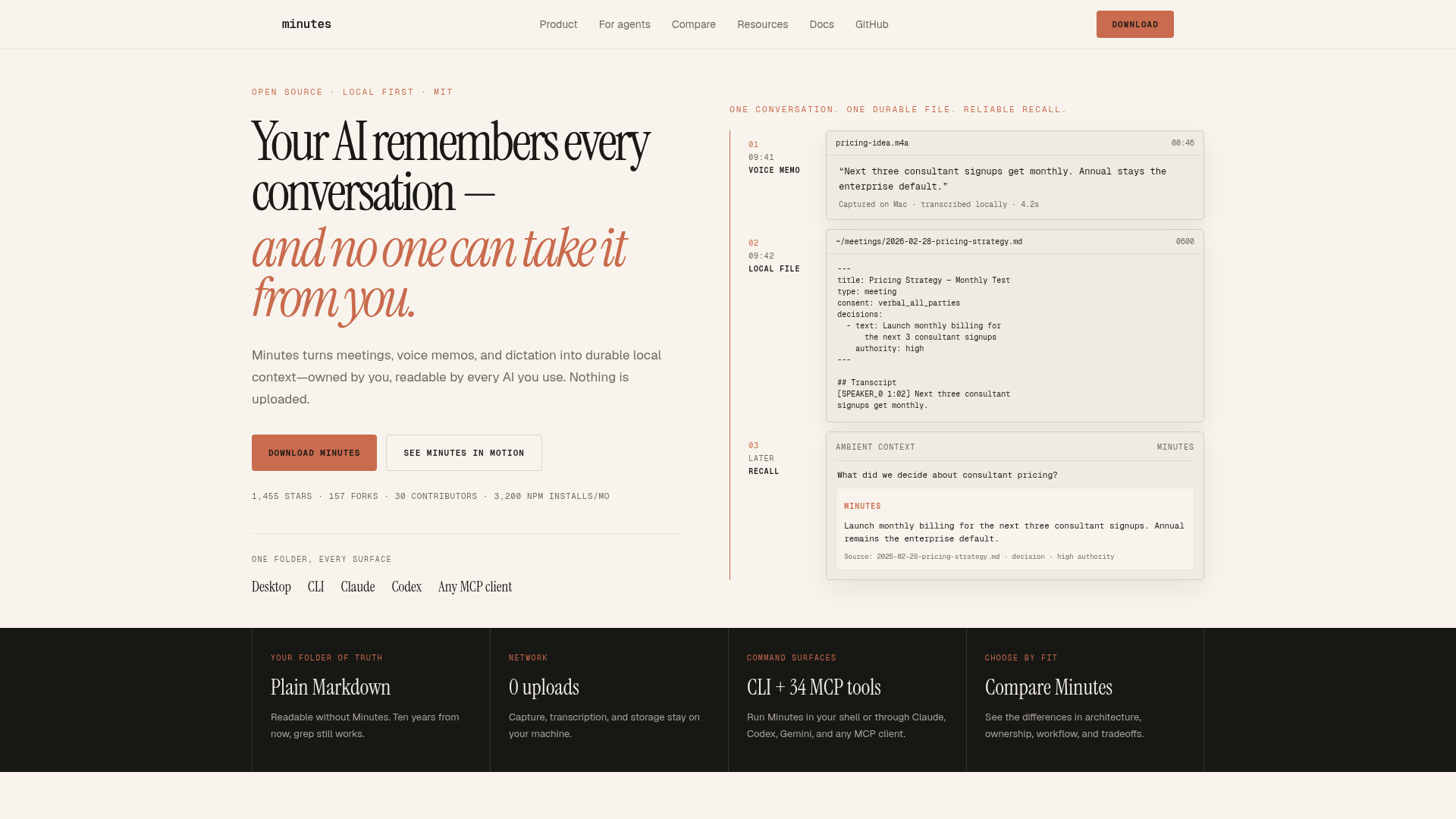
Minutes is a local-first conversation memory app that turns meetings, calls, voice memos, and dictation into durable Markdown files on your machine. Nothing is uploaded to the cloud—transcription and storage happen entirely on your device. - Local Transcription: Capture and transcribe audio entirely on your device with no cloud uploads - Plain Markdown Output: Generates readable Markdown files that work without Minutes (grep-friendly) - AI Integration: Works with any MCP client (Claude, Codex, Gemini) for AI-powered recall - Voice Dictation: Hotkey-based dictation that appends to your daily notes - Cross-Platform: Available as desktop app (Mac/Windows) and CLI tool - No Account Required: Zero setup—just download and start recording - Fast Search: Instant recall of decisions and action items from your conversation history - Open Source: MIT-licensed with community contributions Minutes runs entirely on your local machine with optional MCP server integration. The desktop app includes a built-in speech model for transcription. Installation options include: - Homebrew (Mac): brew install --cask silverstein/tap/minutes - Homebrew CLI: brew install minutes - MCP Server: npx minutes-mcp - Windows installer available via GitHub releases The app requires no external services or API keys, making it fully self-contained and privacy-preserving.

Open-source AI dictation for 4x faster typing
Amical is an open-source AI-powered dictation tool that transforms your voice into polished text 4x faster than traditional typing. Designed for developers, professionals, and creatives, it integrates seamlessly with apps like Gmail, Slack, Notion, and Cursor, automatically formatting text to match the context of each platform. - AI-Powered Dictation: Converts speech to text with advanced AI models for unparalleled accuracy and context-awareness. - Local & Cloud Models: Choose between powerful cloud-based AI models or run everything locally for maximum privacy and control. - Custom Vocabulary: Teach Amical your industry-specific terms, jargon, and proper nouns for personalized transcription. - Smart Context Formatting: Automatically formats text for different apps (e.g., professional emails in Gmail, casual posts in Instagram). - Custom Shortcuts: Create voice commands and shortcuts to streamline workflows with hands-free operation. - Multi-Language Support: Transcribe and dictate in 100+ languages with native-level accuracy. - Cross-Platform: Available on Mac, Windows, iOS, and Android. - Privacy-First: Open-source and designed for privacy, with local processing options. Amical is open-source and can be self-hosted for complete control over your data. The project is built with modern web technologies and supports integration with popular AI providers like OpenAI, Ollama, and OpenRouter. For self-hosting, refer to the official documentation.

Open-source AI note-taker with local transcription
Prismical is a free, open-source AI note-taking companion designed for meetings, lectures, and voice notes. It transcribes audio in real-time, identifies speakers, and generates structured summaries with action items and key decisions—all without requiring bots to join your meetings. - Real-Time Transcription: Live speech-to-text with speaker identification powered by local models (Whisper) or cloud providers (OpenAI, Deepgram). - AI Summaries & Action Items: Automatically generates structured meeting notes with key decisions, action items, and follow-ups. - Voice Notes & Brain Dump: Capture thoughts by speaking or typing; AI organizes and formats notes for you. - Works Everywhere: Captures system audio from any app that plays sound (Zoom, Meet, Teams, Slack, etc.) without plugins or integrations. - Floating Window: Always-on-top window for live transcripts and action items without switching apps. - AI Integrations: Connect with ChatGPT, Claude, Gemini, and more via MCP for seamless note-taking and retrieval. - Cross-Platform Support: Available on Mac, Windows, with iOS and Android coming soon. Prismical is open-source and can be self-hosted. The project is built with modern web technologies and supports local AI models for privacy-conscious users. Documentation and setup guides are available on the official docs.

Offline voice dictation for Mac & Windows
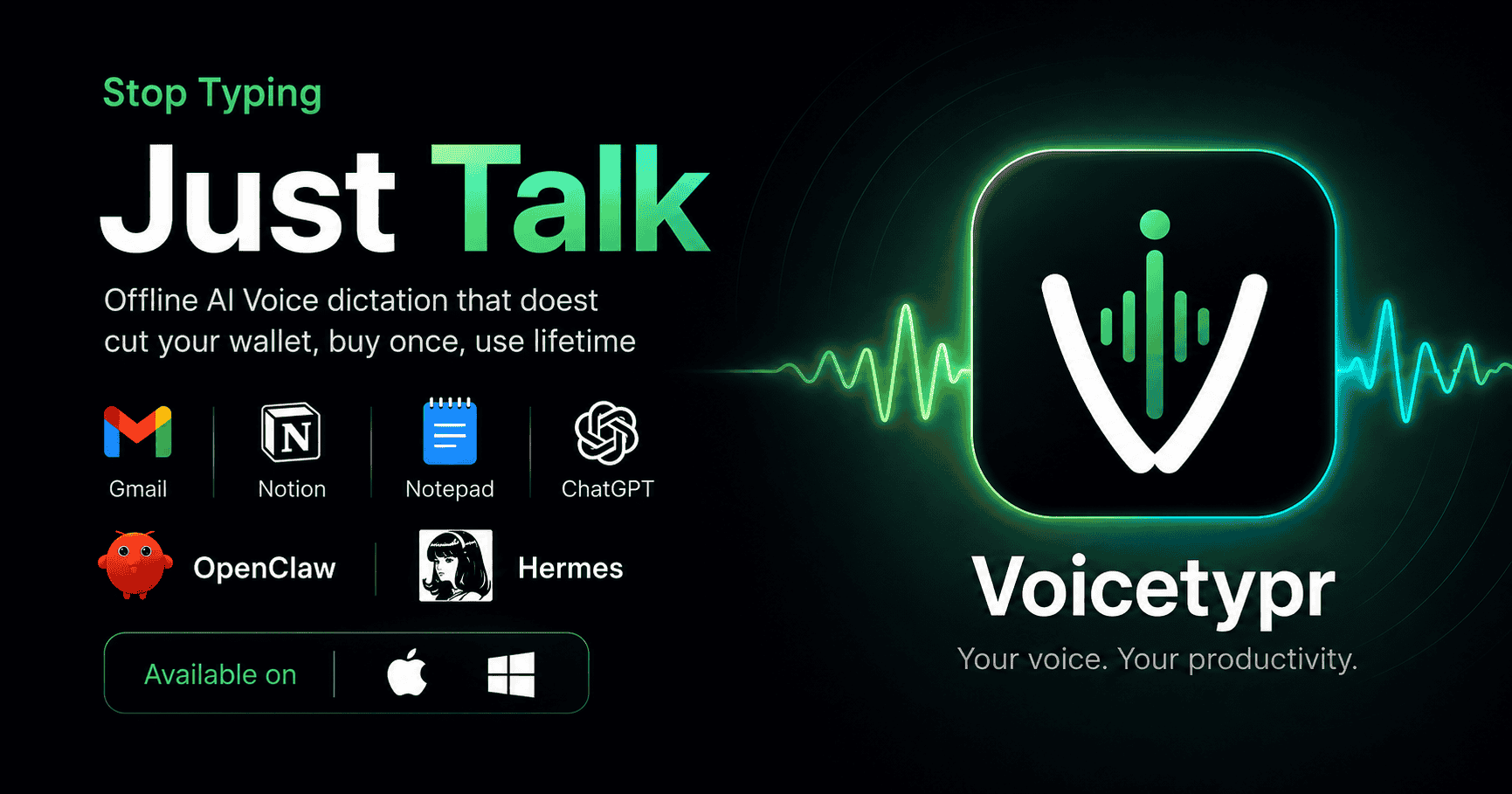
Voicetypr is a powerful voice dictation tool designed to transform your spoken words into clean text instantly across any application on macOS and Windows. Whether you're drafting emails, coding, or taking notes, Voicetypr eliminates the need for manual typing, helping you work faster and more efficiently. - Offline Dictation by Default: Uses local AI models (Whisper, Parakeet) for privacy and speed, with no internet required. - Global Hotkey Support: Set a custom hotkey to dictate text directly into any app, no per-app setup needed. - Multi-Language Support: Automatically detects and transcribes 99+ languages with high accuracy. - Agent CLI & API: Integrate with AI agents (OpenClaw, Hermes, nanoclaw) or scripts for automated transcription. - Customizable Models: Choose between local models for speed or cloud engines (Soniox, OpenAI, Anthropic, Groq, Deepgram) for enhanced accuracy. - Push-to-Talk & Hands-Free Mode: Capture speech with a button press or lock the app for continuous dictation. - Custom Vocabulary & Translation: Add industry-specific terms and translate transcripts on the fly. - Formatting & Rules: Apply 6 formatting modes and per-app rules to tailor output to your workflow. - Searchable History: Keep track of all your dictations with easy search and retrieval. - Cross-Platform Compatibility: Works seamlessly on both Mac and Windows. Voicetypr is a desktop application available for macOS and Windows. It leverages local AI models for offline operation but also supports cloud-based transcription engines for improved accuracy. The tool is designed for privacy-conscious users, ensuring your audio data never leaves your device unless explicitly opted into cloud services. No self-hosting is required as it operates as a standalone application.
Fast, private voice-to-text dictation for macOS
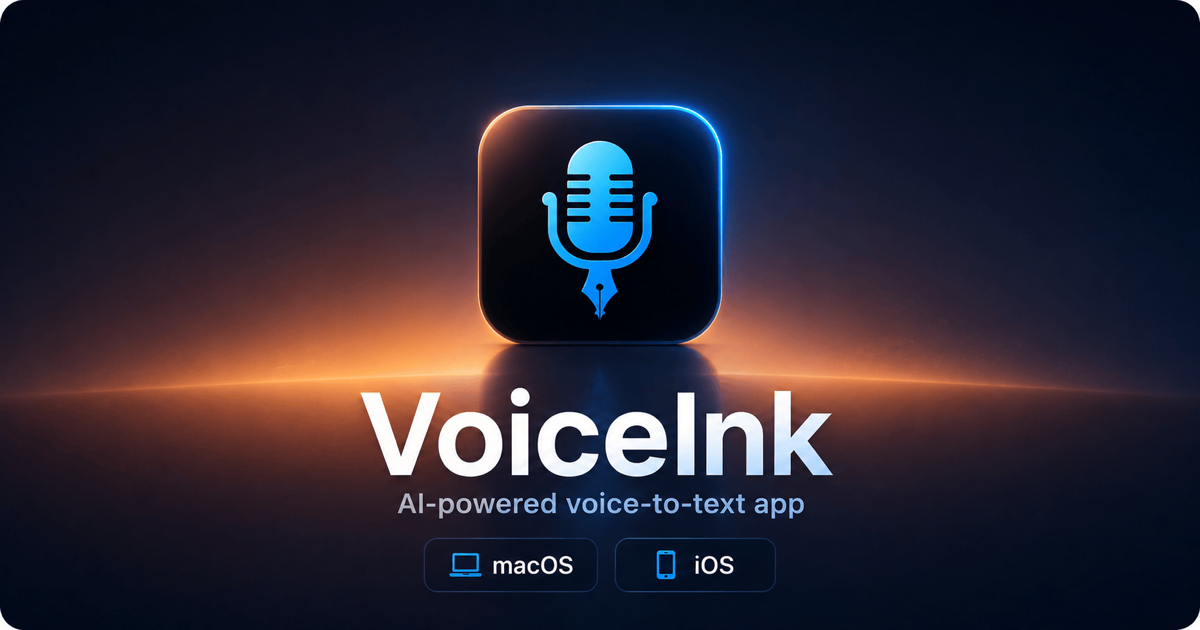
VoiceInk is a fast, private voice-to-text dictation app for macOS that uses local AI models to instantly transcribe your speech with near-perfect accuracy. Unlike cloud-based alternatives, VoiceInk runs entirely on your device, ensuring complete privacy and no ongoing subscription fees. - Local AI Processing: Uses local AI models for transcription, ensuring your data never leaves your device. - Cross-App Compatibility: Works seamlessly across all macOS applications, from email clients to code editors. - One-Time Purchase: Available with a single upfront payment, no subscriptions required. - High Accuracy: Delivers near-perfect transcription quality with minimal errors. - Privacy-First: All voice data and transcripts are processed locally, keeping your information secure. - Lightning Fast: Instant transcription with minimal latency for a smooth dictation experience. - iOS Support: Available on both macOS and iOS for consistent voice-to-text across devices. VoiceInk is a proprietary desktop application designed for macOS and iOS. While the core transcription engine relies on local AI models, the software itself is not open-source. It is available for purchase with a one-time fee and does not require cloud services or subscriptions.

Open-source voice-to-text assistant for private dictation
OpenWhispr is an open-source voice-to-text assistant designed for private dictation, transcription, and meeting notes. Whether you need to dictate documents, transcribe audio files, or generate AI-powered meeting summaries, OpenWhispr delivers fast and accurate results while prioritizing your privacy. - Local & Cloud Speech-to-Text: Transcribe voice directly on your device or use cloud APIs (OpenAI, NVIDIA) for enhanced accuracy - AI Meeting Notes: Generate private, bot-free meeting transcripts with action items and summaries - Cross-Platform Support: Available on macOS, Windows, Linux, and iOS - 100+ Languages: Supports a wide range of languages for global accessibility - Offline Mode: Dictate and transcribe without an internet connection - Custom Dictionary: Add domain-specific terms for medical, legal, or technical use cases - AI Chat Integration: Interact with your transcribed content using natural language queries - Privacy-First Design: Your voice data never leaves your device by default; cloud processing is optional and opt-in OpenWhispr is fully open-source (MIT license) and can be self-hosted. It supports local speech-to-text models (Whisper variants) or integration with external APIs. The software is compliant with HIPAA, SOC 2 Type II, and ISO 27001 standards, making it suitable for enterprise environments.

Free open-source voice-to-text for macOS
FluidVoice is a free, open-source voice-to-text tool for macOS that transforms natural speech into ready-to-use text with on-device AI. Unlike cloud-based dictation apps, FluidVoice processes everything locally, ensuring your voice never leaves your device. - On-device processing: Local speech models convert audio to text without sending data to servers - Fluid-1 AI: Custom-trained model that refines raw transcripts into polished, context-aware text - System-wide input: Works in any app with a single hotkey - 40+ languages: Supports multilingual dictation with models like Nemotron, Whisper, and Apple Speech - Adaptive tone: Custom prompts for different apps (Slack casual, Mail formal, GitHub structured) - Real-time speed: ~3.7x faster than typing with <100ms latency - Offline functionality: Works without Wi-Fi or internet connection - Apple Silicon optimized: CoreML and Metal for low-latency, battery-efficient performance - Multiple modes: Write Mode, Command Mode, and Direct Dictation - AI post-processing: Choose between local Fluid Intelligence, OpenAI, Groq, or custom providers FluidVoice is a native macOS application that runs entirely on-device. The open-source project includes: - Local speech models (Nemotron Speech 3.5, Parakeet Flash, Apple Speech) - CoreML and Metal acceleration for Apple Silicon - Custom Fluid-1 model for post-processing - Brew installation for easy setup (brew install --cask fluidvoice) No self-hosting is required as the application is designed to run locally on your Mac. The source code is available on GitHub under GPLv3 license.
About Otter.ai
Otter.ai is an AI-powered meeting assistant that transforms conversations into searchable knowledge. It provides real-time transcription, live chat, automated summaries, insights, and action items to enhance productivity.
Key Features of Otter.ai
- Real-time transcription in multiple languages with speaker recognition
- Automated summaries with decisions, action items, and insights
- AI-powered chat to search meetings and connected apps for instant answers
- CRM integration for sales teams to push insights and automate follow-ups
- Multi-platform support with desktop apps, mobile apps, and Chrome extension
- Channel organization to group meetings by team, project, or topic
- Live demos & coaching for sales teams with 24/7 automated demos
- Cross-platform compatibility with tools like Zoom, Google Meet, and Microsoft Teams
Tech / Self-Hosting
Otter.ai is a cloud-based SaaS platform with no self-hosting option. It offers enterprise plans with advanced security and compliance features, including GDPR compliance.