9 Best Open Source Google Sheets Alternatives
A curated collection of the 9 best open source and self-hosted alternatives to Google Sheets in 2026.
Looking for a free, privacy-friendly, or self-hosted replacement for Google Sheets in 2026? The top open-source alternative is Baserow — Open source no-code database & app builder.
Other highly rated open-source Google Sheets alternatives include NocoDB, Teable and Grist.

Open source no-code database & app builder
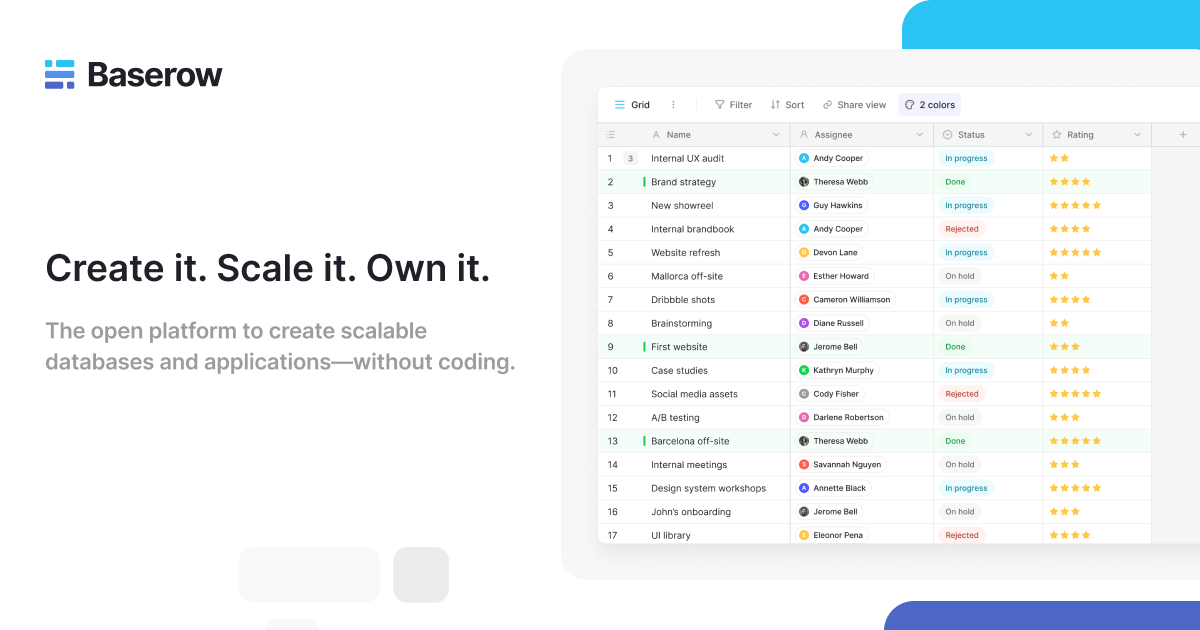
Baserow is an open-source no-code platform that empowers teams to build custom databases and applications without writing code. Whether you're managing projects, tracking inventory, or creating workflows, Baserow provides the flexibility to structure data your way and build solutions tailored to your needs. - Database Builder: Create and manage relational databases with an intuitive interface. Structure, visualize, and manipulate data effortlessly. - Application Builder: Build custom applications without coding. Design interfaces, forms, and workflows to match your business processes. - Automations: Automate repetitive tasks with custom workflows. Connect triggers and actions to streamline operations and eliminate manual work. - Integrations: Extend functionality with third-party integrations. Connect Baserow to tools like Zapier, Make, and custom APIs. - Dashboards: Visualize data through dynamic charts and graphs. Create real-time dashboards to monitor key metrics and insights. - Security & Self-Hosting: Maintain full control over your data with self-hosting options. Ensure compliance with enterprise-grade security features. - Baserow AI: Enhance your data with AI-powered insights and automation. Leverage AI to analyze data, generate reports, and automate complex tasks. - Collaboration Tools: Work together with your team in real-time. Share databases, applications, and workflows securely. - Templates & Solutions: Access pre-built templates for common use cases across departments like HR, Marketing, Finance, and IT. Baserow is open-source and can be self-hosted using Docker, Kubernetes, or on bare metal. It supports PostgreSQL for data storage and offers a RESTful API for custom integrations. The platform is built with Python (Django) and Vue.js, ensuring scalability and performance. For cloud hosting, Baserow provides managed services with enterprise-grade security and compliance.

Open source Airtable alternative
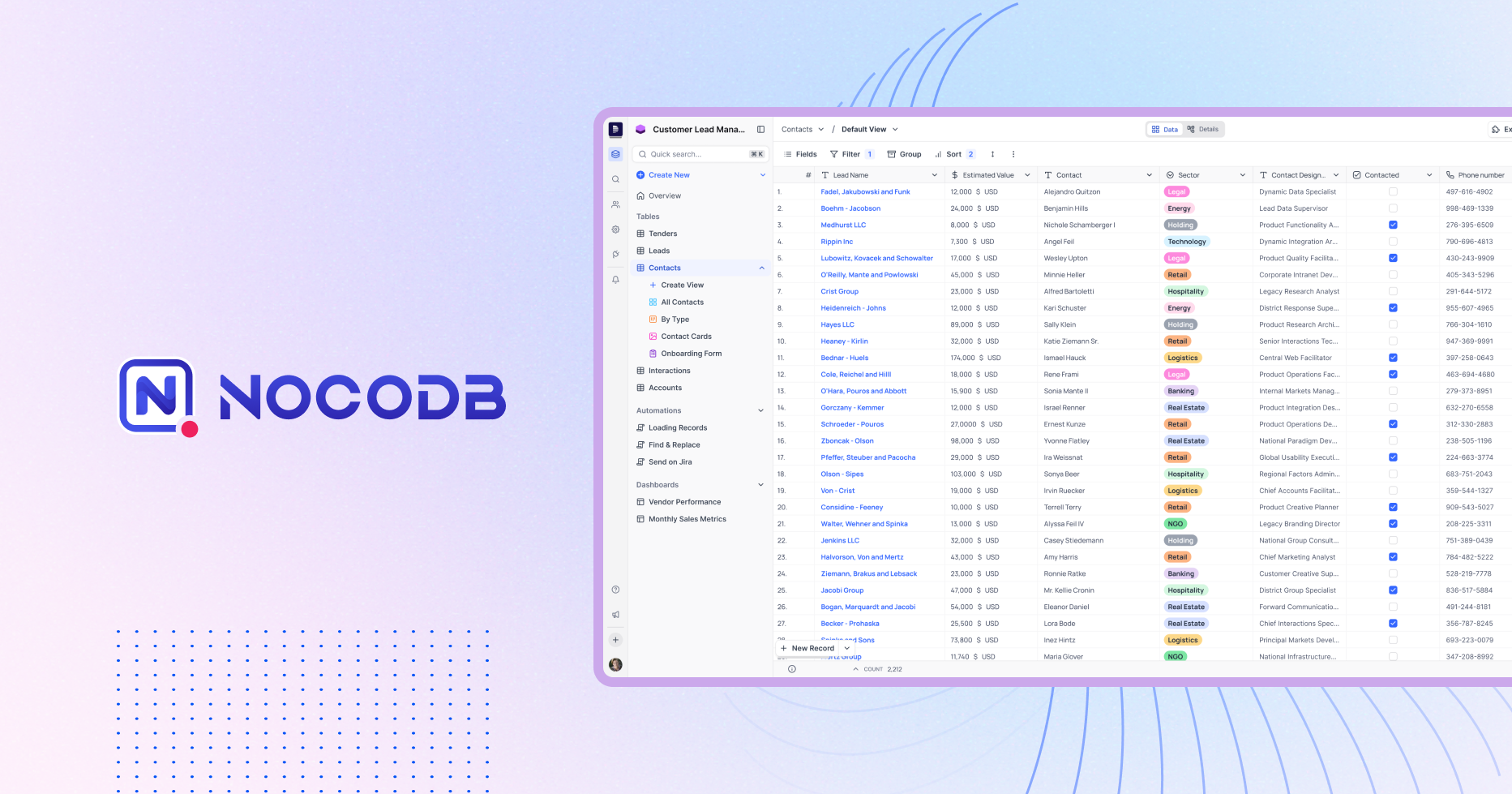
NocoDB transforms your existing databases (PostgreSQL, MySQL, SQL Server, SQLite) into a no-code spreadsheet interface. Whether you're building from scratch or migrating from Airtable, NocoDB provides interactive UIs like Grid, Kanban, Form, Gallery, and Calendar views alongside RESTful APIs and SQL access. - No-Code Database Management: Create and manage databases without writing code using an intuitive spreadsheet-like interface. - Multiple View Types: Access data through Grid, Kanban, Form, Gallery, and Calendar views to suit different workflows. - API & SQL Access: Generate RESTful APIs and SQL endpoints for seamless integration with other tools and applications. - Self-Hosting: Deploy NocoDB on your own infrastructure for full data control and privacy. - Scalability: Handle millions of rows efficiently with support for PostgreSQL, MySQL, SQL Server, and SQLite. - Airtable Import: Easily migrate existing Airtable bases to NocoDB with minimal effort. - Collaboration Tools: Share databases with team members and control access permissions. - Templates: Start quickly with pre-built templates for common use cases. NocoDB is open-source and can be self-hosted on any cloud provider or on-premise server. It supports Docker, Kubernetes, and direct installation on Linux/Windows/macOS. The platform is built with Node.js and TypeScript, ensuring compatibility with modern development environments. For cloud hosting, NocoDB offers managed solutions with enterprise-grade security and scalability.

AI-powered spreadsheet for custom business apps
Teable is an AI-powered spreadsheet platform that transforms traditional spreadsheets into dynamic business applications. It enables teams to build custom workflows, automate processes, and extract insights from their data—all within a single, intuitive interface. - AI Workflow Automation: Generate custom workflows from natural language prompts to organize data, extract key information, and automate repetitive tasks. - Custom App Builder: Create business-fit applications tailored to your specific needs without requiring extensive coding knowledge. - Data Integration: Connect and migrate data from various sources into a centralized platform for seamless management and analysis. - Collaborative Environment: Work together with your team in real-time, ensuring everyone stays aligned and productive. - Advanced Data Processing: Extract structured data from unstructured files like receipts, contracts, and resumes using AI-powered tools. - Template Library: Access a variety of pre-built templates for common business use cases to get started quickly. - Self-Hosting Capabilities: Deploy Teable on your own infrastructure for enhanced control and data privacy. Teable is built with modern web technologies and supports self-hosting for organizations that require full data control. The platform is designed to be scalable, secure, and customizable, making it suitable for businesses of all sizes. For deployment instructions, visit the official documentation.
A versatile data management platform combining spreadsheet simplicity with relational database capabilities for efficient data organization and analysis.
A versatile data management platform combining spreadsheet simplicity with relational database capabilities for efficient data organization and analysis.
Open-source collaboration suite offering encrypted document editing, file sharing, and team workspaces with complete privacy protection.
Open-source collaboration suite offering encrypted document editing, file sharing, and team workspaces with complete privacy protection.

Open source spreadsheet-like UI for PostgreSQL
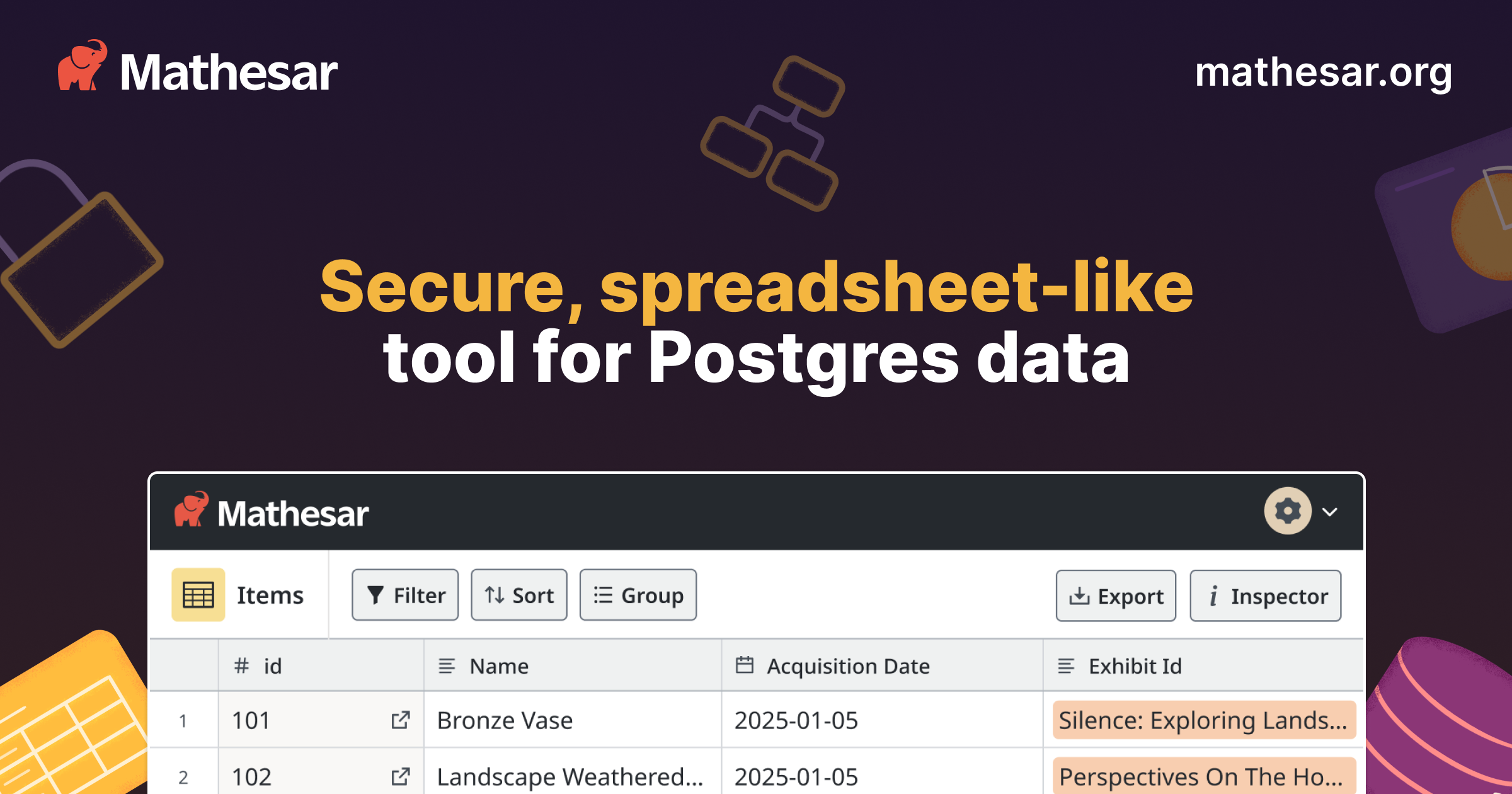
Mathesar is an intuitive, open-source tool that provides a spreadsheet-like interface to PostgreSQL databases. Designed for both database administrators and business users, it simplifies data management with direct integration into Postgres permissions, schemas, and tables. - Spreadsheet-like UI: Familiar interface for viewing, editing, and querying PostgreSQL data without requiring SQL knowledge. - Direct Postgres Integration: Works with existing Postgres permissions, schemas, and tables—no extra layers or abstractions. - Scalability: Built for production databases, scaling as easily as Postgres itself. - Easy Installation: Minimal setup required; installs in minutes with no code dependencies. - Self-Hosted: Deploy on your own infrastructure for full data control and privacy. - Robust Access Control: Leverages Postgres database permissions for secure access management. - Nonprofit-Backed: Maintained by a 501(c)(3) nonprofit, ensuring long-term open-source commitment. - Versatile Use Cases: Supports asset management, CRUD frontends, customer support, dashboards, grant tracking, and timesheet management. Mathesar is built on PostgreSQL and designed for self-hosting. It requires minimal additions to existing databases and can be deployed on your infrastructure in minutes. The tool is 100% open-source, eliminating vendor lock-in risks. For those preferring a managed solution, Mathesar Cloud is available as a free trial option.
IronCalc is an open-source, Rust-powered spreadsheet engine with .xlsx support, 300+ functions, and bindings for JavaScript and Python.
IronCalc is an open-source, Rust-powered spreadsheet engine with .xlsx support, 300+ functions, and bindings for JavaScript and Python.

Free and private office suite, no forced AI
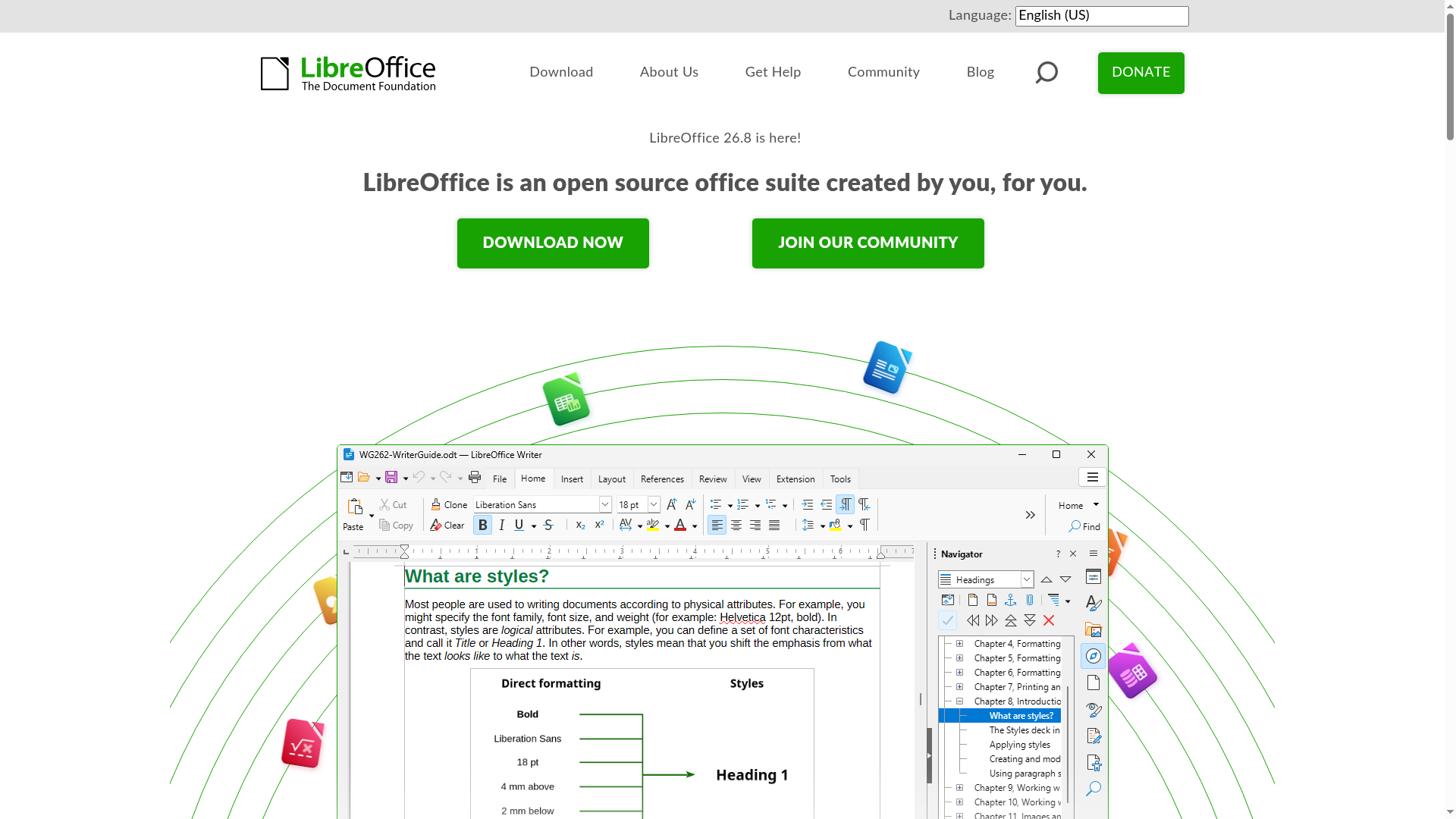
LibreOffice is a free and open-source office suite created by a global community of contributors. It provides a comprehensive set of tools for word processing, spreadsheets, presentations, databases, vector graphics, and mathematical formulas—all without forced AI integration. - Writer: Powerful word processor for notes, documents, and books - Calc: Advanced spreadsheet tool for data analysis and visualization - Impress: Create engaging multimedia presentations - Draw: Design diagrams, flowcharts, and 3D illustrations - Base: Manage databases with tables, forms, and reports - Math: Visual editor for mathematical formulas - Multi-language support: Available in over 100 languages - Cross-platform: Works on Windows, macOS, and Linux - No forced AI: Completely free from AI dependencies or tracking - Community-driven: Developed and maintained by volunteers worldwide LibreOffice is a desktop application that can be self-hosted by installing the software locally. It does not require cloud services or external dependencies. The source code is available on GitHub under the Mozilla Public License v2.0.

Self-hosted office suite for collaborative document editing
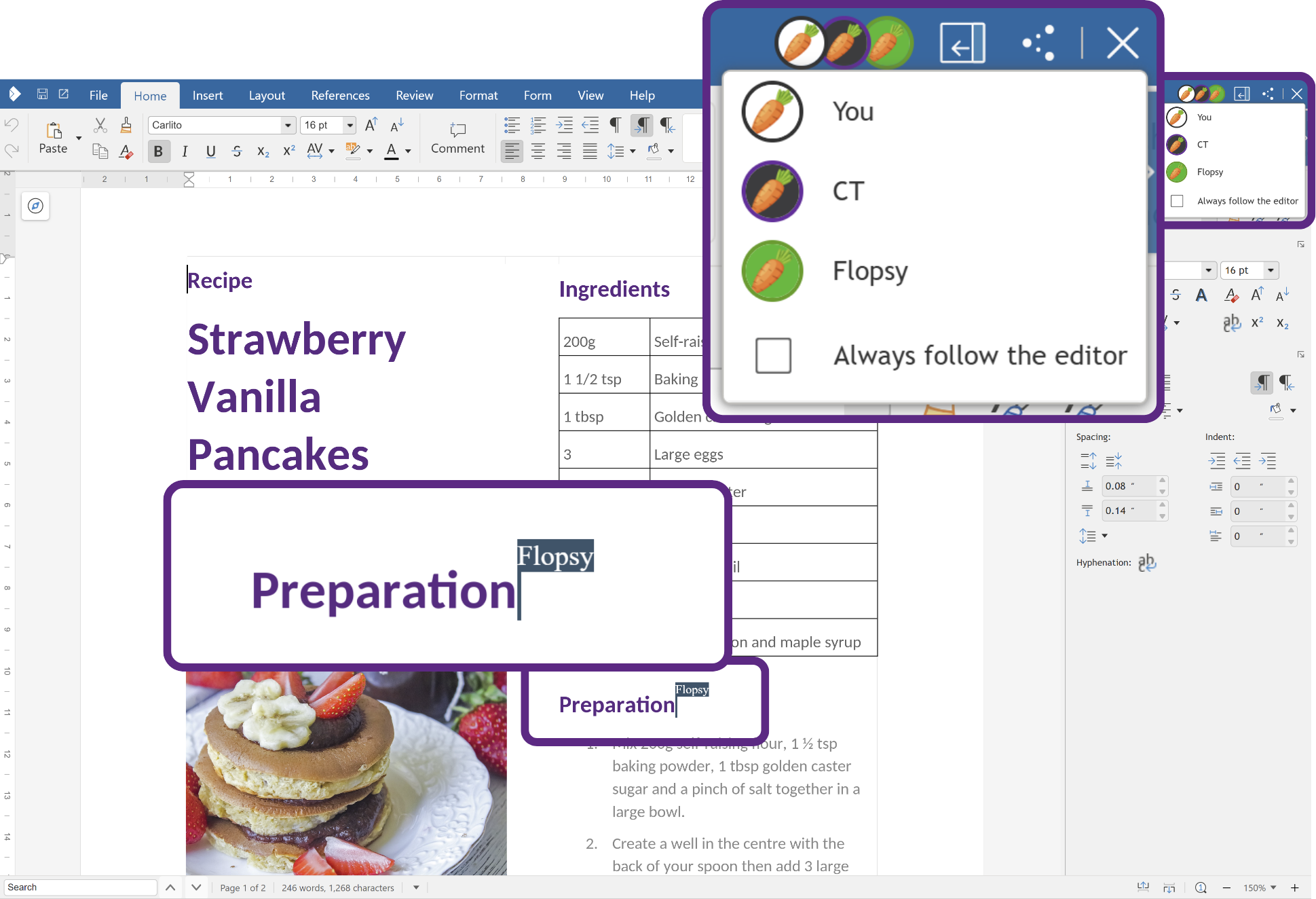
Collabora Online is a powerful, open-source office suite that provides real-time collaborative editing for documents, spreadsheets, and presentations. Built on LibreOffice technology, it offers a familiar interface while ensuring data privacy through self-hosting capabilities. - Real-time collaboration: Multiple users can edit documents simultaneously with changes reflected instantly. - Full office suite: Includes Writer (text documents), Calc (spreadsheets), Impress (presentations), and Draw (graphics). - Self-hosted deployment: Host on your own infrastructure for complete data control and privacy. - Cross-platform compatibility: Works on desktop, web browsers, and mobile devices (iOS/Android). - Enterprise-grade security: Supports encryption, access controls, and compliance with GDPR and other standards. - Integration ecosystem: Seamlessly integrates with platforms like Nextcloud, ownCloud, and other document management systems. - Scalable architecture: Supports large deployments with the Collabora Online Controller for Kubernetes. - Offline editing: Available through Collabora Office desktop applications. Collabora Online is open-source software that can be self-hosted on Linux servers. It supports Docker containers for easy deployment and integrates with various cloud storage solutions. The software is compatible with major Linux distributions and can be deployed in Kubernetes environments for large-scale deployments. Documentation and community support are available for setup and configuration.
About Google Sheets
Google Sheets is a cloud-based spreadsheet application that enables users to create, edit, and collaborate on spreadsheets in real-time. Part of Google Workspace, it offers advanced features like formulas, pivot tables, and data visualization, alongside seamless integration with other Google services.
Key Features of Google Sheets
- Real-time collaboration with multiple users
- Built-in formulas and functions for data analysis
- Integration with Google Drive and other Google Workspace apps
- Customizable charts and graphs
- Automated workflows with Google Apps Script
- Offline access and mobile compatibility
- Secure sharing and access controls
Tech / Self-Hosting
- Self-Hosted: No, Google Sheets is a cloud-based SaaS application hosted by Google.
- Privacy: Google Sheets is GDPR compliant and follows strict privacy policies. However, data is stored on Google's servers, which may not be ideal for users seeking full data ownership.
- EU-Friendly: Yes, Google Sheets complies with EU data protection regulations.