3 Best Open Source Alfred Alternatives
A curated collection of the 3 best open source and self-hosted alternatives to Alfred in 2026.
Looking for a free, privacy-friendly, or self-hosted replacement for Alfred in 2026? The top open-source alternative is Ueli — Cross-platform keystroke launcher.
Other highly rated open-source Alfred alternatives include Sol and Raycast.

Cross-platform keystroke launcher
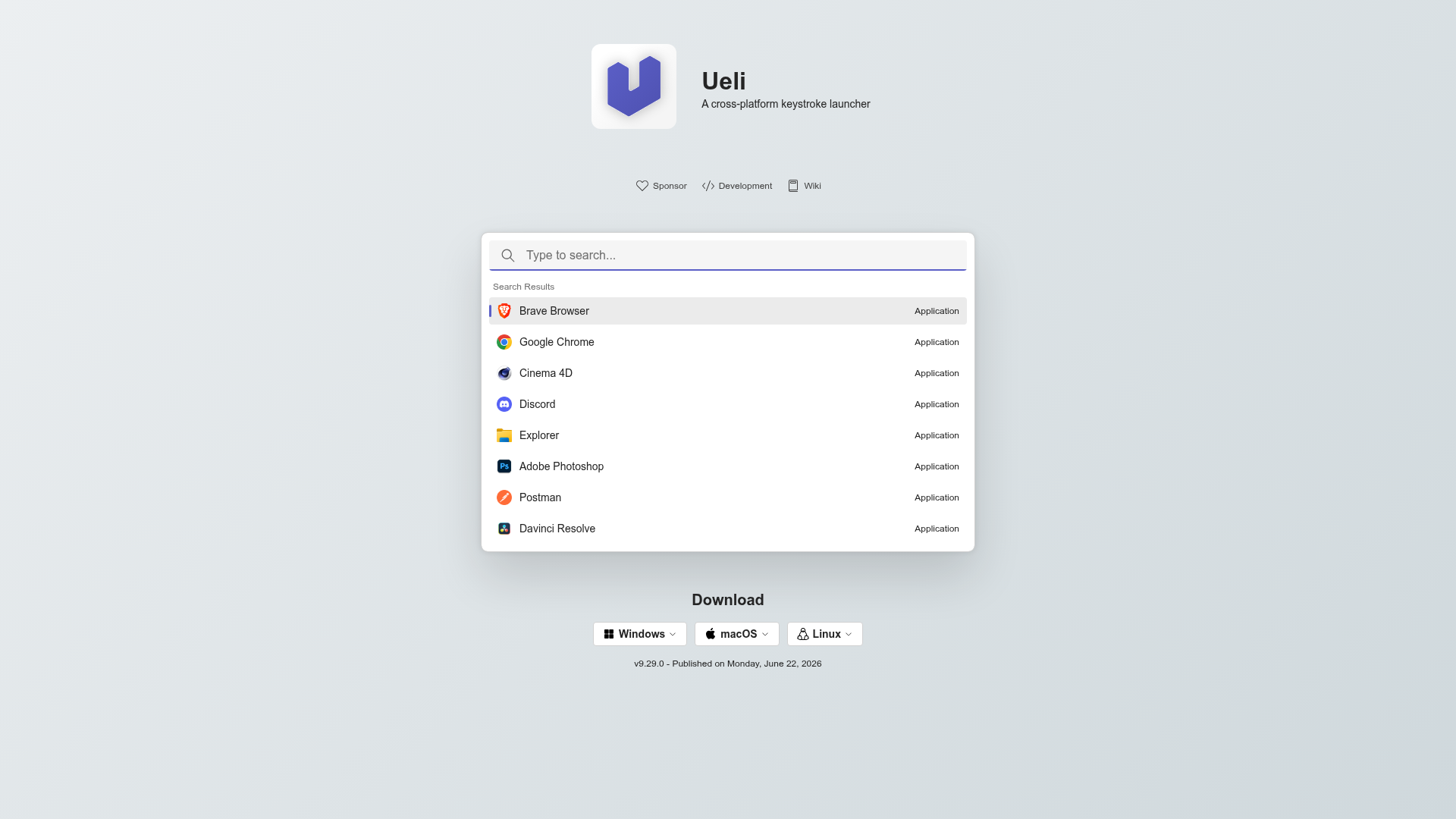
Ueli is a fast and highly customizable keystroke launcher designed to enhance productivity across multiple platforms. Whether you're on Windows, macOS, or Linux, Ueli provides instant access to applications, files, folders, and commands with just a few keystrokes. - Cross-platform support: Works seamlessly on Windows, macOS, and Linux. - Customizable workflows: Create custom search queries and actions tailored to your needs. - Plugin ecosystem: Extend functionality with plugins for browsers, development tools, and more. - Lightweight & fast: Minimal resource usage for instant performance. - Open-source: Fully transparent and community-driven development. - Keyboard-driven: Operate entirely via keyboard shortcuts for maximum efficiency. - Search everything: Quickly find and launch applications, files, and commands. - Extensible: Add custom scripts and integrations to fit your workflow. Ueli is a desktop application that runs locally on your machine. No server or cloud dependency is required. The application is open-source and can be self-hosted by building from source or using pre-built binaries available for all major platforms.
Open source macOS launcher

SOL is a free, open-source macOS launcher designed for speed and simplicity. It replaces the native Spotlight with a faster, more reliable alternative that puts frequently used tools at your fingertips. - Emoji Picker: Faster and more reliable than the native macOS emoji picker - Calculator: Quick math calculations with keyboard shortcuts - File Search: Instantly search and open files/folders - App Search: Launch applications with ease - Window Manager: Resize and move windows using keyboard shortcuts - Clipboard Manager: Keep a history of copied items - Calendar Integration: View daily meetings directly in the launcher - Browser Bookmarks: Quick access to bookmarked websites - Media Key Forwarding: Control Spotify directly from the launcher - Quick Notes: Take and access notes from anywhere - Process Manager: Monitor and kill rogue processes - Keyboard Shortcuts: Bind global shortcuts to any action - Translation: Quickly translate between multiple languages - Notch Hider: Hide the MacBook notch dynamically - Developer Commands: Clean derived data, launch scripts, and more SOL is a native macOS application and does not require self-hosting. It can be installed via Homebrew or downloaded directly from the GitHub releases page.
Extensible launcher for productivity tools
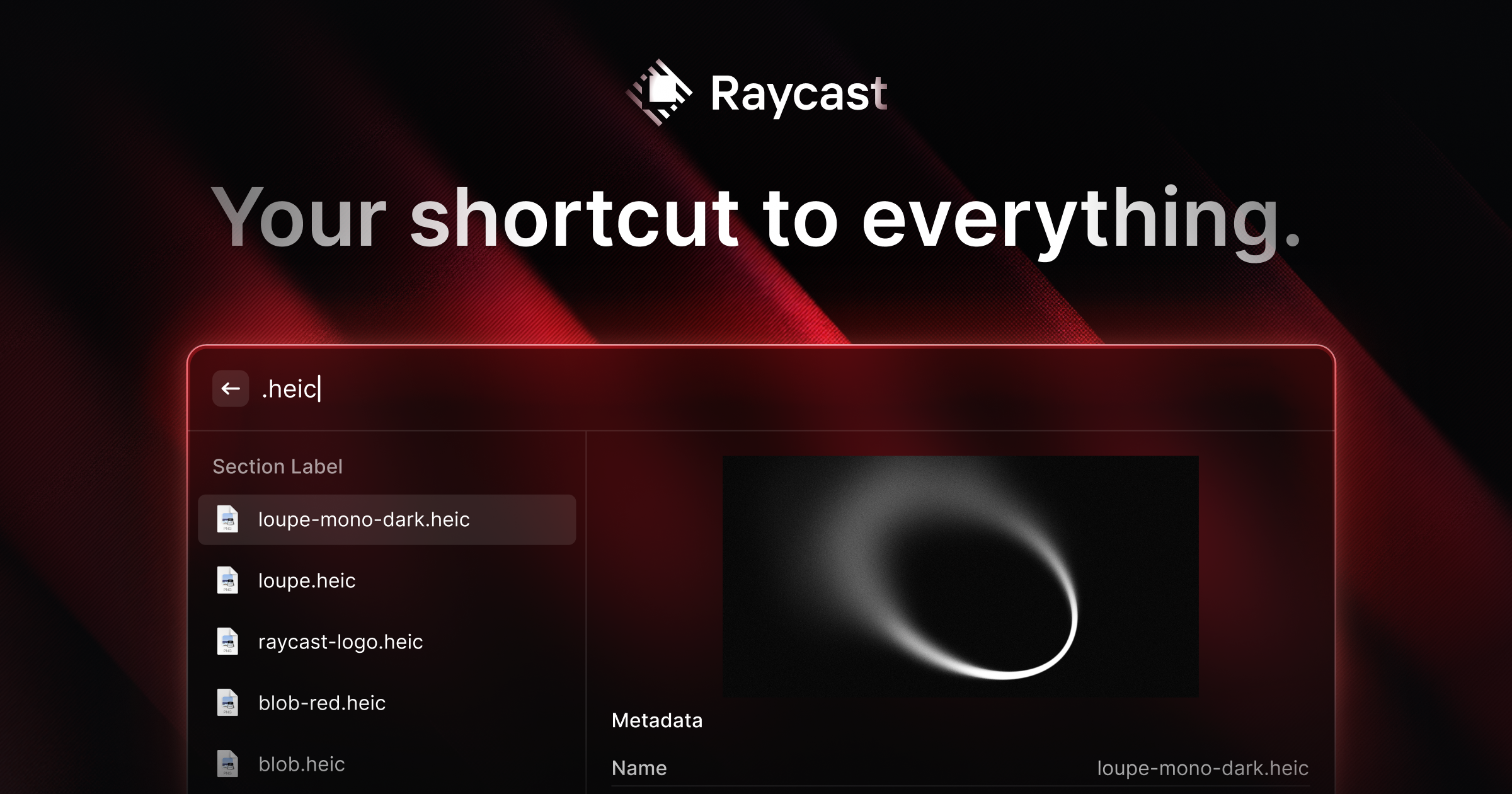
Raycast is a productivity launcher designed to streamline your workflow by bringing all your tools, commands, and applications into one fast, keyboard-driven interface. Built for macOS, it replaces the need for multiple apps and provides deep system integration. - Extensible Launcher: Access apps, commands, and tools via a single keyboard shortcut - Clipboard History: Never lose copied content with persistent clipboard tracking - Window Management: Quickly organize and resize windows with built-in commands - AI Integration: Built-in AI features for coding, search, and automation - Extensions Ecosystem: Thousands of community-built extensions for added functionality - Deep System Integration: Works seamlessly with macOS features and native apps - Customizable Workflows: Create and save custom commands and workflows - Cross-Platform Support: Available for macOS, iOS, and Windows Raycast is a proprietary desktop application with cloud synchronization features. While the core launcher is not self-hostable, many extensions are open source and can be modified. The company offers enterprise plans with additional features and support.
About Alfred
Alfred is an award-winning productivity application for macOS designed to supercharge your workflow. It allows you to search your Mac and the web, launch applications, control your system, and automate tasks using hotkeys, keywords, and custom actions.
Key Features of Alfred
- App & File Search: Quickly launch applications and find files on your Mac or the web with prioritized results.
- Clipboard History & Snippets: Save and paste frequently used text, images, or files, and create text snippets for auto-expansion.
- Workflows: Automate tasks with powerful workflows (Powerpack required) to boost productivity without coding.
- System Commands: Control your Mac with keywords for actions like sleep, empty trash, or activate screensaver.
- Music Control: Integrate with Music.app or other services like Spotify to manage playback.
- Alfred Remote: Turn your iPhone or iPad into a command center for your Mac.
- Customization: Theming, hotkeys, and extensive settings to tailor Alfred to your workflow.
- 1Password Integration: Securely access bookmarks and passwords directly from Alfred.
Tech / Self-Hosting
Alfred is a native macOS application and does not require self-hosting. It is available as a free download with optional Powerpack features for advanced functionality. The app is developed by Running with Crayons Ltd, based in the UK.