
Yaak
A lightweight, offline-capable API client supporting HTTP, GraphQL, gRPC, WebSocket, and SSE requests. Features Git sync, encrypted secrets, and a CLI for agent integration.
Yaak is an open-source alternative to:




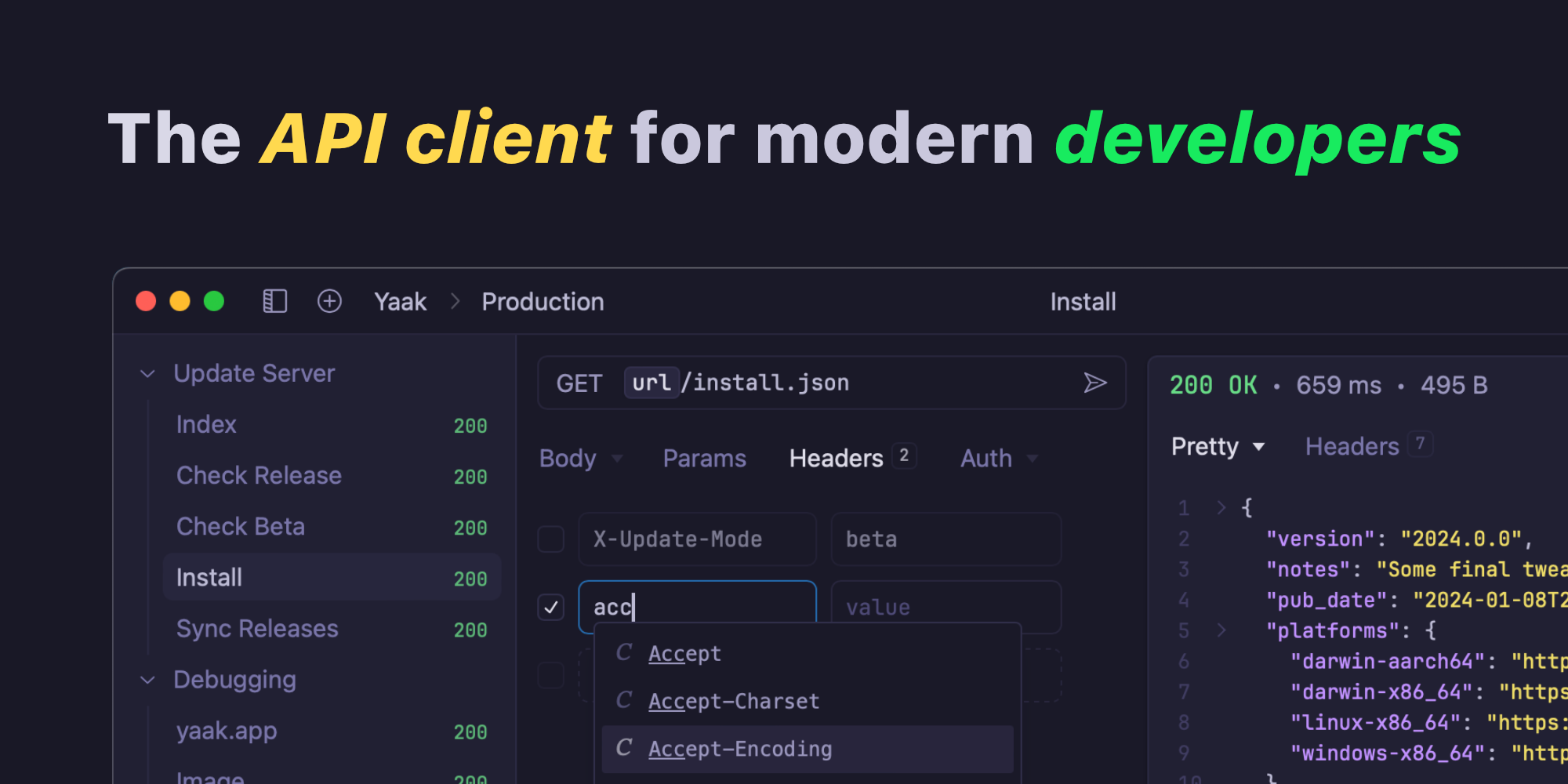
Yaak is a local-first API client designed for developers who value privacy, simplicity, and flexibility. Unlike traditional API clients, Yaak works entirely offline with no account required, storing all data locally and offering plain-text Git sync for collaboration.
Key Features
- Multi-protocol support: Send HTTP, GraphQL, gRPC, WebSocket, and Server-Sent Events (SSE) requests from a single workspace.
- Local-first architecture: All requests, history, and data remain on your device with no cloud dependency.
- Git synchronization: Store API collections as plain-text files for seamless version control with Git or Dropbox.
- Encrypted secrets: Securely manage API keys and sensitive data using ChaCha20-Poly1305 encryption with OS keychain integration.
- Agent-friendly CLI: Full command-line interface for integrating with AI agents or automating workflows.
- Dynamic request templating: Use variables, template functions, and request chaining for reusable configurations.
- Advanced debugging: Debug redirects, cookies, payloads, headers, and more with detailed request inspection.
- Multi-window support: Work on multiple projects simultaneously with independent windows.
- Import/export flexibility: Easily migrate data from Postman, Insomnia, OpenAPI, Swagger, or cURL.
- Rich authentication handling: Support for OAuth 1/2, AWS v4, JWT, Basic, Bearer, API keys, and custom authentication methods.
- Zero telemetry: No analytics, tracking, or data collection—ensuring complete privacy.
- Cross-platform availability: Native builds for macOS, Windows, and Linux.
Tech / Self-Hosting
Yaak is a fully self-hosted desktop application built with Tauri, offering native performance and a lightweight footprint. The application is open-source (MIT licensed) and can be audited or self-built from the GitHub repository. No server infrastructure is required—everything runs locally on your machine.