8 Best Open Source Superhuman Docs Alternatives
A curated collection of the 8 best open source and self-hosted alternatives to Superhuman Docs in 2026.
Looking for a free, privacy-friendly, or self-hosted replacement for Superhuman Docs in 2026? The top open-source alternative is Macro Docs — Collaborative markdown docs with AI agents.
Other highly rated open-source Superhuman Docs alternatives include Outline, Docmost and Docs.

Collaborative markdown docs with AI agents
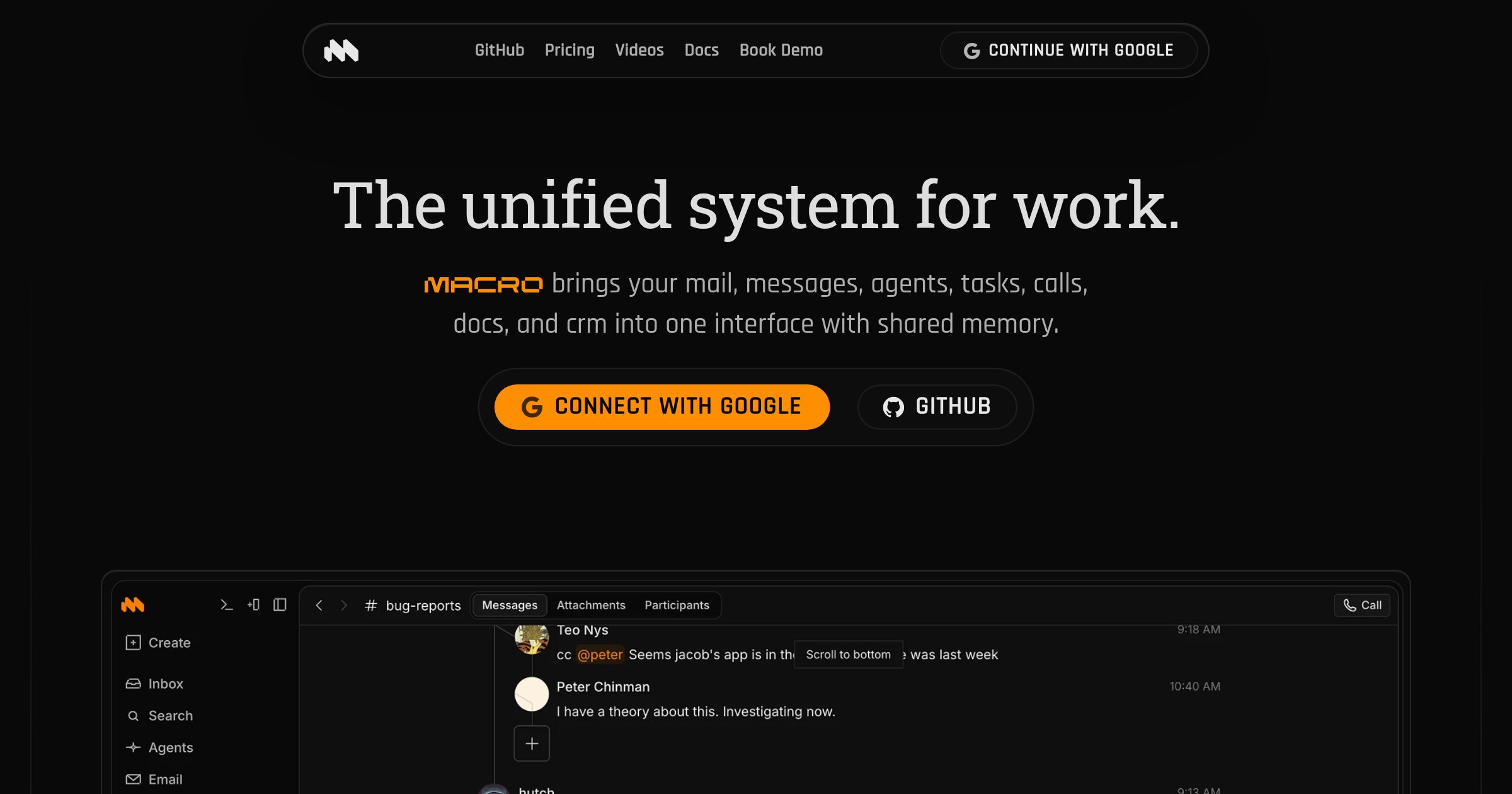
Macro Docs is a real-time, version-controlled markdown editor that integrates seamlessly with your team's tasks, email, channels, and AI agents. Built for collaboration and offline editing, it combines the flexibility of plain text with structured properties and live @mentions. - Collaborative Editing: CRDT-based real-time collaboration with inline comment threads and live agent cursors - Markdown-Native: Portable markdown files that can be exported anytime - @Linked Workspace: Directly mention people, tasks, emails, or channels with live links - Version Control: Full version history with restore and fork capabilities - Agent-Editable: AI agents can draft, revise, and work within documents in real time - Structured Properties: Add fields like status, assignee, dates, and links alongside documents - Mobile-Friendly: Access and edit documents on any device - Offline Editing: Continue working even without an internet connection Macro Docs is open source under AGPLv3 and available on GitHub. While the application code is open for inspection, your workspace data remains private and secure. The platform is designed for cloud use with no self-hosting option currently available.

Modern team knowledge base & wiki
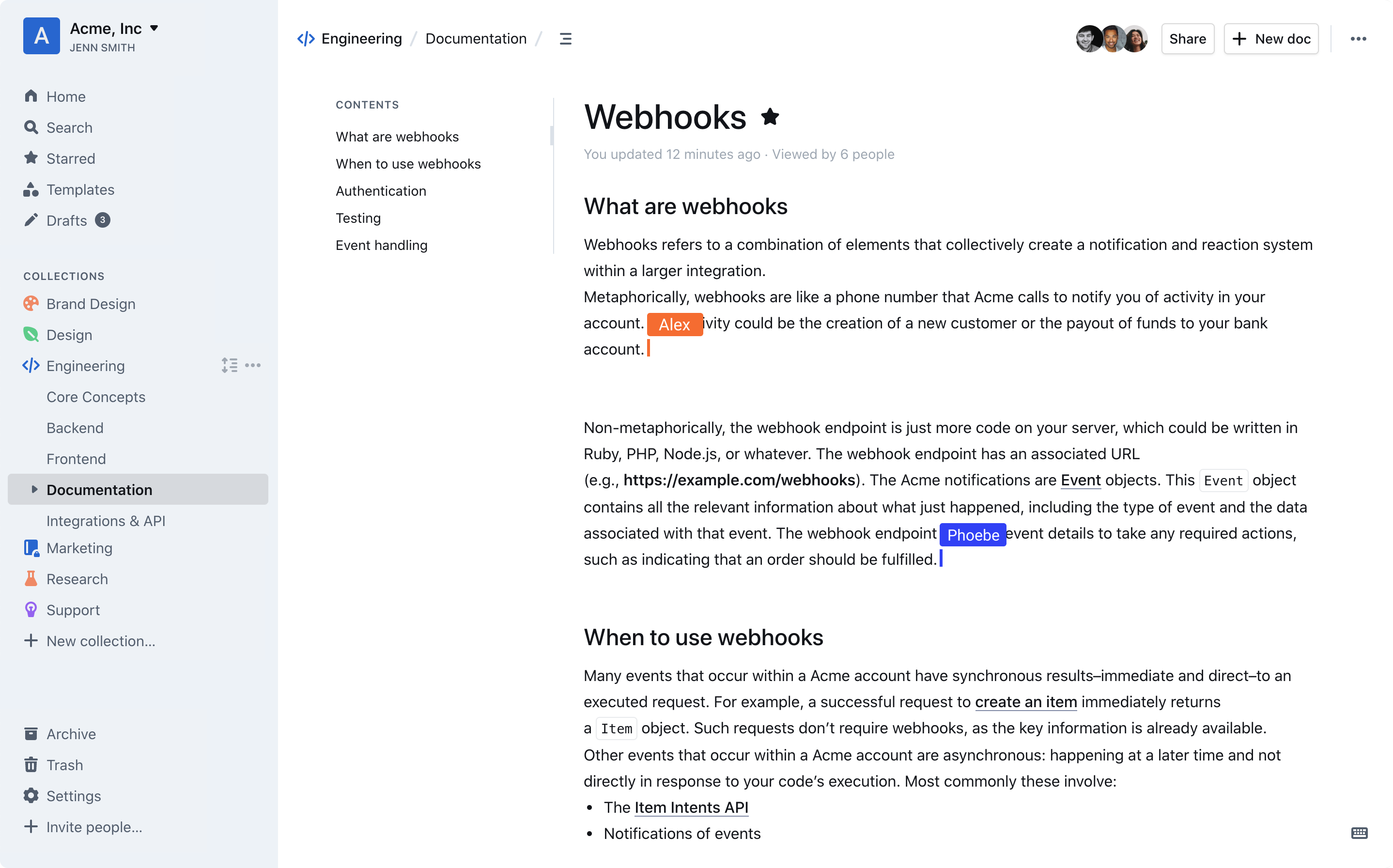
Outline is a modern team knowledge base designed to organize internal documentation, product specs, support answers, meeting notes, onboarding materials, and more. Built for speed and collaboration, it offers a blazing-fast editor with markdown support, slash commands, and interactive embeds. - Intuitive Editing: Blazing-fast editor with markdown support, slash commands, and interactive embeds. - Real-time Collaboration: Multiplayer collaboration with comments, threads, and organized conversations. - AI-Powered Search: Instant workspace search and AI-driven answers to document questions. - Slack Integration: Search, share, and ask questions directly from Slack without leaving the chat. - Public & Private Sharing: Share documents publicly via link or privately with teams, using custom branding. - Security & Permissions: Granular read/write permissions, user groups, guest access, and public sharing controls. - 20+ Integrations: Native integrations with tools like Slack, Figma, and Loom, plus an open API for custom integrations. - Multi-language Support: RTL support and translations for 20+ languages, including French, Spanish, German, Korean, and Chinese. - Dark Mode: Built-in dark mode for comfortable night-time use. - Self-Hosting: Deploy on-premises or in your own cloud infrastructure. - Open Source: Source code is publicly available on GitHub. Outline is open-source and can be self-hosted on your own server. It supports custom domains, white-labeling, and is built with modern web technologies. The platform is GDPR compliant and offers enterprise-grade security features, including audit logs and granular access controls. For cloud hosting, a 30-day free trial is available.

Enterprise-ready on-premise wiki for teams
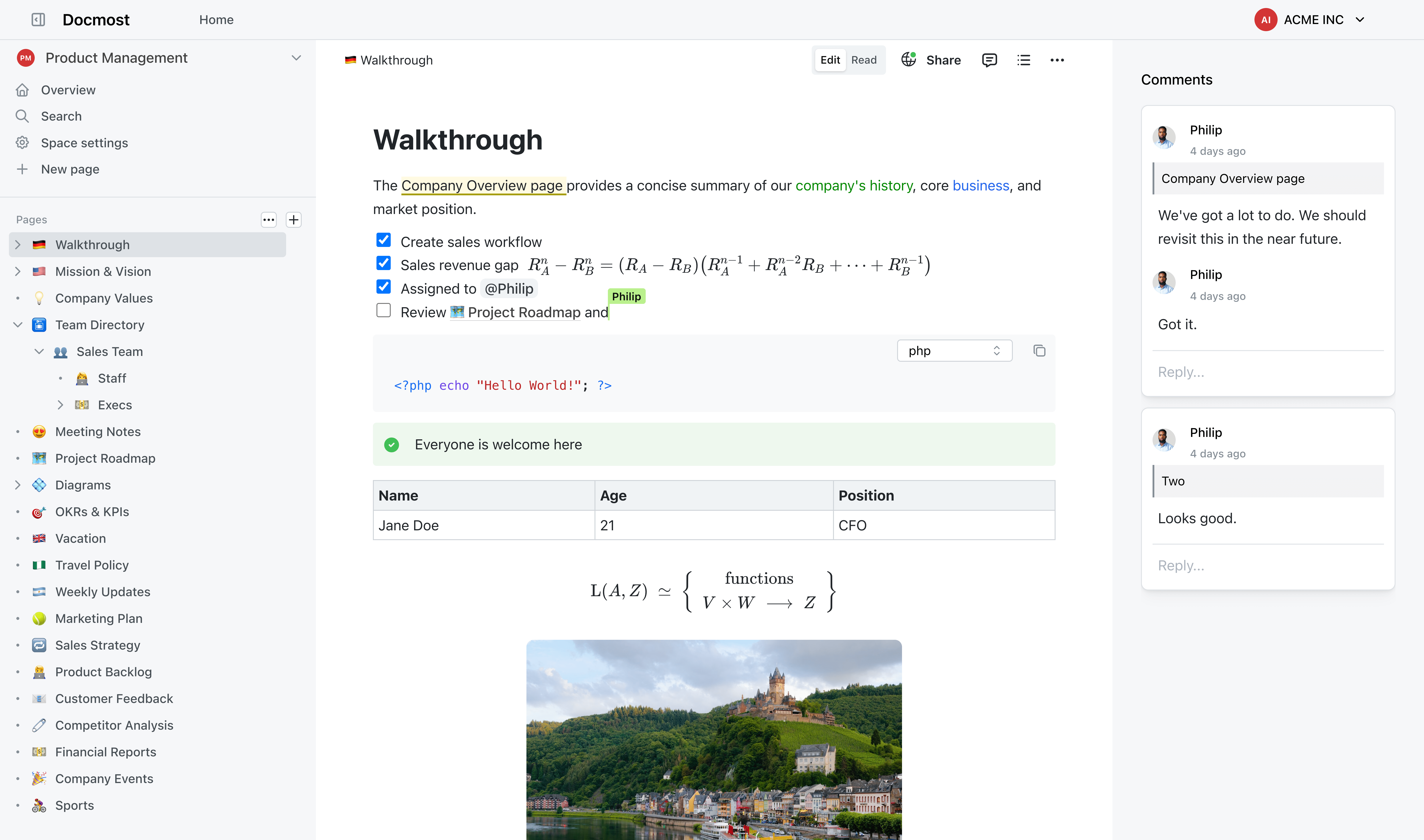
Docmost is an enterprise-grade wiki platform designed for secure on-premise knowledge management. Built for teams that need full control over their documentation while maintaining compliance with strict regulatory standards. - Real-time Collaboration: Edit pages together with live cursors and instant sync across users and devices. - Self-Hosted AI Suite: Deploy AI chat, search, and MCP support with your choice of LLMs (Ollama, vLLM, OpenAI, etc.). - Granular Permissions: Role-based access control (RBAC) with groups, viewing, editing, and admin permissions. - Page Verification: Workflow-based content verification to meet ISO 9001, ISO 27001, SOC 2, and other compliance standards. - Team Spaces: Dedicated spaces for teams, projects, or departments to organize knowledge. - Public Sharing: Share selected pages publicly without exposing your entire wiki. - Built-in Diagramming: Create flowcharts, UML, network diagrams, and org charts with Draw.io, Excalidraw, and Mermaid. - Enterprise SSO: Seamless integration with SAML 2.0, OpenID Connect, and LDAP identity providers. Docmost is a self-hosted solution that can be deployed on-premises or in your private cloud. It supports Docker, Kubernetes, and traditional server setups. The platform is designed for high availability and scalability, making it suitable for organizations of all sizes. Compliance features include ITAR, FedRAMP, and GDPR support out of the box.

Open-source collaborative document editor
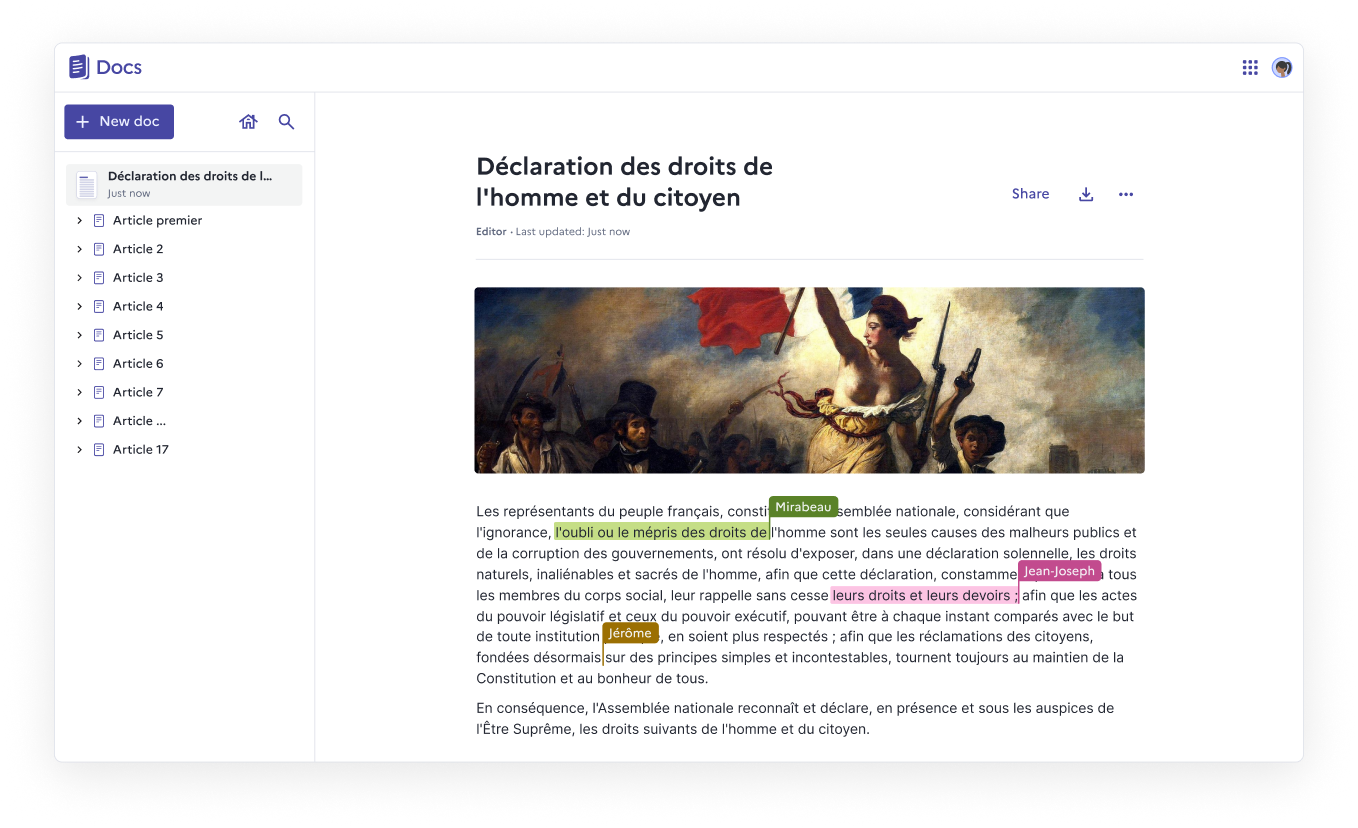
Docs is an open-source, web-native document editor designed for real-time collaboration, structured knowledge, and full data ownership. Whether you self-host it or use a public instance, Docs empowers teams to create, organize, and share documents effortlessly. - Real-time collaboration with live cursors, presence indicators, and comments - Block-based editing using slash commands, tables, columns, and collapsible sections - Knowledge organization through nested documents and hierarchies - Granular access control for viewing, commenting, or editing permissions - Import & export support for .docx, .md, .odt, and .pdf formats - Version history with rollback capabilities for every save - Fast search to quickly find and pin frequently accessed documents - Self-hosting with full data ownership and no third-party dependencies - Accessibility compliance with ongoing WCAG/RGAA improvements - Optional AI integration for summarization, rewriting, translation, and slide creation - Built on open-source foundations: Next.js, Django REST Framework, Yjs, BlockNote.js - Self-hostable via Docker Compose, Kubernetes, Nix, or YunoHost - 100% MIT licensed with no vendor lock-in - Verified Digital Public Good by the DPG Alliance - AI integration supports custom LLM providers or Mistral models via Albert API - Security note: Documents are not end-to-end encrypted (not suitable for classified data)

Secure online office suite compatible with MS Office
ONLYOFFICE is a secure online office suite designed for document editing, collaboration, and PDF management. Highly compatible with Microsoft Office formats, it offers a range of features for individuals and enterprises. - Document Editing & Collaboration: View, edit, and collaborate on documents, spreadsheets, and presentations in real-time with character- and paragraph-level co-editing modes. - PDF Management: Build and fill PDF forms, edit PDFs, convert documents to PDF, and extract text from scanned PDFs. - AI-Powered Tools: Generate documents, sheets, and slides using AI assistants. Translate, rewrite, check grammar, and extract text from scanned PDFs. Supports integration with local AI models. - Security & Compliance: Open-source code, compliance with international security standards, three levels of encryption (at rest, in transit, end-to-end), secure access, and extra document permissions. - Multi-Platform Integration: Connect ONLYOFFICE Docs to 40+ platforms like Box, Moodle, Nextcloud, and WordPress. Integrate into custom services or use desktop and mobile apps for offline editing. - Collaboration Features: Share documents for viewing, editing, reviewing, or filling forms. Compare and track changes, leave comments, and communicate via built-in chat or Telegram. ONLYOFFICE Docs is open-source and can be self-hosted. It supports integration with various platforms and offers a developer edition for custom integrations. The software is available for Windows, Linux, macOS, iOS, and Android. Learn more about ONLYOFFICE Docs features Learn more about ONLYOFFICE collaboration features Learn more about AI in ONLYOFFICE Learn more about ONLYOFFICE security features

Privacy-first alternative to Google Docs
dDocs is a privacy-first, end-to-end encrypted document editor designed for real-time collaboration without surveillance or AI training. Built as a self-sovereign alternative to Google Docs, it ensures your work remains private, encrypted locally, and recoverable even if the service goes offline. - End-to-End Encryption: Post-quantum encryption for all documents, comments, and edits, ensuring no third party can access your content. - AI-Free Workflows: No AI training, scanning, or data harvesting—just pure, uncompromised writing. - Real-Time Collaboration: Multiplayer editing with encrypted sharing, comments, and suggestions. - Offline Mode & Cross-Device Sync: Draft and organize documents seamlessly across devices, with offline support. - Markdown, LaTeX, & Mermaid Support: Advanced formatting for technical and creative writing. - Self-Sovereign Recovery: Independent document recovery even if the service becomes unavailable. - Custom Themes & Organization: Tabs, folders, and themes to structure your writing efficiently. - Privacy by Default: No big tech tracking, no surveillance, and no AI-driven features. dDocs is open-source and can be self-hosted for full control over your data. The project is built with modern web technologies and supports decentralized identity solutions like ENS domains for authentication.
AI email assistant to reach inbox zero fast
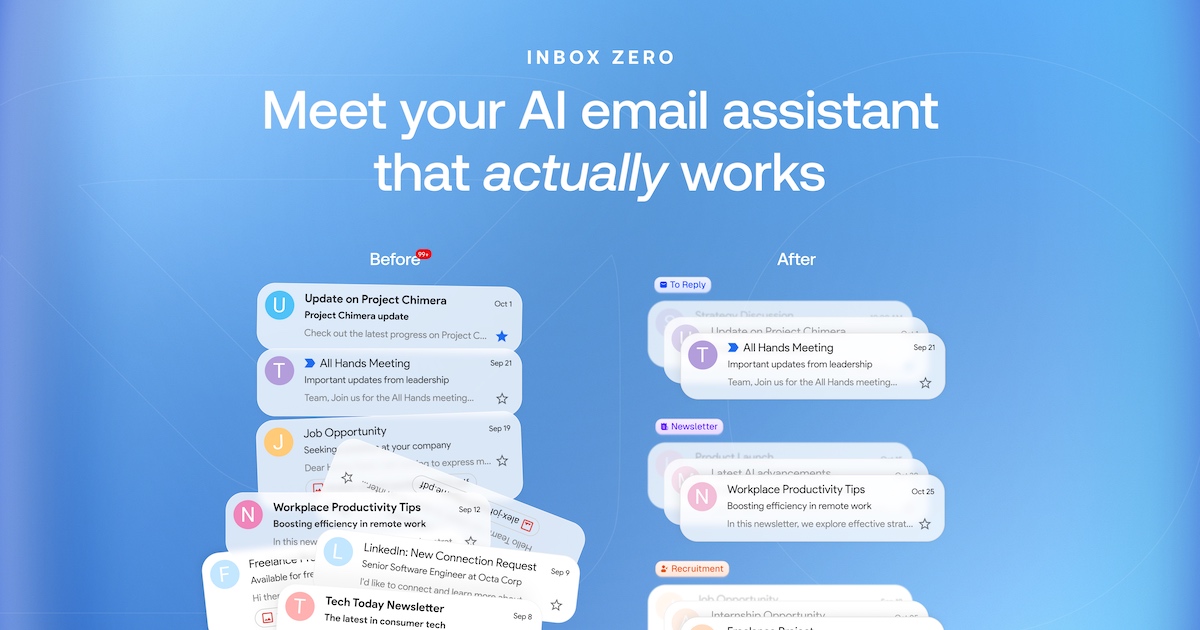
Inbox Zero is your AI executive assistant designed to help you reach inbox zero quickly and efficiently. It organizes your inbox, drafts replies in your unique tone, and automates tedious email tasks like bulk unsubscribing and blocking cold emails. - Automated Inbox Organization: AI labels and prioritizes emails automatically, so you never miss important messages. - Pre-written Drafts: Every email requiring a response gets a pre-drafted reply in your tone, ready to send. - Bulk Unsubscribe & Blocking: Easily unsubscribe from unwanted newsletters and block cold emails to keep your inbox clean. - Analytics Dashboard: Track your email activity and inbox zero progress with detailed analytics. - Calendar Integration: Syncs with your calendar to manage meetings and deadlines seamlessly. - Open-Source: Fully transparent and customizable, with a community-driven codebase. Inbox Zero is open-source and can be self-hosted for full control over your data. The project is built with modern web technologies and is designed for scalability and ease of deployment.

AI-powered unified inbox for faster email management
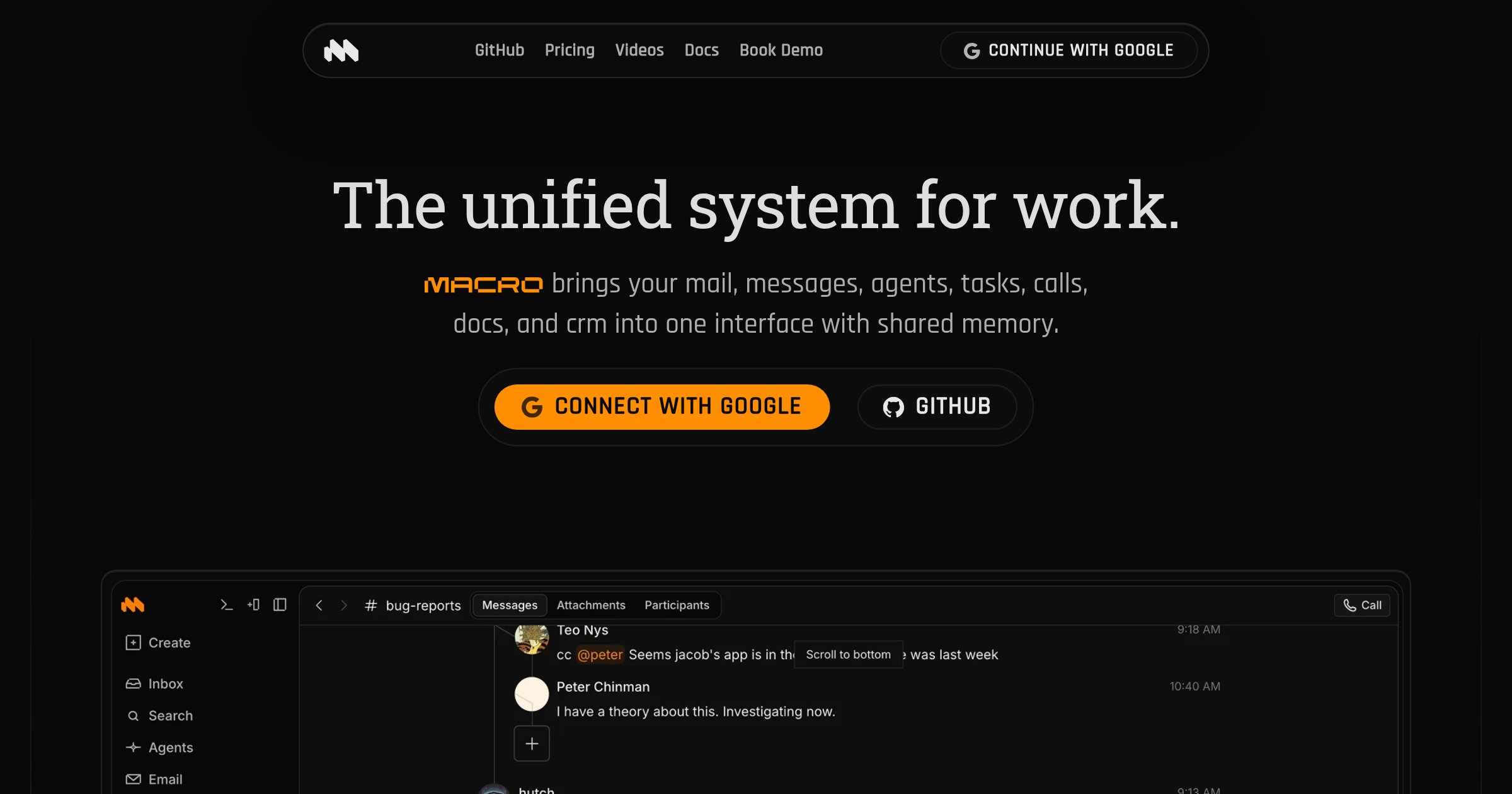
Macro Mail combines the speed of Superhuman, the multitasking of Outlook, the intelligence of Claude, and the simplicity of Gmail in one keyboard-first inbox. It intelligently ranks emails, learns your priorities, and helps you reach inbox zero faster with AI-powered drafting and automation. - Unified Inbox: Triage all your email accounts in a single view with split-second search and AI-powered organization. - AI Drafting: Automatically draft replies in your voice, scanning prior threads to maintain consistency. - Keyboard-First: Full keyboard shortcuts for triage, composition, and navigation—no mouse required. - Agent Automations: Set up agents to send daily summaries, fire custom notifications, and clear your inbox on a schedule. - Contextual Compose: Type @ to quickly add recipients and files without context switching. - Instant Search & Sync: Fast search, send, and sync across all accounts. - Signal/Noise Filtering: Intelligently ranks emails to highlight what matters most to you. - Multi-Account Support: Connect and manage multiple email accounts in one unified interface. Macro Mail is a cloud-hosted SaaS with no self-hosting option. The platform is built for speed and AI integration, requiring centralized infrastructure for real-time sync and machine learning features. For teams or individuals seeking privacy-focused alternatives, consider self-hosted email clients like Mailspring or Thunderbird.
About Superhuman Docs
Superhuman Docs is a next-generation collaborative workspace designed to bridge the gap between AI and teamwork. It consolidates documents, project management, knowledge hubs, and workflows into a single surface where AI actively participates in building solutions.
Key Features of Superhuman Docs
- AI-Powered Collaboration: AI doesn't just answer questions—it builds with your team using text, tables, formulas, and interactive components from simple prompts.
- Instant Workflow Creation: Transform briefs into project plans, proposals, or trackers in seconds with AI assistance.
- Data-Driven AI: Build trackers, dashboards, and tables directly from prompts without manual setup or complex integrations.
- Custom Interfaces: Create interactive tools, automations, and custom views within your docs—no code required.
- Collaborative Docs: Enhanced with voting, reactions, charts, and real-time collaboration features.
- Project Management: Centralize project trackers, briefs, and content in one flexible workspace.
- Knowledge Hubs: AI-powered single source of truth that updates automatically and answers team questions contextually.
- Workflow Builder: Design approval processes, intake forms, and interactive dashboards directly in your docs.
- 800+ Integrations: Two-way sync with tools like Jira, Salesforce, and Asana keeps everything connected automatically.
- Model Context Protocol (MCP): Connect Docs to ChatGPT, Claude, or Cursor to read/write in real-time without copy-pasting.
- Team Templates: Pre-built hubs for product, marketing, sales, and operations teams to start collaborating immediately.
Tech / Self-Hosting
Superhuman Docs is a cloud-based SaaS platform with no self-hosting option. It emphasizes seamless integration with existing tech stacks through 800+ connectors and MCP support for AI tools.