8 Best Open Source SoloTerm Alternatives
A curated collection of the 8 best open source and self-hosted alternatives to SoloTerm in 2026.
Looking for a free, privacy-friendly, or self-hosted replacement for SoloTerm in 2026? The top open-source alternative is Orca — Agent Development Environment for coding agents.
Other highly rated open-source SoloTerm alternatives include WaveTerm, Paseo and Superset.

Agent Development Environment for coding agents
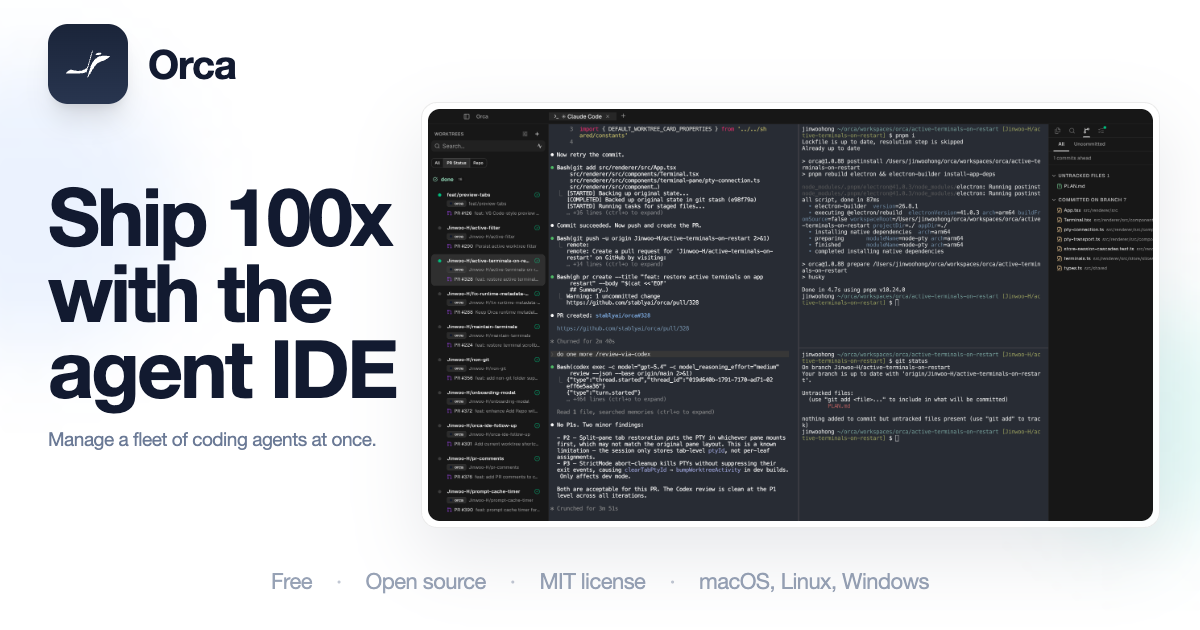
Orca is the Agent Development Environment (ADE) designed to supercharge your coding workflow with AI agents. Run tools like Claude Code, Codex, and Cursor CLI simultaneously in isolated environments, enabling parallel task execution and faster development cycles. - Parallel Agent Execution: Run multiple coding agents (Claude Code, Codex, OpenCode, etc.) side by side in isolated worktrees for concurrent task handling. - Isolated Workspaces: Each agent operates in a separate environment, preventing conflicts and ensuring clean execution. - Built-in Terminal & Editor: Ghostty-inspired terminals and an integrated file editor streamline the development process. - Git Integration: Seamless Git tracking keeps every branch moving efficiently. - Cross-Platform Support: Available on macOS, Windows, Linux, iOS, and Android. - Observability Dashboard: Monitor agent performance, task status, and resource usage in real-time. - Mobile Companion: iOS and Android apps for on-the-go development and monitoring. - Enterprise Features: Advanced orchestration, security, and scalability options for teams. Orca is open-source and can be self-hosted for complete control over your development environment. The project is actively maintained with frequent updates and a strong community backing. For enterprise needs, Orca offers additional features and support. Backed by Y Combinator, Orca is trusted by developers for its performance, flexibility, and innovative approach to AI-powered development.

AI-native terminal with workspace superpowers
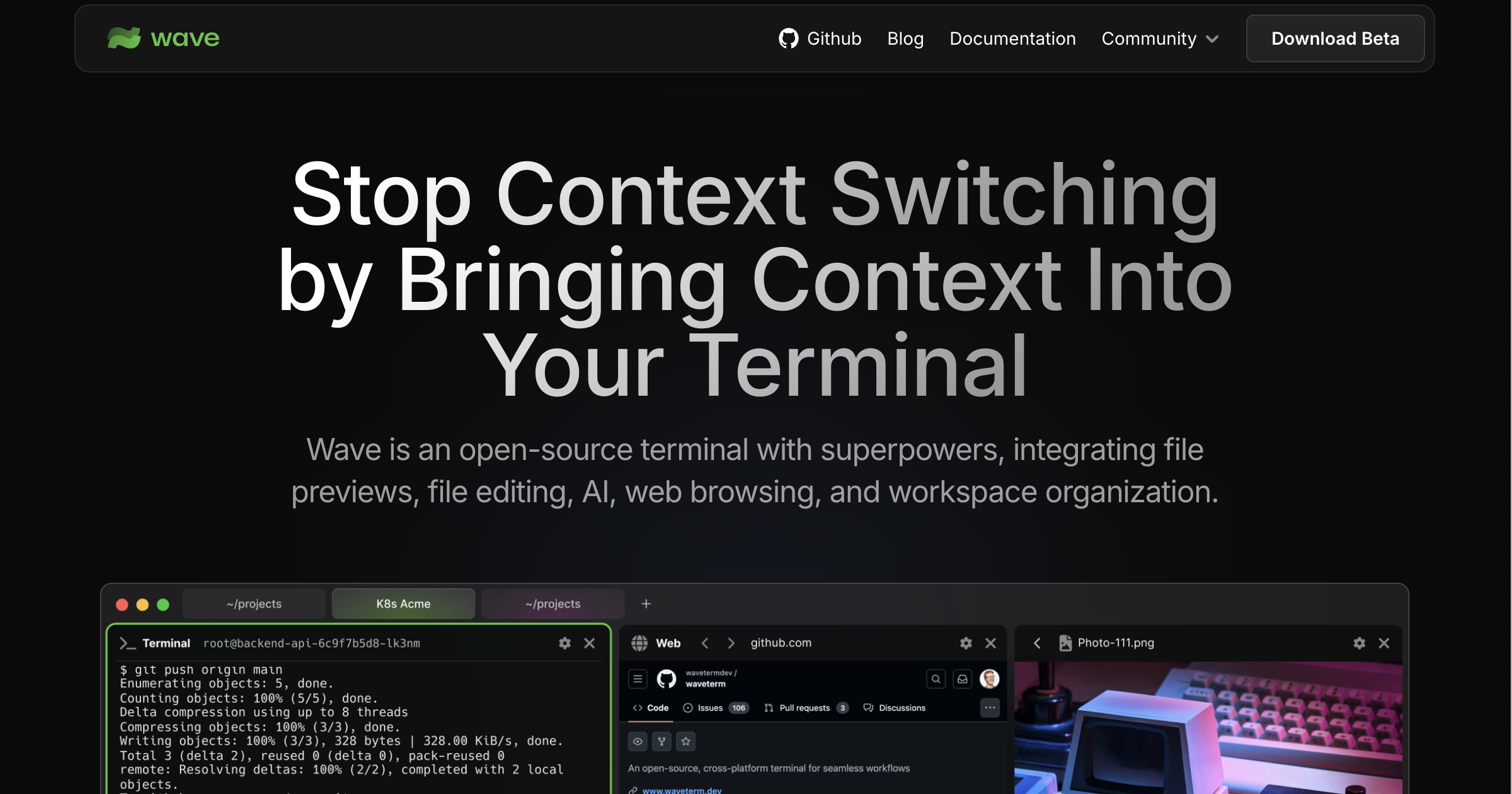
Wave Terminal is an open-source terminal designed to eliminate context switching by bringing all your tools into one place. It combines file previews, built-in editing, AI assistance, inline web browsing, and remote machine management into a single interface. - AI Integration: Built-in AI assistance for coding, debugging, and workspace management - Remote Machine Management: SSH connection manager with WSL support for quick server switching - Screen Splitting & Layouts: Customizable workspaces with split screens and dashboard layouts - Remote File Operations: Navigate, preview, and edit files on remote machines directly from the terminal - Inline File Preview: View images, markdown, audio/video, HTML, CSVs, and more without leaving the terminal - Built-in Editor: VSCode-like GUI editor with syntax highlighting, indentation, and copy/paste support - Customizable Dashboards: Build and share reusable widgets with HTML and data from the CLI - Cross-Platform: Available for macOS, Linux, and Windows - Local Data Storage: All data remains on your machine with no login or account required Wave Terminal is open-source and runs locally on your machine. It supports multiple installation methods including Snap, AppImage, .deb, .rpm, .zip, and pacman packages across different platforms. The application is designed to work offline with all features available without requiring cloud services.
Self-hosted orchestrator for coding agents like Claude Code, Codex, and Cursor, controlled from phone, desktop, web, or CLI.
Self-hosted orchestrator for coding agents like Claude Code, Codex, and Cursor, controlled from phone, desktop, web, or CLI.

Orchestrate any coding agent in one workspace
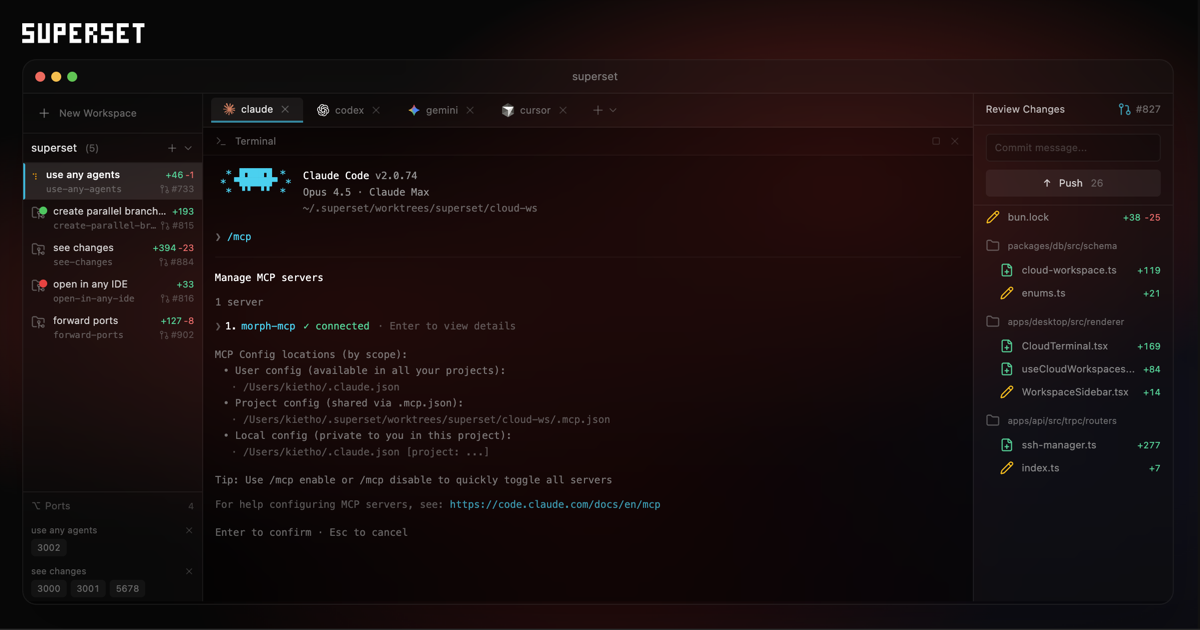
Superset is a unified workspace designed to orchestrate multiple coding agents like Claude Code, Codex, OpenCode, and others. It enables developers to run tasks in parallel, isolate changes in clean branches, and review all work in one place. - Unified Workspace: Bring together Claude Code, Codex, OpenCode, and other coding agents in a single interface. - Parallel Execution: Run multiple agents simultaneously for different tasks, scaling from two to 100+ agents. - Isolated Workspaces: Each task gets its own isolated workspace and clean branch to prevent conflicts. - Real-Time Monitoring: Track agent progress, status, and results at a glance with a centralized dashboard. - Agent Independence: Switch between agents (Claude, Codex, OpenCode, etc.) without changing your workflow. - Automations: Schedule recurring tasks like triage, changelog updates, and dependency upgrades. - Remote Access: Connect to remote machines (e.g., GPU boxes) and manage workspaces across different environments. - Review & Merge: Review changes, provide feedback, and merge work directly from the interface. Superset is open-source and can be self-hosted. The project is actively maintained on GitHub with detailed documentation for setup and configuration.

Open-source agentic development environment
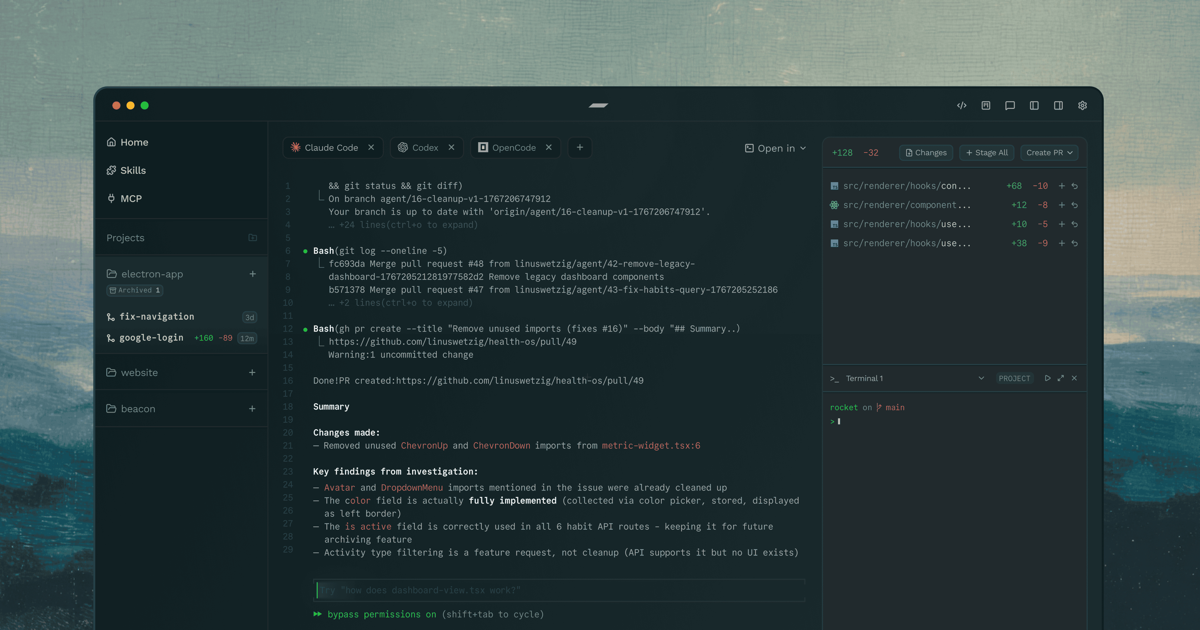
Emdash is a free, open-source agentic development environment designed to streamline coding workflows. It allows developers to run coding agents such as Claude Code and Codex in parallel, schedule recurring tasks, and review changes—all within a unified interface. - Parallel Agent Execution: Run multiple coding agents simultaneously in isolated workspaces with Git worktrees. - Task Scheduling: Automate bug sweeps, release prep, reviews, and checks with recurring agent runs. - In-App Browser: Preview applications directly within the environment. - Review and Ship: Inspect diffs, commit changes, push updates, and open pull requests without switching tools. - Remote Development: Connect over SSH to dev servers, cloud VMs, or GPU boxes for remote agent execution. - Workspace Provisioning: Set up and tear down isolated environments on demand for each task. - Agent Flexibility: Works with 25+ coding agents, including Codex, Cursor, Claude Code, Amp, and Antigravity. - Library Integration: Save prompts, install skills, and sync MCP servers for reusable agent resources. Emdash is open-source and can be self-hosted on macOS, Windows, and Linux. It supports remote development via SSH and integrates with various tools for seamless workflow automation.
Local-first workspace for parallel coding agents
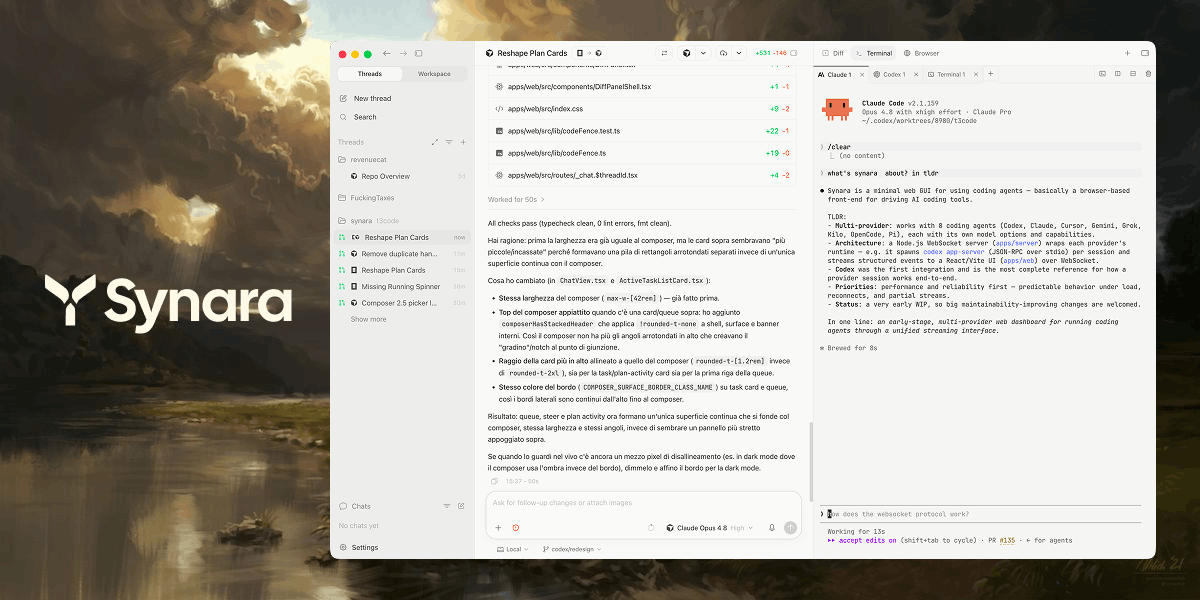
Synara is a free, open-source, local-first workspace designed to streamline agentic coding workflows. It provides a unified command center for running multiple coding agents in parallel while maintaining task isolation, Git worktrees, and pull-request delivery. - Parallel Agent Execution: Run multiple coding agents (Claude Code, Codex, Cursor, OpenCode, Antigravity, Grok Build, Kilo Code, Pi, Factory Droid) simultaneously in isolated environments. - Git Worktree Integration: Each task operates in a separate Git worktree, preventing conflicts and ensuring clean branch management. - Terminal & Process Management: Built-in terminals for running development servers, test watchers, and custom commands alongside agent tasks. - Browser Verification: Inspect rendered results, capture console output, and verify behavior directly within the workspace. - Task Ownership & Handoffs: Explicit task ownership with the ability to hand off work between different providers while preserving context. - Pull Request Delivery: Review diffs, run checks, commit changes, and open pull requests without leaving the workspace. - Project Context Preservation: Maintains repository-specific tasks, provider sessions, and activity state for seamless context switching. - Local-First Architecture: Operates entirely on your local machine, ensuring privacy and offline capability. Synara is self-hosted and runs entirely on your local machine. It is open-source (MIT License) and available for Linux. The project is actively maintained on GitHub.
Dev environment for AI agents with isolated workspaces
Jean is an opinionated AI agent workspace designed to streamline AI-assisted development workflows. It provides a cohesive environment with Git worktrees, chat sessions, terminals, and integrations with GitHub & Linear, all in one place. - Isolated Workspaces: Run AI agents in parallel using git worktrees for independent task execution without chaos. - Linked Projects: Connect multiple repositories to create a unified knowledge base for AI agents across related codebases. - Magic Git Commands: Simplify repetitive Git operations with guided AI workflows and automation. - Magic Prompts: Customizable AI instructions for tailored agent behavior and workflows. - Server & Web Access: Deploy on a dedicated server or enable web access in the desktop app for remote collaboration. - Native & Browser Clients: Connect via native app or browser with token-protected HTTP/WebSocket access. - Multi-Platform Support: Available for macOS, Windows, Linux (x64/ARM) with AppImage, DEB, RPM, DMG, and EXE formats. - Integration Support: Works with popular AI models including Claude, Codex, OpenCode, Cursor, Pi, Command Code, Grok, and Kimi Code. Jean is open source and free forever. It can be self-hosted using jean-server on a dedicated Linux host or enabled via web access in the desktop app. The server runs on port 3456 by default with token-protected access. Tailscale is recommended for private mesh networking instead of exposing public ports.

AI-powered developer platform for code hosting and collaboration
GitHub is the leading platform for software development, offering version control, project management, and collaboration tools. Built for developers, teams, and enterprises, it combines Git hosting with AI-powered features like GitHub Copilot for code generation and advanced security tools to streamline development workflows. - AI-Powered Development: GitHub Copilot for AI-assisted code writing and refactoring - Code Hosting & Version Control: Git repository management with pull requests and branching - Automated Workflows: GitHub Actions for CI/CD and workflow automation - Code Security: Advanced Security features for vulnerability detection and secret protection - Dev Environments: Codespaces for instant cloud-based development environments - Project Management: Issues, project boards, and tracking for agile workflows - Collaboration Tools: Team-based code reviews, discussions, and documentation - Enterprise Solutions: Scalable platform with premium support and security features GitHub is a cloud-based platform with no self-hosting option. It provides enterprise-grade security, compliance certifications (including SOC 2, ISO 27001), and GDPR compliance. The platform is built and maintained by GitHub, Inc. (a Microsoft subsidiary) with data centers globally.
About SoloTerm
Solo is a programmable control plane designed to bridge the gap between coding agents and your development environment. It enables agents to spawn, control, and orchestrate terminals, commands, and shared context through MCP, HTTP, or the Solo CLI.
Key Features of SoloTerm
- Unified Workspace: Start with a familiar terminal and gradually add agent capabilities as needed.
- Programmable Control Plane: Orchestrate agents and your dev stack through
solo.ymlfor shared processes and context. - Multi-Agent Support: Works with Claude Code, Codex, OpenCode, Pi, Gemini CLI, and custom agents without lock-in.
- Stack Integration: Auto-detects and manages processes for Laravel, Node.js, Next.js, Rust, Django, Ruby, Go, .NET, Elixir, Svelte, Spring, Remix, Astro, FastAPI, Flask, and more.
- Shared Context: Agents debug the actual running application, not imagined versions, with access to logs, dev servers, queues, and webhooks.
- CLI & HTTP APIs: Control your workspace via MCP, HTTP, or the Solo CLI for flexible integration.
- No Compatibility Wait: Directly inherits updates from agent binaries and harnesses without waiting for Solo to rebuild.
Tech / Self-Hosting
Solo is a desktop application available for macOS and Windows. It is designed to work with existing CLI tools and does not require self-hosting. The tool emphasizes compatibility with local development environments and agent frameworks, ensuring seamless integration without vendor lock-in.