4 Best Open Source Adobe Photoshop Alternatives
A curated collection of the 4 best open source and self-hosted alternatives to Adobe Photoshop in 2026.
Looking for a free, privacy-friendly, or self-hosted replacement for Adobe Photoshop in 2026? The top open-source alternative is Graphite — A free, open source vector graphics editor built around nondestructive, node-based design. Runs locally in the browser, exports SVG, PNG, and JPG..
Other highly rated open-source Adobe Photoshop alternatives include Krita, GIMP and Darktable.
A free, open source vector graphics editor built around nondestructive, node-based design. Runs locally in the browser, exports SVG, PNG, and JPG.
A free, open source vector graphics editor built around nondestructive, node-based design. Runs locally in the browser, exports SVG, PNG, and JPG.

Professional free digital painting software
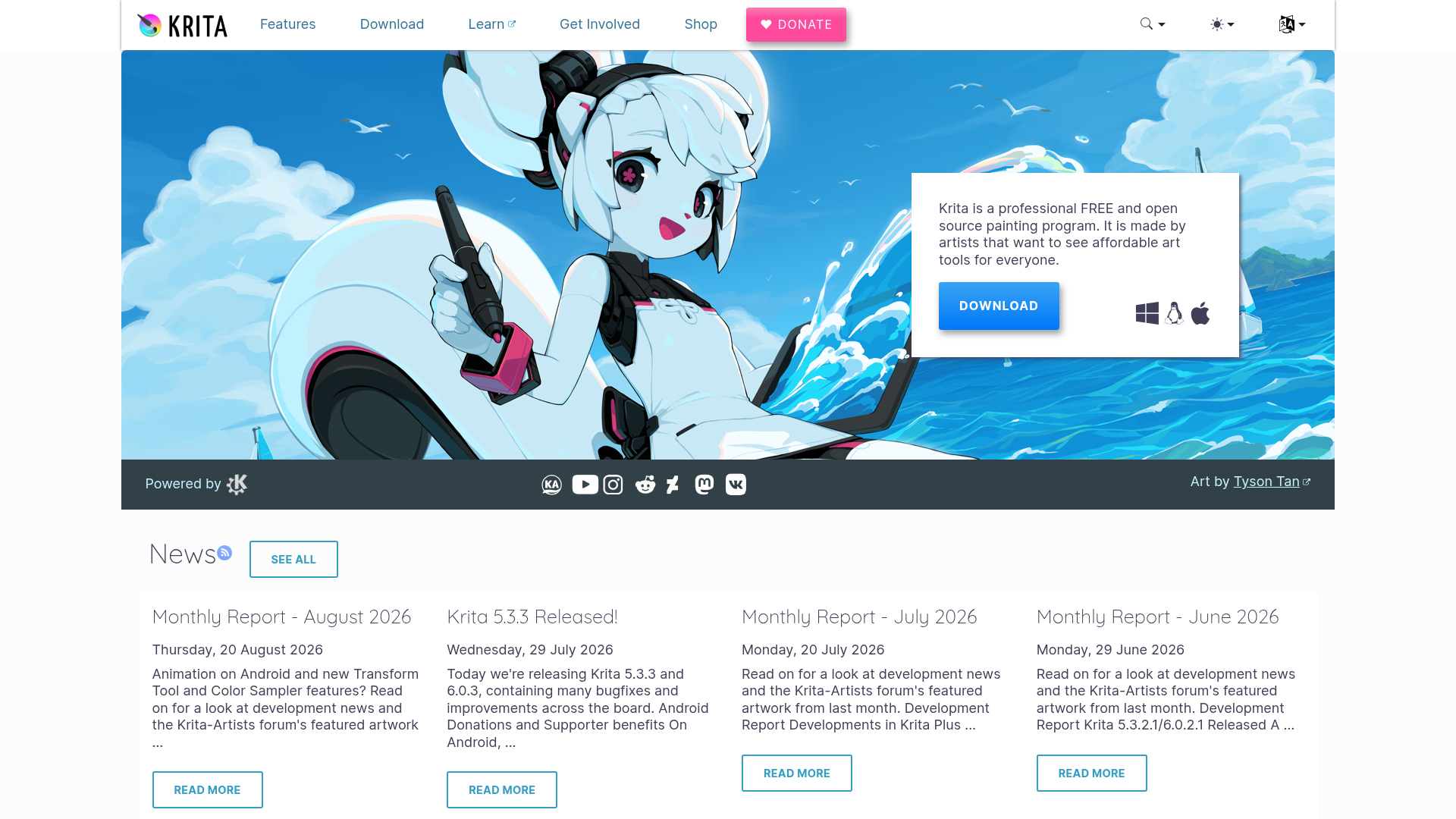
Krita is a professional FREE and open source painting program made by artists that want to see affordable art tools for everyone. - Multiple brush types for various art styles - Advanced layers, drawing assistants, and stabilizers - Built-in animation tools - Extensive resource libraries (brushes, patterns, textures) - Plugin support for added functionality - Cross-platform compatibility (Windows, macOS, Linux, Android) - Customizable workspace and shortcuts - HDR painting support - Vector and text tools - PSD file support Krita is a desktop application available for Windows, macOS, Linux, and Android. It is open-source software licensed under GNU GPL and does not require self-hosting. The project is community-driven with contributions from artists worldwide. Source code is available on GitHub under the KDE organization.
Free, open-source image editor with professional tools for photo manipulation, digital art creation, and graphic design. Cross-platform support.
Free, open-source image editor with professional tools for photo manipulation, digital art creation, and graphic design. Cross-platform support.

Open source raw photo editor and workflow manager
darktable is an open-source photography workflow application and raw developer. It serves as a virtual lighttable and darkroom for photographers, enabling you to manage digital negatives in a database, view them through a zoomable lighttable, and develop raw images without modifying the original files. - Non-destructive editing: All edits are applied non-destructively, preserving your original images throughout the workflow. - Professional color management: Ensures color fidelity from editing to print with advanced color management features. - GPU acceleration: Speeds up processing using your video card for faster workflows. - Extensive raw support: Supports a wide range of camera raw formats for professional photography. - Lighttable and darkroom modes: View and edit images in a zoomable lighttable or transition to a darkroom for detailed adjustments. - Community-driven: Developed by photographers for photographers, with a strong community for support and collaboration. - Cross-platform: Available on Linux, macOS, and Windows. - Open source: Released under GPL 3.0, allowing full customization and self-hosting capabilities. - Self-hosted: Can be installed locally on your machine for full control over your data and workflow. - No AI dependency: Completely AI-free, relying solely on traditional image processing techniques.
About Adobe Photoshop
Adobe Photoshop is the industry-leading software for photo editing, graphic design, and digital art creation. Whether you're a professional designer, photographer, or hobbyist, Photoshop provides advanced tools for precise selections, layer-based editing, and AI-enhanced workflows.
Key Features of Adobe Photoshop
- Advanced Image Editing: Non-destructive editing with adjustment layers, masks, and smart objects
- AI-Powered Tools: Generative Fill, Remove Tool, and AI-enhanced models for realistic results
- Cross-Platform Support: Available on desktop, web, and mobile devices
- Professional Workflows: Precise selections, background removal, and harmonized object blending
- Creative Cloud Integration: Access to 20+ creative apps and 100GB cloud storage
- Template Library: Thousands of templates for quick content creation
- Collaboration Tools: Share and review designs with team members
- Regular Updates: Continuous improvements with new features and AI models
Tech / Self-Hosting
Photoshop is a proprietary desktop application available through Adobe Creative Cloud subscription. It is not open-source and does not support self-hosting. The software requires an internet connection for activation and some cloud-based features.