5 Best Open Source Personal Computer Alternatives
A curated collection of the 5 best open source and self-hosted alternatives to Personal Computer in 2026.
Looking for a free, privacy-friendly, or self-hosted replacement for Personal Computer in 2026? The top open-source alternative is OpenClaw — Open-source AI assistant for your chat apps.
Other highly rated open-source Personal Computer alternatives include Hermes Agent, NanoClaw and Raycast.

Open-source AI assistant for your chat apps
OpenClaw is an open-source AI assistant that runs entirely on your machine and integrates seamlessly with the chat apps you already use. Whether for personal productivity or team collaboration, OpenClaw automates tasks like organizing your inbox, sending emails, managing calendars, and checking you in for flights—all from WhatsApp, Telegram, or any other chat platform. As you use it, OpenClaw becomes uniquely yours, learning your preferences, skills, and data to provide a personalized experience. Deploy it for yourself or share it with your team to enhance collective productivity. - Local AI Execution: Runs entirely on your machine for maximum privacy and control. - Multi-Platform Chat Integration: Works with WhatsApp, Telegram, and other chat apps. - Task Automation: Handles emails, calendar management, and flight check-ins automatically. - Team Collaboration: Share the assistant with your team for collective productivity. - Personalized Learning: Adapts to your habits, skills, and data over time. - Open-Source: Fully transparent and customizable to fit your needs. - Quick Setup: Easy one-line installation for fast deployment. OpenClaw is designed for self-hosting and requires minimal setup. The project is open-source and available on GitHub. For detailed installation instructions, refer to the official documentation.
Cross-platform desktop agent from Nous Research that connects to Telegram, Discord, Slack, WhatsApp, and more, with persistent memory, scheduling, and isolated sandboxing.
Cross-platform desktop agent from Nous Research that connects to Telegram, Discord, Slack, WhatsApp, and more, with persistent memory, scheduling, and isolated sandboxing.
Self-hosted AI agent that connects to WhatsApp, Telegram, Slack, and a dozen more messaging apps, running each agent in an isolated Docker container with credential injection via a secure vault.
Self-hosted AI agent that connects to WhatsApp, Telegram, Slack, and a dozen more messaging apps, running each agent in an isolated Docker container with credential injection via a secure vault.
Extensible launcher for productivity tools
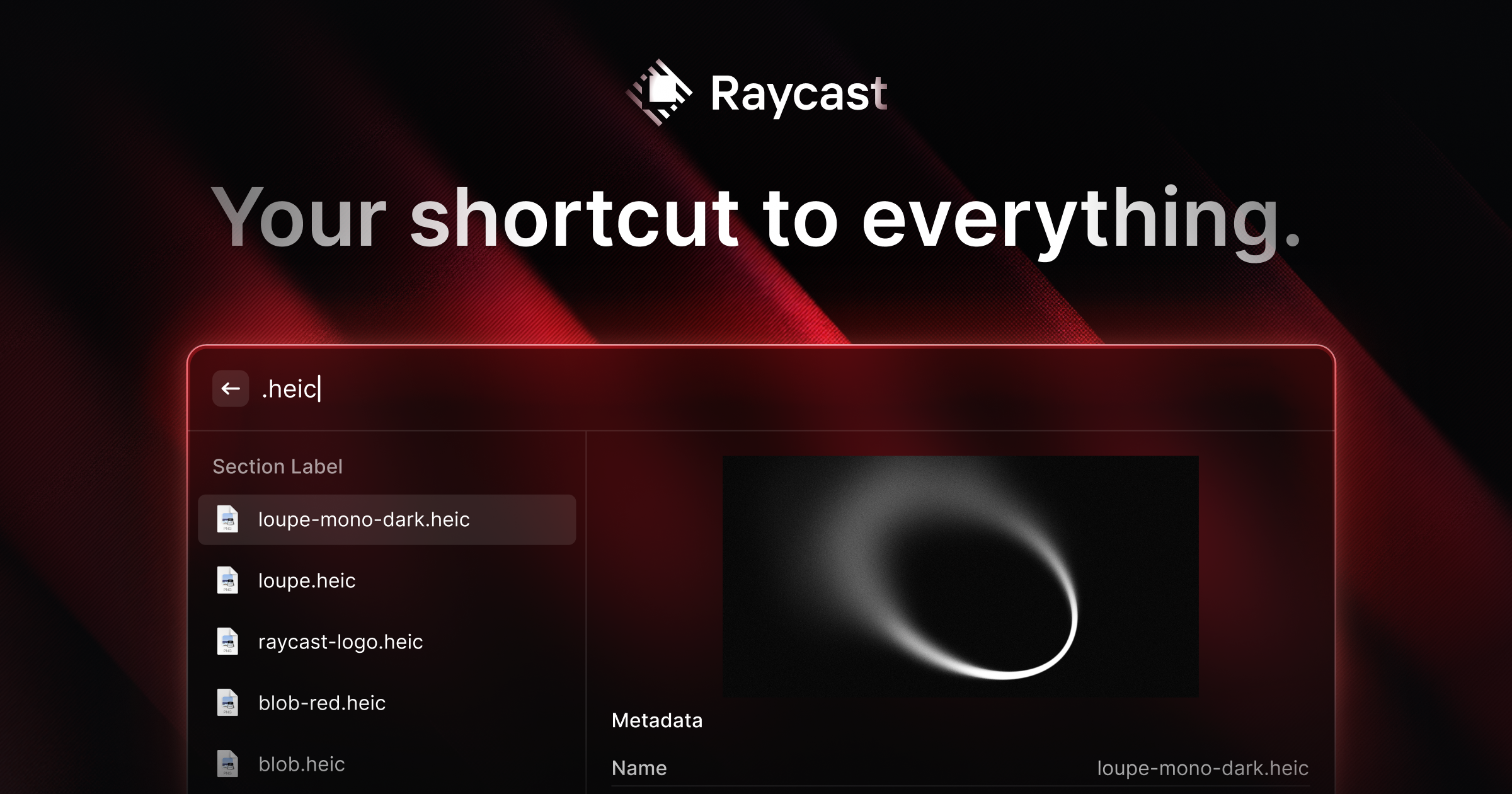
Raycast is a productivity launcher designed to streamline your workflow by bringing all your tools, commands, and applications into one fast, keyboard-driven interface. Built for macOS, it replaces the need for multiple apps and provides deep system integration. - Extensible Launcher: Access apps, commands, and tools via a single keyboard shortcut - Clipboard History: Never lose copied content with persistent clipboard tracking - Window Management: Quickly organize and resize windows with built-in commands - AI Integration: Built-in AI features for coding, search, and automation - Extensions Ecosystem: Thousands of community-built extensions for added functionality - Deep System Integration: Works seamlessly with macOS features and native apps - Customizable Workflows: Create and save custom commands and workflows - Cross-Platform Support: Available for macOS, iOS, and Windows Raycast is a proprietary desktop application with cloud synchronization features. While the core launcher is not self-hostable, many extensions are open source and can be modified. The company offers enterprise plans with additional features and support.

Private note-taking app with local-first knowledge base
Obsidian is a powerful and extensible note-taking app that works on top of a local folder of plain text Markdown files. It's designed to help you organize and connect your thoughts in a flexible, future-proof way. - Local-first storage: Notes are stored privately on your device, ensuring offline access and complete privacy - Markdown-based editing: Write notes using simple, readable Markdown syntax - Backlinking: Create connections between notes with [[wikilinks]] to build your personal knowledge graph - Graph view: Visualize relationships between notes with an interactive graph - Canvas: Infinite space for brainstorming, diagramming, and visual thinking - Thousands of plugins: Customize functionality with community plugins and themes - Cross-platform sync: Sync notes across devices with optional paid sync service - Open file formats: Uses standard Markdown files, ensuring data portability - Offline-first: Access all notes instantly without internet connection - Multi-language support: Available in 15+ languages Obsidian is a desktop-first application with mobile apps available. The core app is open source (MIT license) and can be self-hosted by downloading the release binaries from GitHub. While the official sync service is paid, the core functionality works entirely offline with local file storage. The app is built with Electron and uses standard Markdown files, making it highly portable across platforms. Pricing: Free for core features, with optional paid services for sync, publish, and enterprise features. Privacy: All notes are stored locally by default. The company has a strong privacy policy and doesn't access user data. EU Friendly: Yes, GDPR compliant with data stored locally on user devices.
About Personal Computer
Perplexity Personal Computer is a Mac-native AI assistant that integrates seamlessly with your local files, native applications, and the Comet browser. Accessible via a single keyboard shortcut, it provides context-aware assistance, voice mode, and always-on functionality for uninterrupted productivity.
Key Features of Personal Computer
- Local File Access: Connect any folder to search, read, and write files directly on your Mac.
- App Control: Operate native Mac apps like Mail, Finder, Slack, and Messages through AI-driven commands.
- Comet Browser Integration: Control the Comet browser for web browsing, research, and automation without context switching.
- Voice Mode: Speak naturally to your Mac; Computer listens, understands context, and acts on your commands.
- Always-On Functionality: Runs 24/7 on your Mac mini or Mac, secured with 2FA for continuous access.
- iPhone Remote: Start tasks from your iPhone and seamlessly transition to your Mac.
- Model Orchestration: Leverages teams of agents across 20+ frontier models to accomplish complex tasks.
- Secure Sandbox Environment: Executes actions in an isolated sandbox with on-device authorization for sensitive operations.
Tech / Self-Hosting
Perplexity Personal Computer is built into the Perplexity macOS app and requires macOS 15 Sequoia or later. It operates locally on your Mac with no cloud uploads required, ensuring data privacy and security. The software is not self-hostable but runs entirely on your local device.