14 Best Open Source OneNote Alternatives
A curated collection of the 14 best open source and self-hosted alternatives to OneNote in 2026.
Looking for a free, privacy-friendly, or self-hosted replacement for OneNote in 2026? The top open-source alternative is AppFlowy — Self-hosted AI workspace for teams.
Other highly rated open-source OneNote alternatives include Affine, Memos and Joplin.

Self-hosted AI workspace for teams
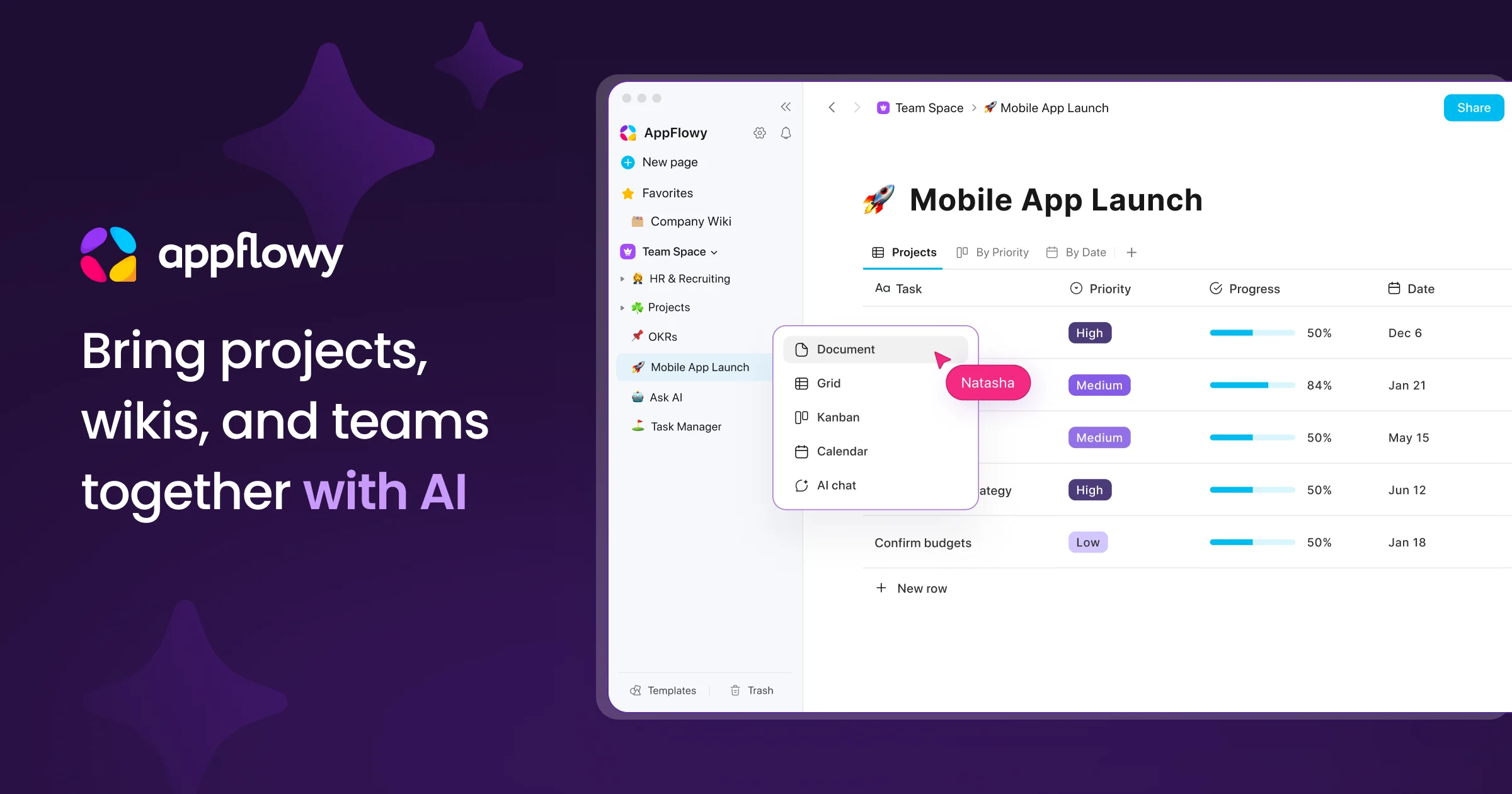
AppFlowy is the AI collaborative workspace where you achieve more without losing control of your data. It brings projects, wikis, and teams together with AI-powered search, meeting notes, and document collaboration. - AI Search: Get answers grounded in your sources in seconds - Knowledge Base: Centralized source of truth for teams and AI agents - Project Management: End-to-end project tracking with less overhead - AI Meeting Notes: Turn meetings into actions and insights - Real-time Collaboration: Co-edit documents or comment asynchronously - Self-hosting: Deploy on-premises, in your cloud, or air-gapped environments - Local AI: Run AI processing and models within your infrastructure - Data Sovereignty: Full control over data storage, residency, and compliance - Cross-platform: Available on macOS, Windows, Linux, iOS, Android, and web - Migration Support: Seamless migration from Notion, Confluence, and more - Admin Panel: Centralized management for users, workspaces, and permissions - SSO & Integrations: SAML, OIDC, SCIM, LDAP, MCP, and public APIs AppFlowy is open-source and can be self-hosted on your infrastructure, in your cloud, or in fully air-gapped environments. It supports local AI models for processing and embedding, ensuring complete data control and compliance with regulatory requirements. The platform offers transparent development with an active global community and provides migration tools to transition from other platforms without compromising data security.

Open-source Notion & Miro alternative with docs, whiteboards, databases, and AI in one local-first workspace

AFFiNE is a next-generation workspace that merges docs, whiteboards, and databases into a single local-first platform. Built for creativity and productivity, it combines the best of Notion, Miro, and Obsidian with integrated AI capabilities. - All-in-one workspace: Unified interface for documents, whiteboards, and databases - Local-first architecture: Works offline with real-time sync across devices - AI integration: Built-in AI assistant for writing, drawing, and planning - Collaboration tools: Edgeless whiteboards for limitless team creativity - Team hub: Unified document space for teams of all sizes - Cross-platform: Available as desktop, web, and mobile apps - Extensible: Supports templates and custom workflows - Privacy-focused: Self-hosting and private cloud options available AFFiNE is open-source and can be self-hosted for complete data control. The platform supports private cloud deployments and offers enterprise solutions with dedicated support. The codebase is available on GitHub under the MIT license, making it suitable for both personal and commercial use.

Open-source self-hosted note-taking tool
Memos is an open-source, self-hosted note-taking tool built for quick capture and organization. Designed to be lightweight, Markdown-native, and fully yours, it provides a seamless way to manage notes without relying on third-party services. - Markdown-native: Write and format notes using Markdown for rich text support. - Lightweight & Fast: Optimized for performance with minimal resource usage. - Self-hosted: Full control over your data with no external dependencies. - Quick Capture: Designed for fast note-taking and organization. - Privacy-Focused: No tracking or telemetry, ensuring your data stays private. - Multi-platform: Accessible via web, desktop, and mobile clients. - Collaboration: Share notes and collaborate with teams effortlessly. - Extensible: Plugin system for adding custom functionality. Memos is built with Go and React, making it easy to deploy on any server or cloud platform. It supports Docker for simplified deployment and can be integrated with existing infrastructure. The project is actively maintained with regular updates and community-driven improvements.
Cross-platform note-taking app with end-to-end encryption, Markdown support, web clipping, and sync via Dropbox, OneDrive, or Joplin Cloud.
Cross-platform note-taking app with end-to-end encryption, Markdown support, web clipping, and sync via Dropbox, OneDrive, or Joplin Cloud.

Privacy-first personal knowledge management

SiYuan is a privacy-first personal knowledge management (PKM) system that supports Markdown, block-level references, and bidirectional links. Designed for local-first workflows with optional end-to-end encrypted cloud sync. - Block-based editing: Work with content at the paragraph level for granular organization - Markdown & WYSIWYG: Write in Markdown or use a visual editor - Bidirectional linking: Create connections between notes effortlessly - Block references: Embed and reuse content across documents - End-to-end encrypted sync: Secure cloud synchronization with zero-knowledge architecture - Database & tables: Organize knowledge with structured data - PDF annotation: Highlight and annotate PDFs directly - Cross-platform: Available on Linux, Windows, macOS, and mobile - Extensible: Customize with themes, plugins, and widgets - Search & filtering: Advanced query syntax for finding information quickly - Web clipping: Save articles and web content directly to your knowledge base SiYuan is open-source software (AGPL-3.0) with self-hosting capabilities. The core application runs locally while optional cloud services provide encrypted sync and backup. Docker images are available for easy deployment. The project emphasizes privacy with no telemetry and end-to-end encryption for all cloud features.

A second brain for the AI era
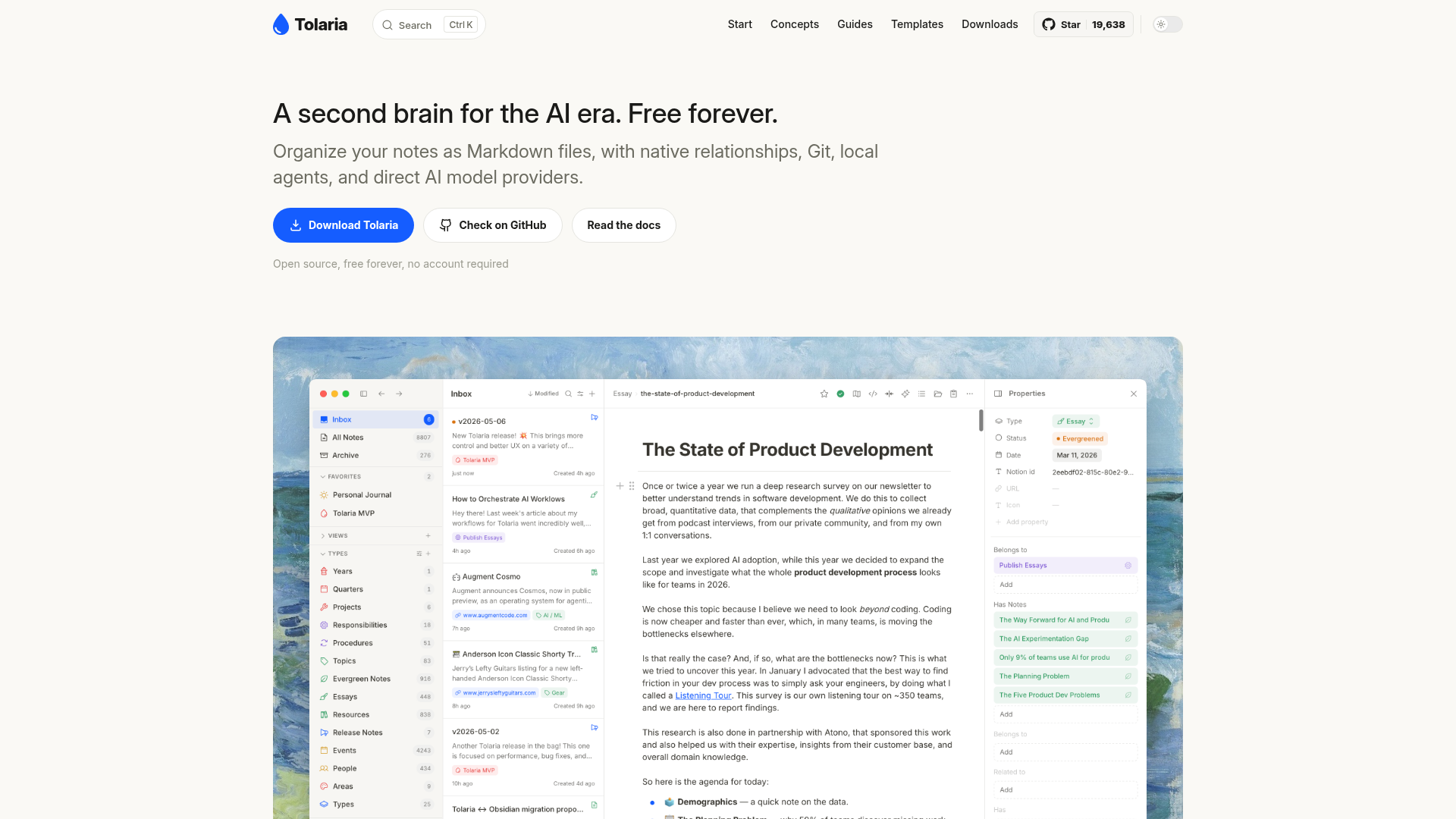
Tolaria is a knowledge management tool designed for the AI era, offering a second brain experience for organizing and interacting with your notes. - Markdown-based notes: Store notes as plain Markdown files with YAML frontmatter for structure and portability. - Native relationships: Wikilinks and rich relationships between notes for intuitive knowledge navigation. - Built-in Git client: Full Git integration for version control, commit history, and cross-device sync. - Block-based editor: Notion-like editing experience with slash commands, media previews, and table navigation. - Direct AI integration: Use local agents (Claude Code, Codex, etc.) or API model providers for chat over note context. - Self-hosted & open source: Runs locally with no proprietary formats or databases, ensuring full data ownership. - No account required: Free forever with no mandatory sign-up. Tolaria is a self-hosted desktop application built with Electron. It stores all data as plain Markdown files on disk, making it compatible with any editor or version control system. The app includes a built-in Git client for seamless synchronization across devices. No cloud dependency or proprietary formats are used, ensuring complete data portability and privacy.

Open source zero-knowledge private note taking app
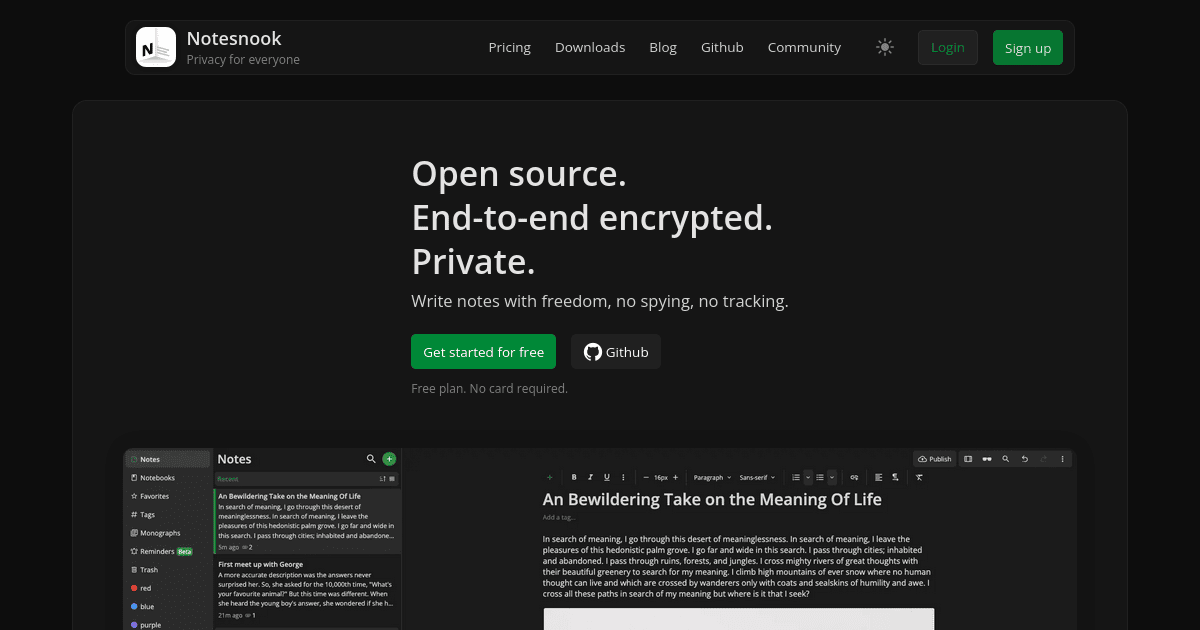
Notesnook is a privacy-first note-taking app designed to keep your personal data secure and private. Unlike traditional note apps, Notesnook ensures your notes are encrypted end-to-end, meaning only you can read them. - End-to-end encryption: All notes are encrypted before leaving your device, ensuring only you can access them. - Cross-platform sync: Write on your laptop and finish on your phone with seamless, encrypted sync. - Open-source: Every app and server component is open-source (GPLv3), allowing anyone to verify security and privacy. - App lock: Protect your notes with fingerprint, PIN, or password. - Rich text editor: Supports tables, checklists, code blocks, math formulas, and attachments. - Web clipper: Save articles and web pages directly to your notes without ads or trackers. - Published notes: Share a single note as a password-protected web page while keeping the rest private. - Linked notes: Connect related notes for better organization and context. - Markdown support: Write notes in Markdown for enhanced formatting. Notesnook is fully open-source, with clients available for Windows, macOS, Linux, Android, iOS, and the web. The sync server is also open-source, allowing for self-hosting if desired. The project is built with privacy and security as core principles, making it a reliable alternative to mainstream note-taking apps.
End-to-end encrypted notes app with unmatched privacy
Standard Notes is a free, secure note-taking application designed to protect your personal and sensitive information with industry-leading end-to-end encryption. Unlike mainstream note-taking services, Standard Notes ensures your data remains private and inaccessible to third parties, including employers and governments. - End-to-end encryption: Audited, zero-knowledge encryption protects all notes and files - Cross-platform sync: Access your data seamlessly across unlimited devices - Advanced privacy controls: Prevents unauthorized access from employers, governments, and hackers - Offline access: Always have an offline copy of your data for uninterrupted access - Secure file storage: Store sensitive documents, passwords, financial records, and more - Rich text and Markdown support: Flexible formatting options for all note types - Automated backups: Secure cloud sync ensures data safety even if devices are lost - Open-source applications: Transparent, audited codebase for maximum trust - Multi-purpose notes: Supports tasks, code snippets, journaling, and more Standard Notes offers a fully self-hostable solution through its open-source applications. The platform is built with privacy-first principles, ensuring compliance with GDPR and other data protection regulations. No AI models are used in the core functionality, making it a reliable choice for users seeking AI-free software. The application is available as a web app, desktop client, and mobile app, with all versions maintaining the same high standards of encryption and security.

Local-first open-source notes app with no cloud or AI
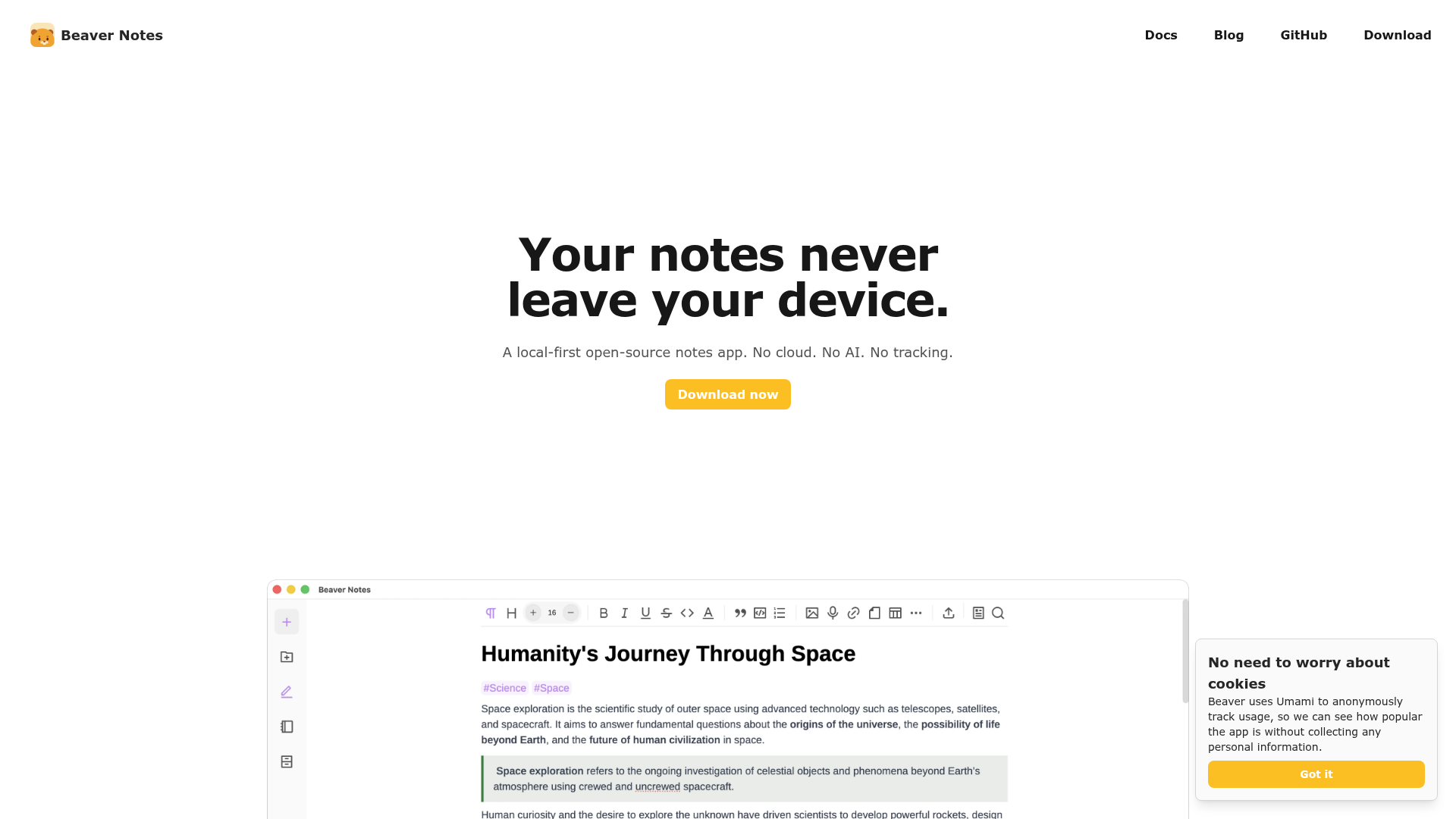
Beaver Notes is a local-first, open-source notes application designed to keep your data private and under your control. Unlike traditional note-taking apps, Beaver Notes stores all your notes directly on your device with no cloud dependency or AI involvement. - Local-First Storage: All notes are stored locally on your device, ensuring maximum privacy and offline access. - No Accounts or Tracking: No sign-ups required, no telemetry, and no data collection. - Markdown Support: Write notes using markdown for easy formatting and readability. - Keyboard-Friendly: Optimized for keyboard shortcuts and commands to enhance productivity. - Note Linking: Create connections between notes to build a web of related information. - File Attachments: Embed PDFs, images, audio, and other files directly into your notes. - Drawing & Math: Insert sketches or type LaTeX equations for a richer note-taking experience. - Custom Sync: Sync your notes across devices using your preferred cloud provider. - Open-Source: MIT-licensed with full transparency and community-driven development. Beaver Notes is a desktop application available for Windows, macOS, and Linux. It is built with Electron and is fully open-source. The app does not require any backend services, making it easy to self-host or use entirely offline. For syncing, users can integrate with their own cloud storage solutions like Nextcloud or Dropbox.

Minimal Markdown note-taking app with local storage
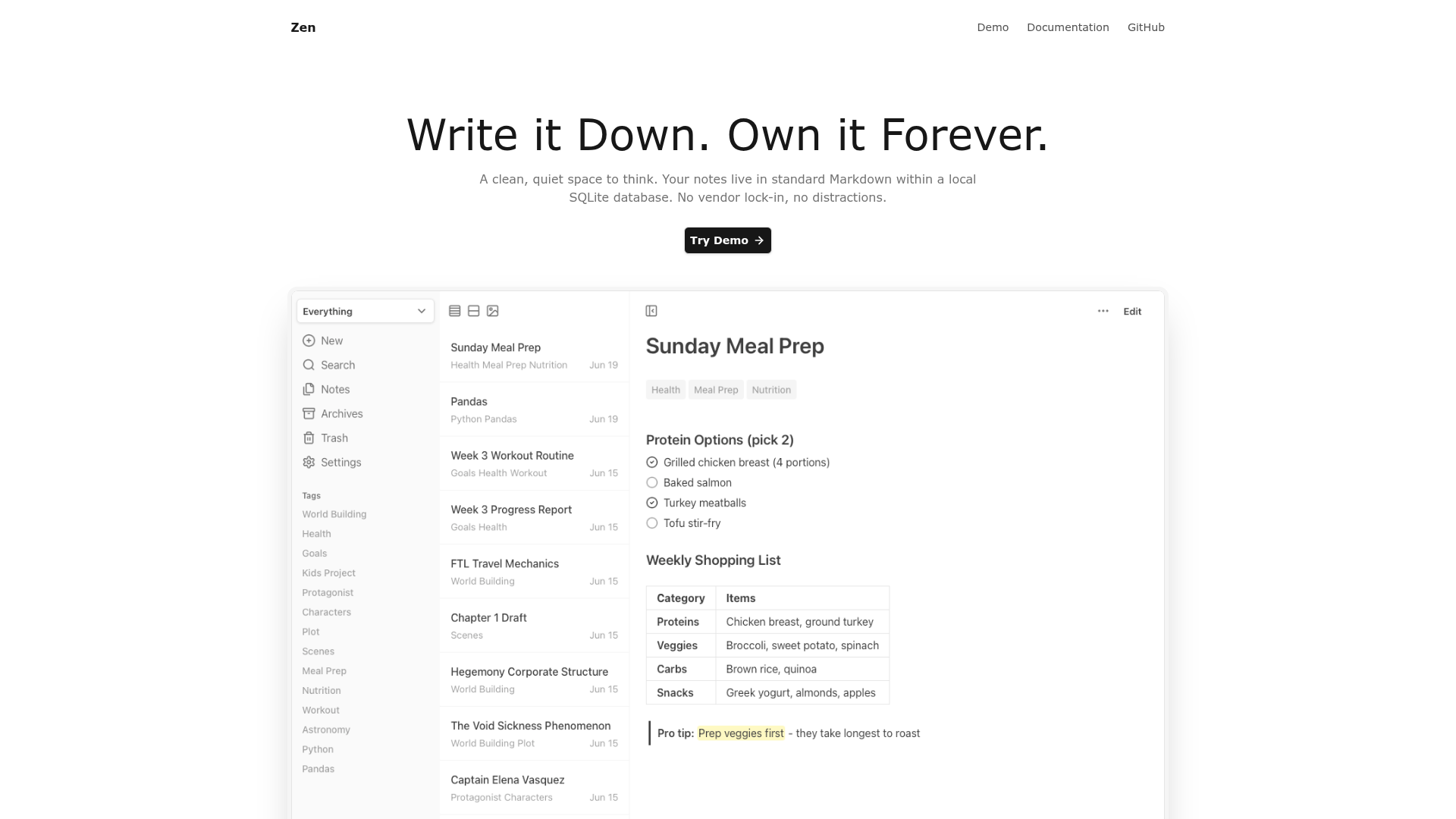
Zen is a minimalist note-taking application designed for clarity and ownership. Your notes are stored as standard Markdown files in a local SQLite database, ensuring no vendor lock-in and complete control over your data. - Local-First Storage: Notes stored as Markdown files in a local SQLite database with no cloud dependency - Instant Search: Full-text search with BM25 ranking across all notes, including archived content - Flexible Organization: Tag-based system with custom "Focus Modes" for dynamic organization - Rich Markdown Support: Complete Markdown formatting including tables, code blocks, task lists, and highlights - Multiple Views: List, card, and gallery layouts optimized for different content types - Offline Access: Full functionality without internet connection - Import/Export: Seamless migration via Markdown, JSON, and image exports - Keyboard Shortcuts: Efficient navigation and formatting without mouse dependency - Dark Mode: Comfortable reading in low-light environments - PWA Support: Installable on mobile devices for quick access - Templates: Reusable note templates with customizable placeholders - Canvas (Experimental): Spatial organization for visual thinkers - MCP Server (Experimental): Connect AI applications to interact with your notes Zen is available as a single Go binary or Docker Compose deployment. The application requires minimal resources (~20MB memory) and runs on any system with Go 1.20+ or Docker. All data remains local, making it ideal for privacy-conscious users who want complete control over their information.
Distraction-free open-source notebook for focused writing
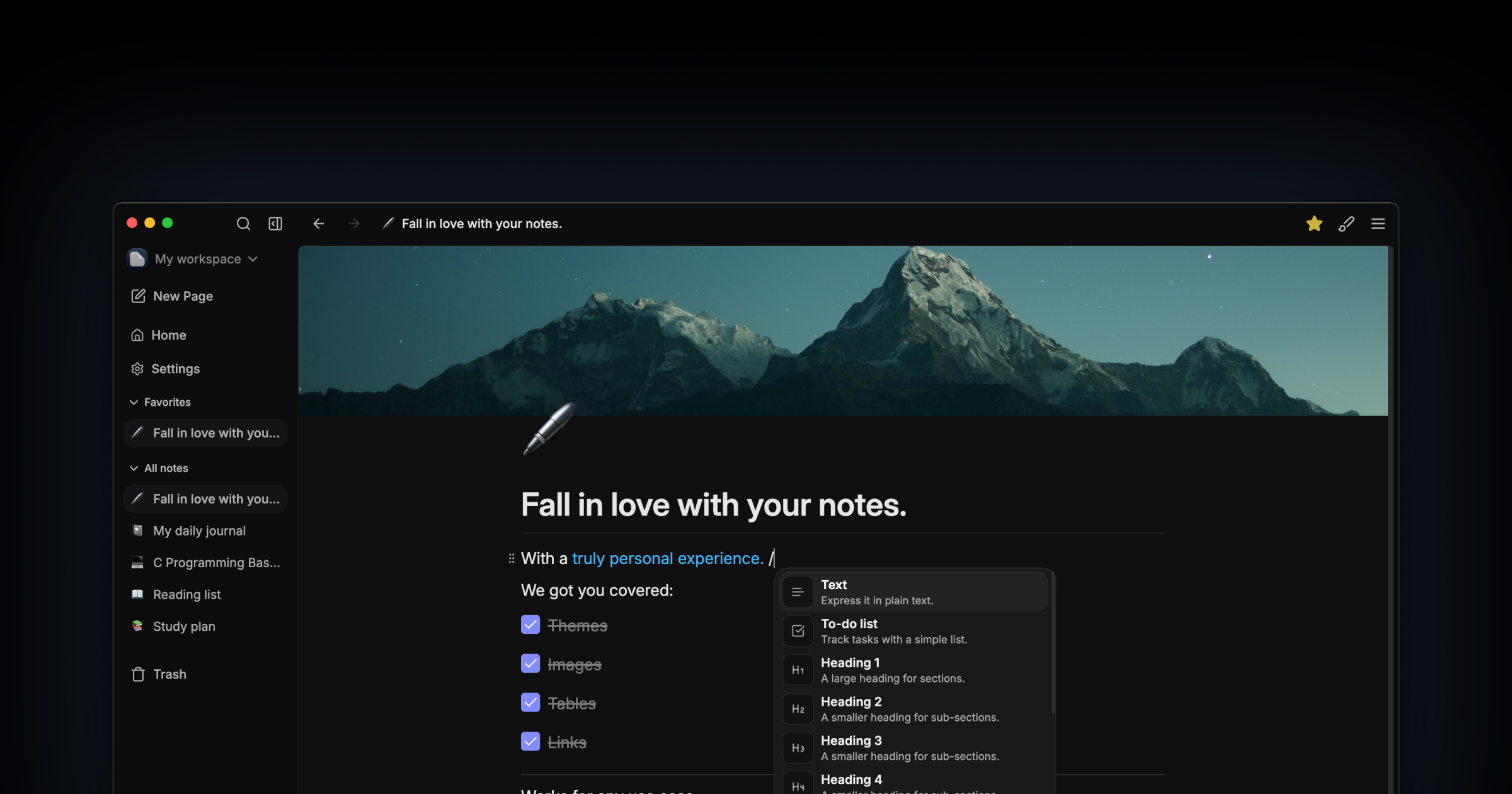
Darkwrite is a minimalist, open-source notebook designed for distraction-free writing. Built for users who prioritize simplicity and privacy, it offers a clean editor with no AI integrations, offline functionality, and full customization. - Distraction-free writing: Simple interface with no unnecessary features or AI buttons - Offline-first: All notes stored locally; no account or internet required - Customizable themes & fonts: Choose from included themes or create your own - One-click backups: Archive and restore notes effortlessly - No ads or tracking: Respects user privacy with no data collection - Open source: AGPLv3 licensed with full transparency - Cross-platform: Available for Linux with planned Flatpak support - Future roadmap: Collaboration sync server, plugin API, and graph view Darkwrite is a fully self-contained desktop application with no backend or cloud dependencies. All data remains on the user's device, making it inherently self-hosted. The app is built with modern web technologies and distributed as a native Linux binary. No server setup or configuration is required.
Open-source, lightweight note-taking app with E2E encryption
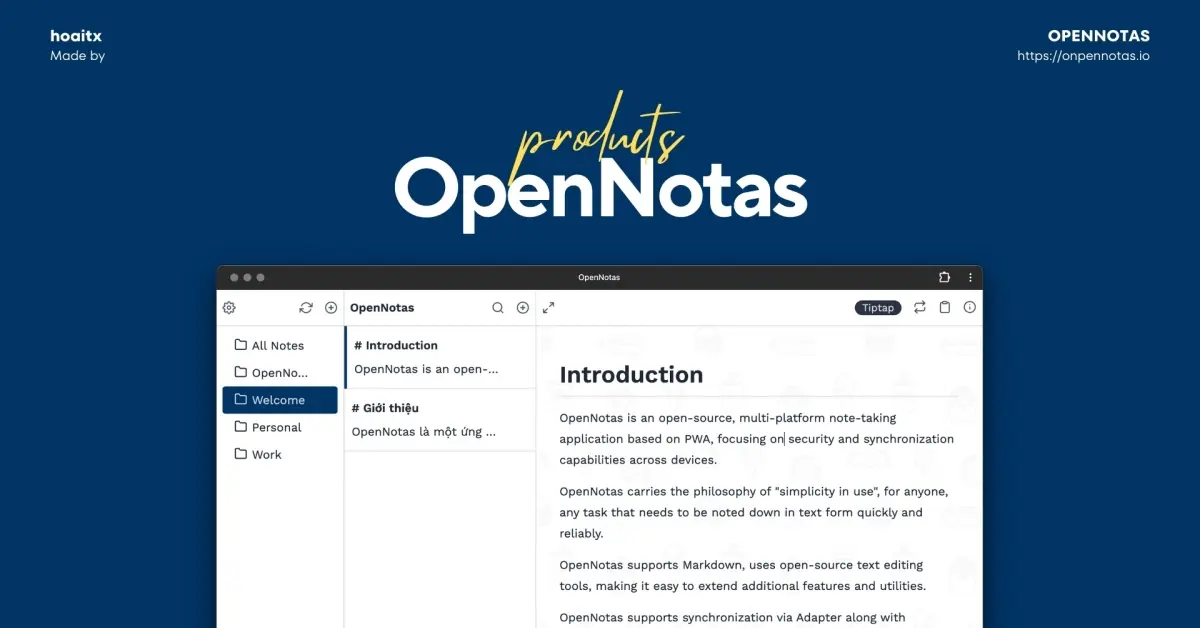
OpenNotas is an open-source, lightweight, and privacy-respecting note-taking application designed for simplicity and security. Built for individuals who value a distraction-free space to capture thoughts, it offers seamless synchronization across devices while ensuring your data remains encrypted and under your control. - Simple & Intuitive: Minimalist design with no complicated settings or learning curve. Start writing notes instantly with a single tap. - Cross-Platform Support: Available on mobile, desktop, and all major operating systems (Windows, macOS, Linux) with a native-like experience. - End-to-End Encryption (E2EE): Notes are encrypted with AES before syncing, ensuring your data remains private even if servers are compromised. Your secret key never leaves your device. - Offline-First: Full functionality without an internet connection. Data syncs automatically when connectivity is restored. - Pluggable Adapters: Sync notes via your preferred backend (Turso, S3-compatible storage, or local-only) for complete data ownership. - No Accounts Required: No sign-ups, no tracking, and no clutter—just open the app and start writing. - Multi-Language Support: Available in English, Vietnamese, Russian, and Traditional Chinese. OpenNotas is a Progressive Web App (PWA) built with modern web technologies. It can be self-hosted using any compatible storage backend (Turso, S3, or local) for full control over your data. The application is open-source under the MIT license, allowing for customization and community contributions. For setup instructions and advanced configurations, refer to the official documentation.
Justnote is a secure note-taking app that lets you easily create and sync notes across devices while maintaining full control of your data.
Justnote is a secure note-taking app that lets you easily create and sync notes across devices while maintaining full control of your data.

Private note-taking app with local-first knowledge base
Obsidian is a powerful and extensible note-taking app that works on top of a local folder of plain text Markdown files. It's designed to help you organize and connect your thoughts in a flexible, future-proof way. - Local-first storage: Notes are stored privately on your device, ensuring offline access and complete privacy - Markdown-based editing: Write notes using simple, readable Markdown syntax - Backlinking: Create connections between notes with [[wikilinks]] to build your personal knowledge graph - Graph view: Visualize relationships between notes with an interactive graph - Canvas: Infinite space for brainstorming, diagramming, and visual thinking - Thousands of plugins: Customize functionality with community plugins and themes - Cross-platform sync: Sync notes across devices with optional paid sync service - Open file formats: Uses standard Markdown files, ensuring data portability - Offline-first: Access all notes instantly without internet connection - Multi-language support: Available in 15+ languages Obsidian is a desktop-first application with mobile apps available. The core app is open source (MIT license) and can be self-hosted by downloading the release binaries from GitHub. While the official sync service is paid, the core functionality works entirely offline with local file storage. The app is built with Electron and uses standard Markdown files, making it highly portable across platforms. Pricing: Free for core features, with optional paid services for sync, publish, and enterprise features. Privacy: All notes are stored locally by default. The company has a strong privacy policy and doesn't access user data. EU Friendly: Yes, GDPR compliant with data stored locally on user devices.
About OneNote
Organize notes, ideas, and info across devices. Collaborate, sync, and search easily. Ideal for work, study, and personal use.