7 Best Open Source Miro Alternatives
A curated collection of the 7 best open source and self-hosted alternatives to Miro in 2026.
Looking for a free, privacy-friendly, or self-hosted replacement for Miro in 2026? The top open-source alternative is Excalidraw — Virtual whiteboard for sketching diagrams, flowcharts, and wireframes with a distinctive hand-drawn look. Real-time collaboration built in..
Other highly rated open-source Miro alternatives include Affine, Penpot and Tldraw.
Virtual whiteboard for sketching diagrams, flowcharts, and wireframes with a distinctive hand-drawn look. Real-time collaboration built in.
Virtual whiteboard for sketching diagrams, flowcharts, and wireframes with a distinctive hand-drawn look. Real-time collaboration built in.

Open-source Notion & Miro alternative with docs, whiteboards, databases, and AI in one local-first workspace

AFFiNE is a next-generation workspace that merges docs, whiteboards, and databases into a single local-first platform. Built for creativity and productivity, it combines the best of Notion, Miro, and Obsidian with integrated AI capabilities. - All-in-one workspace: Unified interface for documents, whiteboards, and databases - Local-first architecture: Works offline with real-time sync across devices - AI integration: Built-in AI assistant for writing, drawing, and planning - Collaboration tools: Edgeless whiteboards for limitless team creativity - Team hub: Unified document space for teams of all sizes - Cross-platform: Available as desktop, web, and mobile apps - Extensible: Supports templates and custom workflows - Privacy-focused: Self-hosting and private cloud options available AFFiNE is open-source and can be self-hosted for complete data control. The platform supports private cloud deployments and offers enterprise solutions with dedicated support. The codebase is available on GitHub under the MIT license, making it suitable for both personal and commercial use.

Open-source design platform for teams
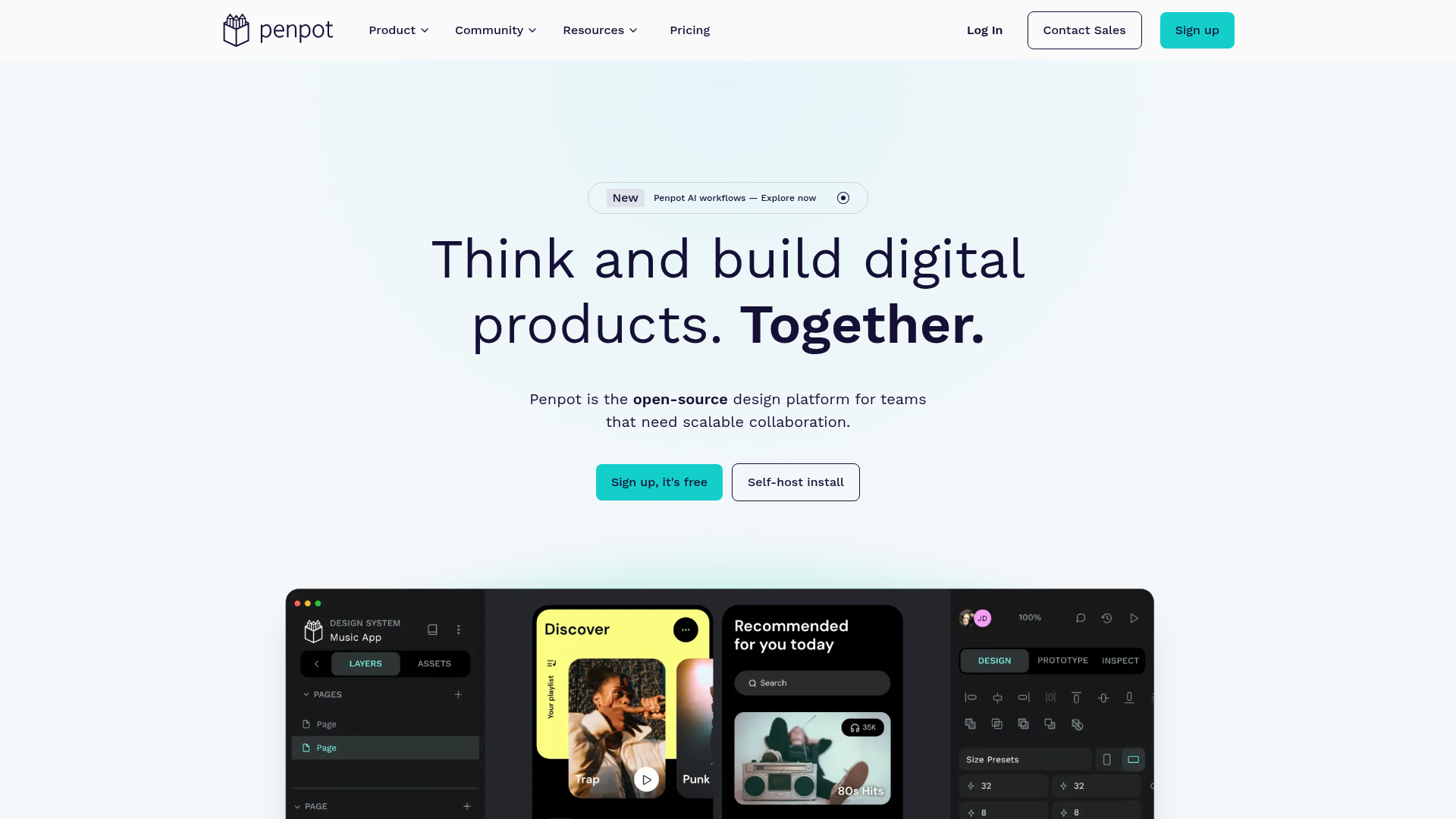
Penpot is the open-source design platform for teams building digital products at scale, enabling deeper collaboration across design, code, and AI workflows. - Full-stack design: Create responsive interfaces with wireframes, prototypes, and CSS Grid/Flex layouts - Design systems: Build scalable visual frameworks with components, design tokens, and shared libraries - AI workflows: Integrate any LLM or AI tooling directly into Penpot for code-to-design and design-to-code workflows - Code inspection: Work with open standards like CSS, HTML, SVG, and JSON with matching design-to-code output - Real-time collaboration: Design, review, and iterate together with team members in real-time - Self-hosting: Deploy Penpot on your own infrastructure for full data control - Cross-platform: Browser-based with no installation required, works on any device Penpot is built with Clojure and runs as a web application that can be self-hosted using Docker or Kubernetes. The platform supports PostgreSQL for data storage and Redis for caching. Self-hosting documentation is available at penpot.app/self-host.

Free instant collaborative whiteboard for all devices
tldraw is a free, instant virtual whiteboarding tool designed for seamless online collaboration without requiring user signups. Built to work across all devices—mobile, tablets, and desktops—it provides a simple yet powerful canvas for brainstorming, planning, and visual collaboration. - Instant Collaboration: Real-time multi-user editing with no signup required. - Cross-Platform Support: Fully functional on mobile, tablet, and desktop devices. - No Installation Needed: Access directly from your browser with zero setup. - Simple & Intuitive: Clean, user-friendly interface for quick adoption. - SDK for Developers: Build custom whiteboard experiences with the tldraw SDK. - Privacy-First: No forced account creation or tracking by default. tldraw is primarily a web-based SaaS application, but developers can leverage the tldraw SDK to build custom whiteboard solutions. The SDK enables self-hosting and integration into existing applications. The core library is open source under the MIT license, allowing for extensive customization and deployment flexibility.

Free open-source diagramming tool for teams

draw.io is a free, open-source diagramming application trusted by 100M+ users worldwide. Store your data wherever you want—we can't access it. - Privacy First: Store diagrams locally or in your preferred cloud (Google Drive, OneDrive, etc.). We never access your data. - Real-time Collaboration: Work together with shared cursors and seamless teamwork. - Backwards Compatible: Diagram files created in 2005 load in today's app—no obsolescence. - Cross-Platform: Native integrations with Google Drive, Microsoft 365, Atlassian, GitHub, VS Code, and Notion. - Embed Anywhere: Embed interactive diagrams in docs, wikis, or applications. Export to SVG, PNG, PDF, or keep editable. - No Sign-Up Required: Start diagramming instantly without accounts or credit cards. - Open Source: Apache 2.0 licensed with no artificial scarcity or enterprise tiers. - Independent: Privately held, VC-free, focused on great software over valuation growth. - Self-Hosted Options: Deploy draw.io on your own infrastructure using the open-source codebase. - Desktop App: Available for Windows, macOS, and Linux for offline diagramming. - Embeddable: Integrate diagrams into your applications via iframe or API. - Developer-Friendly: Extensive documentation and SDKs for custom integrations. View all integrations | GitHub Repository

Open-source learning platform to create and sell courses
LearnHouse is a powerful yet simple open-source platform designed for creating, sharing, and engaging with educational content. Built for simplicity, performance, and scalability, it combines rich course creation, collaborative tools, AI assistance, and built-in payments—all in one place. - Rich Course Creation: Mix text, video, code, quizzes, embeds, and files with a flexible block editor. - AI-Powered Tools: Automate grading, generate quizzes, and provide personalized tutoring with AI assistance. - Built-in Payments: Sell courses with 0% platform fees using Stripe integration in 40+ countries. - White-Labeling: Fully customize the platform with your brand, domain, colors, and logo. - Collaborative Features: Share content via interactive boards, playgrounds, and podcasts. - Multi-Language Support: Deliver courses in 19 languages with a fully translated interface. - Integrations: Connect with 80+ tools including YouTube, Figma, Notion, and Loom. - Self-Hosting: Deploy in one command with full data ownership and control. - Analytics Dashboard: Track learner progress and engagement with built-in analytics. - Community & Enterprise Plans: Tailored solutions for creators, schools, and businesses. LearnHouse is open-source and can be self-hosted with a single command. The platform is built for performance and scalability, supporting both cloud and on-premise deployments. It leverages modern web technologies and is designed to integrate seamlessly with existing workflows and tools. View the GitHub repository for deployment instructions and technical details.

Open source UX design and user testing tool
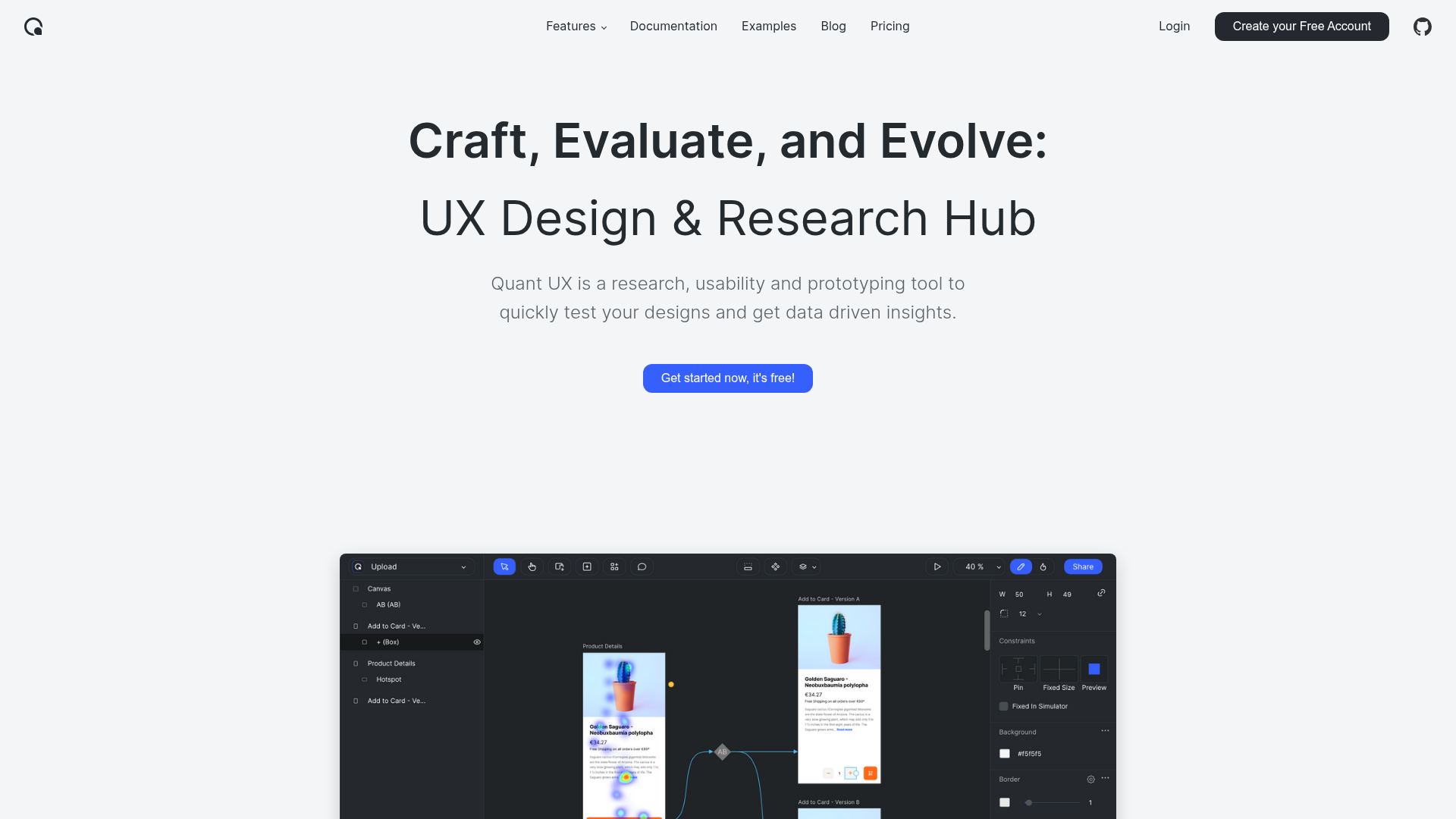
Quant-UX is a comprehensive, open-source tool for UX design and user research. It combines prototyping, user testing, and analytics into a single platform, enabling designers and researchers to quickly validate ideas and gather actionable insights. - Visual Prototyping: Create interactive prototypes with a drag-and-drop editor, animations, logic flows, and form validation. Build scalable design systems using components and master screens. - User Testing: Conduct usability tests by sharing a link with your audience. Define tasks, record screen sessions, and perform A/B testing to compare different prototype versions. - Automated Analytics: Generate heatmaps, success rates, drop-off analysis, and task completion metrics automatically. Embed surveys to collect direct user feedback. - AI Assistant: Enhance workflows with an AI assistant that simplifies repetitive tasks and accelerates prototyping. - Cross-Platform Testing: Test prototypes on mobile devices using QR codes or direct links, ensuring seamless user experience across devices. - Data-Driven Insights: Automatically compute KPIs and visualize insights in an intuitive analytics canvas for informed decision-making. Quant-UX is open-source and can be self-hosted for full control over data and infrastructure. The project is built with modern web technologies and supports deployment on various platforms. For more details, visit the GitHub repository.
About Miro
Miro is a visual collaboration platform designed to help teams think, plan, and build together in real time. It combines an intelligent canvas with AI-powered features to streamline workflows, break down tool silos, and accelerate product development from ideation to launch.
Key Features of Miro
- Intelligent Canvas™: A flexible, infinite workspace for visual collaboration with AI assistance.
- AI Workflows: Automate repetitive tasks and generate insights using AI.
- Flows: Create and visualize workflows with AI-powered diagramming.
- Prototypes & Wireframes: Design interactive prototypes and wireframes directly in Miro.
- Connectors: Integrate with over 160 tools and platforms to centralize workflows.
- MCP Server: Enable AI agents to interact with Miro’s platform.
- Blueprints: Pre-built templates for common use cases like roadmapping and customer journey mapping.
- Enterprise Guard: Advanced security and compliance features for enterprise teams.
- Developer Platform: Build custom integrations and applications on top of Miro.
- Collaboration Tools: Whiteboards, diagrams, Kanban boards, timelines, and more for diverse team needs.
Tech / Self-Hosting
Miro is a cloud-based SaaS platform with no self-hosting options. It offers robust security features, including SOC 2 Type II and GDPR compliance, making it suitable for enterprise use. The platform is designed for seamless integration with existing tools and workflows, ensuring flexibility and scalability for teams of all sizes.