6 Best Open Source Microsoft 365 Alternatives
A curated collection of the 6 best open source and self-hosted alternatives to Microsoft 365 in 2026.
Looking for a free, privacy-friendly, or self-hosted replacement for Microsoft 365 in 2026? The top open-source alternative is Tuta — Privacy-first encrypted email, calendar & contacts.
Other highly rated open-source Microsoft 365 alternatives include CryptPad, Papra and ONLYOFFICE Docs.

Privacy-first encrypted email, calendar & contacts
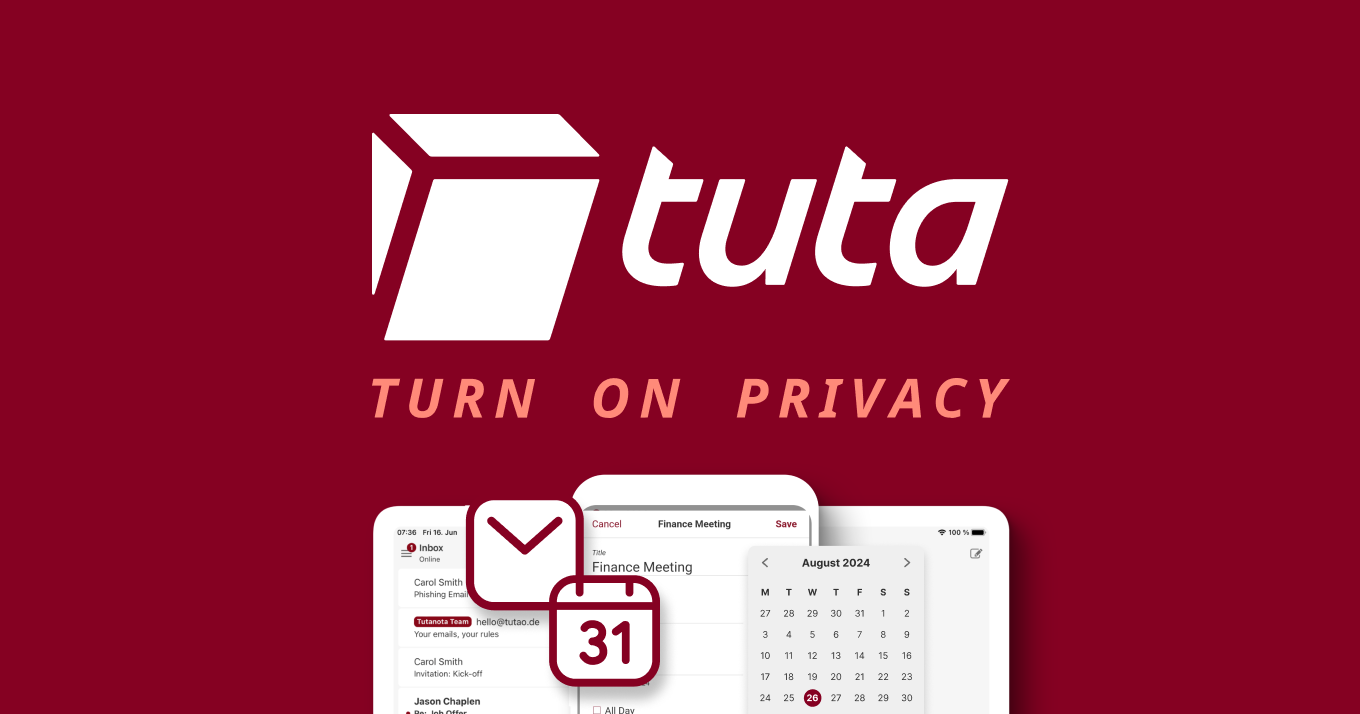
Tuta is a privacy-first email service that provides secure communication through end-to-end encryption, ensuring your data remains private and protected. Built with quantum-resistant encryption, Tuta offers a seamless experience for email, calendar, and contacts management without ads or tracking. - Quantum-resistant encryption for maximum data protection - End-to-end encrypted email with intuitive design for fast workflows - Zero-knowledge calendar that respects your privacy - Ad-free and tracking-free interface - Cross-platform support with apps for Android, iPhone, and web - Custom domain support for professional email addresses - Push notifications for calendar events on all devices - Open-source with transparent security practices Tuta is open-source and available as a self-hosted solution. The project is developed in TypeScript and can be deployed on your own infrastructure for full control over your data. Visit the GitHub repository for deployment instructions and technical details.
Open-source collaboration suite offering encrypted document editing, file sharing, and team workspaces with complete privacy protection.
Open-source collaboration suite offering encrypted document editing, file sharing, and team workspaces with complete privacy protection.

Open-source document archiving and organization platform
Papra is an open-source document management platform designed to help you organize, secure, and archive your files effortlessly. Whether for personal use or team collaboration, Papra provides a centralized solution to manage all your documents in one place. - Centralized Document Storage: Archive and organize all your documents in one place, eliminating scattered files across different platforms. - Organizations & Teams: Create organizations to manage documents and users, ideal for teams or companies. - Smart Tagging System: Categorize and filter documents easily with custom tags and automated tagging rules. - Powerful Search: Find any document in seconds with advanced search functionality. - Developer-Friendly: Access a robust API, webhooks, CLI, and SDK for seamless integration into existing workflows. - Email Ingestion: Forward emails to dedicated addresses to automatically save attachments as documents. - Privacy-First: All data is encrypted in transit and at rest, with no selling of user data. - Self-Hostable: Deploy Papra on your own infrastructure for complete data control. Papra is built with modern web technologies and is fully self-hostable. The platform is available as a Docker container, making deployment straightforward. All source code is open-source under the AGPL-3.0 license, allowing for transparency and community contributions. The system is designed to be scalable and can be customized to fit specific organizational needs. For self-hosting instructions, visit the official documentation.

Secure online office suite compatible with MS Office

ONLYOFFICE is a secure online office suite designed for document editing, collaboration, and PDF management. Highly compatible with Microsoft Office formats, it offers a range of features for individuals and enterprises. - Document Editing & Collaboration: View, edit, and collaborate on documents, spreadsheets, and presentations in real-time with character- and paragraph-level co-editing modes. - PDF Management: Build and fill PDF forms, edit PDFs, convert documents to PDF, and extract text from scanned PDFs. - AI-Powered Tools: Generate documents, sheets, and slides using AI assistants. Translate, rewrite, check grammar, and extract text from scanned PDFs. Supports integration with local AI models. - Security & Compliance: Open-source code, compliance with international security standards, three levels of encryption (at rest, in transit, end-to-end), secure access, and extra document permissions. - Multi-Platform Integration: Connect ONLYOFFICE Docs to 40+ platforms like Box, Moodle, Nextcloud, and WordPress. Integrate into custom services or use desktop and mobile apps for offline editing. - Collaboration Features: Share documents for viewing, editing, reviewing, or filling forms. Compare and track changes, leave comments, and communicate via built-in chat or Telegram. ONLYOFFICE Docs is open-source and can be self-hosted. It supports integration with various platforms and offers a developer edition for custom integrations. The software is available for Windows, Linux, macOS, iOS, and Android. Learn more about ONLYOFFICE Docs features Learn more about ONLYOFFICE collaboration features Learn more about AI in ONLYOFFICE Learn more about ONLYOFFICE security features

Free and private office suite, no forced AI
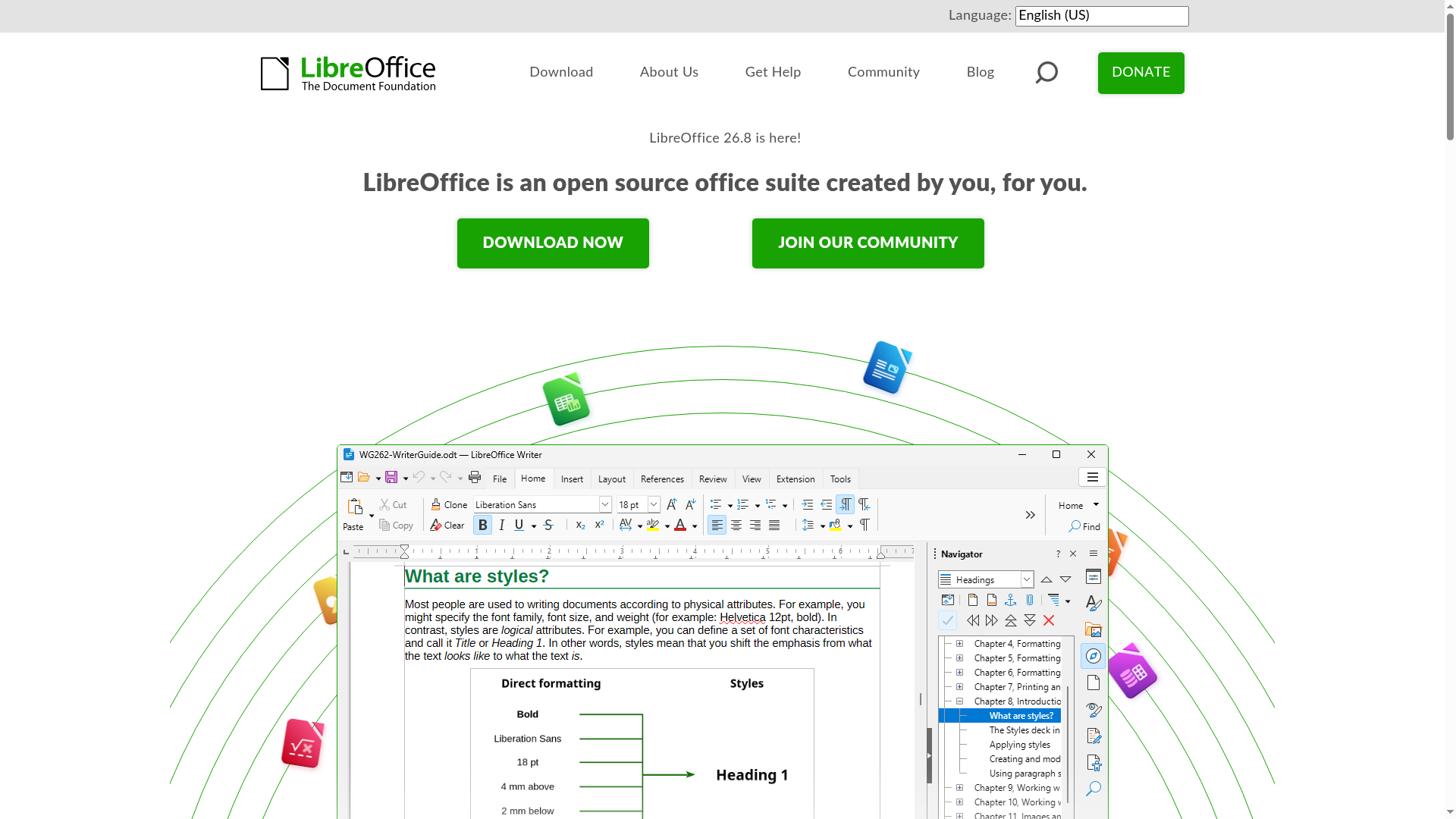
LibreOffice is a free and open-source office suite created by a global community of contributors. It provides a comprehensive set of tools for word processing, spreadsheets, presentations, databases, vector graphics, and mathematical formulas—all without forced AI integration. - Writer: Powerful word processor for notes, documents, and books - Calc: Advanced spreadsheet tool for data analysis and visualization - Impress: Create engaging multimedia presentations - Draw: Design diagrams, flowcharts, and 3D illustrations - Base: Manage databases with tables, forms, and reports - Math: Visual editor for mathematical formulas - Multi-language support: Available in over 100 languages - Cross-platform: Works on Windows, macOS, and Linux - No forced AI: Completely free from AI dependencies or tracking - Community-driven: Developed and maintained by volunteers worldwide LibreOffice is a desktop application that can be self-hosted by installing the software locally. It does not require cloud services or external dependencies. The source code is available on GitHub under the Mozilla Public License v2.0.

Self-hosted office suite for collaborative document editing
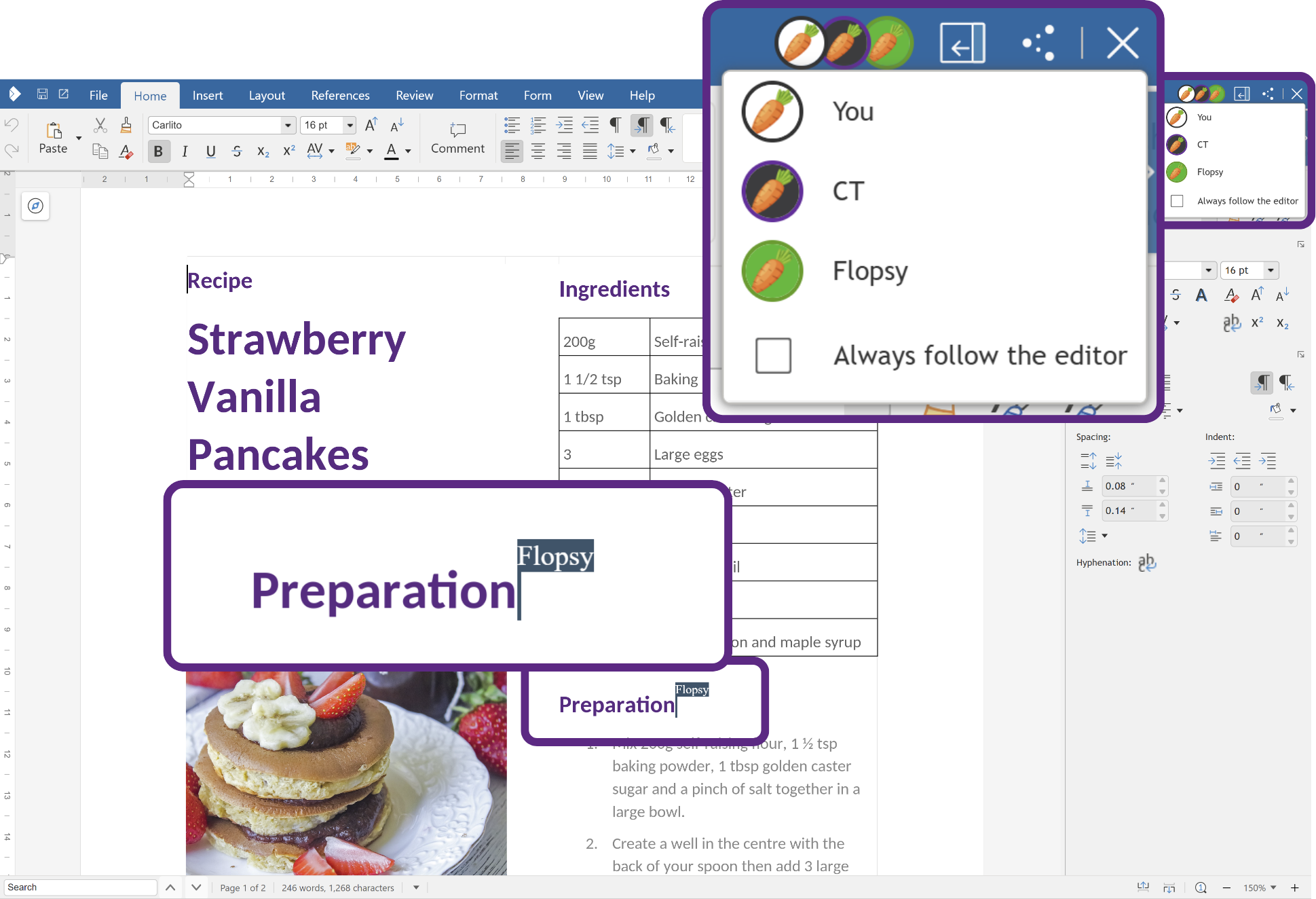
Collabora Online is a powerful, open-source office suite that provides real-time collaborative editing for documents, spreadsheets, and presentations. Built on LibreOffice technology, it offers a familiar interface while ensuring data privacy through self-hosting capabilities. - Real-time collaboration: Multiple users can edit documents simultaneously with changes reflected instantly. - Full office suite: Includes Writer (text documents), Calc (spreadsheets), Impress (presentations), and Draw (graphics). - Self-hosted deployment: Host on your own infrastructure for complete data control and privacy. - Cross-platform compatibility: Works on desktop, web browsers, and mobile devices (iOS/Android). - Enterprise-grade security: Supports encryption, access controls, and compliance with GDPR and other standards. - Integration ecosystem: Seamlessly integrates with platforms like Nextcloud, ownCloud, and other document management systems. - Scalable architecture: Supports large deployments with the Collabora Online Controller for Kubernetes. - Offline editing: Available through Collabora Office desktop applications. Collabora Online is open-source software that can be self-hosted on Linux servers. It supports Docker containers for easy deployment and integrates with various cloud storage solutions. The software is compatible with major Linux distributions and can be deployed in Kubernetes environments for large-scale deployments. Documentation and community support are available for setup and configuration.
About Microsoft 365
Microsoft 365 (formerly Office 365) is a subscription-based suite of productivity tools and cloud services designed to enhance collaboration, creativity, and efficiency. The platform integrates world-class security, powerful AI capabilities, and seamless cloud storage to support users across devices.
Key Features of Microsoft 365
- Core Productivity Apps: Includes Word, Excel, PowerPoint, Outlook, OneNote, and OneDrive for document creation, data analysis, presentations, and email management.
- AI-Powered Tools: Features Copilot for AI-driven research, planning, content creation, and data analysis to boost productivity.
- Cloud Storage & Collaboration: Provides secure cloud storage with real-time collaboration features across apps like Word, Excel, and PowerPoint.
- Advanced Security: Includes Microsoft Defender for antivirus protection, phishing scans, and device security alerts.
- Cross-Platform Support: Available on Windows, macOS, iOS, Android, and web browsers for seamless access across devices.
- Enterprise & Education Plans: Offers tailored plans for businesses, enterprises, schools, and nonprofits with scalable features.
- Integration with Microsoft Ecosystem: Works seamlessly with Teams, SharePoint, Planner, and other Microsoft services for enhanced workflows.
Tech / Self-Hosting
Microsoft 365 is a cloud-based SaaS platform and does not support self-hosting. It is managed and hosted by Microsoft, with data stored in Microsoft’s secure cloud infrastructure. Users can access the suite through web browsers or dedicated desktop and mobile apps.