11 Best Open Source Keeper Alternatives
A curated collection of the 11 best open source and self-hosted alternatives to Keeper in 2026.
Looking for a free, privacy-friendly, or self-hosted replacement for Keeper in 2026? The top open-source alternative is HashiCorp Vault — Manages tokens, passwords, certificates, and encryption keys through a UI, CLI, or HTTP API, with dynamic credentials and encryption-as-a-service built in..
Other highly rated open-source Keeper alternatives include Infisical, KeePassXC and Bitwarden.
Manages tokens, passwords, certificates, and encryption keys through a UI, CLI, or HTTP API, with dynamic credentials and encryption-as-a-service built in.
Manages tokens, passwords, certificates, and encryption keys through a UI, CLI, or HTTP API, with dynamic credentials and encryption-as-a-service built in.
End-to-end encrypted secret management platform for seamless integration and enhanced security in development workflows.
End-to-end encrypted secret management platform for seamless integration and enhanced security in development workflows.

Offline password manager with auto-fill
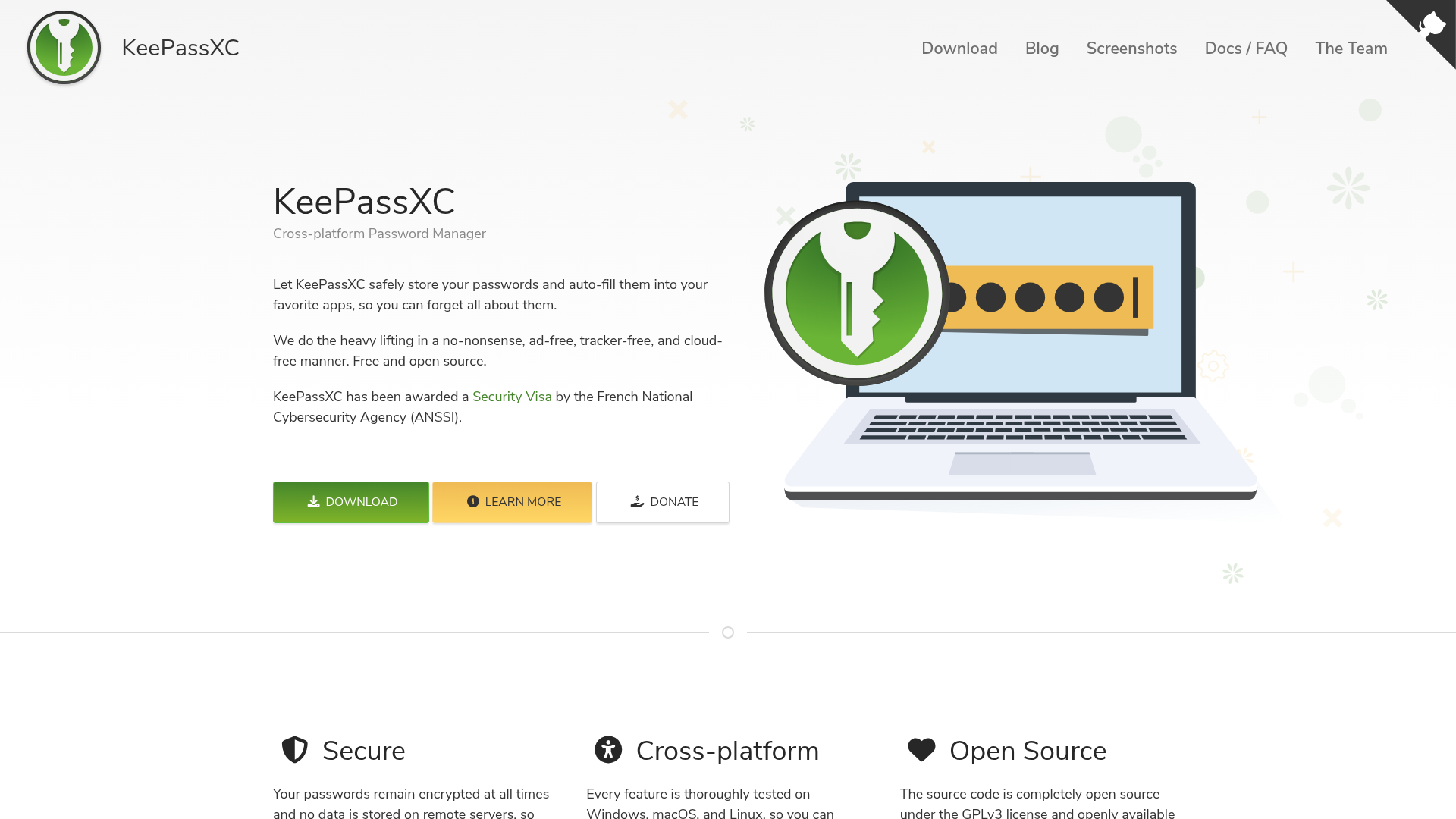
KeePassXC is a modern, secure, and open-source password manager that stores and manages sensitive information like passwords, URLs, attachments, and notes in an offline, encrypted file. - Cross-platform support: Thoroughly tested on Windows, macOS, and Linux for seamless experience across all major operating systems - Offline encryption: All data remains encrypted at all times with no remote storage or cloud dependencies - Auto-fill functionality: Automatically fills credentials into favorite apps and browsers - Security certifications: Awarded ANSSI Security Visa (CSPN) by French National Cybersecurity Agency - Open source: Completely open-source under GPLv3 license with source code available on GitHub - Data portability: Stores data in encrypted files that can be stored anywhere, including private and public cloud solutions - Passkey support: Stores backup eligibility and state flags for modern authentication methods - Anti-DLL injection: Mitigations against malicious OpenSSL config files on Windows - Auto-Type placeholders: Supports {TIMEOTP} and other advanced auto-type features - Bitwarden import: Supports nested folders during Bitwarden database imports KeePassXC is a fully self-hosted application that runs entirely offline. The encrypted database file can be stored on any device or cloud storage solution of your choice. No internet connection is required for core functionality. The software is available as: - Native installers for Windows, macOS, and Linux - Package managers for most Linux distributions - Portable versions for easy deployment - Source code available on GitHub for custom builds The application prioritizes security through code reviews, testing, and has implemented policies to prevent AI-generated code from entering the codebase.

Open source password manager for teams and individuals
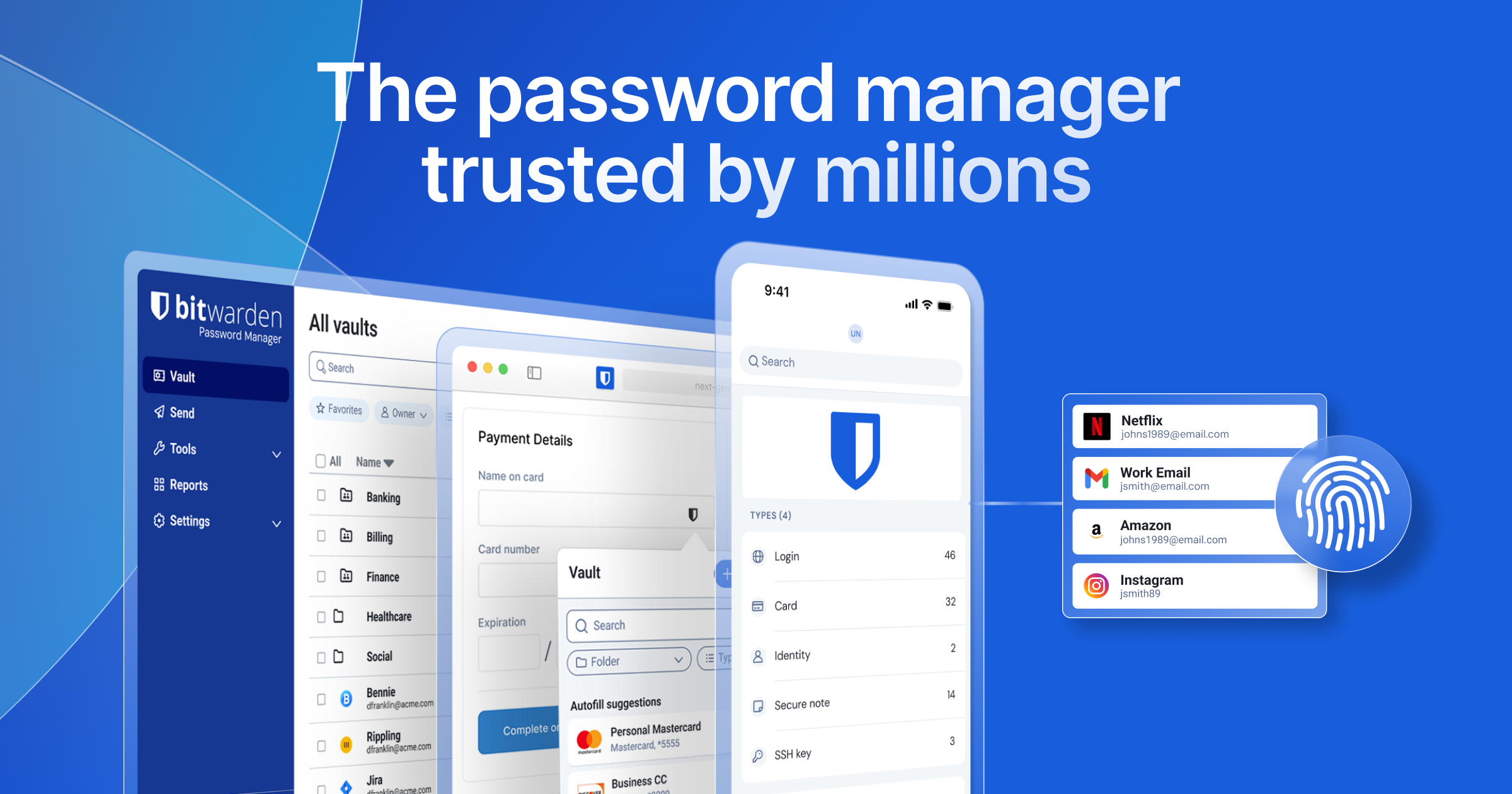
Bitwarden is the trusted, open source password manager for individuals, teams, and enterprises. It provides secure storage, sharing, and management of passwords, passkeys, and sensitive data with end-to-end encryption. - Secure Password Storage: Store passwords, passkeys, and secrets with AES-256 encryption - Cross-Platform Access: Available on web, desktop, mobile, and browser extensions - Team Collaboration: Share credentials securely with least-privilege access controls - Enterprise Security: SSO integration, centralized ownership, and access intelligence - Self-Hosting: Deploy on-premises or in private cloud environments - Secrets Management: Dedicated solution for developers and DevOps teams - Access Intelligence: Actionable insights into vault security and compliance - Open Source: Transparent codebase with regular security audits Bitwarden is built with .NET Core and supports self-hosting through Docker containers. The server component is available on GitHub for organizations requiring on-premises deployment. All data is encrypted client-side before reaching the server, ensuring maximum security regardless of hosting location.

Open source password manager for teams
Passbolt is an open source, end-to-end encrypted password manager designed for security-conscious IT teams and organizations of all sizes. It provides a sovereign, adaptable solution for credential management with granular sharing capabilities, ensuring productivity, traceability, and compliance. - End-to-End Encryption: All credentials are encrypted client-side using public-private key architecture for maximum security. - Granular Sharing: Share passwords securely with fine-grained permissions and audit trails. - Team Collaboration: Built for teams of 5 to 5000+, enabling safe credential sharing without silos. - Compliance Ready: SOC 2 Type II audited, GDPR compliant, and ANSSI CSPN certification in progress. - Self-Hosting: Deploy on-premises or use Passbolt Cloud for flexible deployment options. - Multi-Platform: Works across browsers, mobile apps, and integrates with existing workflows. - Audit Logs: Full visibility into credential access and changes with detailed audit trails. - FIDO Alliance Member: Supports modern authentication standards for enhanced security. Passbolt is open source and can be self-hosted on your own infrastructure. The software is built with PHP (CakePHP framework) and uses a MySQL/MariaDB database backend. Self-hosting options include Docker containers, bare-metal installations, or cloud deployments. The project provides comprehensive documentation for installation, configuration, and maintenance, making it suitable for enterprise environments requiring full data control.

Open source end-to-end encrypted password manager
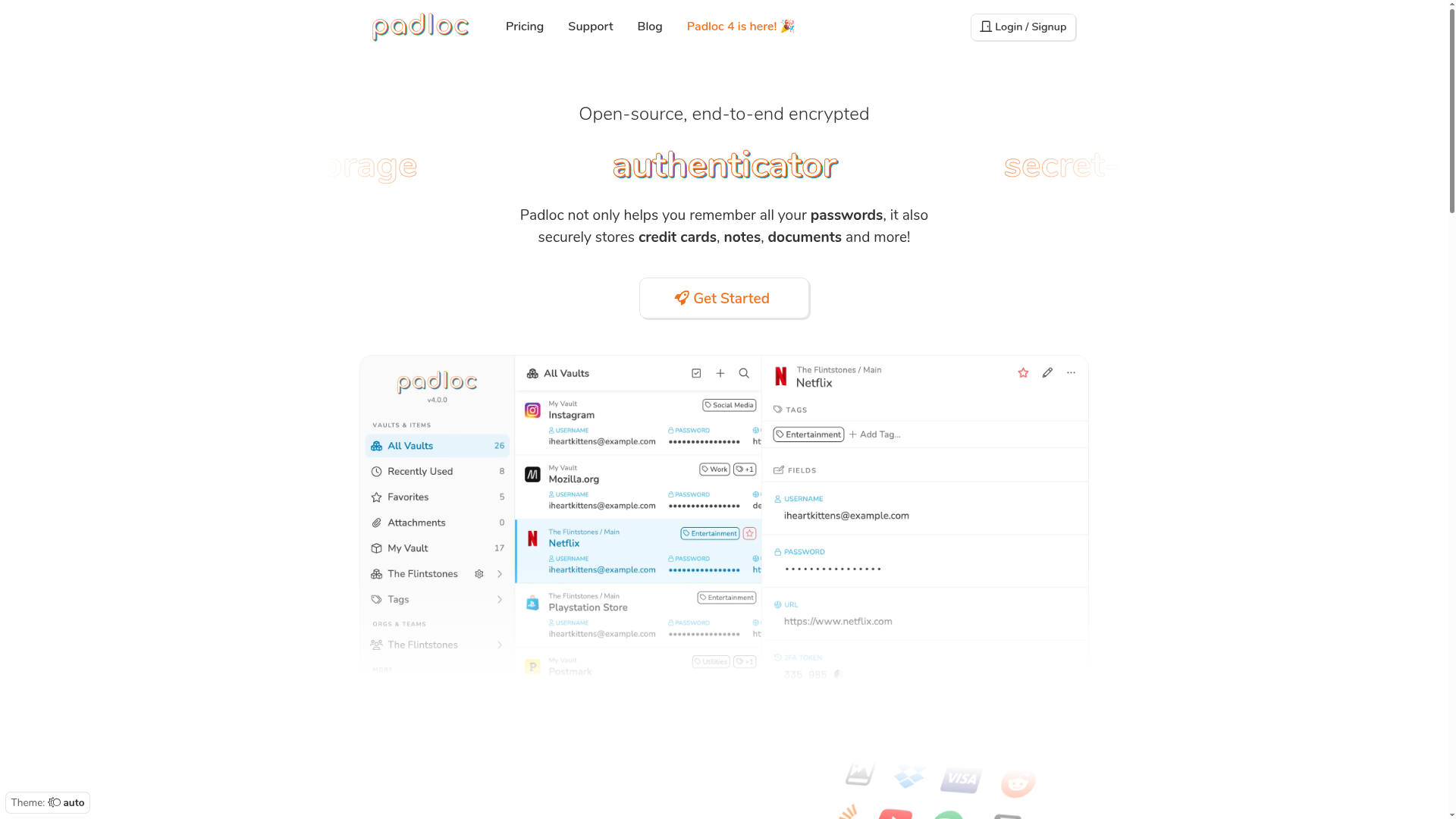
Padloc is an open-source, end-to-end encrypted password manager designed to securely store sensitive data like passwords, credit cards, notes, documents, and more. - End-to-End Encryption: All data is encrypted before leaving your device, ensuring only you can access it. - Cross-Platform Support: Available on Windows, macOS, Linux, iOS, Android, and as browser extensions. - Secure Sharing: Share passwords and documents securely with family, coworkers, or teams. - Multi-Factor Authentication: Enhance security with built-in authenticator and MFA support. - Encrypted File Storage: Store and manage files securely with up to 1GB storage in premium plans. - Rich Text Notes: Create and organize notes with markdown support. - Security Reports: Monitor and improve your password security with automated reports. - Open Source & Audited: Transparently developed with independent security audits for trust. Padloc is open-source and can be self-hosted for complete control over your data. The project is built with modern web technologies and offers both cloud and self-hosted deployment options. For self-hosting, refer to the official documentation.

Open-source European personal cloud for secure data management
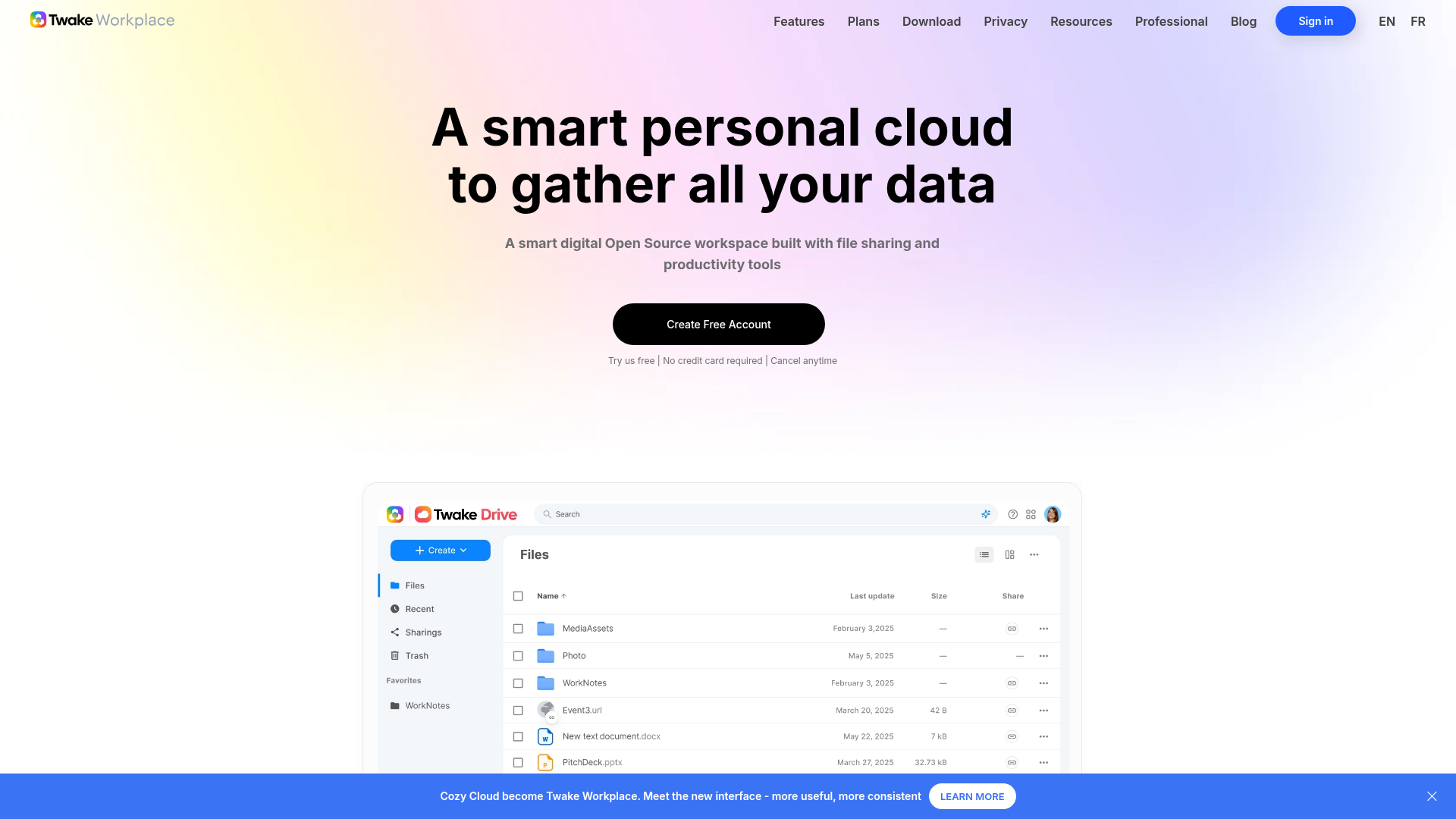
Twake Workplace (formerly Cozy Cloud) is a human-centric, open-source personal cloud designed to centralize and secure your digital life. Developed in France, it prioritizes privacy, GDPR compliance, and user control while offering seamless collaboration tools. - Twake Drive: Cloud storage with automatic document import (bills, bank statements, receipts) from third-party services - Twake Notes: Secure note-taking and collaboration with shared private spaces - Twake Pass: Password manager with synchronized access across devices - Twake Mail: Corporate email with advanced security features - Self-Hosting: Docker-based on-premise solutions for full data control - Cross-Platform Sync: Access documents anywhere via PC, smartphone, or tablet - GDPR Compliance: All data stored in France with strict privacy protections - Free Tier: Generous free storage with optional paid expansion Twake Workplace is built with a modular architecture using Go for the backend and modern web technologies for the frontend. The self-hosting solution is containerized with Docker, making deployment straightforward on any infrastructure. The stack includes: - Backend: Go-based cozy-stack with RESTful APIs - Frontend: React-based web interface with mobile apps (iOS/Android) - Database: PostgreSQL for structured data storage - Storage: S3-compatible object storage for files - Authentication: OAuth2 and SAML support - Deployment: Single Docker command for local/on-premise installation The open-source cozy-stack repository provides all components needed for self-hosting, with comprehensive documentation for custom deployments.

Secure secrets management with public key encryption

Keyshade is a modern secrets management platform designed to replace insecure .env files and manual secret sharing. Built with public key encryption and real-time synchronization, it provides developers and teams with a secure way to manage, rotate, and audit sensitive configurations. - Public Key Encryption: Safely share secrets across infrastructure using end-to-end encryption - Automated Secret Rotation: Protect credentials with scheduled rotation protocols - Versioning & Rollback: Track configuration changes and restore previous states effortlessly - Role-Based Access Control (RBAC): Granular permissions for team collaboration - Real-Time Monitoring: Instant alerts and auditing for security compliance - CLI & Web Interface: Manage secrets directly from terminal or browser - Workspace Snapshots: Capture and restore entire configuration states - Multi-Platform Sync: Seamless integration with development workflows - Import/Export Capabilities: Migrate from existing platforms like AWS, GitHub, or 1Password Keyshade is open-source and can be self-hosted for complete data control. The platform supports modern deployment options and integrates with existing CI/CD pipelines. All secrets are encrypted at rest and in transit, ensuring enterprise-grade security standards.

Open source secrets management for teams and AI agents
Phase is an open-source secrets management platform designed for teams and AI agents, enabling secure access, management, and deployment of application secrets from development to production. It provides dynamic, short-lived credentials with granular access controls and full audit logging. - Dynamic Secrets: Generate temporary, time-bound credentials for humans and AI agents with automatic rotation and TTL-based expiration. - Granular Access Control: Enforce least-privilege access with role-based permissions and real-time approval workflows. - Full Audit Logging: Track every access request, secret rotation, and destructive action with detailed logs and alerts. - Multi-Environment Support: Manage secrets across development, staging, and production environments with environment-specific policies. - AI Agent Integration: Provide AI agents with their own identities and scoped credentials, enabling secure automation without exposing long-lived secrets. - Self-Hosting: Deploy Phase on your own infrastructure for complete control over data and compliance requirements. - SSO & Identity Providers: Integrate with Google, GitHub, GitLab, Okta, and Microsoft Entra ID for seamless authentication. - CLI & SDK Support: Use the Phase CLI or SDKs to interact with secrets programmatically in CI/CD pipelines and local development. Phase is open-source and can be self-hosted on any infrastructure. The platform supports Kubernetes, Docker, and cloud-native deployments. Documentation for self-hosting is available at docs.phase.dev/self-hosting.

Open-source local-first password manager
PearPass is a local-first, open-source password manager designed for maximum privacy and security. Unlike traditional cloud-based managers, PearPass eliminates the single point of failure by storing all credentials exclusively on your devices and syncing them via secure peer-to-peer protocols. - Passkey Support: Stores digital keys locally on your hardware for complete control over credentials. - Import from Legacy Managers: Securely migrate passwords from 1Password, LastPass, Bitwarden, and others into your encrypted vault. - P2P Syncing: Devices form a private, encrypted network to keep your vault updated without relying on cloud infrastructure. - End-to-End Encryption: Uses cryptographic primitives from Libsodium to ensure your data remains private and secure. - Independently Audited: Underwent a comprehensive security audit by Secfault Security, confirming its commitment to open-source security standards. - Cross-Platform Compatibility: Available on iOS, Android, Windows, macOS, Linux, and major browsers. - No Cloud Dependency: Eliminates the risk of cloud leaks and metadata tracking by keeping all data local. - Transparent Security: 100% open-source code allows anyone to inspect, audit, and verify the software. PearPass is fully open-source and self-hostable. The desktop app must run locally to maintain the local-only architecture, ensuring total data consistency. The browser extension interacts directly with locally stored data for secure auto-fill functionality. All source code is available on GitHub.

Secure secrets management for teams and AI agents
Shelve is your secure foundation for effortless secrets management. Centralize API keys, tokens, and environment variables in one organized dashboard while ensuring team access and seamless synchronization across environments. - Envelope Encryption: Every variable encrypted with a per-project Data Encryption Key (DEK), sealed by a platform Key Encryption Key (KEK). Leaked DEKs scope to single projects, and key rotation doesn't touch application code. - Scoped API Tokens: Create tokens with fine-grained permissions, optional expiry, and IP allowlists. Tokens are hashed and shown once with full audit logging. - AI Agent Safe: Automatically provisions .cursorignore, .aiderignore, and .codeiumignore files. Tokens stored in OS keychain with zero disk writes during runtime injection. - Environment Parity: Detects inconsistencies across environments instantly to prevent runtime errors caused by missing variables. - Team Management: Role-based access (Owner, Admin, Member) with clear permissions and secure team collaboration. - GitHub Integration: Official GitHub App syncs secrets automatically between Shelve and GitHub Actions/repository secrets. - Command Center: Hit Ctrl+K (Cmd+K) for instant search, navigation, and action execution across your workspace. - Audit Everything: Immutable, filterable audit logs capture all security-relevant actions with actor, IP, user agent, and resource context. Shelve is open source and free to self-host. The hosted instance at app.shelve.cloud includes all security features. Built with modern web technologies and designed for seamless integration with CI/CD pipelines and development workflows.
About Keeper
The top-rated password and secrets manager for protecting businesses and families from cyber threats.