4 Best Open Source HomeKit Alternatives
A curated collection of the 4 best open source and self-hosted alternatives to HomeKit in 2026.
Looking for a free, privacy-friendly, or self-hosted replacement for HomeKit in 2026? The top open-source alternative is Home Assistant — Open source home automation platform supporting 1000+ devices with local control, powerful automations, custom dashboards, and voice assistant. No cloud required..
Other highly rated open-source HomeKit alternatives include CasaOS, Gladys Assistant and YunoHost.
Open source home automation platform supporting 1000+ devices with local control, powerful automations, custom dashboards, and voice assistant. No cloud required.
Open source home automation platform supporting 1000+ devices with local control, powerful automations, custom dashboards, and voice assistant. No cloud required.

Open-source personal cloud OS for self-hosting
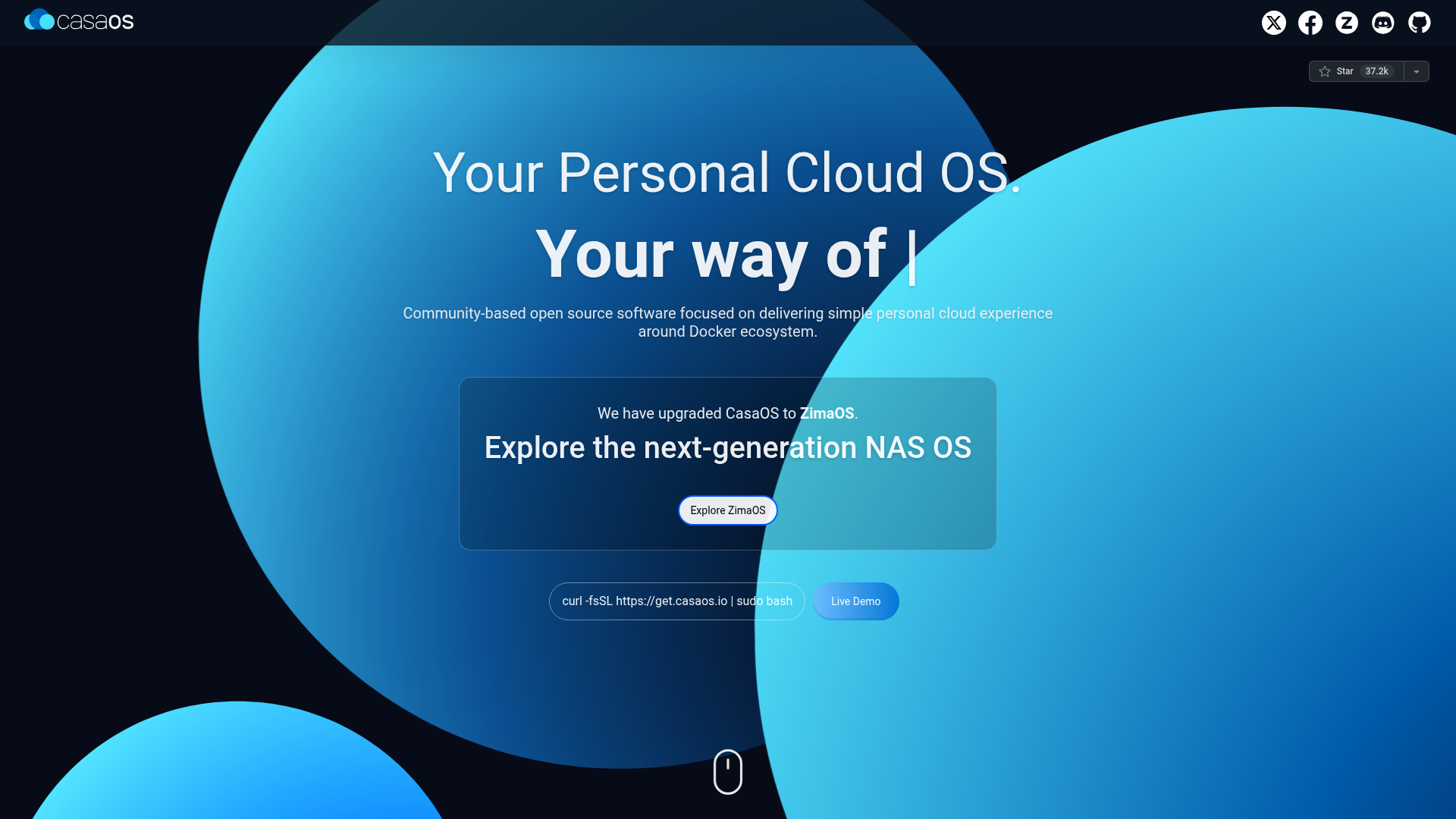
CasaOS is a community-driven open-source personal cloud operating system designed to simplify self-hosting. Built around the Docker ecosystem, it provides an intuitive interface to manage files, apps, and backups across devices while ensuring data privacy and security. - Easy Setup: One-liner installation (curl -fsSL https://get.casaos.io | sudo bash) compatible with Ubuntu, Debian, Raspberry Pi OS, and CentOS. - Docker Integration: Pre-installed with 20+ apps and access to 50+ community-verified self-hosted apps via an integrated app store. - Multi-Device Sync: Zero subscription fees with fast syncing between devices (phones, TVs, VR) without splitting data across cloud services. - Hardware Support: Runs on ZimaBoard, Intel NUC, Raspberry Pi, and other ARM/AMD64 devices. - Remote Access: Securely access your apps and data from anywhere with encrypted connections. - Flexible Dashboard: Customizable interface for managing files, apps, and system resources. - Open Source: Fully Apache 2.0 licensed and tinker-friendly for developers. - Privacy Focused: Keeps your data local, eliminating reliance on third-party cloud services. CasaOS is designed for self-hosting on consumer hardware. It supports multiple architectures (amd64, armv7, arm64) and operating systems. The project has migrated to ZimaOS as its next-generation platform while maintaining CasaOS as an active open-source project. Installation is straightforward, and the community provides support via Discord and GitHub. Note: CasaOS has evolved into ZimaOS, but the original CasaOS remains available as a stable open-source alternative.
Privacy-first home automation platform that runs locally on your hardware, supports Zigbee, Matter, and MQTT, and lets you automate your home without coding.
Privacy-first home automation platform that runs locally on your hardware, supports Zigbee, Matter, and MQTT, and lets you automate your home without coding.

Self-host your digital services easily
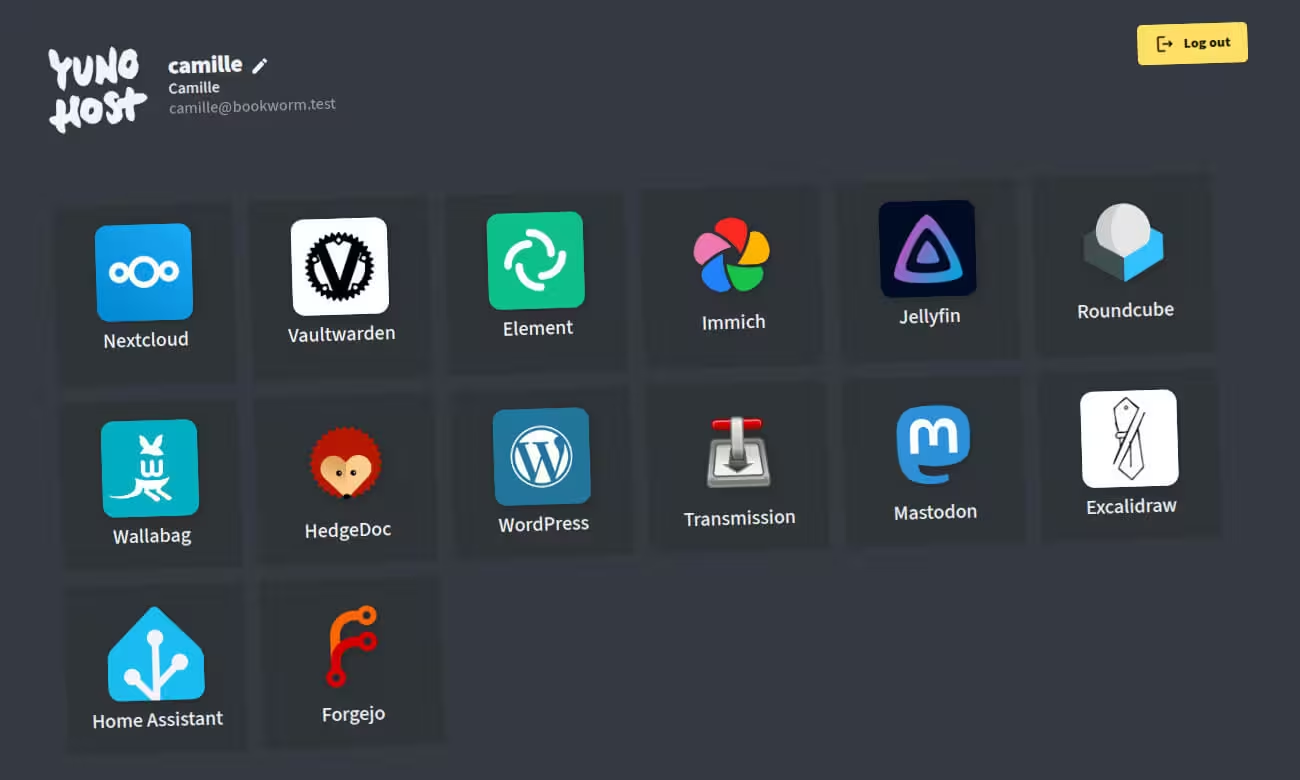
YunoHost is a lightweight server operating system that installs itself on a server and allows you to easily install and maintain digital services (apps) that you control. - One-click app installation: Install apps like Nextcloud, WordPress, or Matrix with minimal technical knowledge. - User-friendly administration: Manage users, domains, backups, and services through an intuitive web interface. - Multi-language support: Available in over 15 languages, including Arabic, French, Spanish, and Chinese. - Self-hosting made simple: Designed for individuals, associations, and small businesses to host their own digital services. - Active community & documentation: Extensive guides, forums, and a vibrant community for support and collaboration. - Privacy-focused: All data remains under your control, ensuring privacy and compliance with GDPR. - Hardware flexibility: Runs on various hardware, from Raspberry Pi to VPS and old computers. - Regular updates & security: Continuous improvements and security patches to keep your server safe. YunoHost is open-source and can be self-hosted on a variety of hardware, including: - Raspberry Pi or ARM boards - Old computers or "dinosaurs" - Cloud VPS providers The installation process is guided, making it accessible even for beginners. Once installed, users can manage their server through a web-based administration panel, install apps from a curated catalog, and set up backups to ensure data safety. The project is developed and maintained by a community-driven team, with a strong focus on privacy, autonomy, and ease of use.
About HomeKit
The Home app is Apple's native solution for managing HomeKit-enabled smart home devices. It provides a centralized interface to control lights, thermostats, cameras, and other compatible accessories.
Key Features of HomeKit
- Device Control: Manage lights, thermostats, locks, cameras, and sensors from a single app
- Automation: Create custom automations and scenes to control multiple devices simultaneously
- Remote Access: Control your home from anywhere using your Apple devices
- HomeKit Integration: Works seamlessly with all HomeKit-compatible devices
- Secure & Private: End-to-end encryption ensures your data remains private
- Voice Control: Use Siri to control devices with voice commands
- Activity Zones: Set up zones for cameras to focus on specific areas
- Home Hub: Turn compatible Apple devices into Home Hubs for remote access
Tech / Self-Hosting
The Home app is a proprietary Apple application that runs on iOS, iPadOS, macOS, and visionOS. It requires HomeKit-enabled hardware and does not support self-hosting or third-party hosting. The app is free to use with compatible Apple devices.