6 Best Open Source Google Docs Alternatives
A curated collection of the 6 best open source and self-hosted alternatives to Google Docs in 2026.
Looking for a free, privacy-friendly, or self-hosted replacement for Google Docs in 2026? The top open-source alternative is Macro Docs — Collaborative markdown docs with AI agents.
Other highly rated open-source Google Docs alternatives include Docs, CryptPad and LibreOffice.

Collaborative markdown docs with AI agents
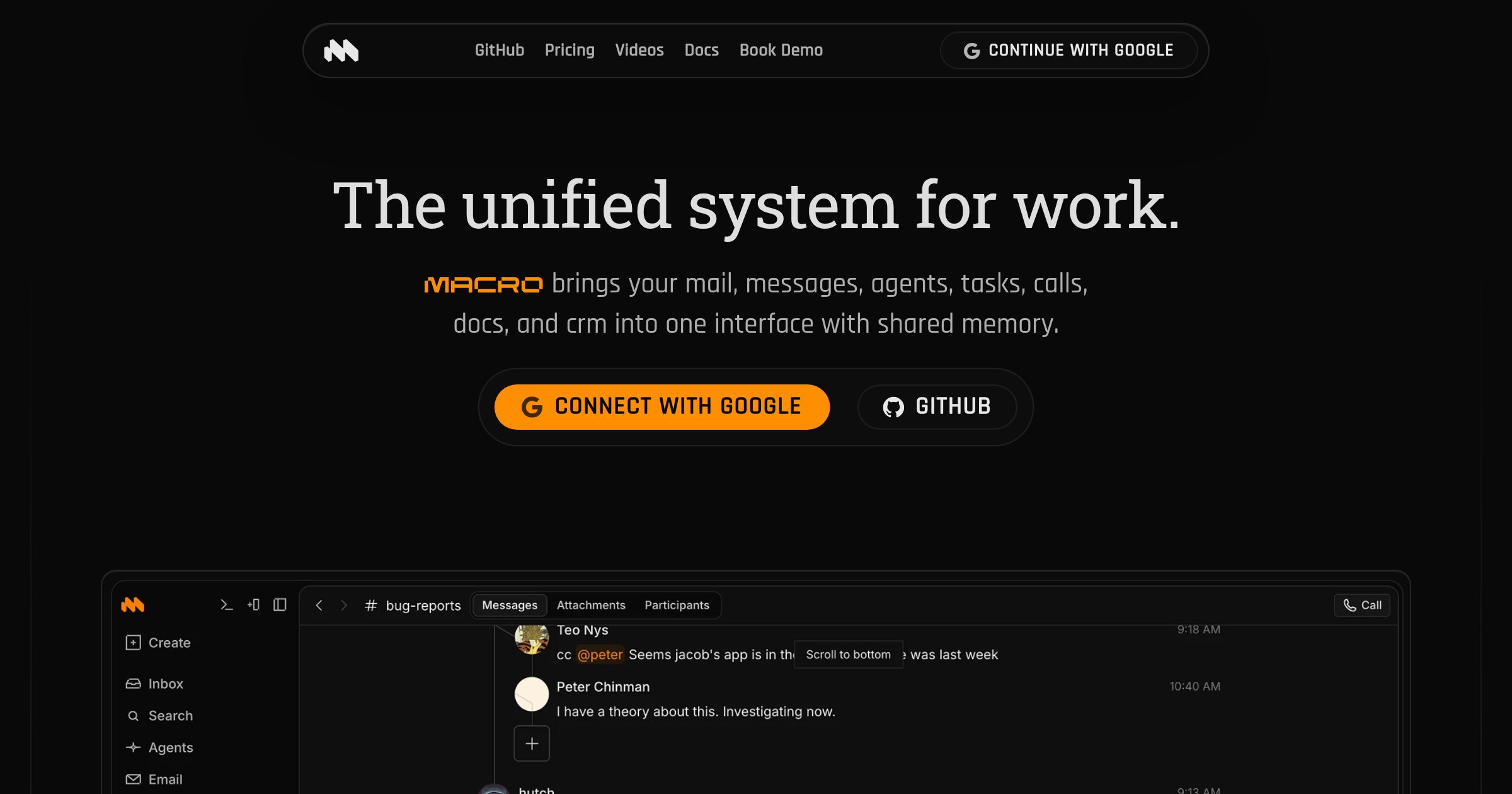
Macro Docs is a real-time, version-controlled markdown editor that integrates seamlessly with your team's tasks, email, channels, and AI agents. Built for collaboration and offline editing, it combines the flexibility of plain text with structured properties and live @mentions. - Collaborative Editing: CRDT-based real-time collaboration with inline comment threads and live agent cursors - Markdown-Native: Portable markdown files that can be exported anytime - @Linked Workspace: Directly mention people, tasks, emails, or channels with live links - Version Control: Full version history with restore and fork capabilities - Agent-Editable: AI agents can draft, revise, and work within documents in real time - Structured Properties: Add fields like status, assignee, dates, and links alongside documents - Mobile-Friendly: Access and edit documents on any device - Offline Editing: Continue working even without an internet connection Macro Docs is open source under AGPLv3 and available on GitHub. While the application code is open for inspection, your workspace data remains private and secure. The platform is designed for cloud use with no self-hosting option currently available.

Open-source collaborative document editor
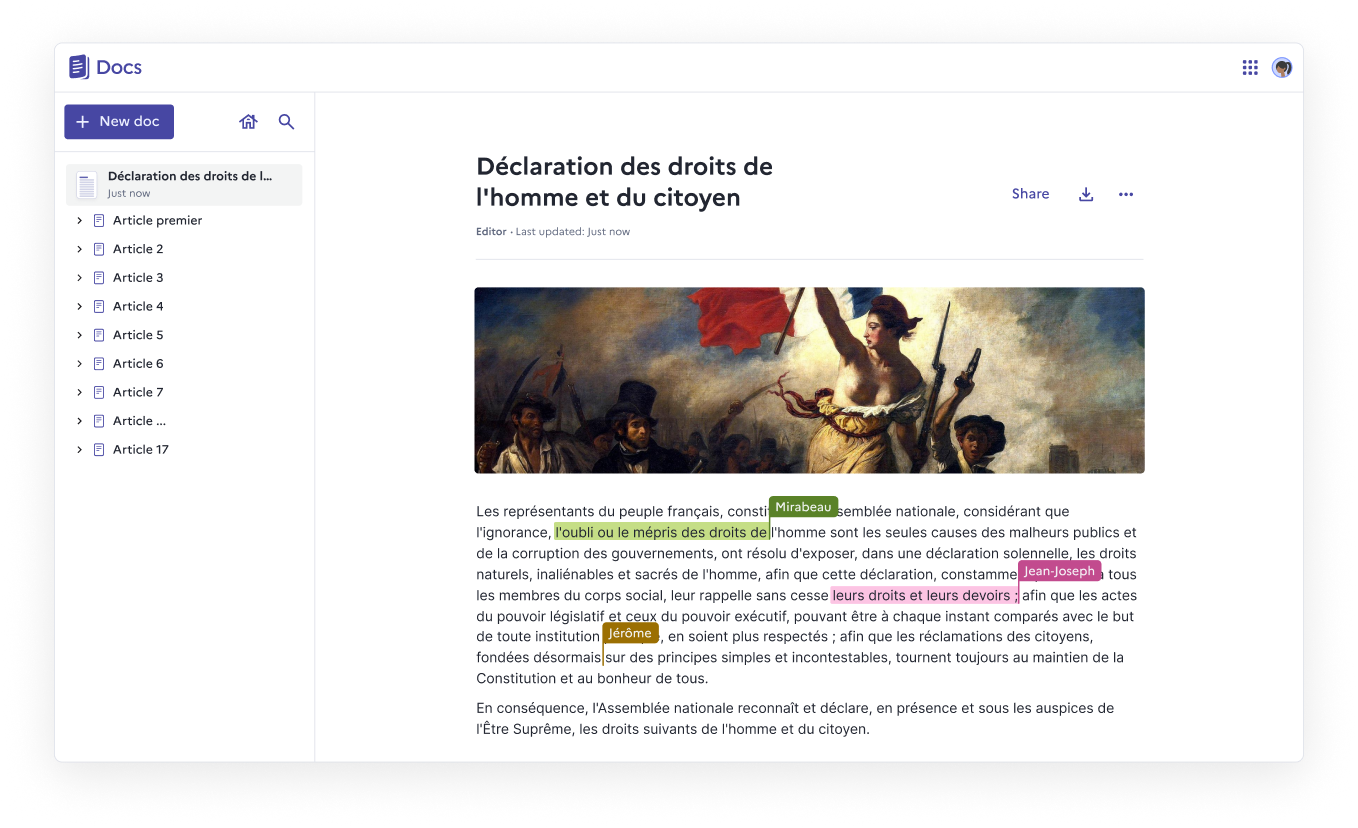
Docs is an open-source, web-native document editor designed for real-time collaboration, structured knowledge, and full data ownership. Whether you self-host it or use a public instance, Docs empowers teams to create, organize, and share documents effortlessly. - Real-time collaboration with live cursors, presence indicators, and comments - Block-based editing using slash commands, tables, columns, and collapsible sections - Knowledge organization through nested documents and hierarchies - Granular access control for viewing, commenting, or editing permissions - Import & export support for .docx, .md, .odt, and .pdf formats - Version history with rollback capabilities for every save - Fast search to quickly find and pin frequently accessed documents - Self-hosting with full data ownership and no third-party dependencies - Accessibility compliance with ongoing WCAG/RGAA improvements - Optional AI integration for summarization, rewriting, translation, and slide creation - Built on open-source foundations: Next.js, Django REST Framework, Yjs, BlockNote.js - Self-hostable via Docker Compose, Kubernetes, Nix, or YunoHost - 100% MIT licensed with no vendor lock-in - Verified Digital Public Good by the DPG Alliance - AI integration supports custom LLM providers or Mistral models via Albert API - Security note: Documents are not end-to-end encrypted (not suitable for classified data)
Open-source collaboration suite offering encrypted document editing, file sharing, and team workspaces with complete privacy protection.
Open-source collaboration suite offering encrypted document editing, file sharing, and team workspaces with complete privacy protection.

Free and private office suite, no forced AI
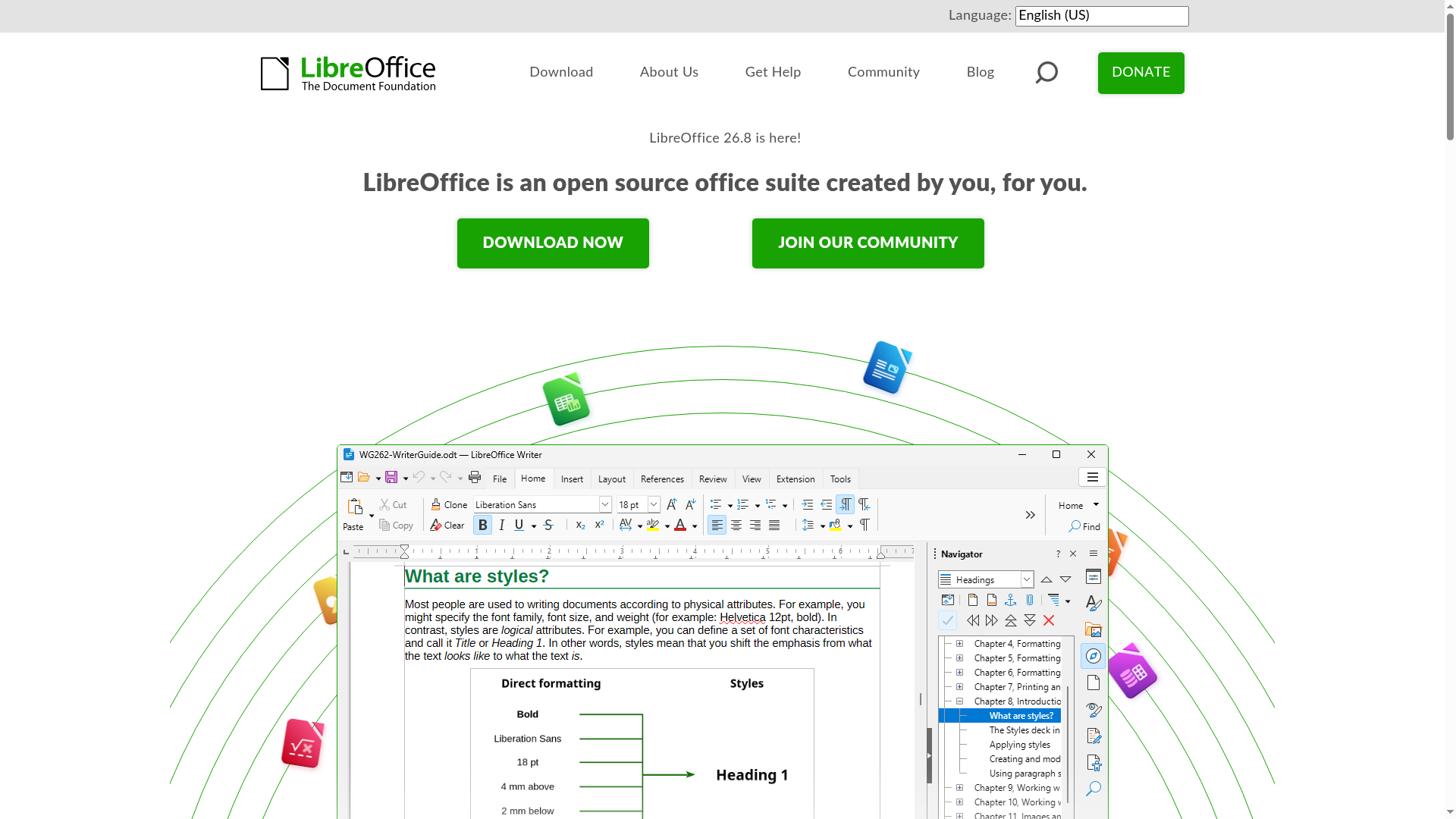
LibreOffice is a free and open-source office suite created by a global community of contributors. It provides a comprehensive set of tools for word processing, spreadsheets, presentations, databases, vector graphics, and mathematical formulas—all without forced AI integration. - Writer: Powerful word processor for notes, documents, and books - Calc: Advanced spreadsheet tool for data analysis and visualization - Impress: Create engaging multimedia presentations - Draw: Design diagrams, flowcharts, and 3D illustrations - Base: Manage databases with tables, forms, and reports - Math: Visual editor for mathematical formulas - Multi-language support: Available in over 100 languages - Cross-platform: Works on Windows, macOS, and Linux - No forced AI: Completely free from AI dependencies or tracking - Community-driven: Developed and maintained by volunteers worldwide LibreOffice is a desktop application that can be self-hosted by installing the software locally. It does not require cloud services or external dependencies. The source code is available on GitHub under the Mozilla Public License v2.0.

Self-hosted office suite for collaborative document editing
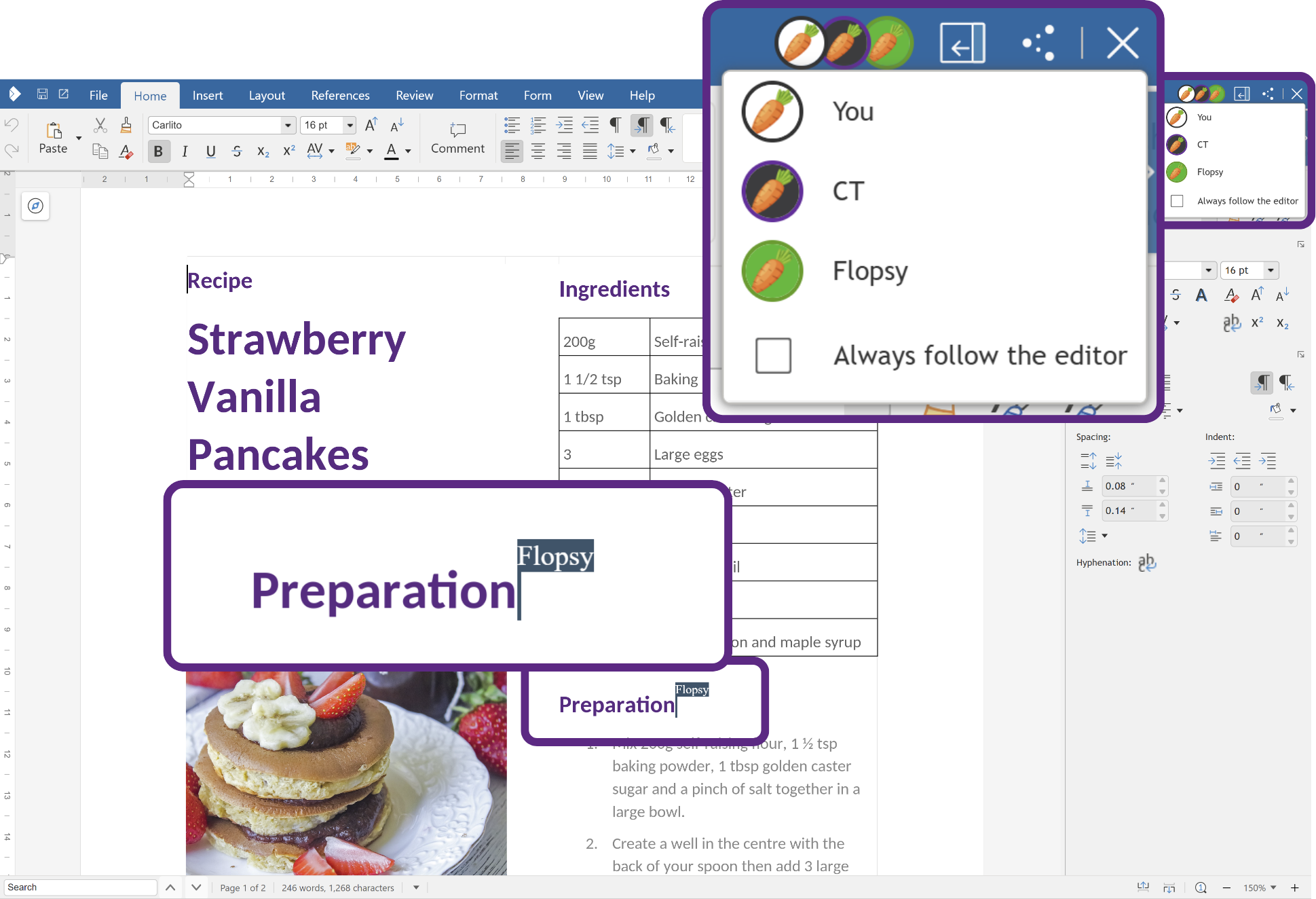
Collabora Online is a powerful, open-source office suite that provides real-time collaborative editing for documents, spreadsheets, and presentations. Built on LibreOffice technology, it offers a familiar interface while ensuring data privacy through self-hosting capabilities. - Real-time collaboration: Multiple users can edit documents simultaneously with changes reflected instantly. - Full office suite: Includes Writer (text documents), Calc (spreadsheets), Impress (presentations), and Draw (graphics). - Self-hosted deployment: Host on your own infrastructure for complete data control and privacy. - Cross-platform compatibility: Works on desktop, web browsers, and mobile devices (iOS/Android). - Enterprise-grade security: Supports encryption, access controls, and compliance with GDPR and other standards. - Integration ecosystem: Seamlessly integrates with platforms like Nextcloud, ownCloud, and other document management systems. - Scalable architecture: Supports large deployments with the Collabora Online Controller for Kubernetes. - Offline editing: Available through Collabora Office desktop applications. Collabora Online is open-source software that can be self-hosted on Linux servers. It supports Docker containers for easy deployment and integrates with various cloud storage solutions. The software is compatible with major Linux distributions and can be deployed in Kubernetes environments for large-scale deployments. Documentation and community support are available for setup and configuration.

Privacy-first alternative to Google Docs
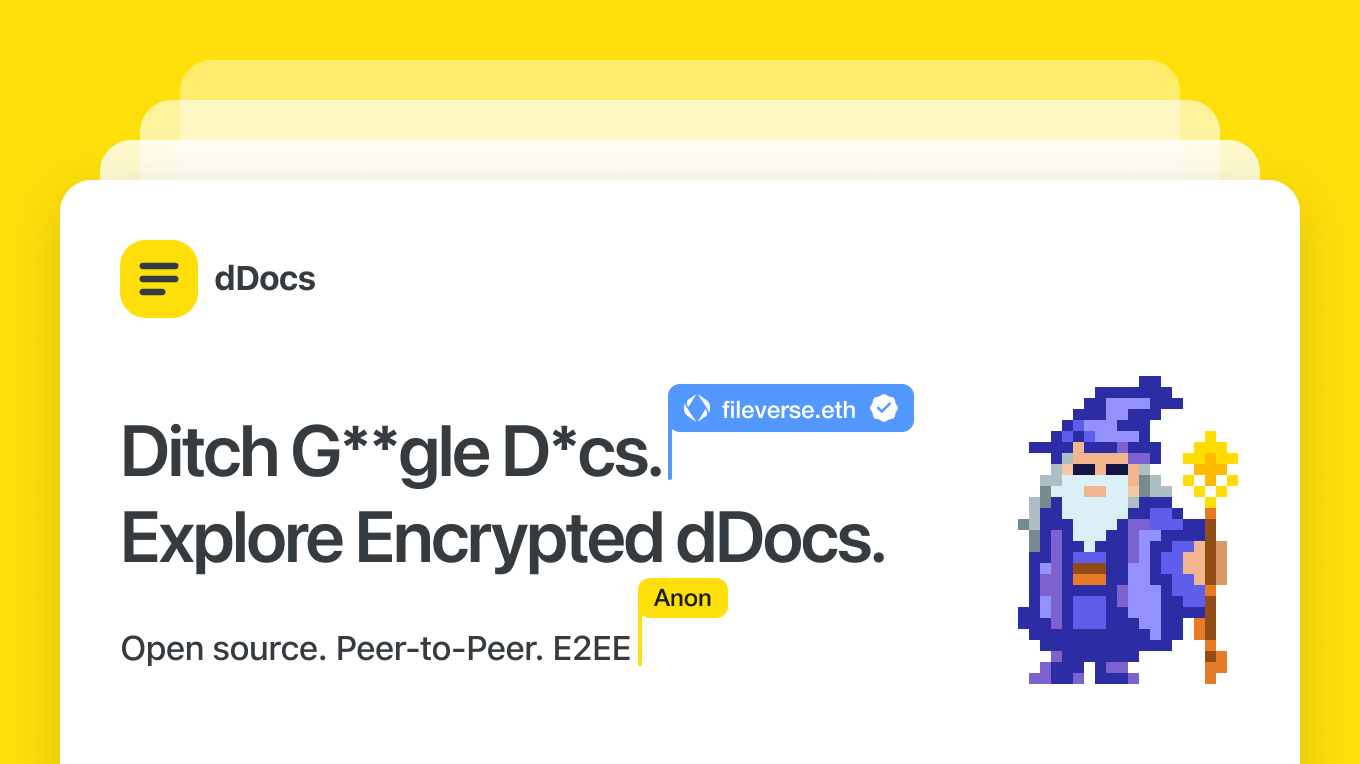
dDocs is a privacy-first, end-to-end encrypted document editor designed for real-time collaboration without surveillance or AI training. Built as a self-sovereign alternative to Google Docs, it ensures your work remains private, encrypted locally, and recoverable even if the service goes offline. - End-to-End Encryption: Post-quantum encryption for all documents, comments, and edits, ensuring no third party can access your content. - AI-Free Workflows: No AI training, scanning, or data harvesting—just pure, uncompromised writing. - Real-Time Collaboration: Multiplayer editing with encrypted sharing, comments, and suggestions. - Offline Mode & Cross-Device Sync: Draft and organize documents seamlessly across devices, with offline support. - Markdown, LaTeX, & Mermaid Support: Advanced formatting for technical and creative writing. - Self-Sovereign Recovery: Independent document recovery even if the service becomes unavailable. - Custom Themes & Organization: Tabs, folders, and themes to structure your writing efficiently. - Privacy by Default: No big tech tracking, no surveillance, and no AI-driven features. dDocs is open-source and can be self-hosted for full control over your data. The project is built with modern web technologies and supports decentralized identity solutions like ENS domains for authentication.
About Google Docs
Google Accounts is the centralized authentication system for accessing Google's suite of services, including Google Drive, Gmail, Google Docs, and more. It provides secure sign-in with email or phone verification, multi-language support, and privacy features like Guest mode.
Key Features of Google Docs
- Secure email/phone-based authentication
- Multi-language interface (50+ languages)
- Guest mode for private sign-ins
- Account recovery options
- Parental controls for child accounts
- Business/work account support
Tech / Self-Hosting
This is a cloud-based service provided by Google and cannot be self-hosted. It is GDPR compliant and operates under Google's privacy policies.