
GitHub Desktop
A user-friendly Git client that streamlines version control, commit management, and collaboration for developers of all skill levels.
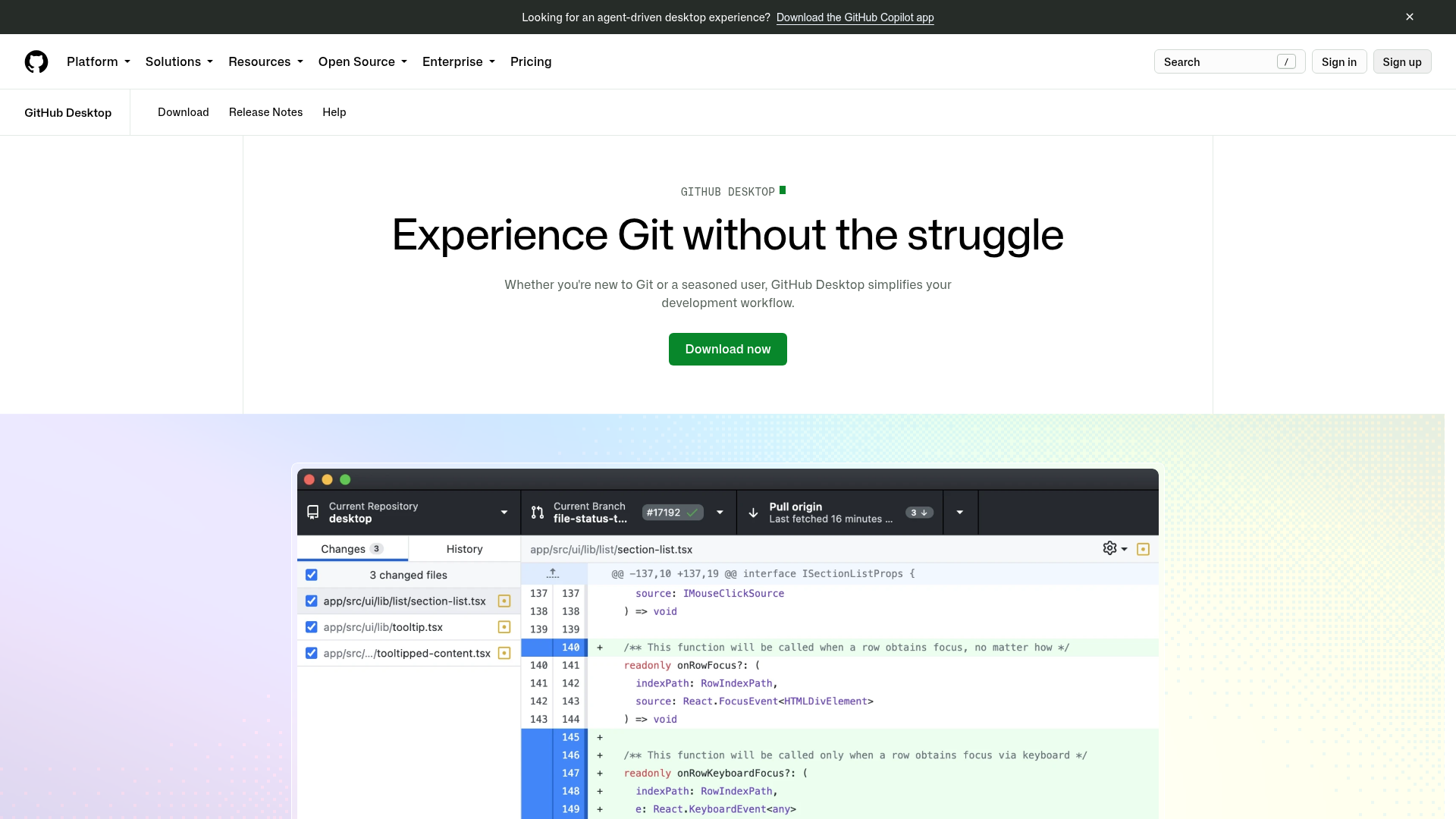
GitHub Desktop is a graphical user interface (GUI) for Git that simplifies version control and collaboration. Designed for both beginners and experienced developers, it provides an intuitive way to manage code changes, branches, and commits without needing to memorize complex Git commands.
Key Features
- Visual Diff & Comparison: Easily review code changes with side-by-side diff views to catch errors and ensure flawless updates.
- Commit Management: Drag-and-drop functionality to cherry-pick, squash, or reorder commits for cleaner branch history.
- Stashing Changes: Save uncommitted changes temporarily to stay flexible without cluttering your branch.
- Commit History Adjustments: Amend commits, revert changes, or update messages directly from the interface.
- Seamless Collaboration: Integrates with GitHub to simplify pull requests, code reviews, and team workflows.
- Cross-Platform Support: Available for Windows and macOS, ensuring consistent experience across devices.
- GitHub Integration: Direct access to GitHub repositories, issues, and pull requests from the desktop app.
- Beginner-Friendly: Hides Git complexity while providing powerful tools for all users.
Tech / Self-Hosting
GitHub Desktop is a desktop application that connects to GitHub repositories. It does not require self-hosting as it operates locally on your machine. The app is open source and available for download from desktop.github.com.