2 Best Open Source Firebase Studio Alternatives
A curated collection of the 2 best open source and self-hosted alternatives to Firebase Studio in 2026.
Looking for a free, privacy-friendly, or self-hosted replacement for Firebase Studio in 2026? The top open-source alternative is Zed — High-performance, multiplayer code editor.
Other highly rated open-source Firebase Studio alternatives include Aider.

High-performance, multiplayer code editor
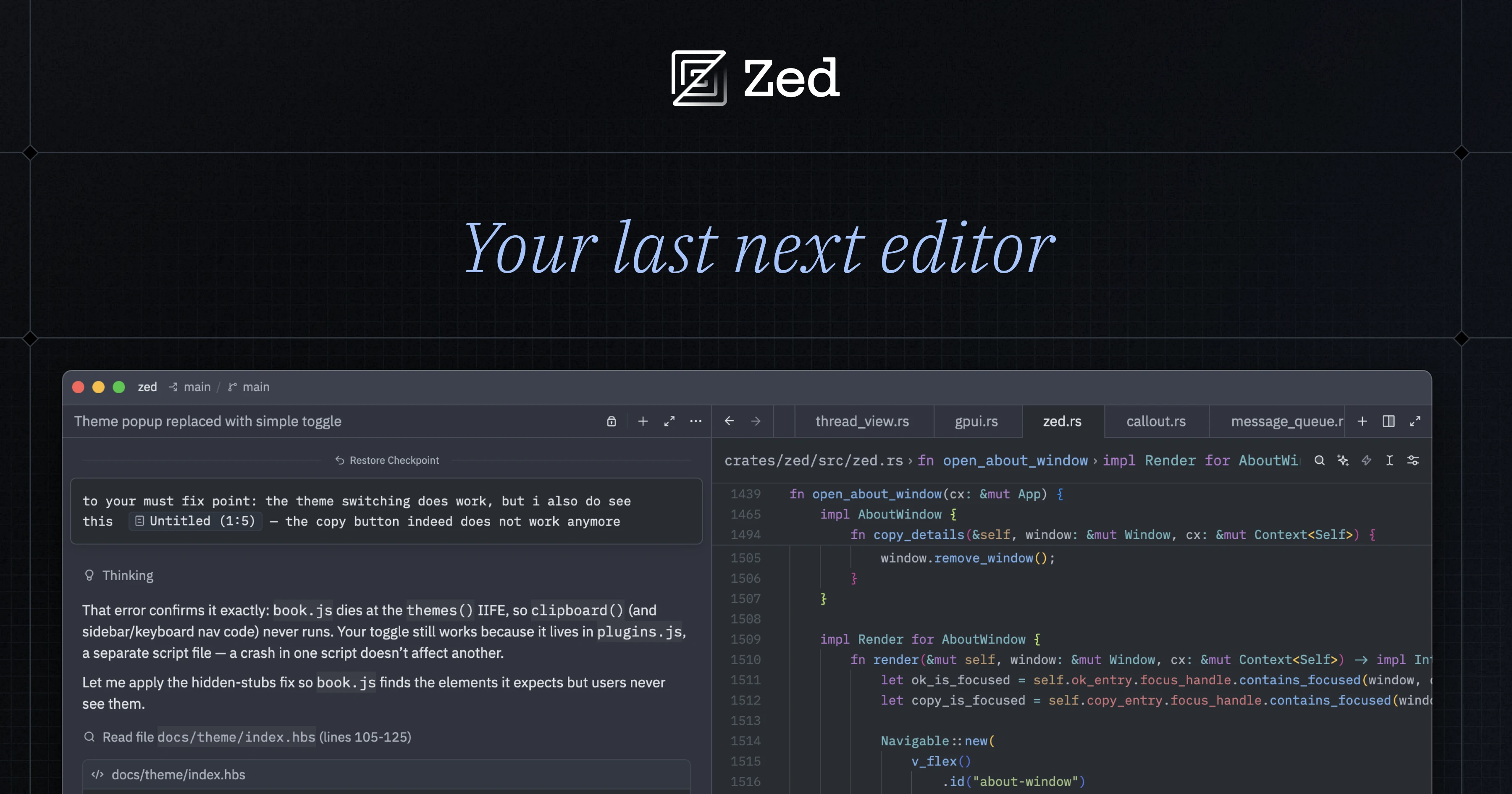
Zed is a high-performance, multiplayer code editor crafted for speed and collaboration with humans and AI. Built from scratch in Rust to efficiently leverage multiple CPU cores and your GPU, Zed delivers native-speed performance for editing, navigating code, and running tools. - Blazing Fast: Written in Rust to maximize CPU/GPU utilization and deliver native-speed performance. - Multiplayer Collaboration: Code together in real-time with teammates, chat, and screen sharing. - AI Agent Support: Run agents in parallel for intelligent code editing, navigation, and tool execution. - Cross-Platform: Available for macOS, Linux, and Windows. - Minimalist Design: Focused on speed and efficiency without unnecessary bloat. - Extensions Ecosystem: Extend functionality with a growing library of extensions. - Built-in AI Tools: Native support for AI-powered coding assistance and automation. Zed is open-source and self-hostable, with the core editor and collaboration features available for deployment. The Rust-based architecture ensures high performance and scalability. For teams, Zed offers business plans with advanced collaboration and AI features.
AI pair programming in your terminal
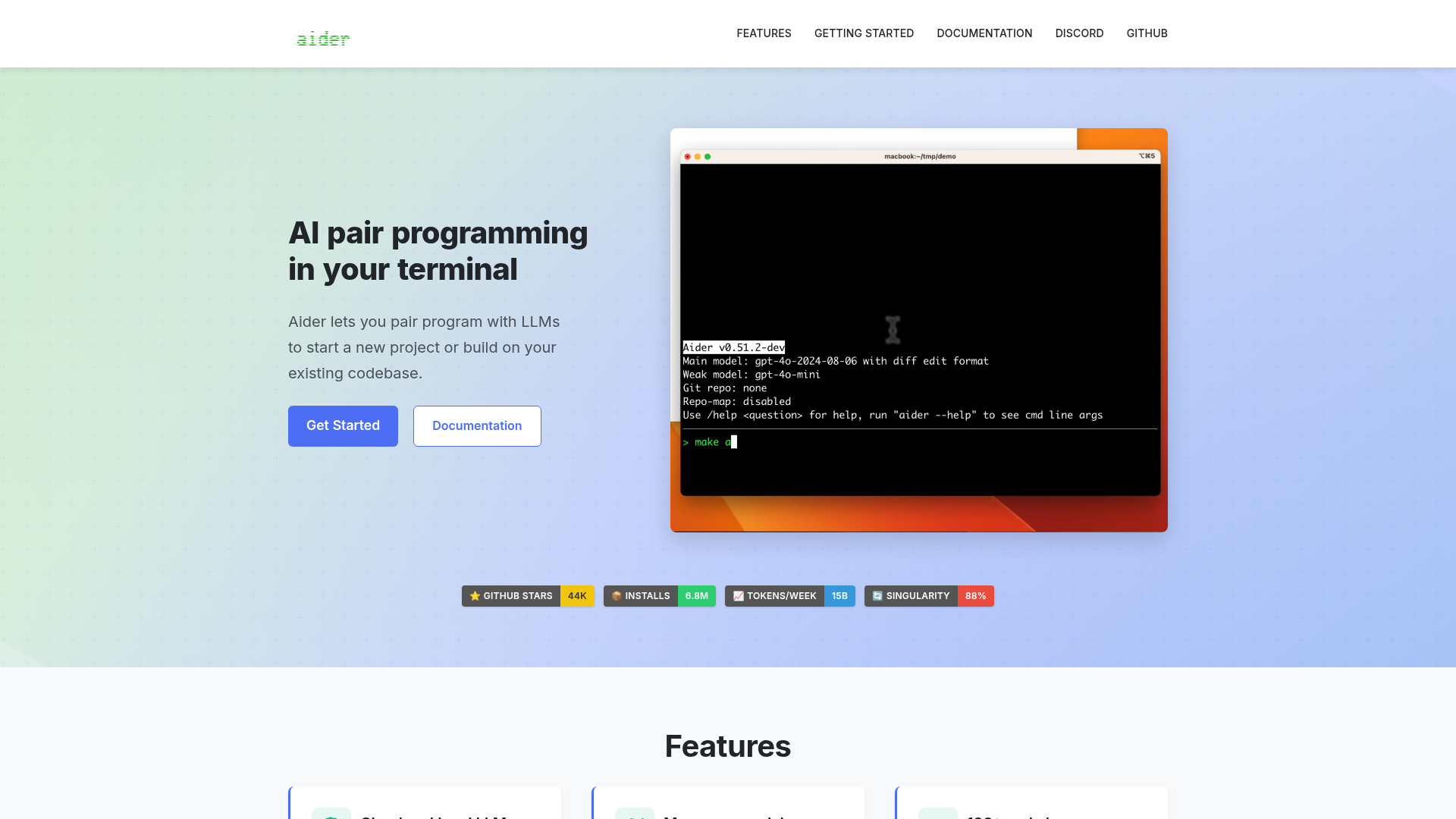
Aider is an AI pair programming tool that lets you collaborate with large language models (LLMs) directly in your terminal. Whether you're starting a new project or enhancing an existing codebase, Aider helps you write, edit, and debug code efficiently. - Cloud and local LLMs: Works with models like Claude 3.7 Sonnet, DeepSeek R1, OpenAI o1, and local models. - Codebase mapping: Creates a map of your entire codebase for better context in larger projects. - 100+ programming languages: Supports Python, JavaScript, Rust, Ruby, Go, C++, PHP, HTML, CSS, and more. - Git integration: Automatically commits changes with sensible messages and allows easy diffing and undoing of AI changes. - IDE integration: Use Aider within your favorite editor to request changes via comments. - Images & web pages: Add visual context, screenshots, or reference docs to the chat. - Voice-to-code: Speak your requests to implement new features, test cases, or bug fixes. - Linting & testing: Automatically lints and tests code, fixing issues detected by linters and test suites. - Web chat interface: Streamlines copy/pasting code with browser-based LLMs. Aider is a self-hosted, open-source tool that runs locally in your terminal. It connects to cloud-based LLMs or local models, making it flexible for different workflows. No server setup is required beyond installing the tool and configuring your preferred LLM API keys.
About Firebase Studio
Firebase Studio is a web-based workspace designed to accelerate the entire development lifecycle with AI-powered tools. It enables developers to build backends, frontends, and mobile apps in a unified environment.
Key Features of Firebase Studio
- AI-Powered Development: Use Gemini or other models for coding, debugging, testing, refactoring, and documentation with direct codebase interaction.
- Rapid Prototyping: Import existing repositories or create new apps using natural language, mockups, and drawing tools with the App Prototyping agent.
- Real-Time Previews: Preview apps across platforms with built-in web previews and Android emulators.
- Collaboration: Share workspaces with team members for real-time collaboration, regardless of coding ability.
- End-to-End Testing: Access thousands of extensions from the Open VSX Registry to test APIs and backends during development.
- Deployment & Monitoring: Deploy apps to Firebase App Hosting, Firebase Hosting, Cloud Run, or custom infrastructure with integrated monitoring.
- Customizable Environment: Tailor your workspace with Nix for dependency management.
- Multi-Stack Support: Compatible with most tech stacks and frameworks.
Tech / Self-Hosting
Firebase Studio is a cloud-based service provided by Google and does not support self-hosting. It is designed for seamless integration with Google Cloud and Firebase services.