6 Best Open Source Figma Alternatives
A curated collection of the 6 best open source and self-hosted alternatives to Figma in 2026.
Looking for a free, privacy-friendly, or self-hosted replacement for Figma in 2026? The top open-source alternative is Penpot — Open-source design platform for teams.
Other highly rated open-source Figma alternatives include Graphite, OpenPencil and Grida.

Open-source design platform for teams
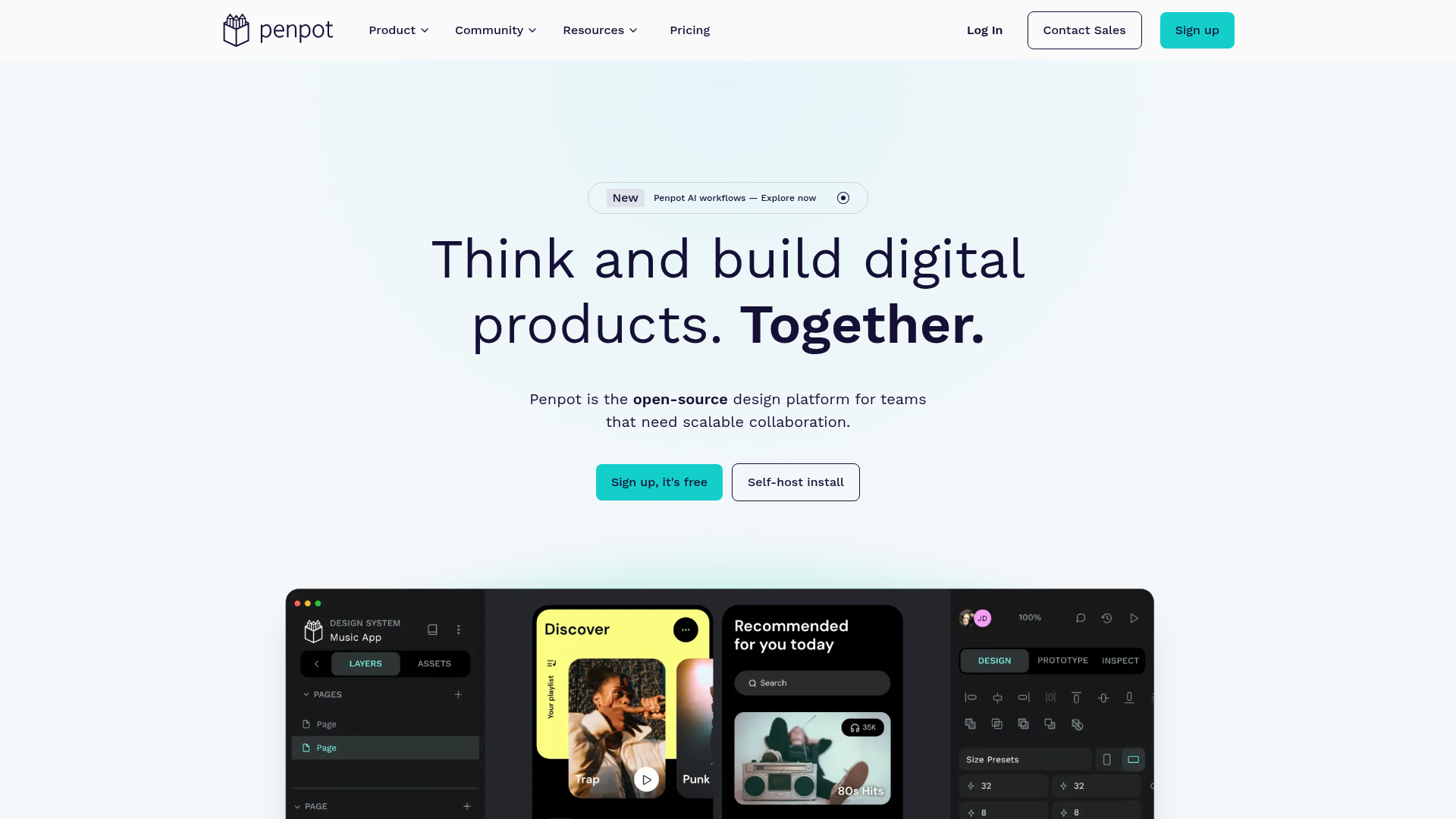
Penpot is the open-source design platform for teams building digital products at scale, enabling deeper collaboration across design, code, and AI workflows. - Full-stack design: Create responsive interfaces with wireframes, prototypes, and CSS Grid/Flex layouts - Design systems: Build scalable visual frameworks with components, design tokens, and shared libraries - AI workflows: Integrate any LLM or AI tooling directly into Penpot for code-to-design and design-to-code workflows - Code inspection: Work with open standards like CSS, HTML, SVG, and JSON with matching design-to-code output - Real-time collaboration: Design, review, and iterate together with team members in real-time - Self-hosting: Deploy Penpot on your own infrastructure for full data control - Cross-platform: Browser-based with no installation required, works on any device Penpot is built with Clojure and runs as a web application that can be self-hosted using Docker or Kubernetes. The platform supports PostgreSQL for data storage and Redis for caching. Self-hosting documentation is available at penpot.app/self-host.
A free, open source vector graphics editor built around nondestructive, node-based design. Runs locally in the browser, exports SVG, PNG, and JPG.
A free, open source vector graphics editor built around nondestructive, node-based design. Runs locally in the browser, exports SVG, PNG, and JPG.

Open-source Figma alternative with AI tools
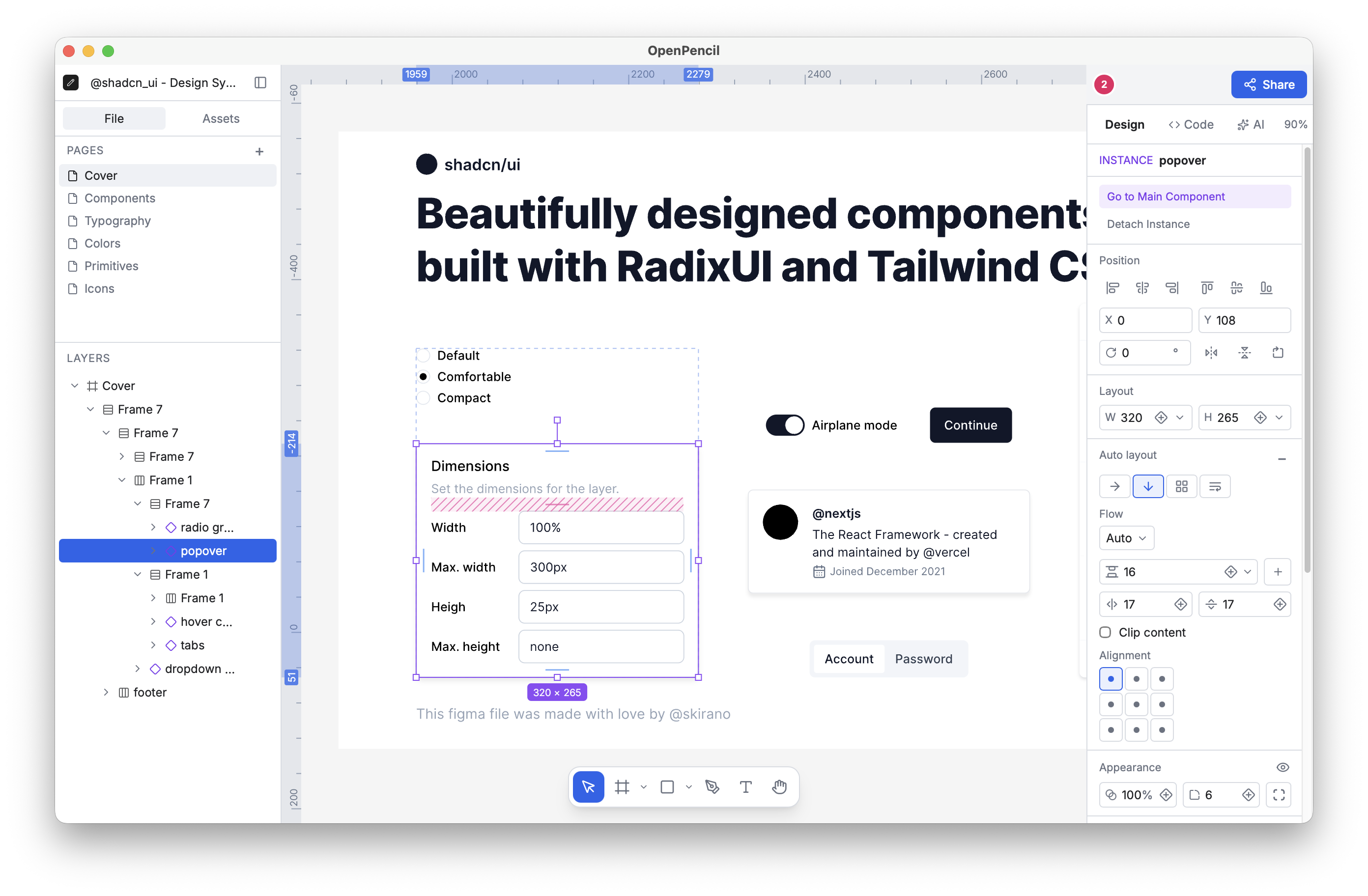
OpenPencil is a free, open-source design editor that opens Figma files natively while providing built-in AI tools and full programmability. It serves as both a standalone application and a toolkit for building custom editors. - Figma-Compatible: Opens .fig files natively with round-trip fidelity using Kiwi binary codec. Supports copy & paste between Figma and OpenPencil. - Programmable: Headless CLI for inspecting, exporting, and analyzing .fig files. Supports Figma Plugin API via eval, Tailwind CSS export, and JSON output for CI/automation. - Toolkit Approach: Build custom editing surfaces with the Vue SDK, embed OpenPencil into other products, or create workflow-specific editors around the same core. - AI-Native: Built-in chat with 90 tools for creating shapes, setting styles, managing layouts, and analyzing tokens. Includes MCP server for integration with Claude Code, Cursor, and Windsurf. - Open Source: Released under MIT license with full transparency—edit the editor, engine, file codec, and CLI. - Free & Local: No account, server, or internet required. Available as a ~7MB desktop app via Homebrew or as a web app. - Real-Time Collaboration: Peer-to-peer collaboration via WebRTC with live cursors and follow mode—no server needed. OpenPencil is designed for local-first usage with optional real-time collaboration. The desktop app is available via Homebrew, and the web app can be self-hosted. The entire stack is open-source under the MIT license, allowing for full customization and self-hosting capabilities.

Free open canvas for designing web apps
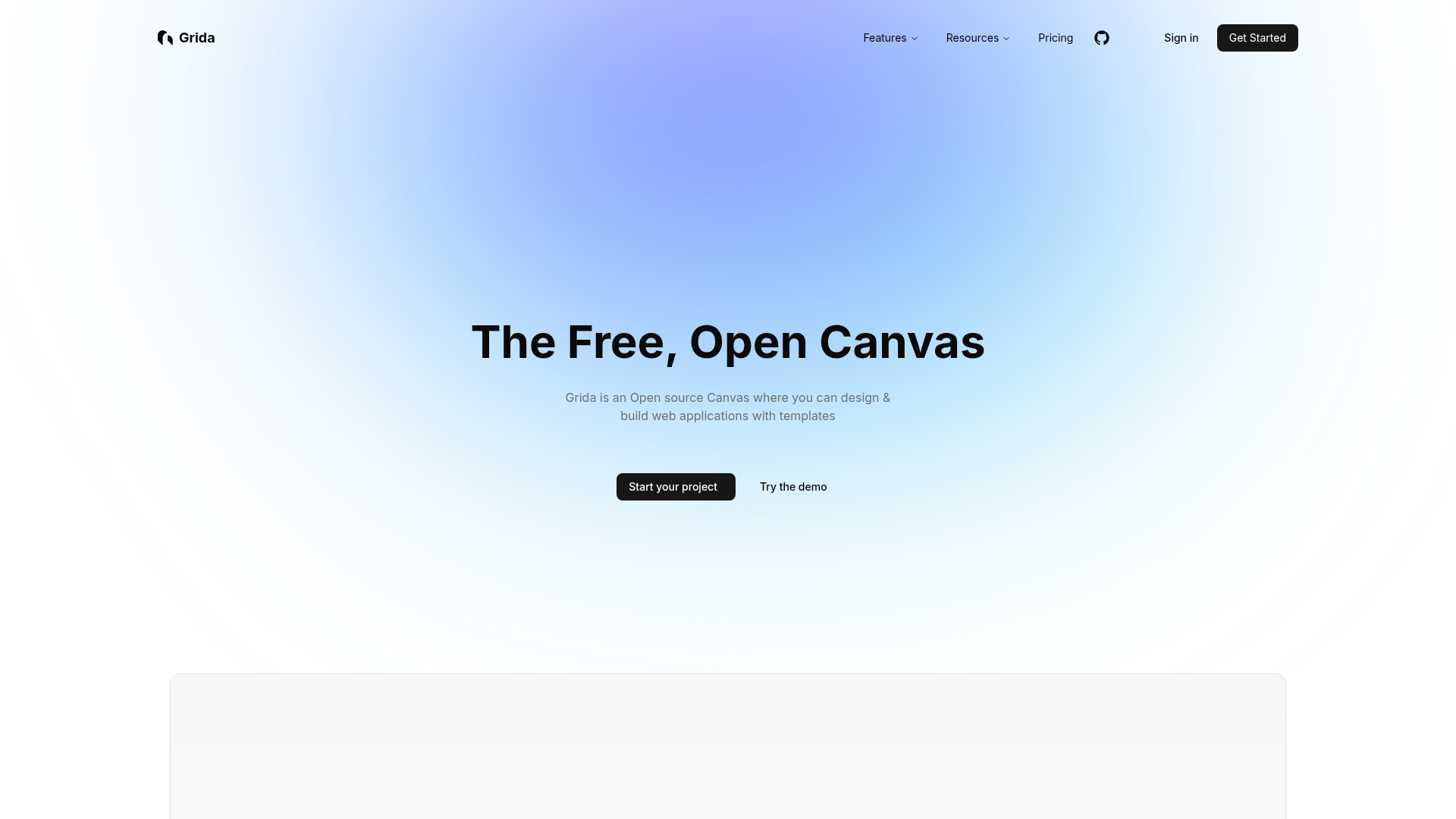
Grida is a free, open canvas designed for building and designing web applications with ease. Whether you're creating pixel art, UI/UX designs, or full-fledged web apps, Grida provides a versatile editor with customizable templates, AI-powered prompts, and seamless file export. - Free & Open Canvas: Design and build web applications with customizable templates and components. - AI-Powered Tools: Leverage AI for copywriting, design suggestions, and automation. - React Component Integration: Use Grida as a React component or integrate your own components. - Modular SDK: Build custom tools and extensions with Grida's modular SDK. - Optimized Performance: Powered by Rust and WebGPU for high performance. - Widgets & Templates: Drag-and-drop widgets and icons for quick UI building. - Scripting Interface: Create design automations and plugins with a runtime scripting interface. - Figma Integration: Import and export designs seamlessly with Figma. - Enterprise Solutions: Custom, on-premise solutions for businesses. Grida is open-source and can be self-hosted. It supports modular SDKs, React components, and is optimized for performance with Rust and WebGPU. The platform is designed for extensibility and customization, making it suitable for both individual developers and enterprises.

Open source UX design and user testing tool
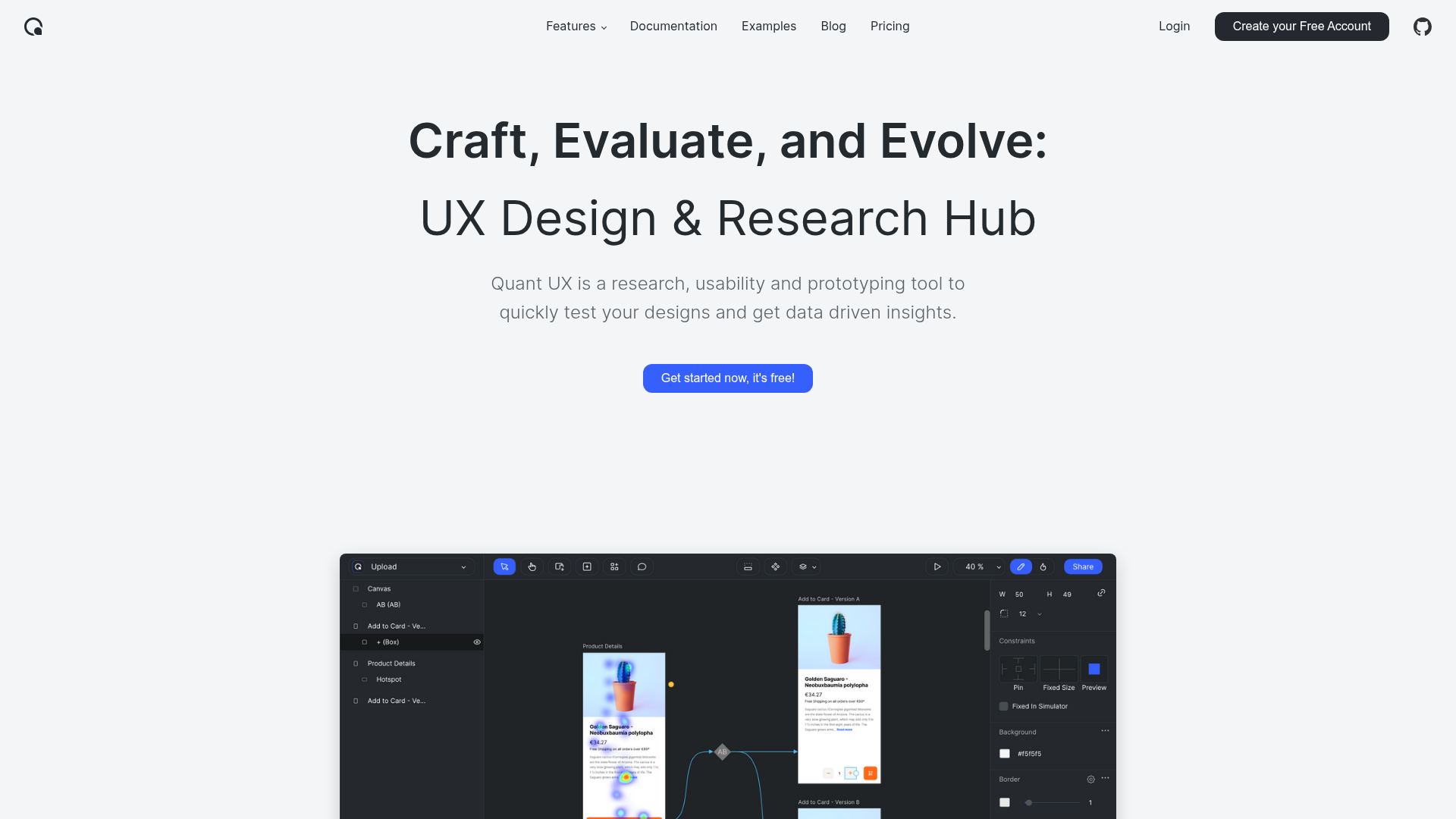
Quant-UX is a comprehensive, open-source tool for UX design and user research. It combines prototyping, user testing, and analytics into a single platform, enabling designers and researchers to quickly validate ideas and gather actionable insights. - Visual Prototyping: Create interactive prototypes with a drag-and-drop editor, animations, logic flows, and form validation. Build scalable design systems using components and master screens. - User Testing: Conduct usability tests by sharing a link with your audience. Define tasks, record screen sessions, and perform A/B testing to compare different prototype versions. - Automated Analytics: Generate heatmaps, success rates, drop-off analysis, and task completion metrics automatically. Embed surveys to collect direct user feedback. - AI Assistant: Enhance workflows with an AI assistant that simplifies repetitive tasks and accelerates prototyping. - Cross-Platform Testing: Test prototypes on mobile devices using QR codes or direct links, ensuring seamless user experience across devices. - Data-Driven Insights: Automatically compute KPIs and visualize insights in an intuitive analytics canvas for informed decision-making. Quant-UX is open-source and can be self-hosted for full control over data and infrastructure. The project is built with modern web technologies and supports deployment on various platforms. For more details, visit the GitHub repository.

Visual code editor for designers in their codebase
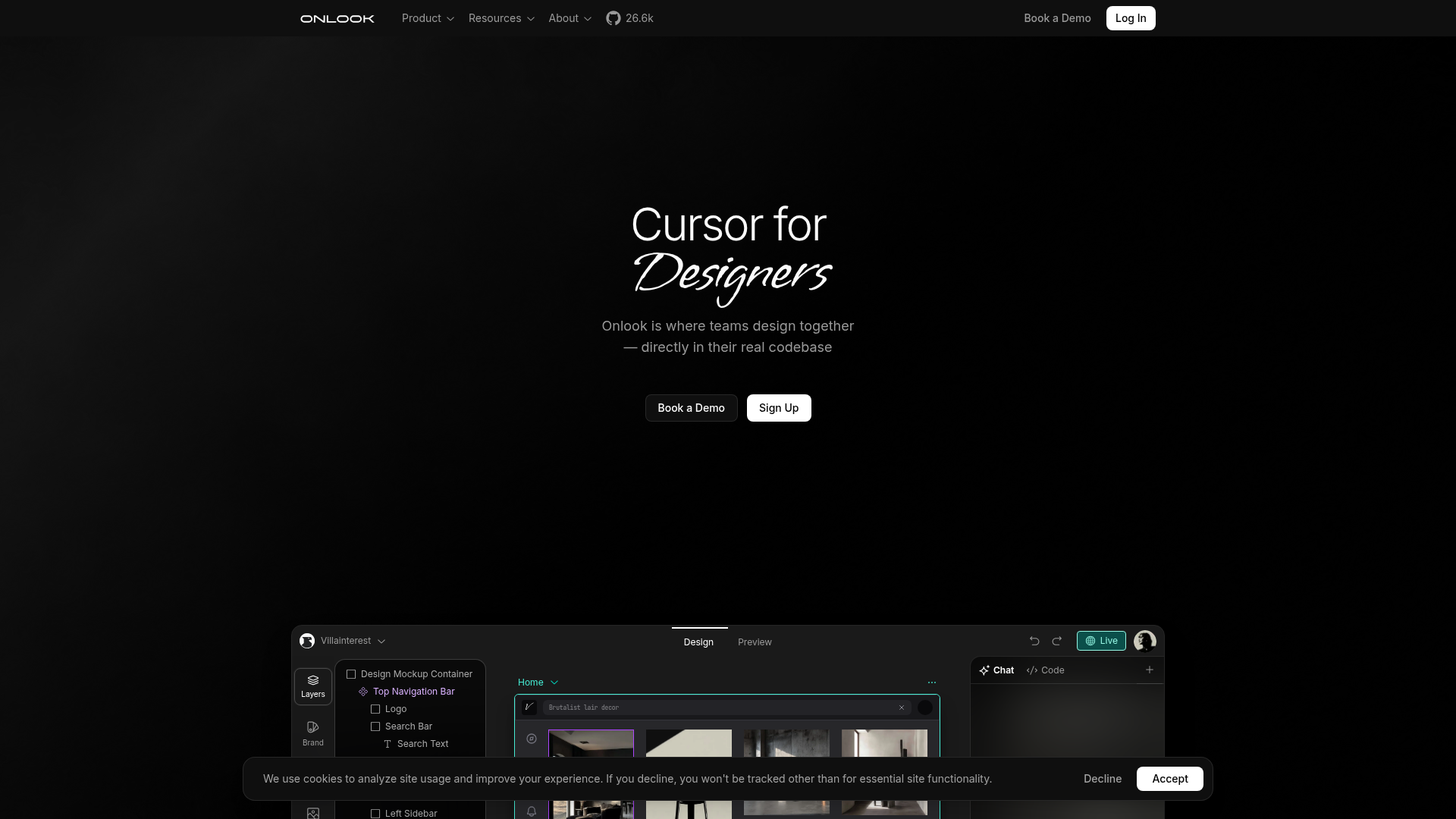
Onlook is a visual code editor designed for designers and product managers, enabling them to craft, edit, and ship web experiences directly within their existing codebase. By bridging the gap between design and development, Onlook streamlines collaboration and accelerates the design-to-development workflow. - Visual Editing in Codebase: Edit and design directly within the real codebase, eliminating the need for design-to-code handoffs. - AI-Powered Assistance: Leverage AI to generate, refine, and iterate on designs and components in real-time. - Collaborative Workflow: Enable seamless collaboration between designers, product managers, and developers in a shared environment. - Real-Time Preview: Instantly preview changes and iterate without switching between tools or waiting for builds. - Component Library Integration: Sync with existing component libraries for consistency and reusability. - Version Control Friendly: Works natively with Git, ensuring changes are tracked and versioned alongside the code. - Customizable Workspace: Tailor the editor to fit individual workflows and preferences. - Export-Ready Output: Generate clean, production-ready code and assets directly from the visual editor. Onlook is a cloud-based tool with a self-hosted option available for teams requiring full data control. The open-source repository provides the foundation for self-hosting, allowing organizations to deploy Onlook on their own infrastructure. The tool is built with modern web technologies and integrates seamlessly with existing development workflows.
About Figma
Figma is the collaborative design platform where teams can design, prototype, and build products together in real time. From first idea to shipped product, Figma brings design, code, and AI capabilities into a single workspace.
Key Features of Figma
- Design & Prototyping: Create wireframes, mockups, and interactive prototypes with advanced vector tools and precise design controls.
- AI-Powered Tools: Generate designs, refine layouts, and automate workflows with built-in AI capabilities across the platform.
- Dev Mode: Translate designs into clean, production-ready code with integrated developer tools.
- Real-Time Collaboration: Work simultaneously with team members, stakeholders, and AI agents in a shared workspace.
- Design Systems: Build and maintain scalable design systems with reusable components and styles.
- FigJam: Collaborate on digital whiteboards for brainstorming, strategic planning, and agile workflows.
- Figma Make: Convert prompts into functional code and applications directly within the platform.
- Figma Weave: Create AI-driven workflows for imagery, video, audio, and more with visual node-based editing.
- Cross-Platform Publishing: Publish fully responsive websites, presentations, and branded assets directly from Figma.
Tech / Self-Hosting
Figma is a cloud-based SaaS platform with no self-hosting options. The service is designed for seamless collaboration and requires an internet connection for full functionality. Figma offers enterprise-grade security, GDPR compliance, and data residency options for EU users.