10 Best Open Source Comet Browser Alternatives
A curated collection of the 10 best open source and self-hosted alternatives to Comet Browser in 2026.
Looking for a free, privacy-friendly, or self-hosted replacement for Comet Browser in 2026? The top open-source alternative is Ladybird — Truly independent open-source web browser.
Other highly rated open-source Comet Browser alternatives include Zen Browser, Helium and Waterfox.

Truly independent open-source web browser
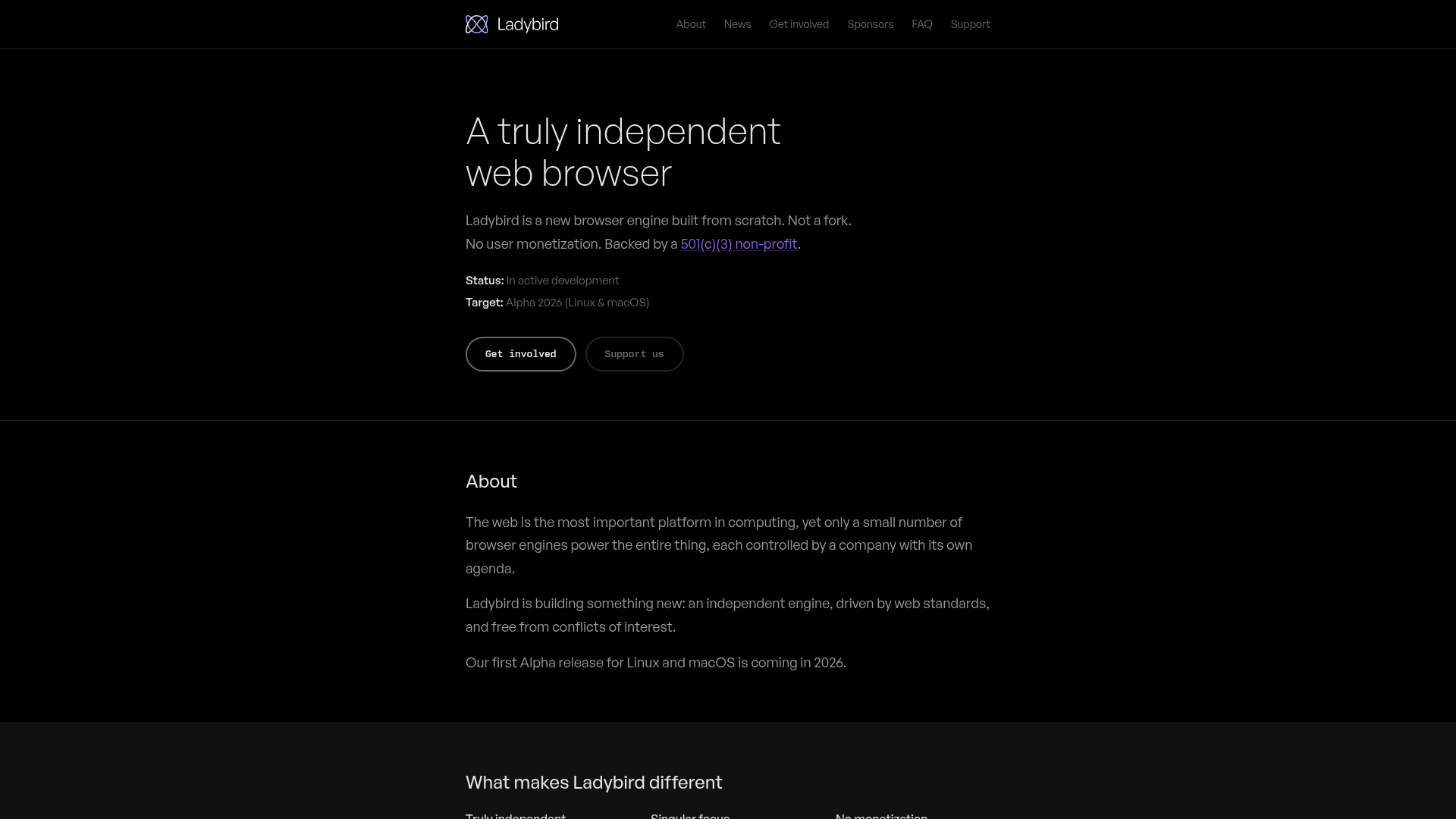
Ladybird is a new, independent web browser engine built from scratch—not a fork of an existing project. Backed by a 501(c)(3) non-profit, it prioritizes web standards, privacy, and user freedom over corporate agendas or monetization schemes. - Truly independent engine: Built from the ground up, not a fork of Chromium, Firefox, or WebKit - No user monetization: Free from "default search deals", crypto tokens, or other exploitative practices - Web standards focus: Driven by open web standards and interoperability - Privacy-first: Designed with user privacy and data protection in mind - Open development: Fully open-source with community-driven development - Cross-platform: Targeting Linux and macOS for initial releases (Alpha 2026) - Modern architecture: Features like WebAssembly JIT, GPU isolation, and sandboxing - Developer tools: Includes DevTools, debugging, and inspection capabilities Ladybird is open-source software that can be self-hosted by cloning the repository and building from source. The project provides detailed build instructions for various operating systems. While primarily a desktop browser, its engine components could theoretically be adapted for other use cases.

Privacy-focused, feature-rich web browser
Zen Browser is a modern, privacy-focused web browser designed for users who want a beautiful, fast, and customizable browsing experience without compromising their data. Built on open-source principles, Zen combines Mozilla's Gecko engine with innovative features to enhance productivity while maintaining strict privacy standards. - Privacy First: No telemetry, no tracking, and no data collection. Your browsing stays yours. - Workspaces: Organize tabs into separate workspaces for better project management and focus. - Compact Mode: Hide the tab bar when not needed to maximize screen real estate. - Glance: Quickly switch between frequently used tabs without scrolling through history. - Split View: View two tabs side-by-side for easy comparison and multitasking. - Zen Mods: Extensive customization options to tailor the browser to your workflow. - Open Source: Fully transparent development process with community contributions welcome. - Cross-Platform: Available on Windows, macOS, and Linux. - Regular Updates: Stay up-to-date with the latest features and security improvements. Zen Browser is a desktop application that runs locally on your device. It does not require any server infrastructure or self-hosting. The browser is built on Mozilla's Gecko engine and is distributed as a standalone executable for Windows, macOS, and Linux. All data remains on your device, ensuring maximum privacy and control. - Source Code: GitHub Repository - Documentation: Zen Browser Docs - Release Notes: Latest Updates For developers interested in contributing, the project welcomes pull requests, bug reports, and feature suggestions. The browser is licensed under the Mozilla Public License 2.0.

Privacy-first browser that blocks ads and trackers by default
Helium is a privacy-first browser that prioritizes user control and minimalism. By default, it blocks ads, trackers, cookie banners, and third-party cookies while tampering with fingerprinting techniques. The browser is lightweight, resource-efficient, and designed to get out of your way with customizable layouts, themes, and features like Frameless mode, vertical tabs, split view, and tab groups. - Privacy by Default: Blocks ads, trackers, and fingerprinting without requiring opt-outs. No data collection or background requests without consent. - Customizable Interface: Choose from 4 layout options, customize toolbars, and apply color themes. Frameless mode for distraction-free browsing. - Productivity Tools: Supports all Chromium extensions, customizable keyboard shortcuts, web app installs, vertical tabs, split view, quick link copying, MRU tabbing, and tab groups. - Performance Optimized: Automatically optimizes resource usage. Hibernate inactive tabs to save battery and memory. - Local !bangs: Built-in bangs for direct searches to thousands of websites without intermediary pages. Processed locally for speed and privacy. - Open Source: All components are open source and available on GitHub. Transparent development with public commits, builds, and releases. - No Bloat: Clean, minimal interface with no ads, analytics, or first-party tracking. - Cross-Platform: Available for Linux, macOS, and Windows with automatic updates. Helium is built on Chromium and is fully open source. Users can self-host Helium services, build from source, or contribute to the project. The browser supports all Chromium extensions and can import settings from other Chromium-based browsers. Helium services are anonymous and do not collect personal data.

Privacy-focused open-source web browser

Waterfox is a free, open-source web browser built on Firefox's codebase with privacy and customization at its core. It removes all data collection and telemetry features, ensuring your browsing remains private and anonymous. - Privacy-first: Disables all telemetry and data collection by default - Built-in ad blocking: Reduces tracking and improves page load speeds - Private DNS: Supports anonymized DNS queries for enhanced privacy - Customizable: Choose from multiple color palettes and tab layouts (horizontal/vertical) - Cross-platform: Available for Windows, macOS, Linux, and Android - Open source: Transparent codebase with community contributions welcome - Performance optimized: Lightweight and efficient for smooth browsing - No AI integration: Completely AI-free and independent of AI models Waterfox is a desktop and mobile application that runs locally on your device. No self-hosting is required as it operates entirely client-side. The browser is built from Firefox's open-source codebase and is available as precompiled binaries for all major platforms. Source code is available on GitHub for inspection and community contributions.

AI-powered notebook for organizing web and file research

Surf is a next-generation browser and notebook designed to transform how you organize and interact with digital content. Combining web search, file management, and AI-powered insights, Surf creates a seamless workspace for research, learning, and creative work. - Unified Research Workspace: Integrate web searches, PDFs, YouTube videos, and local files into a single notebook interface - AI-Powered Insights: Generate summaries, deep dives, and interactive visualizations from your collected content - Local Data Control: Store all your data locally with options to import/export and manage as you prefer - Customizable Notebooks: Personalize with sketches, themes (including dark mode), and organized vertical tabs - Surflets: Create interactive mini-apps that explain complex topics or visualize data - Citation Tracking: Automatic source citations linking directly to original content - Open Intelligence: Integrate with any LLM using your own API keys or run local models - Cross-Platform: Available for desktop with intuitive drag-and-drop file import Surf is open source (GitHub: https://github.com/deta/surf) with a focus on local-first architecture. While primarily a desktop application, its open data format allows for potential self-hosting scenarios. The project emphasizes privacy with all processing happening locally by default.

Privacy-focused Firefox fork
LibreWolf is a privacy-focused fork of Mozilla Firefox, designed to provide a more secure and private browsing experience out of the box. It removes telemetry, tracking, and other data collection features while enhancing default settings for user control and transparency. - Privacy-first: Removes telemetry, tracking, and data collection by default - Enhanced security: Hardened settings and security patches for better protection - No hidden data sharing: Eliminates Mozilla's data collection practices - Community-driven: Open-source project with transparent development - Customizable: Supports add-ons and extensions for extended functionality - Regular updates: Frequent security and privacy updates - Cross-platform: Available on Windows, macOS, and Linux LibreWolf is primarily distributed as a pre-built binary for major operating systems. While the source code is available for review and customization, it is not typically self-hosted in the traditional sense. Users can compile from source if desired, but the recommended approach is to use the official binaries for security and stability. The project is hosted on Codeberg, a privacy-focused alternative to GitHub, and welcomes contributions from the community.

Privacy-focused modern web browser
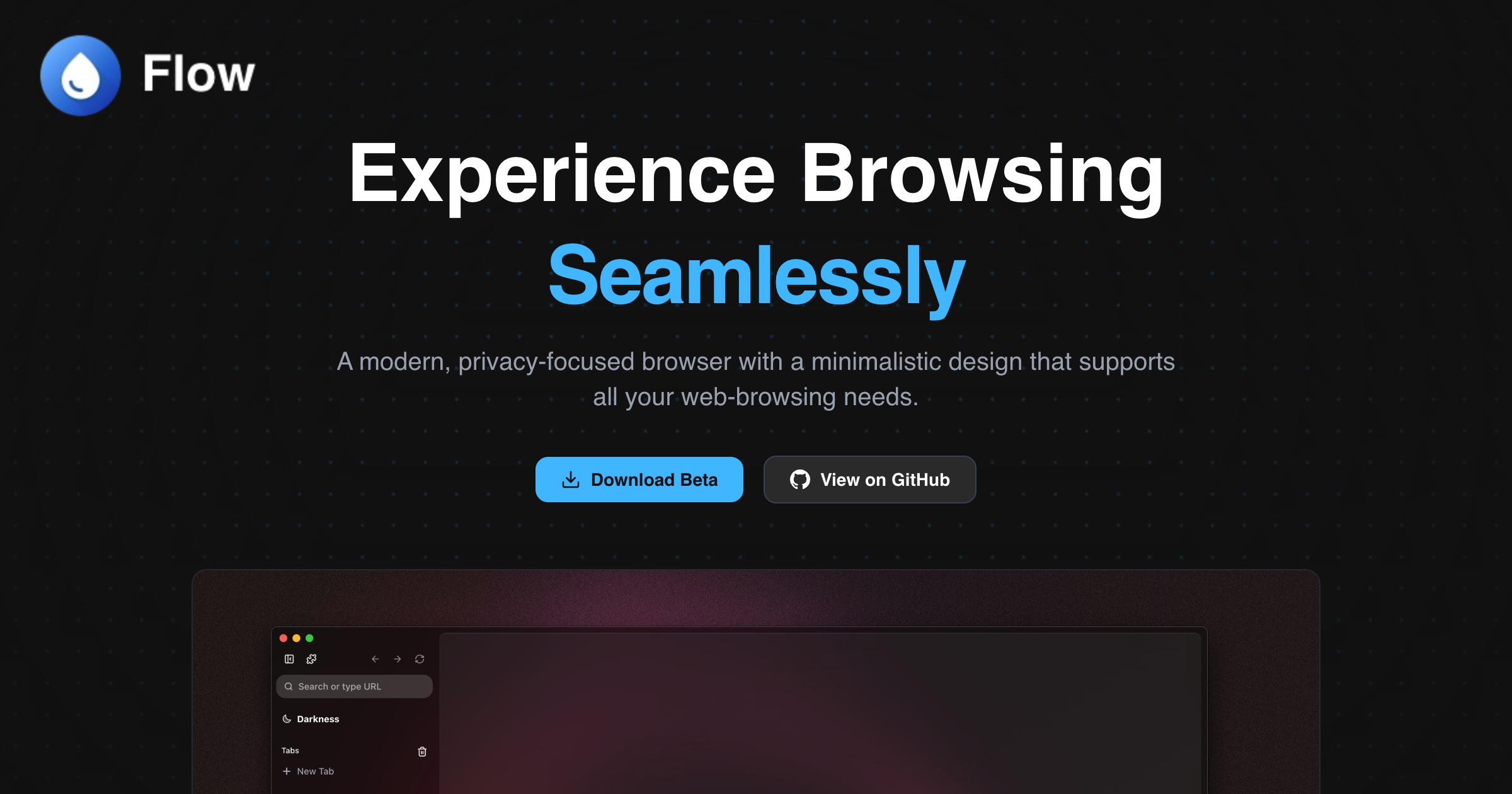
Flow Browser is a modern, privacy-focused web browser designed for speed, security, and seamless browsing. With a minimalist interface and powerful features, it enhances productivity while prioritizing user privacy. - Privacy-First: Built-in adblocker and tracker protection for a cleaner browsing experience. - Multiple Profiles: Separate settings and extensions for different user profiles. - Spaces & Pinned Tabs: Organize tabs into spaces and pin frequently used ones for quick access. - Command Palette: Quick access to browser features via keyboard shortcuts. - Offline Games: Built-in games for entertainment without an internet connection. - Chrome Extensions Support: Full compatibility with Chrome Web Store extensions. - Widevine Support: Stream DRM-protected content from services like Netflix. - Sleep Tabs: Reduce resource usage by putting inactive tabs to sleep. - Customizable UI: Personalize app icons and interface to fit your workflow. Flow Browser is a desktop application available for Windows, macOS, and Linux. It does not require self-hosting as it is a client-side application. The source code is open-source and available on GitHub.

Open-source AI browser for research and automation
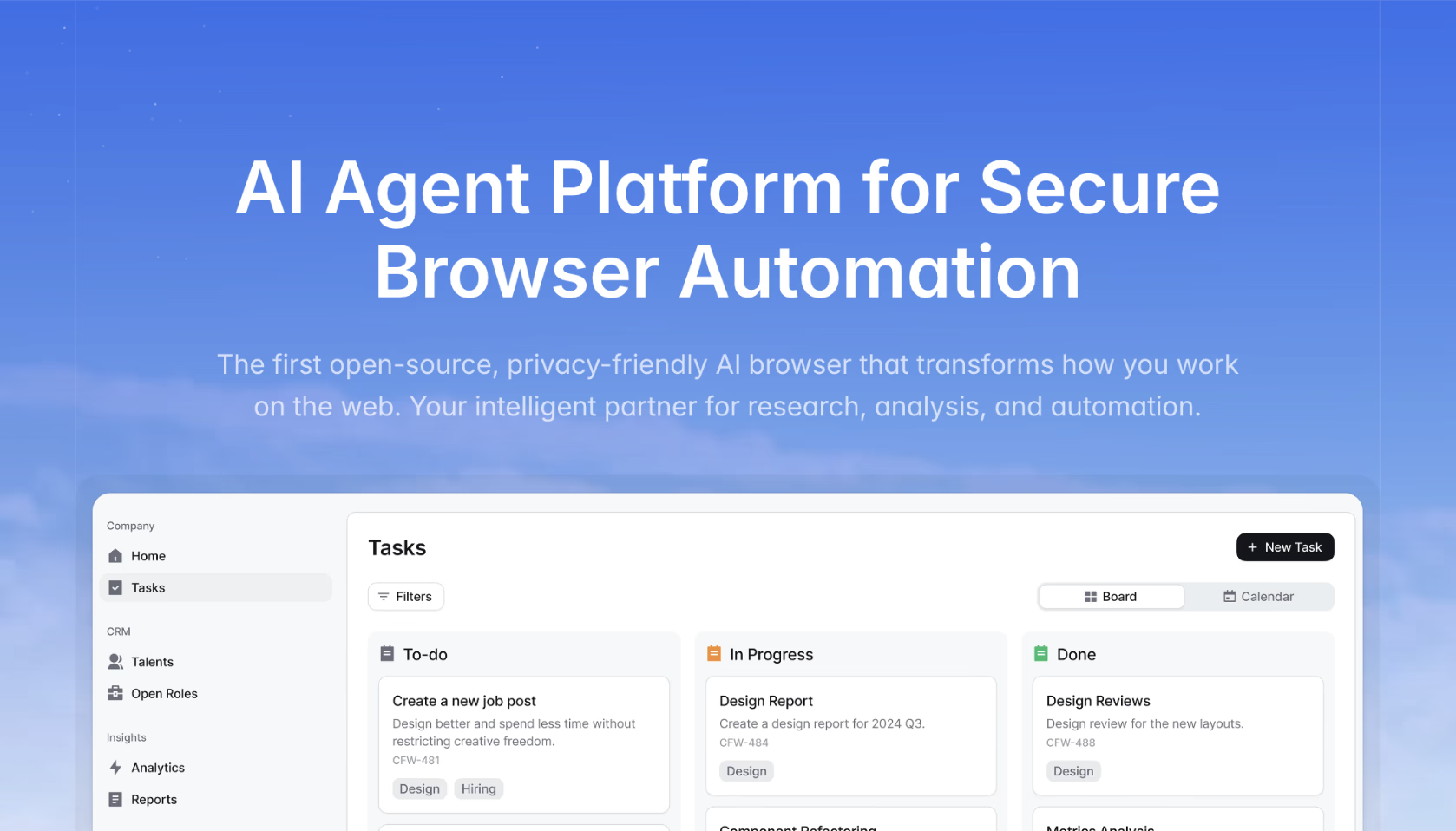
Browser Operator is an open-source, privacy-friendly AI browser designed to transform how you work on the web. It serves as your intelligent partner for research, analysis, and automation, enabling users to automate complex tasks with ease. - Search Agent: Web search tool to find citable sources tailored to specific needs (e.g., sourcing engineers, tracking AI startups, or identifying climate ordinances). - Deep Wide Research: A reasoning agent that synthesizes content from the internet to provide actionable insights (e.g., tracking regulatory changes, comparing competitors, or summarizing research papers). - Workflow Agent: Build and automate complex workflows to streamline repetitive tasks (e.g., inventory tracking, Slack updates, or Salesforce logging). - Privacy-Friendly: Open-source and designed with privacy in mind, ensuring data security and compliance. - Customizable Agents: Tailor agents to specific use cases, such as compliance tracking, strategic analysis, or project coordination. Browser Operator is open-source and can be self-hosted for full control over your data. The project is built with modern web technologies and is designed for scalability and flexibility. Documentation and setup guides are available to help users get started with deployment and customization.

Lightweight privacy-focused web browser
Midori is a lightweight, privacy-focused web browser designed for speed and efficiency. Built with a focus on minimal resource usage and strong privacy protections, it provides a clean browsing experience without compromising performance. - Lightweight & Fast: Optimized for minimal resource usage while maintaining high performance. - Privacy-Focused: Built-in privacy protections to safeguard user data and browsing habits. - Cross-Platform: Available for Windows, Linux, and macOS. - Minimalist Design: Clean and intuitive interface for a distraction-free browsing experience. - Open Source: Fully open-source under the GPL license, allowing for transparency and community contributions. - Customizable: Supports extensions and customization to tailor the browser to individual needs. - Low Memory Footprint: Efficient memory management for smooth operation even on older hardware. Midori is a desktop application and does not require self-hosting. It is distributed as a standalone installer for Windows, Linux, and macOS. The source code is available on GitHub for developers to review, modify, or contribute to the project.

Privacy-first web browser with built-in ad blocker

Brave is a privacy-focused web browser designed to put users first by blocking ads and trackers, providing faster page loads, and offering built-in privacy tools. - Ad & Tracker Blocking: Shields blocks third-party ads, trackers, and cookie pop-ups by default, improving page load speeds and reducing data usage. - Private Search: Brave Search delivers unbiased results without profiling, with AI-powered answers via Ask Brave. - Built-in VPN: Firewall + VPN encrypts all connections for enhanced privacy across devices. - Global Privacy Control: Automatically stops websites from selling or sharing user data. - Cross-Platform Support: Available on desktop (Windows, macOS, Linux) and mobile (Android, iOS). - Easy Migration: Import bookmarks, passwords, and settings from other browsers in seconds. - Brave Leo AI: Integrated AI assistant for search and browsing assistance. - Open Source: Transparent development with community contributions. Brave is a proprietary browser with open-source components. While the browser itself is not self-hostable, Brave offers APIs for search and AI features. The Brave Search API and MCP Server allow developers to integrate Brave's privacy-focused search and AI capabilities into their own applications. The browser is available for download on all major platforms.
About Comet Browser
Comet Browser by Perplexity is an AI-powered browser designed to act as your personal assistant. It automates tasks, conducts web research, organizes emails, and streamlines workflows to save time and reduce friction.
Key Features of Comet Browser
- AI-Powered Assistance: Automate tasks like drafting emails, creating study plans, or building websites with AI-driven suggestions.
- Cross-Platform Support: Available on Mac, Windows, iOS, and Android for seamless integration.
- Smart Research: Compare news coverage, gather information, and synthesize insights from multiple sources.
- Task Automation: Delegate routine tasks such as shopping, scheduling, and planning to the AI assistant.
- Privacy Controls: Built-in privacy settings to browse safely and manage data preferences.
- Multi-Tab Intelligence: AI understands context across tabs to provide relevant assistance.
Tech / Self-Hosting
Comet Browser is a proprietary application developed by Perplexity AI. It is not open-source and does not support self-hosting. The browser is available as a downloadable application for major platforms.