10 Best Open Source CodeGPT Alternatives
A curated collection of the 10 best open source and self-hosted alternatives to CodeGPT in 2026.
Looking for a free, privacy-friendly, or self-hosted replacement for CodeGPT in 2026? The top open-source alternative is OpenCode — Open source AI coding agent for developers.
Other highly rated open-source CodeGPT alternatives include OpenHands, Cline and Aider.

Open source AI coding agent for developers
OpenCode is an open-source AI coding agent designed to help developers write, debug, and manage code efficiently. It integrates seamlessly with your terminal, IDE, or desktop app, providing real-time assistance powered by advanced AI models. - Multi-Model Support: Connect to any AI model from providers like Claude, GPT, or Gemini, or use local models. - LSP Integration: Automatically loads the right Language Server Protocols (LSPs) for the LLM to enhance coding accuracy. - Multi-Session Workflows: Run multiple agents in parallel on the same project for complex tasks. - Shareable Sessions: Generate shareable links for debugging or reference, ideal for team collaboration. - Editor Agnostic: Available as a terminal interface, desktop app (macOS, Windows, Linux), and IDE extensions. - Privacy-First Design: Does not store your code or context data, ensuring compliance with sensitive environments. - GitHub Copilot Integration: Log in with GitHub to use your existing Copilot account. - OpenAI Integration: Use your ChatGPT Plus or Pro account directly within OpenCode. - Zen Models: Access handpicked, benchmarked models optimized specifically for coding agents. OpenCode is open-source and can be self-hosted for full control over your data and infrastructure. It supports integration with 75+ LLM providers through Models.dev, including local model deployment. The desktop app is available for macOS, Windows, and Linux, while the terminal interface and IDE extensions provide flexibility across development environments.

Open platform for cloud coding agents
OpenHands is the open-source, model-agnostic platform for cloud coding agents. It enables engineers to automate real engineering work securely and transparently, providing full control over the agentic software development lifecycle (SDLC). - Model-Agnostic: Works with any AI model or agent framework - Agent Canvas: Visual interface for customizing and automating agent workflows - Cloud & Local Deployment: Run agents in the cloud or on-premise - SDK & Plugins: Extensible SDK with MCP servers, skills, and plugins - Security & Transparency: Built-in audit trails and secure execution environments - Enterprise Control Plane: Centralized management for large-scale deployments - Skill Management: Enable/disable default skills and add custom ones - Repository Context: Deep integration with GitHub and other version control systems OpenHands is fully open-source (Apache 2.0) and can be self-hosted. The platform supports both cloud and local deployment options, with enterprise features available for larger organizations. Documentation and setup guides are provided for all deployment scenarios.

Open-source AI coding agent for developers
Cline is an open-source AI coding agent designed to help developers understand, refactor, and automate codebases directly within their IDE, terminal, or SDK. It supports Plan and Act modes for strategic execution, integrates with MCP for tool access, and works with any model—Claude, GPT, Gemini, or local models like Ollama. - Cross-Platform Edits: Coordinated multi-file changes with linter-aware fixes, diffs, and one-click undo. - Terminal Execution: Runs bash commands and reacts to output in real-time, handling long-running processes like dev servers and tests. - Plan & Act Modes: Toggle Plan mode to align on strategy, then Act to execute with approval or autopilot. - Custom Rules & Skills: Define .clinerules to teach the agent your coding standards, architecture, and deployment conventions. - Model Flexibility: Use any model—Claude, GPT, Gemini, local Ollama/LM Studio, or OpenAI-compatible endpoints. Bring your own keys or weights. - MCP Integration: Extend functionality with the Model Context Protocol (MCP) for tool access and custom workflows. - IDE & CLI Support: Works in VS Code, JetBrains, Cursor, Windsurf, and via CLI for scripts, cron jobs, and CI pipelines. - Enterprise Ready: Trusted by global enterprises like Samsung, Salesforce, Oracle, Amazon, and Microsoft. Cline is open-source (Apache 2.0) and can be self-hosted. It supports local model integration (e.g., Ollama, LM Studio) and is compatible with any OpenAI-compatible endpoint. The CLI and SDK allow embedding Cline in custom workflows or products.
AI pair programming in your terminal
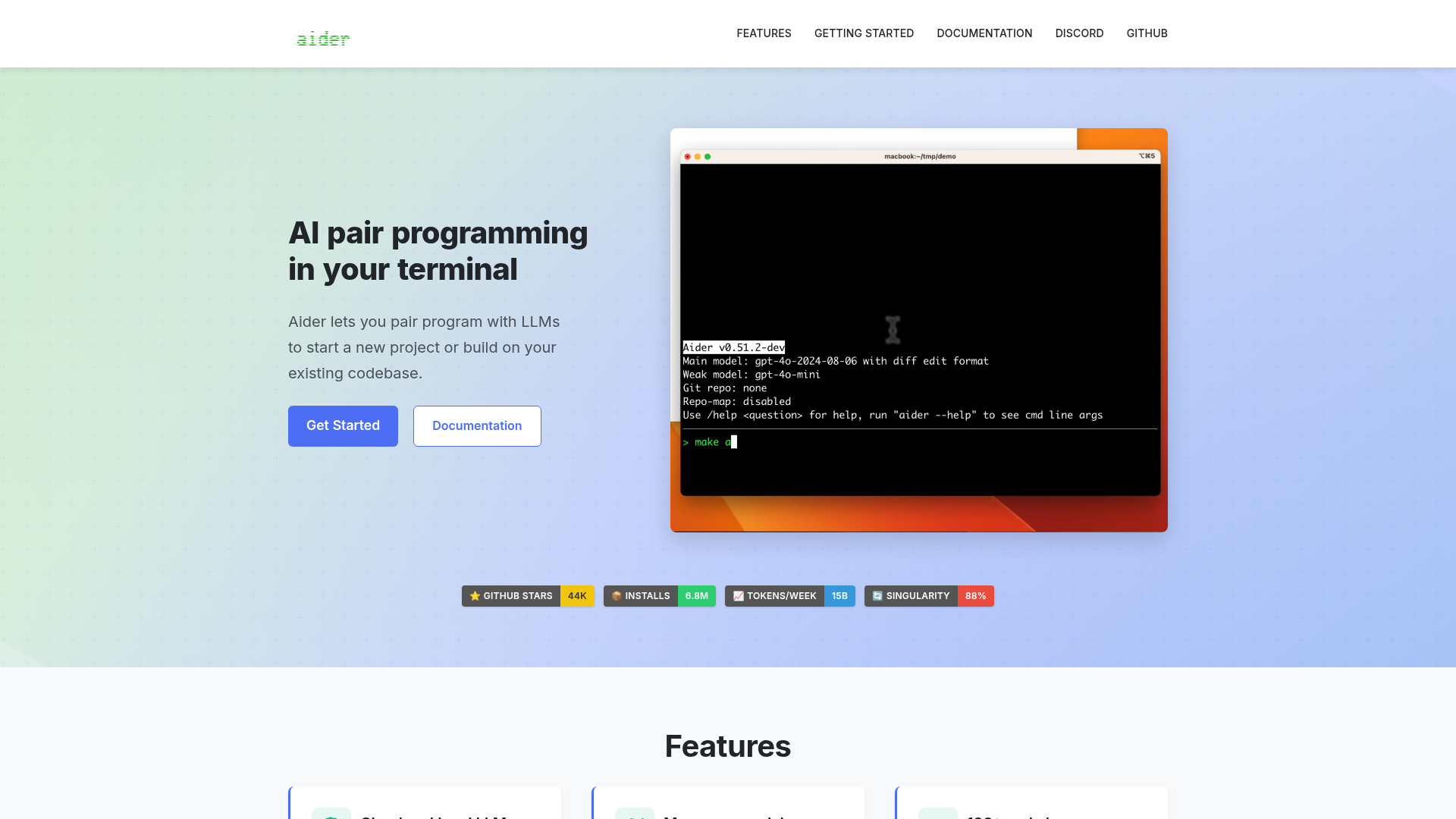
Aider is an AI pair programming tool that lets you collaborate with large language models (LLMs) directly in your terminal. Whether you're starting a new project or enhancing an existing codebase, Aider helps you write, edit, and debug code efficiently. - Cloud and local LLMs: Works with models like Claude 3.7 Sonnet, DeepSeek R1, OpenAI o1, and local models. - Codebase mapping: Creates a map of your entire codebase for better context in larger projects. - 100+ programming languages: Supports Python, JavaScript, Rust, Ruby, Go, C++, PHP, HTML, CSS, and more. - Git integration: Automatically commits changes with sensible messages and allows easy diffing and undoing of AI changes. - IDE integration: Use Aider within your favorite editor to request changes via comments. - Images & web pages: Add visual context, screenshots, or reference docs to the chat. - Voice-to-code: Speak your requests to implement new features, test cases, or bug fixes. - Linting & testing: Automatically lints and tests code, fixing issues detected by linters and test suites. - Web chat interface: Streamlines copy/pasting code with browser-based LLMs. Aider is a self-hosted, open-source tool that runs locally in your terminal. It connects to cloud-based LLMs or local models, making it flexible for different workflows. No server setup is required beyond installing the tool and configuring your preferred LLM API keys.

AI-powered terminal coding agent
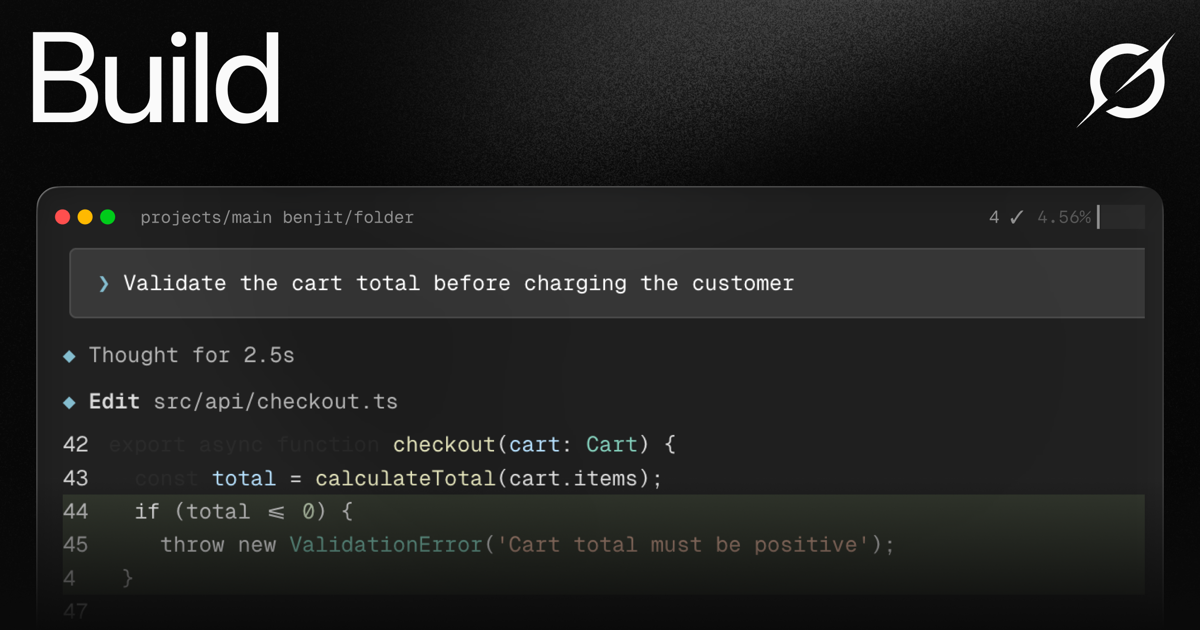
Grok Build is a powerful terminal-native coding agent designed to streamline complex software development workflows. Powered by Grok 4.6, it combines advanced AI capabilities with a developer-first interface to handle planning, coding, testing, and deployment seamlessly. - Plan Mode: Architect complex projects with structured plans that require approval before execution, with clean diff visualization - Subagents: Parallel AI agents for research, testing, and code review that work simultaneously in separate worktrees - Skills System: Convert workflows into reusable slash commands with AGENTS.md, plugins, hooks, and MCP servers - Terminal-First UI: Clean, keyboard-driven interface with minimal chrome and expressive visuals - Deep Reasoning: Step-by-step thinking for complex problems with live streaming execution - Multi-file Edits: Refactor across files using search-and-replace with context-aware changes - Git Integration: Full Git workflow support including staging, committing, pushing, and branch management - Code Search: Fast grep and navigation across large codebases - MCP Integration: Connect to Linear, Sentry, Grafana, and other tools via Model Context Protocol servers - Headless Mode: Script Grok Build in CI/CD pipelines for automated workflows Grok Build is available as a CLI tool that can be installed with a single command. The open-source components allow for self-hosting and customization, though the primary Grok 4.6 model requires access to XAI's infrastructure. The system is designed to work with any codebase and programming language, making it highly adaptable to existing development environments.
Open source AI coding agent with 500+ models, bring-your-own-key support, and specialized modes for writing, debugging, and planning code across IDEs and CLI.
Open source AI coding agent with 500+ models, bring-your-own-key support, and specialized modes for writing, debugging, and planning code across IDEs and CLI.

Open-source self-hosted AI coding assistant
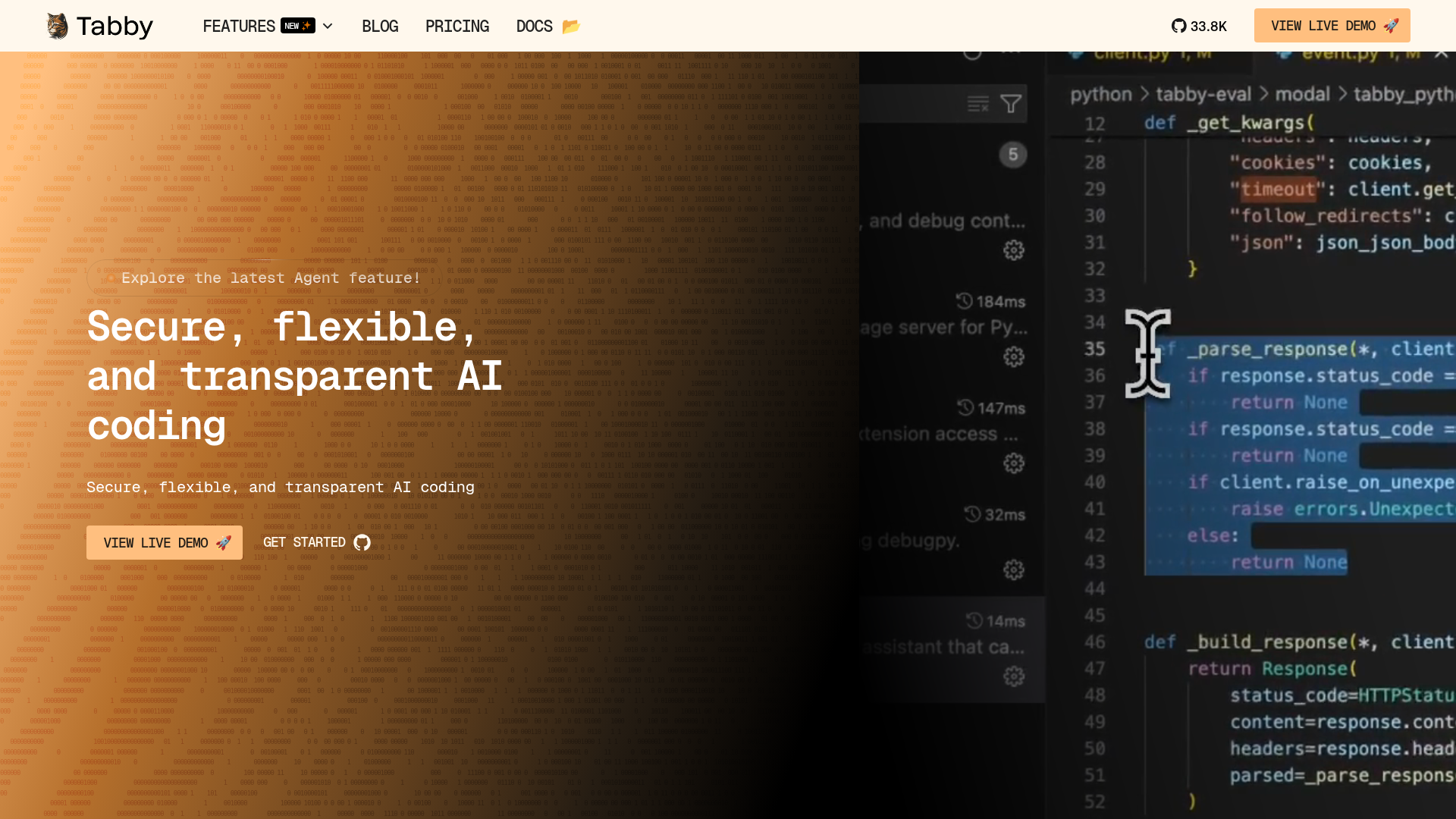
Tabby is an open-source AI coding assistant designed to help developers code faster and smarter. It provides secure, flexible, and transparent AI-powered coding assistance with features like code completion, inline chat, and an answer engine—all while ensuring data privacy through self-hosting. - Code Completion: AI-powered suggestions that predict and complete your next coding move. - Inline Chat: Real-time AI chat directly within your code editor for instant assistance. - Answer Engine: Get instant coding answers without leaving your IDE. - Data Connectors: Connect data sources to enable smarter AI assistance tailored to your projects. - Agent (Pochi): A full-stack AI teammate that plans, executes, and checks tasks like a human developer. - Self-Hosting: Deploy Tabby on your own infrastructure for full control over data and privacy. - Multi-Model Support: Compatible with various AI models for flexibility in model choice. - IDE Integration: Works seamlessly with popular IDEs like VS Code, JetBrains, and more. Tabby is open-source and can be self-hosted on your own servers or cloud infrastructure. It supports deployment via Docker, Kubernetes, and direct installation. The platform is designed for scalability, security, and customization, making it suitable for teams and enterprises that prioritize data privacy and control. Documentation and setup guides are available for easy deployment and management.

AI-powered autonomous software engineering agent
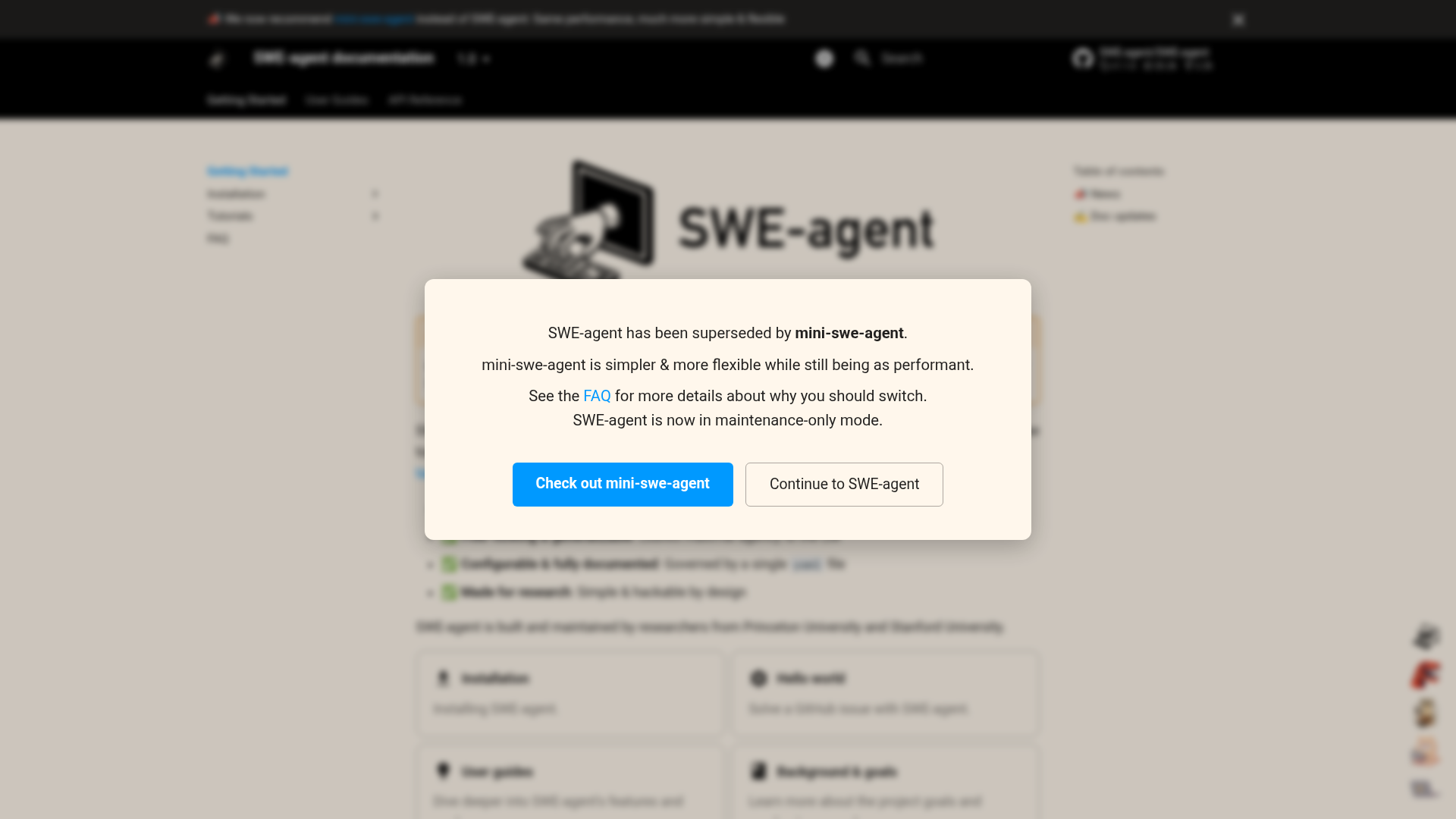
SWE-agent is an autonomous AI agent designed to assist with software engineering tasks by leveraging language models to interact with tools and repositories. - Autonomous Issue Resolution: Uses language models (e.g., GPT-4o, Claude Sonnet 4) to autonomously fix issues in GitHub repositories. - Tool Integration: Supports custom tools and configurations for extended functionality. - Batch Processing: Enables running multiple instances for batch processing of tasks. - Trajectory Inspection: Provides tools to inspect and analyze agent trajectories and outputs. - Flexible Deployment: Can be installed from source, in browser (Codespaces), or via Docker. - Configuration Management: Supports detailed configuration files for models, tools, environments, and demonstrations. - Tutorials & Guides: Includes comprehensive tutorials for getting started, command-line basics, and advanced usage. - API Reference: Full documentation for run, instance, agent, and environment configurations. - Open Source: Available under the MIT License on GitHub. - Self-Hosted: Can be deployed locally or in cloud environments (e.g., Codespaces, Docker). - Model Support: Compatible with various language models, including GPT-4o and Claude Sonnet 4. - Dependencies: Requires Python and Docker for local deployment.
AI coding harness that runs inside your terminal, mixes LLMs per task, and uses multi-agent architecture to handle large codebases without bloating context.
AI coding harness that runs inside your terminal, mixes LLMs per task, and uses multi-agent architecture to handle large codebases without bloating context.

AI-powered developer platform for code hosting and collaboration
GitHub is the leading platform for software development, offering version control, project management, and collaboration tools. Built for developers, teams, and enterprises, it combines Git hosting with AI-powered features like GitHub Copilot for code generation and advanced security tools to streamline development workflows. - AI-Powered Development: GitHub Copilot for AI-assisted code writing and refactoring - Code Hosting & Version Control: Git repository management with pull requests and branching - Automated Workflows: GitHub Actions for CI/CD and workflow automation - Code Security: Advanced Security features for vulnerability detection and secret protection - Dev Environments: Codespaces for instant cloud-based development environments - Project Management: Issues, project boards, and tracking for agile workflows - Collaboration Tools: Team-based code reviews, discussions, and documentation - Enterprise Solutions: Scalable platform with premium support and security features GitHub is a cloud-based platform with no self-hosting option. It provides enterprise-grade security, compliance certifications (including SOC 2, ISO 27001), and GDPR compliance. The platform is built and maintained by GitHub, Inc. (a Microsoft subsidiary) with data centers globally.
About CodeGPT
CodeGPT
CodeGPT is an AI-powered coding assistant that integrates directly into Visual Studio Code and JetBrains IDEs. Built with a Bring Your Own Key (BYOK) model, it provides developers with full visibility, model flexibility, and cost control while maintaining complete data sovereignty.
Key Features of CodeGPT
- Full Model Flexibility: Access GPT-5, Claude 4.5, Gemini Pro, or any other model using your own API keys
- Code Generation & Refactoring: Generate, refactor, and debug code with AI assistance
- Planning & Execution: AI thinks through problems, creates detailed plans, and executes solutions
- Real-Time Visibility: Monitor AI actions step-by-step before any changes are made
- MCP Integration: Connect to APIs, documentation, and databases for enhanced context
- Rules Engine: Set custom rules for consistent, standards-based code generation
- Context Tracking: Live monitoring of context usage with no hidden limits
- Terminal Security: Proactive threat detection and neutralization
- Agent Mode: Create and deploy AI agents for complex coding tasks
- Advanced Auto-complete: AI-powered code completion for faster development
Tech / Self-Hosting
- Platforms: Available as VS Code extension and JetBrains plugin
- Data Control: Your code never leaves your environment unless you explicitly use cloud AI models
- API Keys: Use your own API keys for complete cost and model control
- Enterprise Features: Custom AI solutions and dedicated support available for organizations
CodeGPT empowers developers and businesses to build and deploy AI coding agents securely and flexibly while maintaining full control over their data and infrastructure.