3 Best Open Source AppCleaner Alternatives
A curated collection of the 3 best open source and self-hosted alternatives to AppCleaner in 2026.
Looking for a free, privacy-friendly, or self-hosted replacement for AppCleaner in 2026? The top open-source alternative is Mole — Native Mac cleaner and system monitor.
Other highly rated open-source AppCleaner alternatives include Pearcleaner and BleachBit.

Native Mac cleaner and system monitor
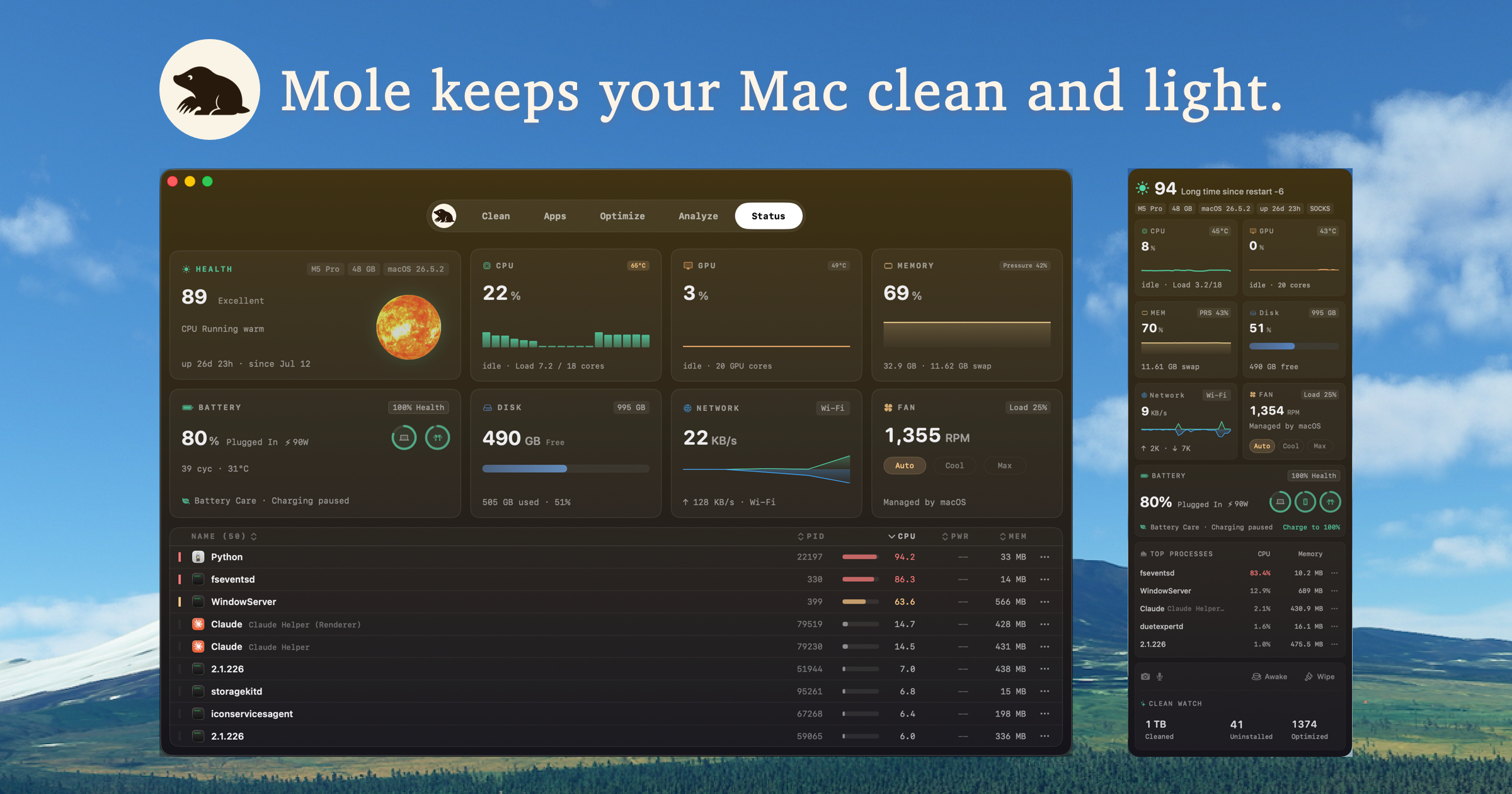
Mole is a native Mac application designed to help users clean up their system, manage applications, and monitor performance. It consolidates multiple tools into a single app, making it easier to maintain a healthy and efficient macOS environment. - Clean: Remove caches, logs, and temporary files with granular control and safety checks. - Software: Update, uninstall, and manage apps with support for Sparkle, App Store, Homebrew, and more. - Optimize: Maintain system performance by cleaning Quick Look, metadata, and macOS services. - Analyze: Visualize disk usage with an interactive treemap to identify large files and folders. - Status: Monitor real-time CPU, memory, GPU, disk, network, battery, and fan metrics. - Menu Bar HUD: Access live system metrics and privacy alerts directly from the menu bar. - Privacy-First: All scans and cleanups stay local; no files or data are uploaded. - Lifetime Updates: One-time purchase covers updates for two Macs. Mole is a native macOS application and does not require self-hosting. It is available as a standalone download from the official website. The app is built for macOS 14+ and offers a CLI tool for advanced users.

Open-source macOS app cleaner
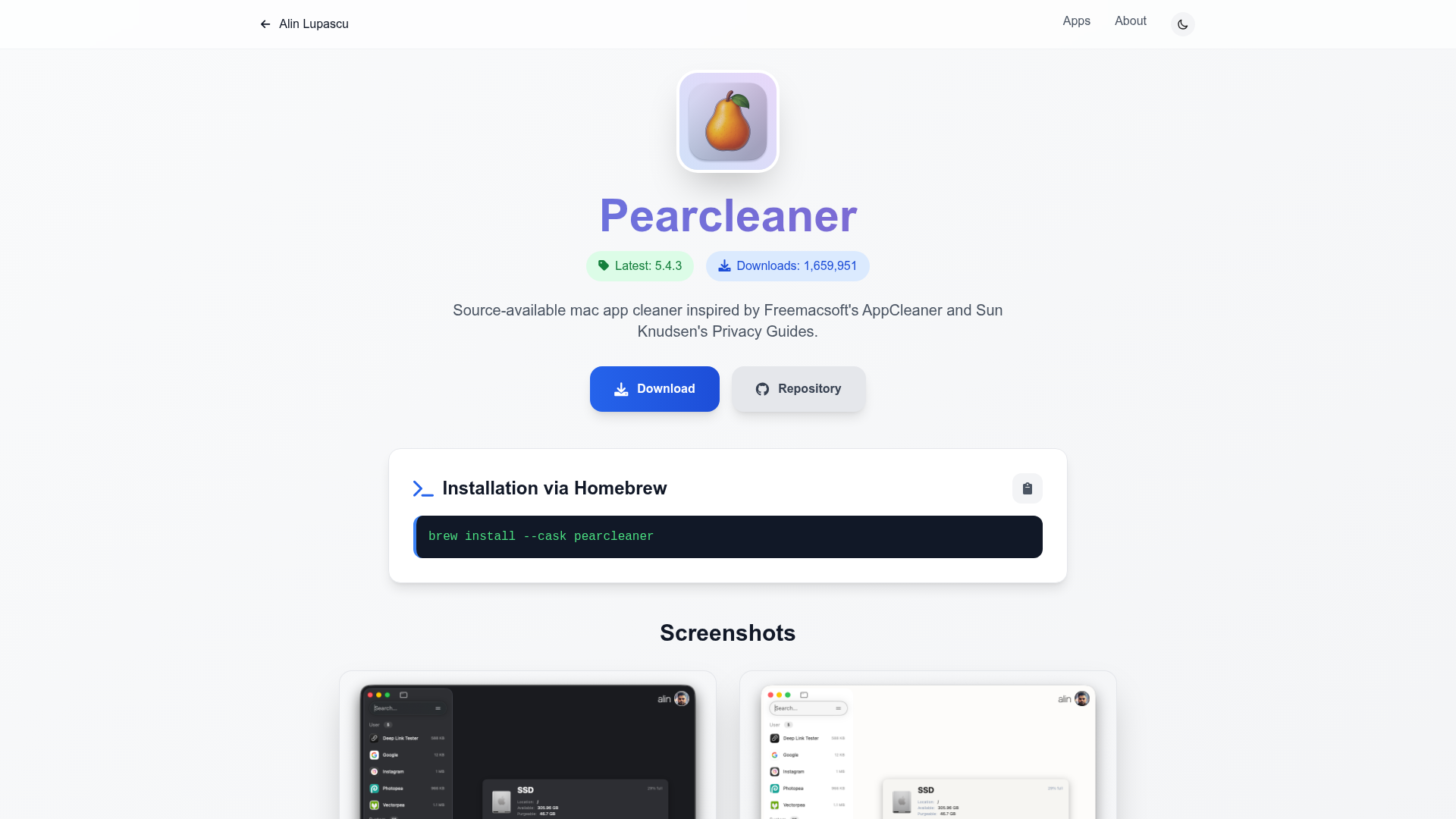
Pearcleaner is a source-available macOS app cleaner inspired by Freemacsoft's AppCleaner and Sun Knudsen's Privacy Guides. It helps users thoroughly remove applications and their associated files to free up disk space and enhance privacy. - App Removal: Easily uninstall macOS applications and remove leftover files. - Privacy Focus: Designed to protect user privacy by cleaning residual data. - Lightweight: Minimal resource usage for efficient performance. - User-Friendly: Simple and intuitive interface for easy navigation. - Source-Available: Transparent and open-source codebase for trust and customization. - Regular Updates: Actively maintained with frequent improvements and bug fixes. Pearcleaner is a native macOS application and does not require self-hosting. It can be installed via Homebrew for easy setup: brew install --cask pearcleaner The source code is available on GitHub for review and contributions.

Open-source disk cleaner and privacy manager

BleachBit is a powerful, open-source disk space cleaner and privacy manager for Windows and Linux. It helps users obliterate junk files, shred sensitive data, and keep systems running efficiently without bloatware or hidden agendas. - Junk File Removal: Wipes temporary files, browser caches, logs, and hidden junk to recover gigabytes of storage. - Privacy Protection: Erases browsing history, cookies, saved passwords, and application traces to prevent digital footprints. - Secure Deletion: Permanently destroys files beyond recovery using secure deletion methods or fast mode for speed. - Preview & Control: Shows every file before deletion, allowing users to preview and delete only what they want. - Cross-Platform: Supports modern and legacy Windows versions, as well as Linux desktops, servers, and embedded systems. - Automation & Scripting: Enables system administrators to automate cleanup across entire fleets using CLI and scripting. - Custom CleanerML Rules: Allows power users to create custom rules to target any application or file pattern. - Advanced Deletion Modes: Provides forensics and IT professionals with advanced deletion options for data sanitization and security. BleachBit is a desktop application that runs locally on your system. It does not require a server or self-hosting. The software is open-source under the GPLv3 license and is available for free with no ads or upsells. It works entirely offline and does not require registration or license activation.
About AppCleaner
AppCleaner is a small macOS application designed to thoroughly uninstall unwanted apps by locating and safely deleting associated leftover files that standard uninstall methods often miss.
Key Features of AppCleaner
- Thorough Uninstallation: Finds and removes all leftover files from uninstalled applications, including caches, preferences, and support files.
- Simple Drag-and-Drop: Drop any application onto the AppCleaner window to scan for related files.
- Lightweight & Fast: Minimal system impact with quick scanning and deletion.
- Compatibility: Supports macOS versions from 10.6 (Snow Leopard) up to the latest releases.
- User-Friendly: Intuitive interface with clear deletion options.
Tech / Self-Hosting
AppCleaner is a standalone macOS application and does not require self-hosting or backend infrastructure. It operates entirely locally on your machine.