Best Open Source AnyDesk Alternative
A curated collection of the 1 best open source and self-hosted alternatives to AnyDesk in 2026.
Looking for a free, privacy-friendly, or self-hosted replacement for AnyDesk in 2026? The top open-source alternative is RustDesk — Open-source remote desktop with self-hosted servers.

Open-source remote desktop with self-hosted servers
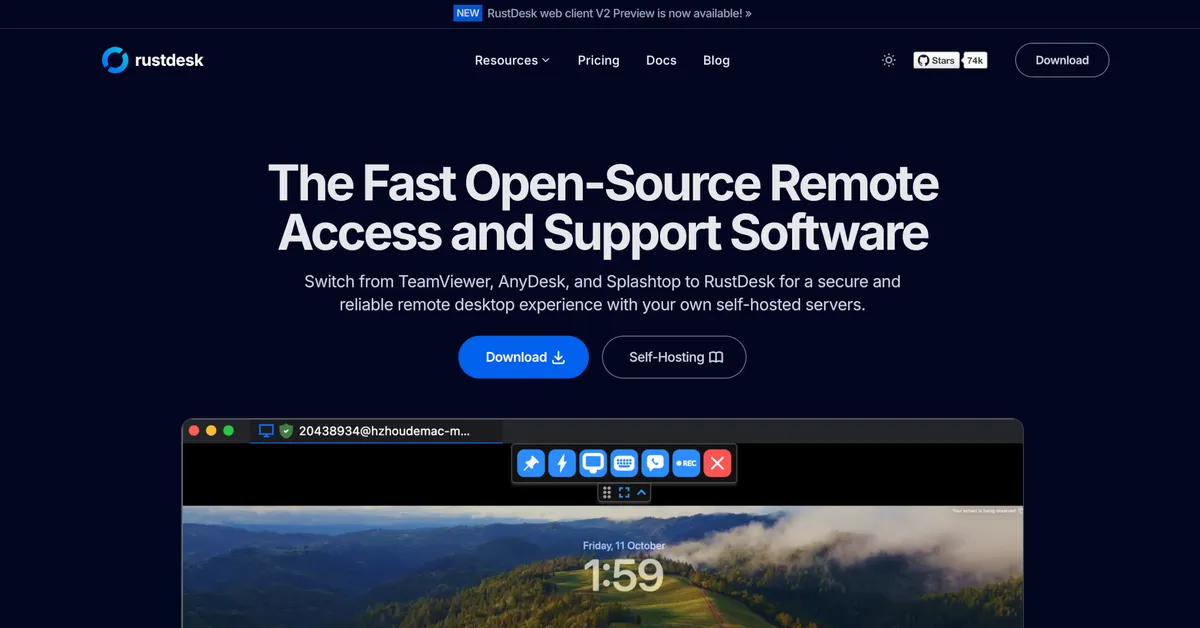
RustDesk is a fast, secure, and reliable open-source remote desktop solution designed to replace proprietary tools like TeamViewer, AnyDesk, and Splashtop. It offers self-hosted server options, ensuring full data control and regulatory compliance while maintaining high performance and customization. - Cross-platform support: Works seamlessly on Windows, macOS, Linux, and Android - Self-hosting capabilities: Deploy your own server for complete data ownership and security - Custom branding: Personalize client with your logo, name, and icon - Unattended remote access: True unattended access on Wayland with multi-monitor support - Advanced configuration: Over 90 configurable options for tailored deployments - Web client: Host a web-based client on your domain for easier remote access - High performance: NAT traversal without port-forwarding, modern codecs, and built-in encryption - Scalability: Supports large fleets (tested up to 200,000 devices) - Wayland support: Native Wayland compatibility for modern Linux systems RustDesk provides simple self-hosting installation via Docker: bash bash <(wget -qO- https://get.docker.com) wget rustdesk.com/oss.yml -O compose.yml docker compose up -d The open-source version (OSS) is available for self-hosting, while the Pro version offers additional enterprise features. All data remains under your control when self-hosted, ensuring GDPR compliance and eliminating third-party dependencies.
About AnyDesk
AnyDesk is a high-performance remote desktop solution designed for secure and intuitive access to computers and devices from anywhere. Whether for IT support, remote work, or collaboration, AnyDesk delivers smooth performance with minimal latency.
Key Features of AnyDesk
- Cross-platform access: Connect to Windows, macOS, Linux, Android, iOS, and ChromeOS devices
- High-speed performance: Lightweight client with low latency and high frame rates
- Secure connections: End-to-end encryption, 2FA, SSO, and role-based permissions
- Collaboration tools: Screen sharing, chat, session recording, and remote printing
- Flexible deployment: Cloud-based or on-premises solutions for enterprises
- Customizable branding: White-label options for businesses and MSPs
- Session management: Queue system, invitation links, and session requests
- Multi-monitor support: Seamless navigation across multiple displays
Tech / Self-Hosting
AnyDesk offers both cloud-based and on-premises deployment options. The on-premises solution provides full control over data and infrastructure while maintaining the same performance and security standards as the cloud version.