3 Best Open Source Affinity Photo Alternatives
A curated collection of the 3 best open source and self-hosted alternatives to Affinity Photo in 2026.
Looking for a free, privacy-friendly, or self-hosted replacement for Affinity Photo in 2026? The top open-source alternative is Darktable — Open source raw photo editor and workflow manager.
Other highly rated open-source Affinity Photo alternatives include GIMP and RawTherapee.

Open source raw photo editor and workflow manager
darktable is an open-source photography workflow application and raw developer. It serves as a virtual lighttable and darkroom for photographers, enabling you to manage digital negatives in a database, view them through a zoomable lighttable, and develop raw images without modifying the original files. - Non-destructive editing: All edits are applied non-destructively, preserving your original images throughout the workflow. - Professional color management: Ensures color fidelity from editing to print with advanced color management features. - GPU acceleration: Speeds up processing using your video card for faster workflows. - Extensive raw support: Supports a wide range of camera raw formats for professional photography. - Lighttable and darkroom modes: View and edit images in a zoomable lighttable or transition to a darkroom for detailed adjustments. - Community-driven: Developed by photographers for photographers, with a strong community for support and collaboration. - Cross-platform: Available on Linux, macOS, and Windows. - Open source: Released under GPL 3.0, allowing full customization and self-hosting capabilities. - Self-hosted: Can be installed locally on your machine for full control over your data and workflow. - No AI dependency: Completely AI-free, relying solely on traditional image processing techniques.
Free, open-source image editor with professional tools for photo manipulation, digital art creation, and graphic design. Cross-platform support.
Free, open-source image editor with professional tools for photo manipulation, digital art creation, and graphic design. Cross-platform support.

Free cross-platform raw image processor
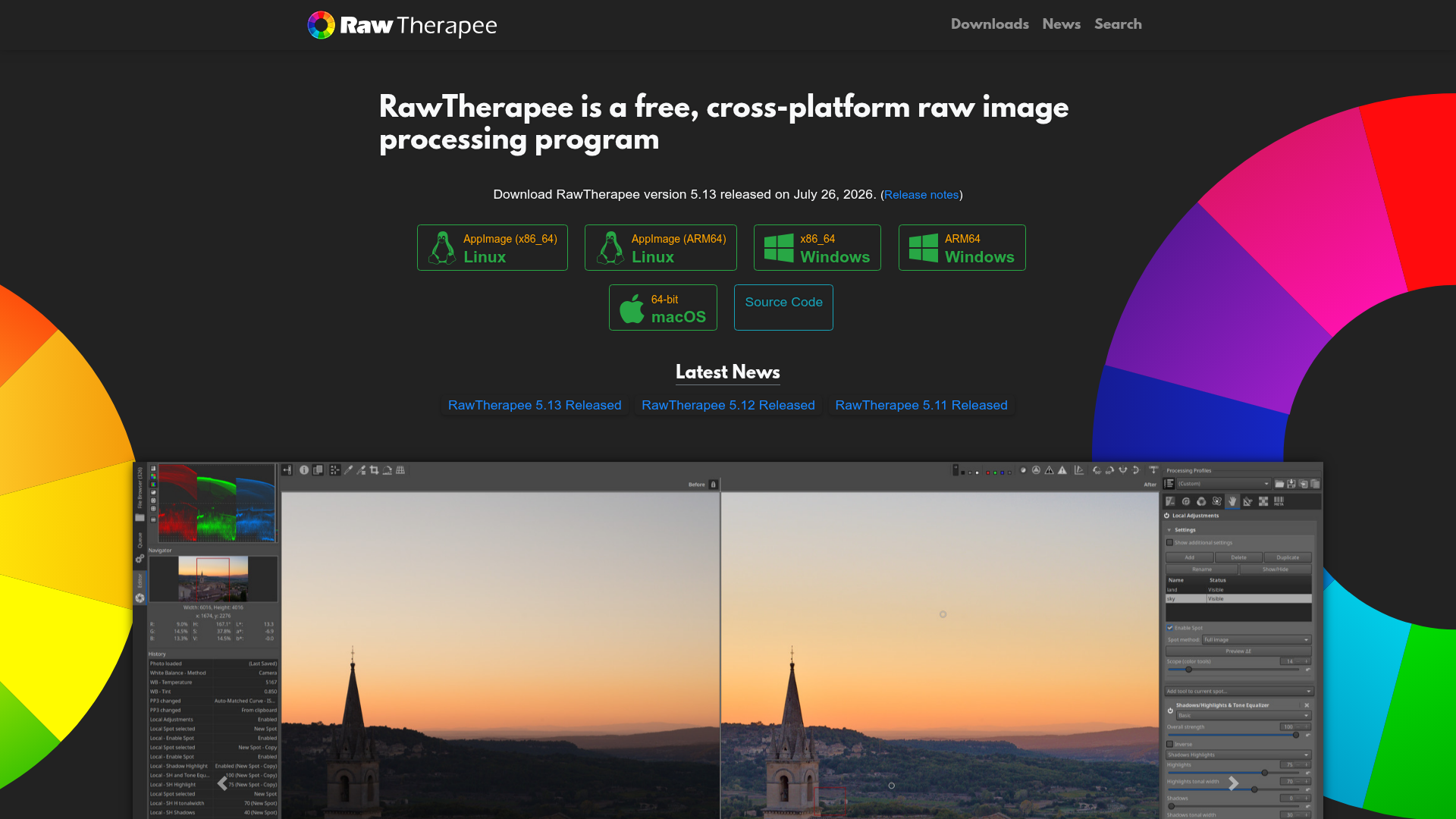
RawTherapee is a free, cross-platform raw image processing program designed for enthusiasts and professionals. It provides a non-destructive, 32-bit floating point processing engine with modern demosaicing algorithms and advanced color+detail editing tools. - High Image Quality: Non-destructive 32-bit processing engine with modern demosaicing algorithms - Outstanding Raw Support: Best-in-class demosaicing, pixel-shift raw file compositing, dark frame subtraction, and hot/dead pixel correction - Cross-Platform: Available on Linux, macOS, and Windows - Multi-Language Support: Available in over 15 languages - Community Driven: Active forum and documentation (RawPedia) for learning and support - Open Source: Released under GPRv3 license, allowing modification and redistribution - Advanced Tools: Includes High Dynamic Range DNG support, flat field correction, and ghost masking RawTherapee is a desktop application that runs locally on your machine. It does not require a server or internet connection for core functionality. The source code is available on GitHub for self-hosting modifications or custom builds.
About Affinity Photo
Affinity Photo is a professional-grade photo editing application designed for precision, speed, and creative freedom. Built for photographers, designers, and artists, it delivers advanced tools without the high price tag or restrictive subscriptions.
Key Features of Affinity Photo
- Non-destructive editing by default – Make adjustments, apply filters, and experiment with masks without altering your original image. Save undo history with your file for complete reversibility.
- Hardware-optimized performance – GPU-accelerated rendering ensures instant brush strokes, zoom, and live filters, even with large files.
- RAW power – Perform accurate, non-destructive RAW edits with lens correction, noise reduction, and precise tone control.
- Layer-based editing – Stack photos, textures, and elements to create complex composites with unlimited layers.
- Advanced retouching tools – Frequency separation, liquify tools, and professional retouching for flawless edits.
- Batch processing & macros – Automate workflows with HDR Merge, Focus Merge, Astrophotography Stacking, and custom macros.
- PSD compatibility – Import and export Photoshop files with full layer fidelity.
- Extensive brush library – Access a vast collection of brushes or create your own for natural painting experiences.
- Refined selections – Fine-tune intricate details with precision selection tools.
- Live filters & instant previews – Preview changes in real-time without disrupting your workflow.
Tech / Self-Hosting
Affinity Photo is a desktop application available for Windows, macOS, and Linux. It operates locally, ensuring full data privacy and offline functionality. No self-hosting is required as it is installed directly on your device.